Virtual Fashion Models for E-commerce, What You Need to Know
What virtual fashion models are, how online stores use them for product images, what to watch out for and how to add them to your e-commerce store.

Haziq Qasmi
· 8 min read
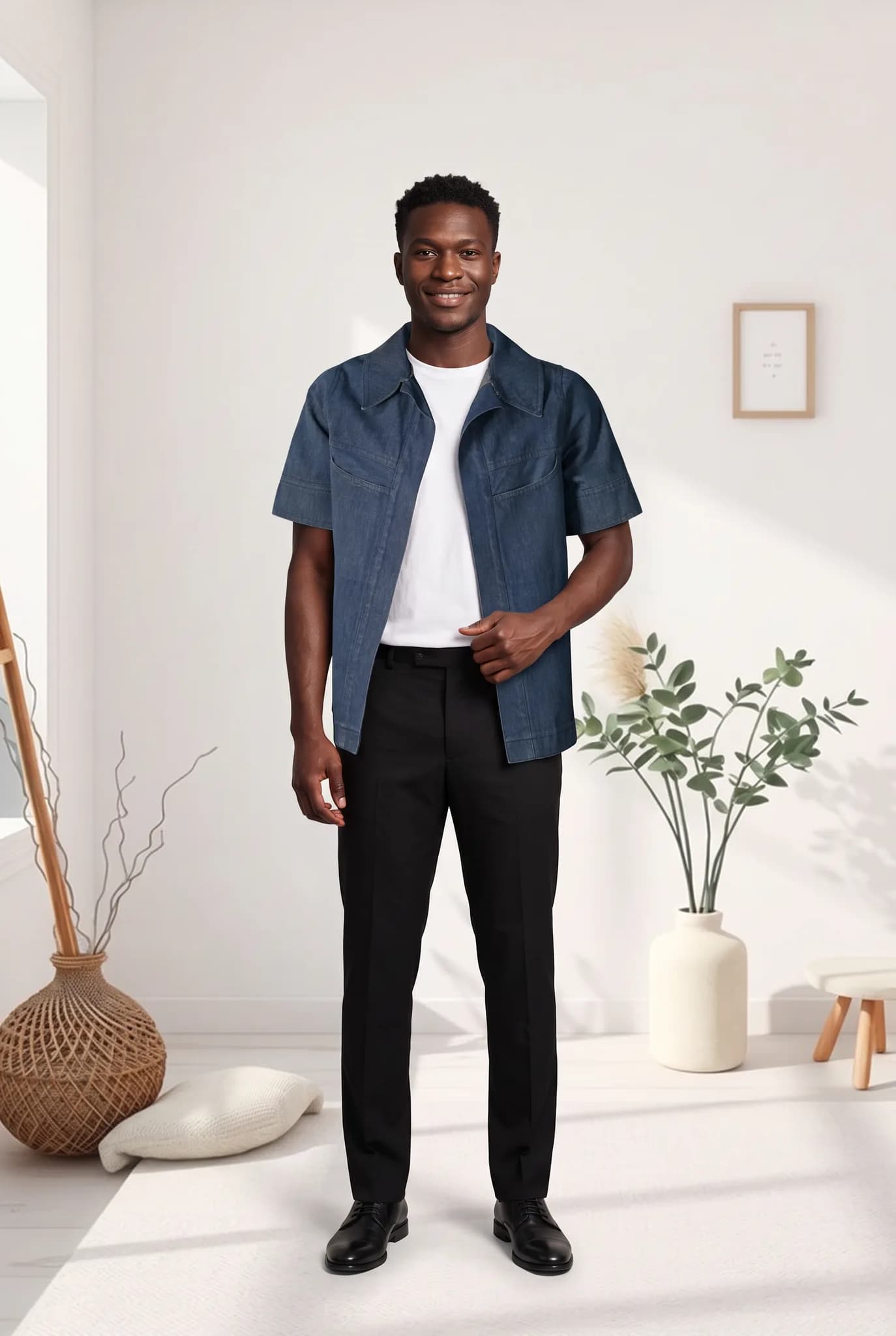
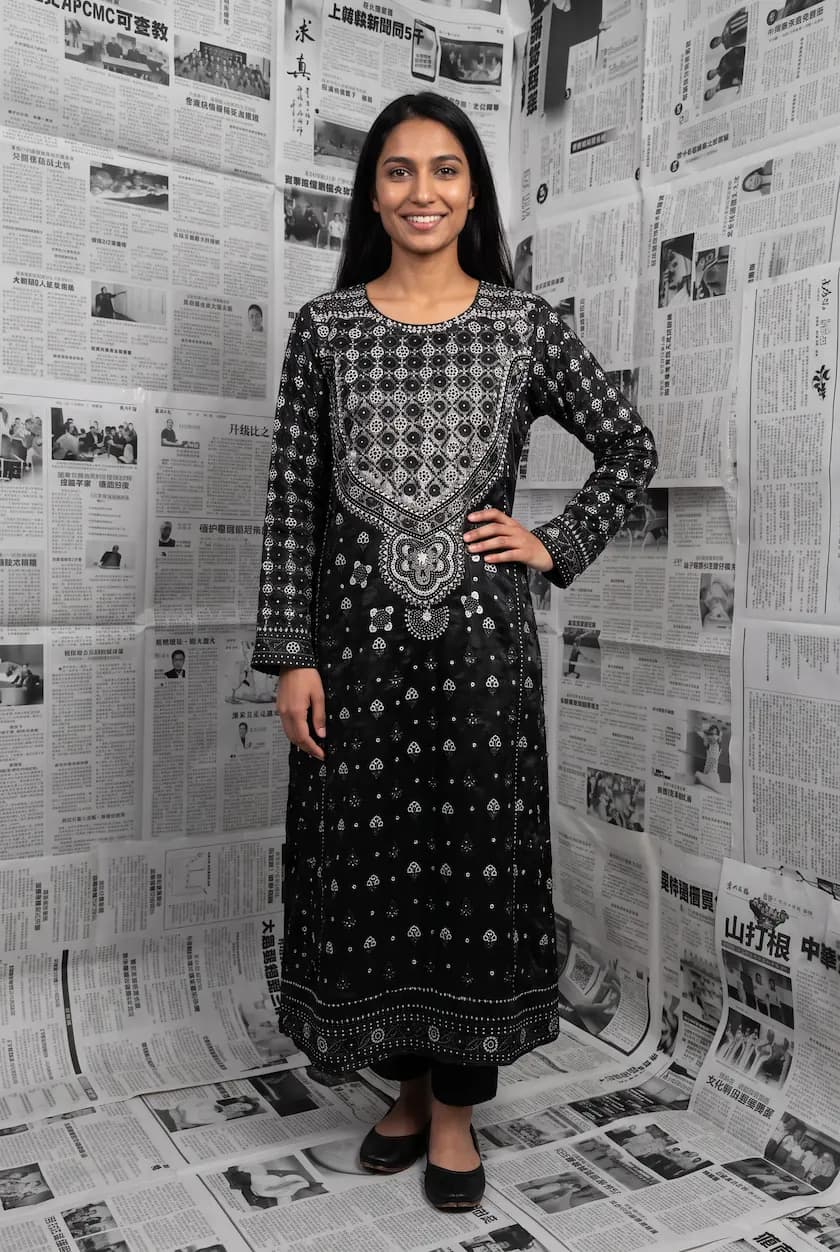
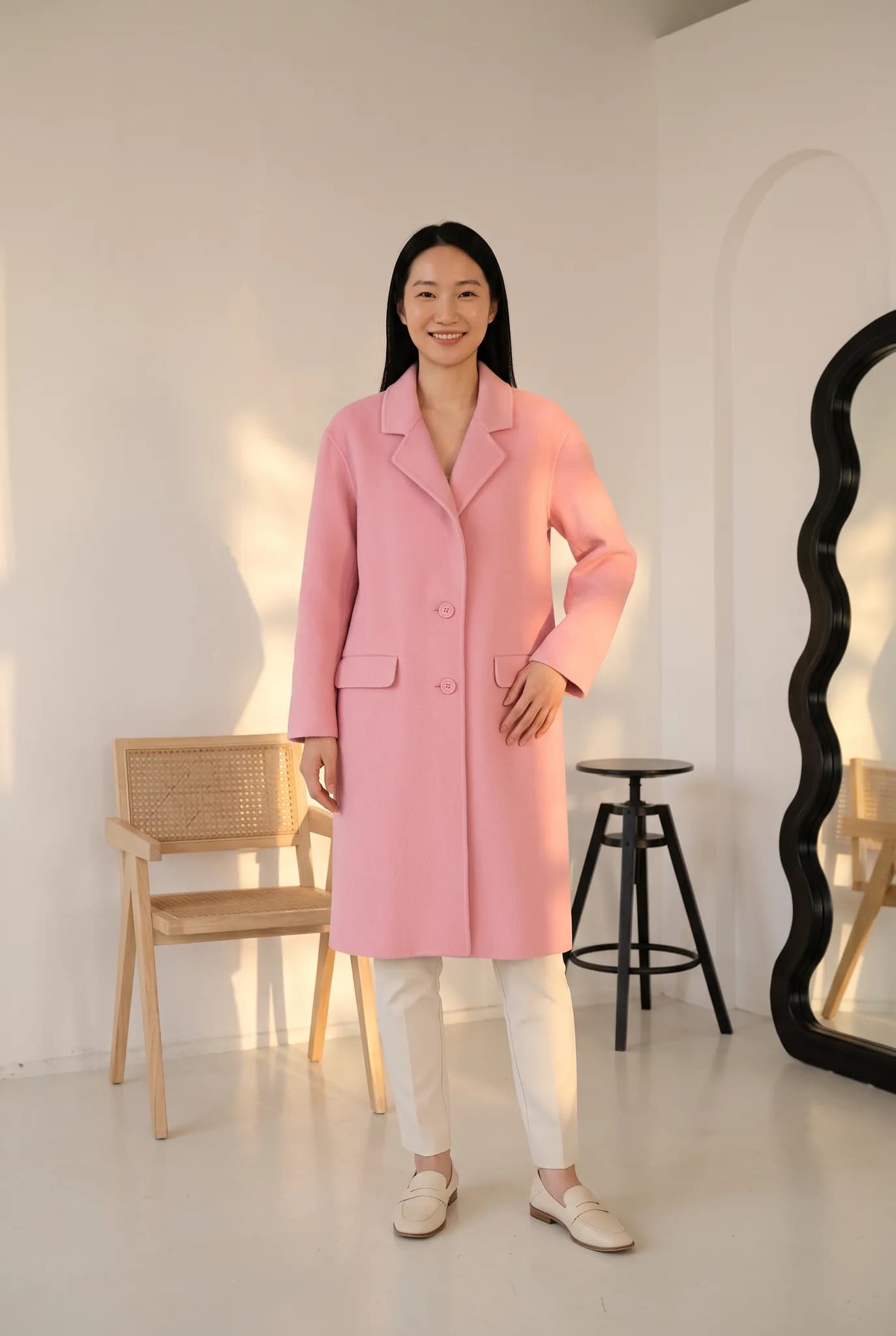
Virtual fashion models are AI-generated people who wear your real clothes in product photos. E-commerce stores use them to show every product on a model without booking a photoshoot for each one. This guide explains how virtual models work, where they help an online store, what to watch out for and how to start.
What is a virtual fashion model?
A virtual fashion model is a realistic person created by AI. In e-commerce, the model is combined with a photo of your actual garment, so the result shows your product being worn. The person does not exist, but the clothes do.
This is different from a general AI image of "a woman in a red dress". A good virtual model photo starts from your real product and keeps its colour, print and shape.
Why e-commerce stores use virtual models
- Every product gets an on-model photo. Many stores only shoot best sellers on a model. Virtual models make it affordable for the whole catalog.
- New products go live faster. A garment can be photographed and on a model the same day it arrives.
- One consistent look. The same virtual model can wear every product in a collection.
- Show more people. Stores can show the same piece on different ages, skin tones and body types.
- More ad creative. New scenes and models from the same product photo give you new ads to test.
Where virtual models are used in a store
| Place | How virtual models help |
|---|---|
| Product page main image | Shows fit and length at a glance |
| Collection pages | A consistent grid that looks like one shoot |
| Marketplaces | Clean on-model images for every listing |
| Social media | New looks from the same stock |
| Ads | Fresh creative for every test |
What to watch out for
Virtual models are useful, but there are real risks if they are used carelessly.
- Accuracy. If the AI changes the colour, print or length, customers receive something different and return it. Check every image against the real garment.
- Fit. A virtual model shows how a garment looks, not how it fits a specific body. Keep your size guide and measurements clear.
- Trust and labelling. Some shoppers want to know when images are AI-generated, and rules about labelling AI content are developing in different countries. Our article on AI labels and storefront trust covers this.
- Real people. Only create a model from photos of a person if you have their permission.
- Cheap-looking results. Generic AI models with plastic skin can hurt a premium brand. Choose realistic models and keep a real close-up of the fabric on the page.
How to add virtual models to your store
- Photograph each garment as a flat lay, on a hanger or on a mannequin. A phone is enough.
- Create or pick your virtual models. Two to four saved models suit most stores. In Modelfy you can describe the traits you want or start from reference photos you have permission to use.
- Choose one main scene for product pages, and a few lifestyle scenes for social.
- Generate, check and publish. Add the on-model photo as the main image, with a real detail shot underneath.
- Keep it consistent. Use the same models and scenes for each new drop. See how to keep AI fashion models consistent.
Virtual models vs real models
| Real model shoot | Virtual model | |
|---|---|---|
| Cost per product | High | Low |
| Time to new photos | Days to weeks | Minutes |
| Same face every season | Depends on booking | Always |
| Real movement and personality | Yes | Limited |
| Best for | Campaigns, films, events | Catalog, marketplaces, ads |
Many brands use both: real models for campaigns, virtual models for the everyday catalog.
Getting started
Virtual fashion models for e-commerce are easiest to judge on your own products. Create a free Modelfy account, upload one garment and see it on a virtual model in a few minutes. You get up to 5 photos free with no card. For store-specific guides, see AI model photos for e-commerce stores and for Shopify.
Was this article helpful?
Filed under Industry, Tutorial
See your own garment on a model
Upload a phone photo of a piece you sell. Your 10 free credits make up to 5 photos, and a photo is usually ready within minutes.
Start for free