
Virtual fashion photography
Generate on-model photos from your garment photos, in studio, indoor or outdoor scenes. There is no shoot day to plan, so more of your range can have model photos.
Create your own AI fashion models, save them, and use them across a collection. Plan lookbooks, campaign images and product photos without arranging a shoot for every drop.
10 free credits at signup, up to 5 photos.
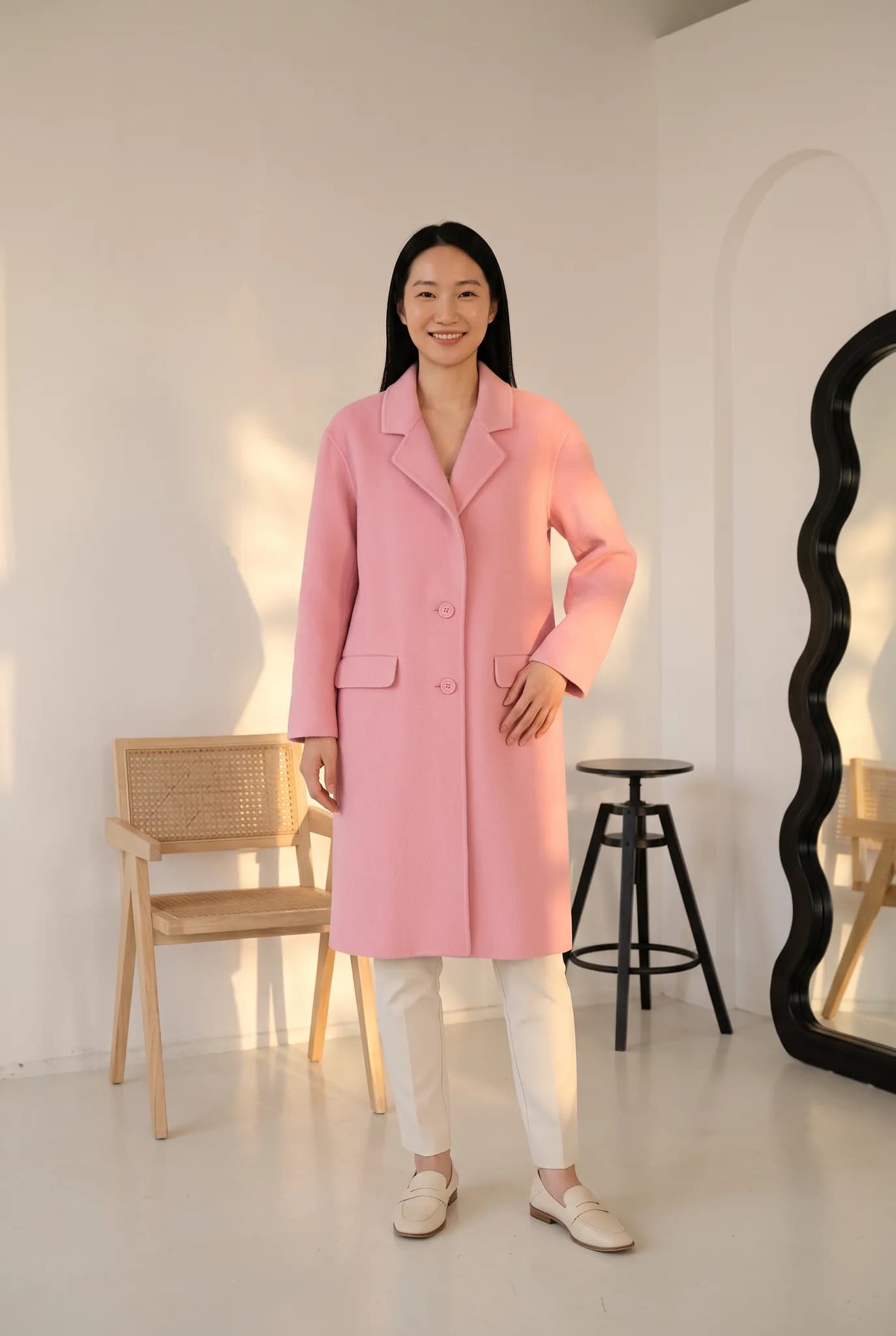
A brand is judged on how its images look together. Modelfy lets you build a small cast of AI models and a set of scenes, then use them for each new collection.
Generate on-model photos from your garment photos, in studio, indoor or outdoor scenes. There is no shoot day to plan, so more of your range can have model photos.
Describe a model or upload reference photos, then save the ones that suit your brand. Silver holds 4 custom models, Gold 6 and Studio 20.
Generate several directions for a collection and compare them in one sitting. You can use the results, or use them to brief a real photographer.
You choose who wears your clothes. Create models that look like the people you actually sell to, in your own market.
Use the same photos on your website, in email and on social media. Download at 2K on paid plans and crop as each channel needs.
You avoid model fees, studio hire and location costs for the images you make here. A real shoot may still make sense for your biggest campaign of the year.
Most brands recognise their own look before they can describe it. Build it step by step: create a model, try them in your garments, and keep the ones who fit. Next season you already have your cast, and your new collection can look related to your last one.
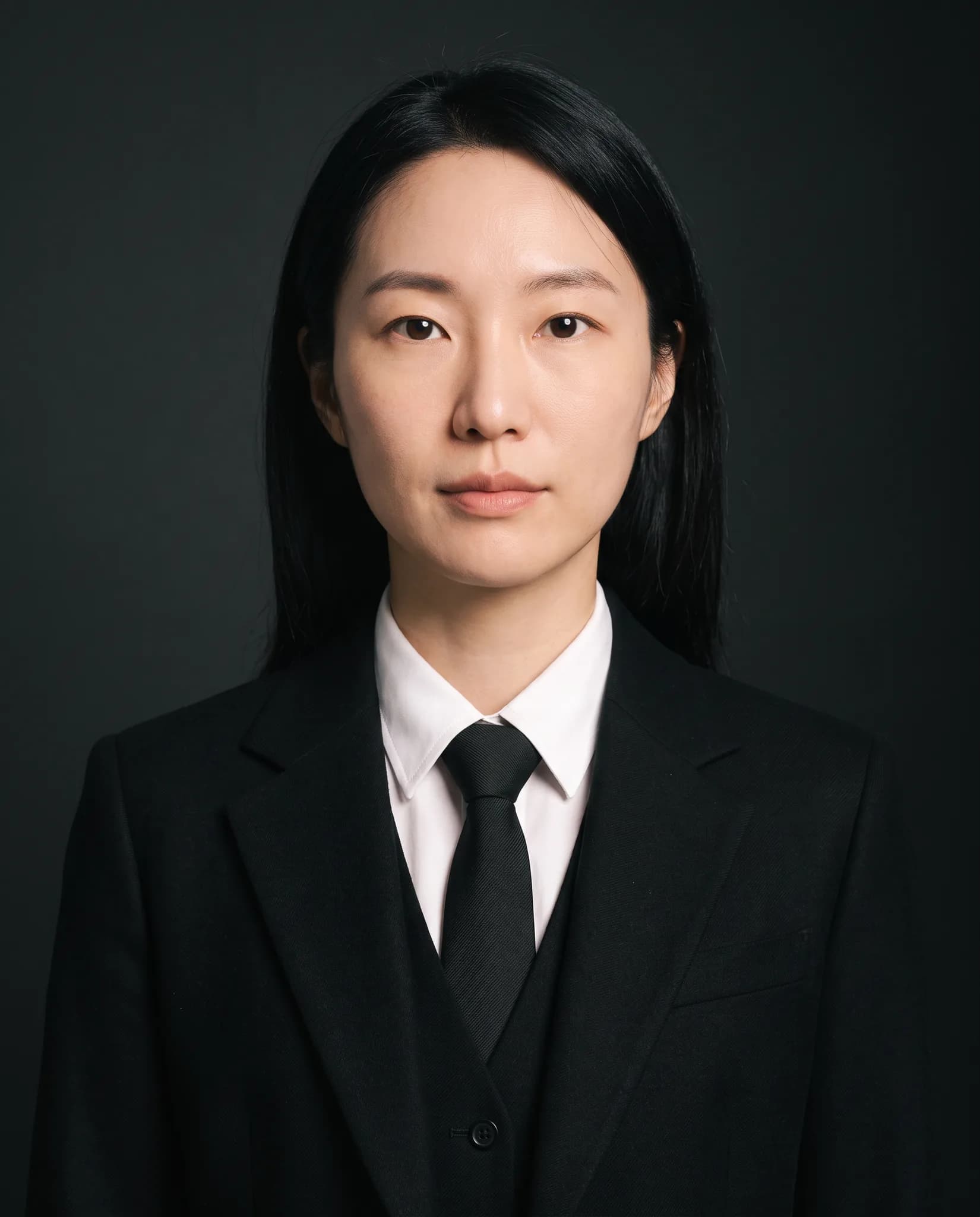
A hero colorway usually gets the full shoot while the others get a flat lay. With Modelfy, you can give each colorway on-model images in the same scene, so your whole range is shown properly.

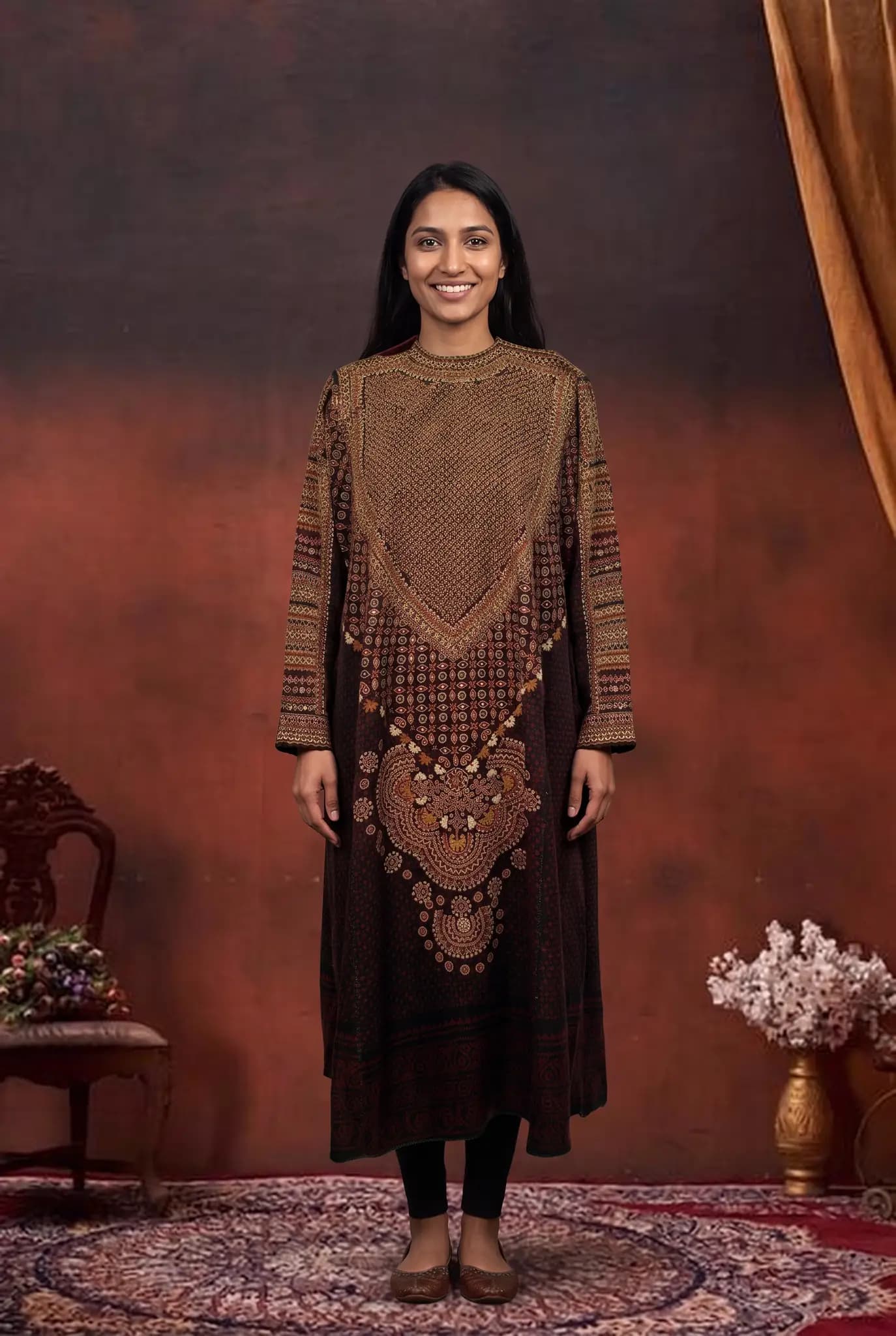
Once your garments are in the library, you can place them in a new scene when a campaign needs one. Save the backgrounds you use most, so a lookbook and its ads look like they came from one shoot.
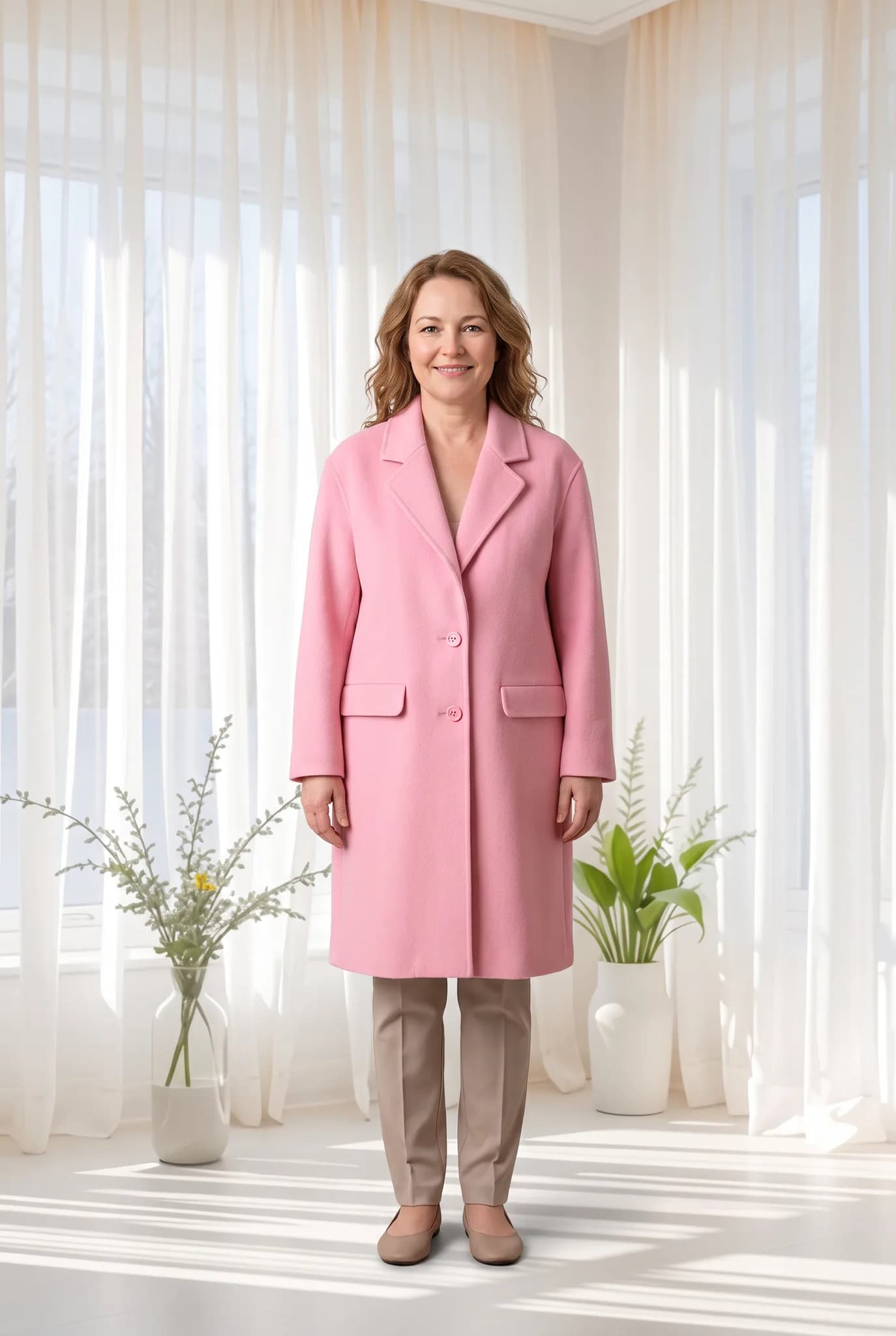
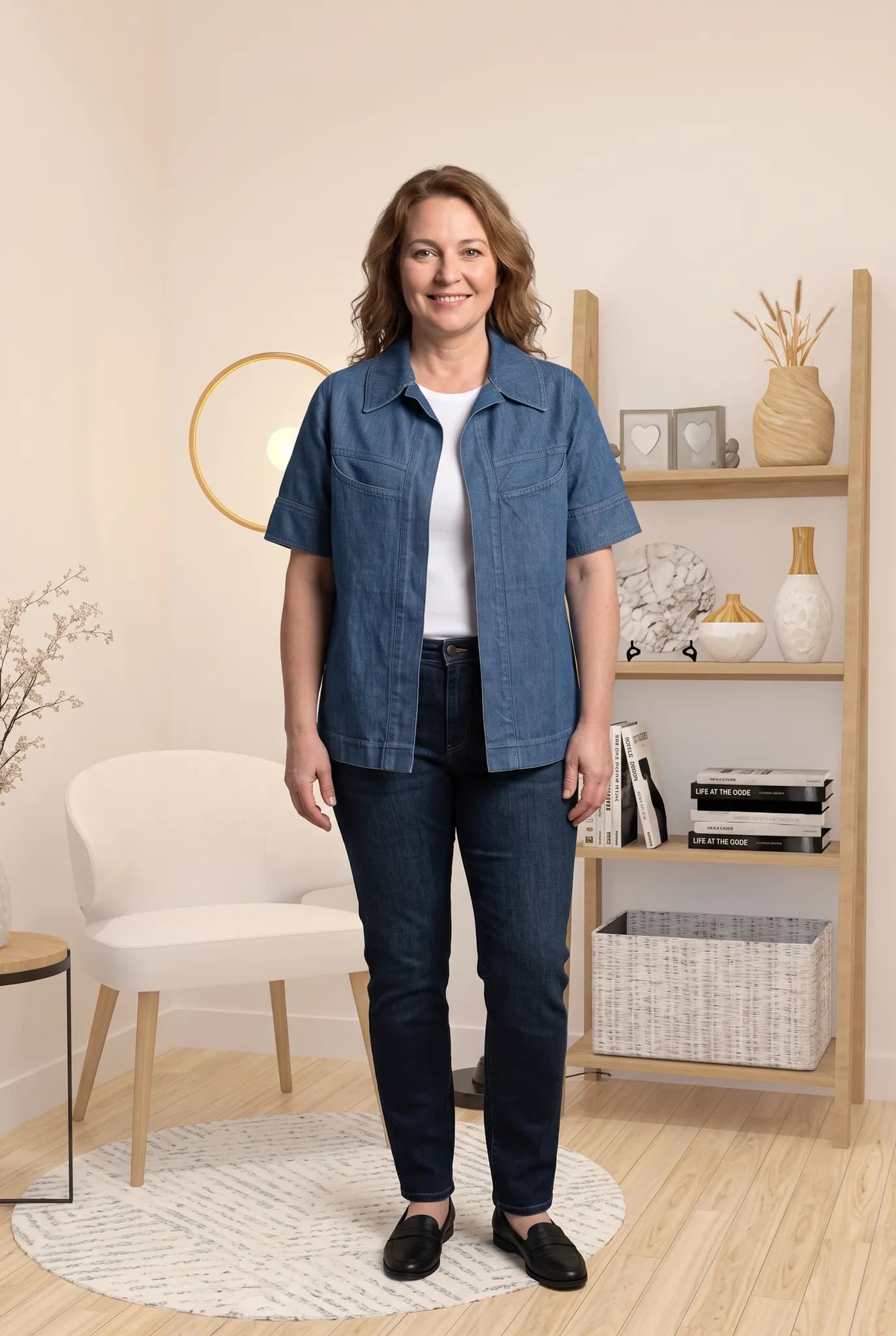
A flat lay, hanger or ghost mannequin photo is enough, and a phone camera is fine. Use good light and keep the whole garment in frame.
Pick a saved AI model or create a new one for 8 credits. Then choose a pose and a background. There are no prompts to write.
A photo uses 2 to 12 credits and is usually ready within minutes. Compare it with the real garment, and try again if something is off.
Download the photos you approve and use them on your website, in email and on social media.
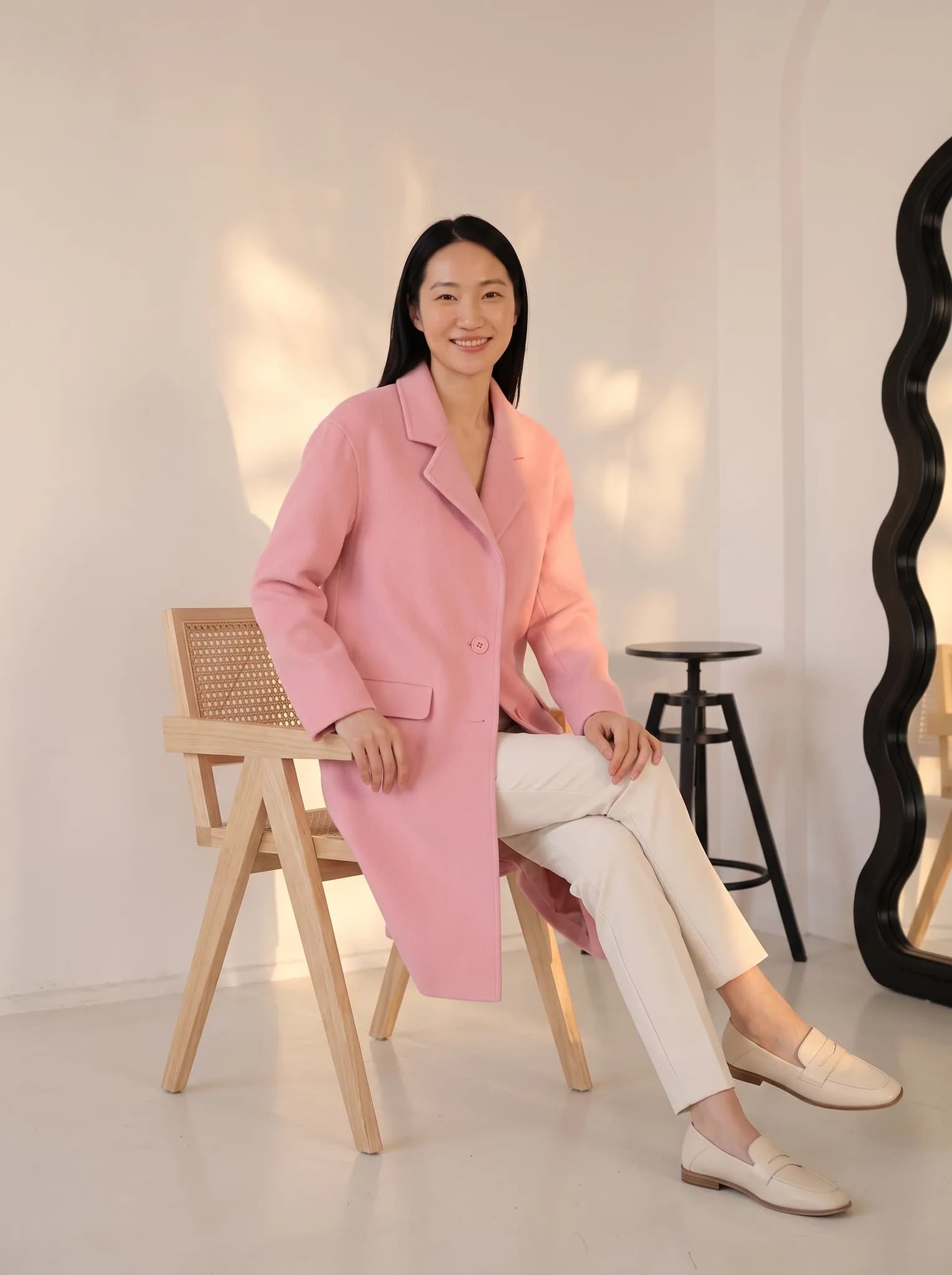
Use the same small cast of models and two or three scenes for the entire collection. Your collection page looks planned, even if each image was made on a different day.
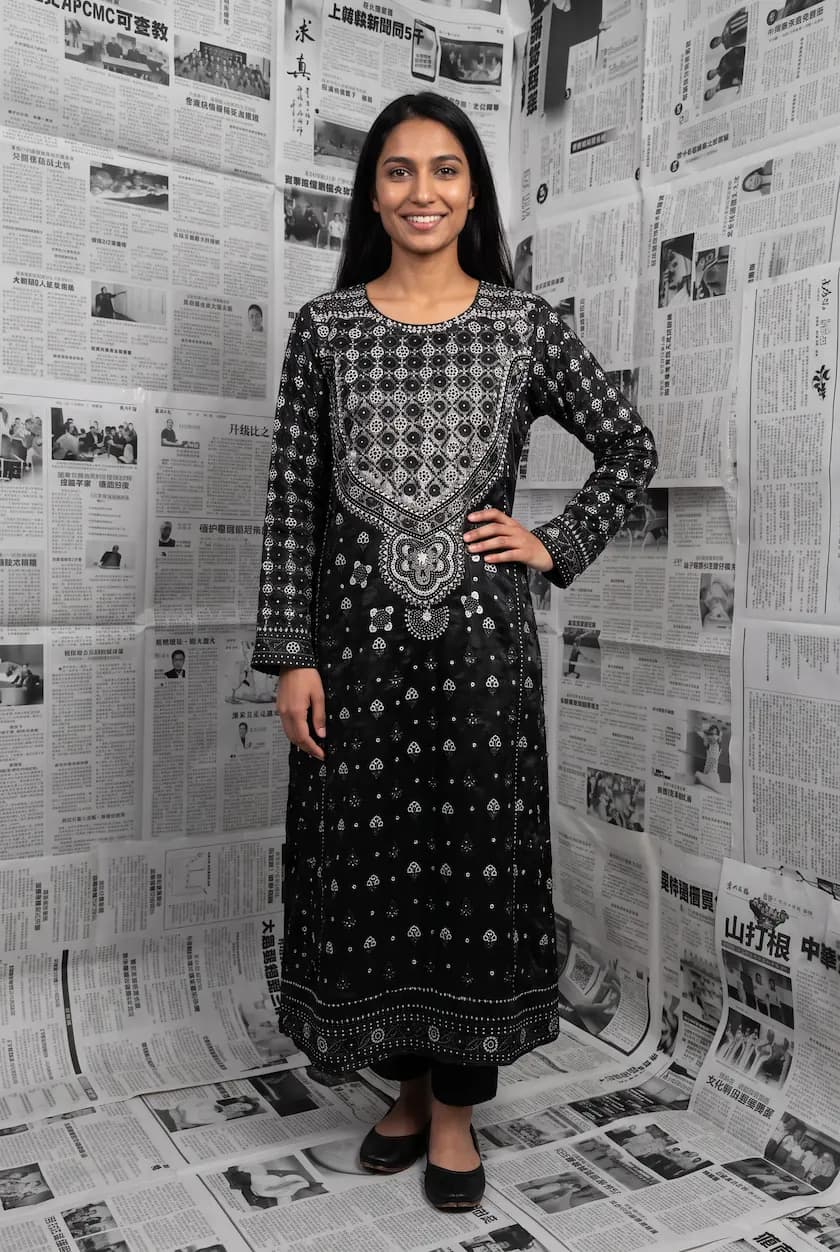
Before you book a location, test the idea. Put your hero pieces in a few settings and see which holds together. It costs a few credits instead of a shoot day.
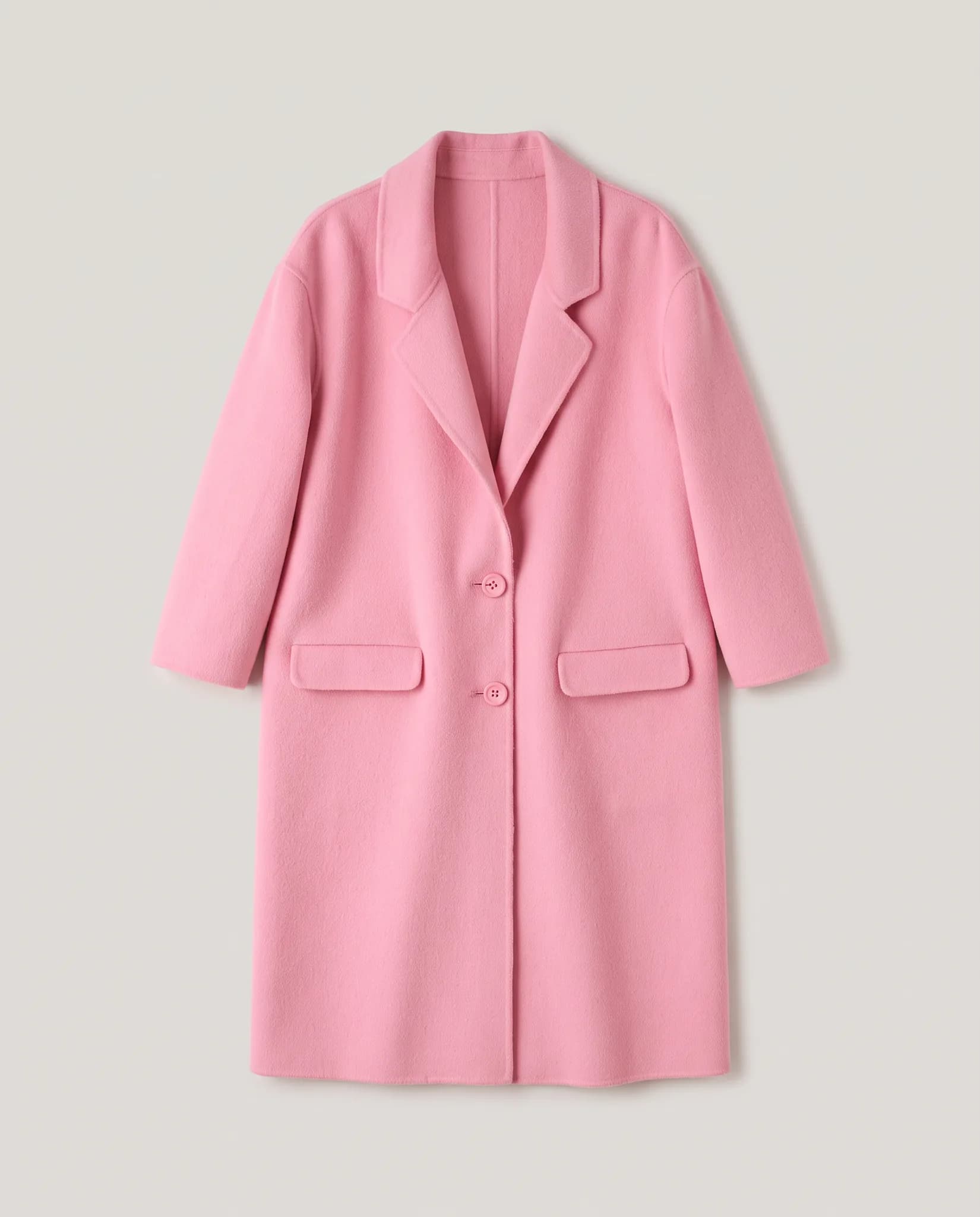
You may still want a real photographer for a flagship campaign. Modelfy can handle the many everyday product images, so your shoot budget goes to the images that need it most.
You start with 10 free credits, up to 5 photos. A 14-day Silver trial gives you 100 credits, and it needs a card.
| Plan | Monthly price | Credits | About |
|---|---|---|---|
| Silver | $29 | 400 | 200 photos, 14 cents each |
| Gold | $79 | 1200 | 600 photos, 13 cents each |
| Studio | $199 | 3500 | 1750 photos, 11 cents each |
One-time credit packs: 100 for $12, 300 for $29, 1000 for $79. Paid plans include 2K downloads.
Compare plans in fullSomething else on your mind? Write to [email protected].
You can create your own AI models, save them, and use them across campaigns along with saved poses and backgrounds. Using the same small set of choices over time gives your images a recognisable style.
Your saved models, poses and backgrounds stay in your library, so you can return to them next season. Small differences between images can happen, so review the set before it goes live.
A photo is usually ready within minutes, and there is no shoot to arrange. The total time depends on how many pieces you have and how many versions you want to review.
A studio day often costs hundreds, and you pay again for each new collection. With Modelfy, a photo uses 2 to 12 credits, and Gold is $79 a month for 1200 credits, up to 600 photos. There are no model, studio or location fees for those images.
Yes. You create models by describing them or by uploading reference photos, so you decide on their look. Results can vary, so generate a few and keep the ones that suit your brand.
If you sell many products, the problem is usually volume. Not every SKU can justify a shoot. Modelfy gives more of your catalog an on-model photo at a known cost per image.
A boutique sells taste. Customers come because of what you choose and how you show it. Modelfy helps you photograph small drops often, in a style you decide on.
Many small sellers are their own photographer, packer and customer service team. Modelfy is meant to remove one job from that list, at a price you can plan for.
Seeing your own piece on a model is the best way to judge whether Modelfy suits you. Your 10 free credits make up to 5 photos, and you do not need a plan to try it.
Not sure whether Modelfy suits your clothes, or which plan to choose? Send us a message, or chat with us on WhatsApp.