
Replace Ghost Mannequin with AI Models
Turn ghost mannequin product shots into AI model photos, without a reshoot.
Already have ghost mannequin or invisible mannequin photos? Modelfy uses them to generate on-model images, so you can show garments being worn without shooting them again.
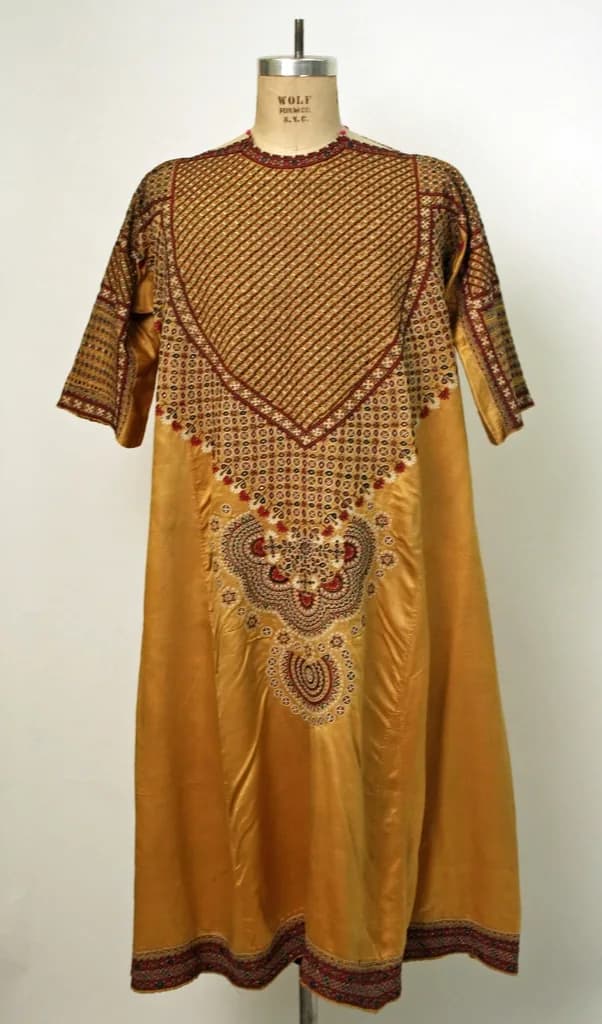

Ghost mannequin to model AI
Ghost mannequin photos are clean and useful, and many stores have years of them. They show shape well, but they do not show how a piece looks on a person.
Modelfy can use a ghost mannequin or invisible mannequin photo as the input for a shoot. These are often good inputs, because the garment is already well lit, shaped and in full view. You choose a model and a scene, and it generates a new on-model image.
You do not have to throw your mannequin shots away. Many listings look best with both: a clean catalog image and an on-model photo. If you need new clean images, the studio has a Ghost Mannequin tool that works the other way round.
This makes sense if
- You have an older catalog of ghost mannequin product shots
- Your product pages have no photos of the clothes being worn
- A reshoot of your full back-catalog is not realistic
- You want clean catalog images and on-model images for each product
Replacing a mannequin shot
Use your original file
Upload the highest quality version of the mannequin photo you have.
Choose a model and a background
Save your choices so older products match the new ones.
Generate and compare
Put the result next to the original and check the buttons, collar and pattern.
Update your listing
Add the new image to your store and decide whether to keep the mannequin shot as well.
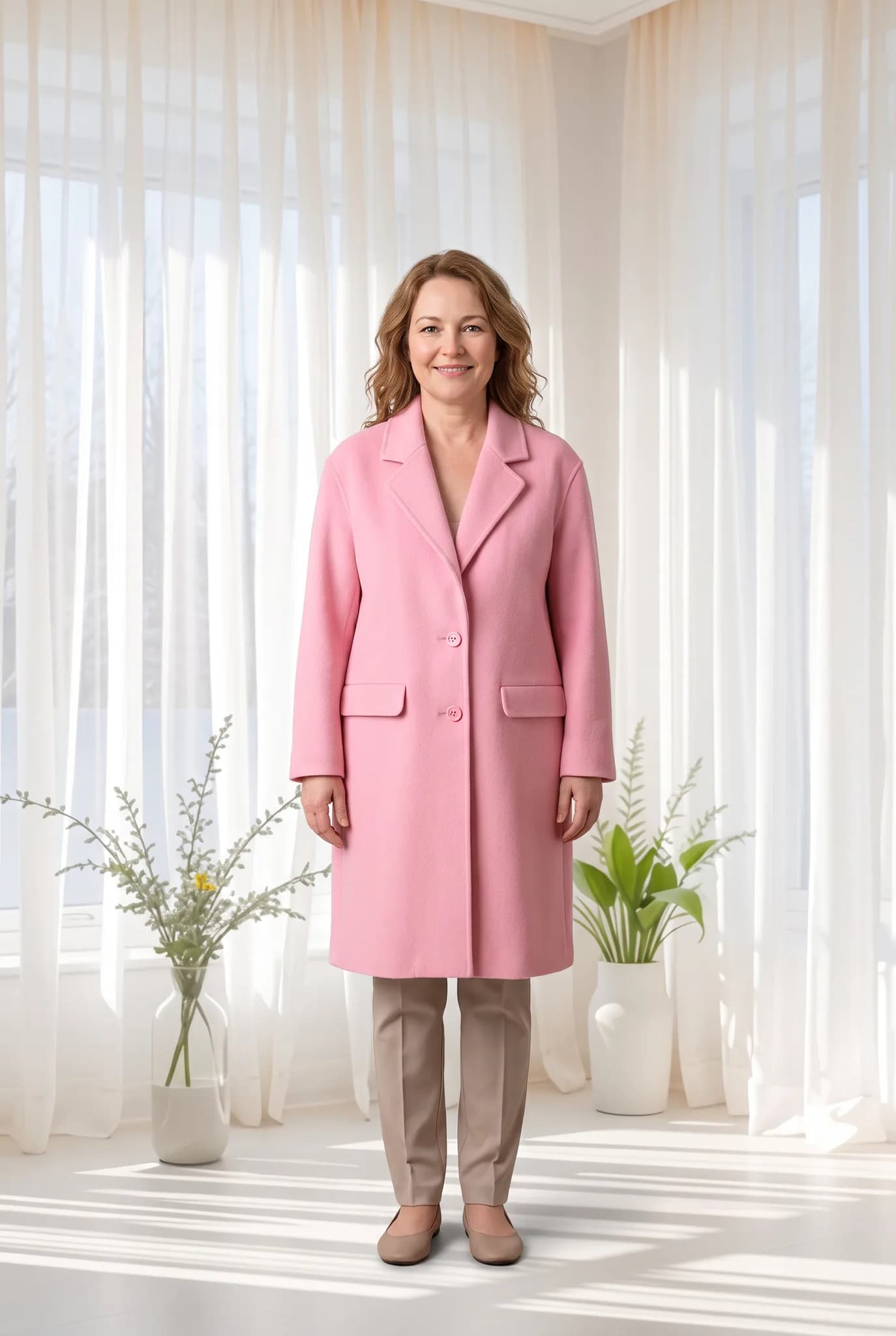
What you can do
Start from what you have
Ghost mannequin and invisible mannequin photos work as inputs. There is no special preparation.
Keep the garment details
The AI works to keep buttons, stitching, collars and patterns close to your photo. Check the fine details, as they can change.
Work through older products over time
Go through your back-catalog one product at a time, starting with what sells best. This is not an automatic bulk replacement.
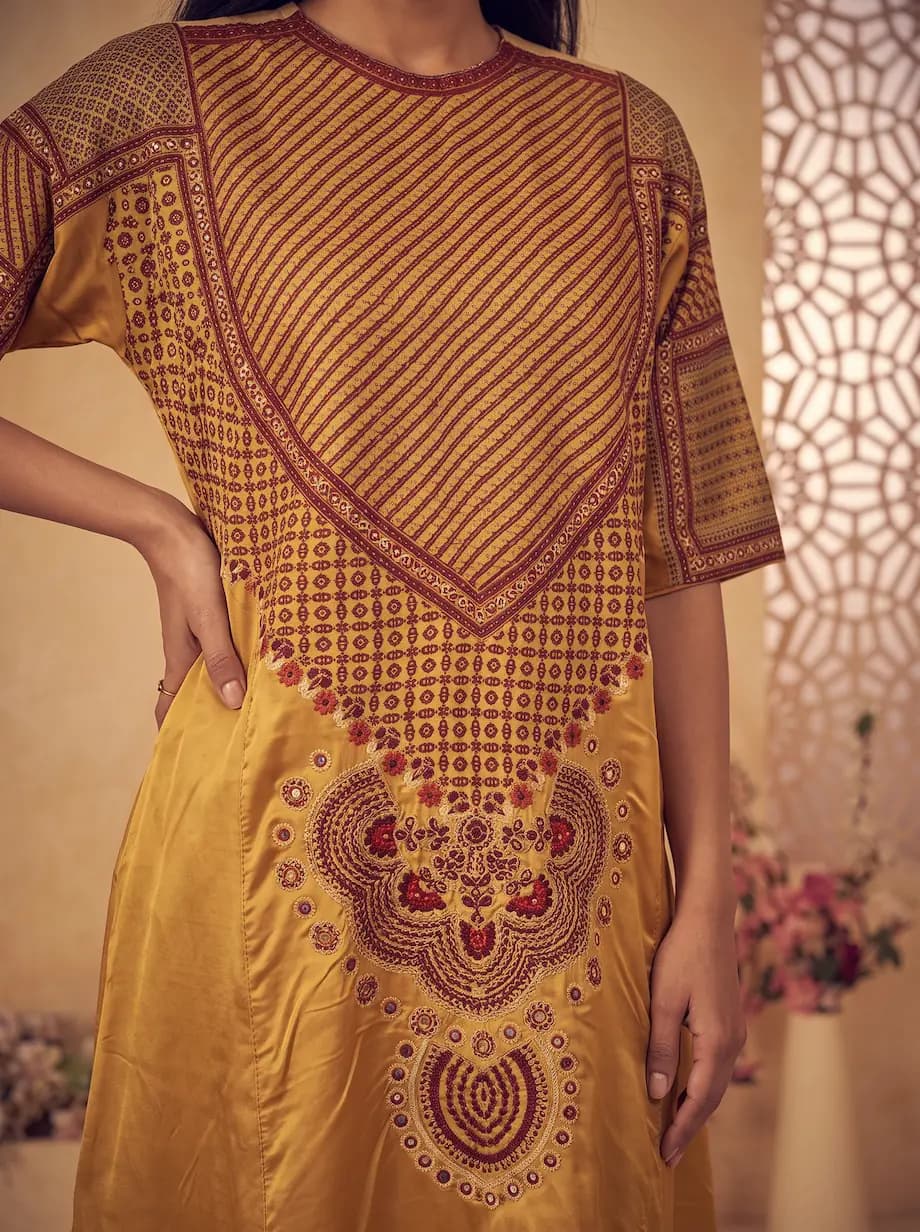
What to check
- Each image is generated one at a time. There is no overnight catalog tool.
- Without a back photo, the back of the garment will be the AI's guess.
- Low-resolution older photos give weaker results. Use the original file if you can.
- Detailed buttons, logos and fine trims may not come through exactly.
What it costs
A photo uses 2 to 12 credits and creating an AI model uses 8. The studio shows the cost before you generate.
- Free account
- 10 one-time credits, up to 5 photos. No card.
- 14-day Silver trial
- 100 credits, up to 50 photos. Card required, $0 today.
- Silver
- $29 a month for 400 credits, up to 200 photos.
- Gold
- $79 a month for 1,200 credits, up to 600 photos.
- Studio
- $199 a month for 3,500 credits, up to 1750 photos.
Common questions
Is it the same as ghost mannequin removal?
No. This generates a new image of the garment on an AI model. If you want a clean image with no person or mannequin, use the Ghost Mannequin tool in the studio.
Should I remove my mannequin photos?
Usually not. Keeping a clean product shot next to an on-model photo gives buyers more to go on.
Can I try it free?
Yes. A free account comes with 10 one-time credits, which is up to 5 photos.
Try one mannequin shot.
Pick a best seller and compare the result with your original.
Upload a mannequin photo