
On-model photos from flat lays
Upload a flat lay, hanger or ghost mannequin photo. Modelfy places the garment on an AI fashion model, so shoppers can see it worn.
Turn a flat lay or hanger photo into on-model product photography, then download the files and add them to your Shopify listings. No model booking, no studio day.
10 free credits at signup, up to 5 photos.

Shopify shows your product photos large, side by side, on every collection page. Modelfy helps you fill those spaces with on-model photos that look like they belong together.
Upload a flat lay, hanger or ghost mannequin photo. Modelfy places the garment on an AI fashion model, so shoppers can see it worn.
Save the models and backgrounds you like and reuse them. Collection pages look tidier when the images share one style.
You do not have to wait for a booked shoot. A photo usually takes minutes to generate, so a new piece can have images soon after it arrives.
A photo uses 2 to 12 credits, depending on the quality and size you pick. Silver gives you 400 credits a month, up to 200 photos, so you know what each listing costs you.
There is nothing to install in your store. You download the images and add them to your products in the Shopify admin like any other photo.
Generate a second model or background for a product and try it as the main image. Your own store data will tell you which one works better.
Most Shopify sellers already have a basic photo of each product. That is enough to start. Upload it, pick a model and a scene, and generate. If you have more photos of the same piece, attach them too, so the shoot has more to work from.
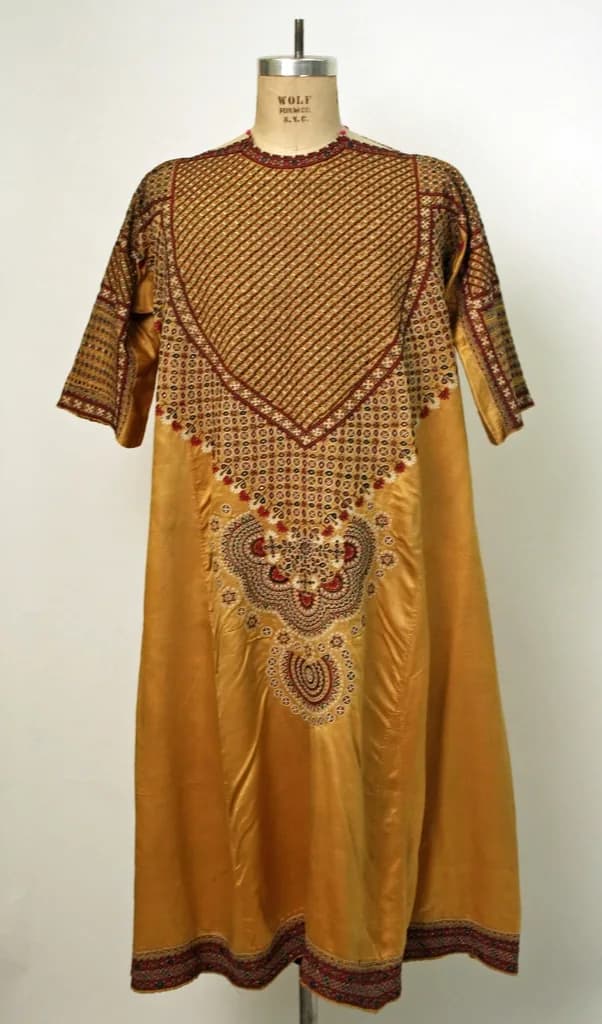
One image makes a listing feel unfinished. Use angle drafts to try different views of a look, keep the ones you like, and render those in higher quality. A back view and a close-up answer questions shoppers would otherwise have to ask you.
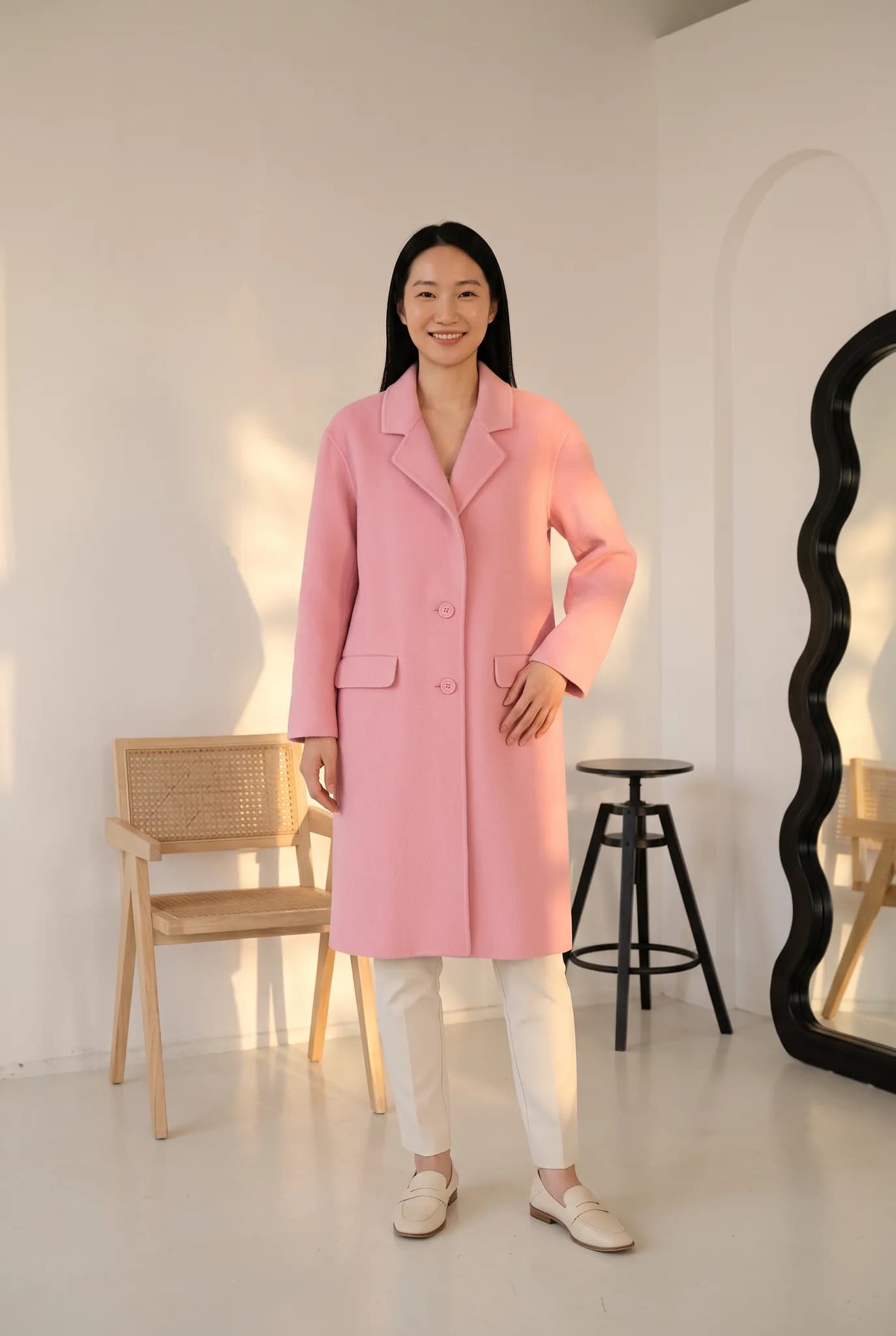
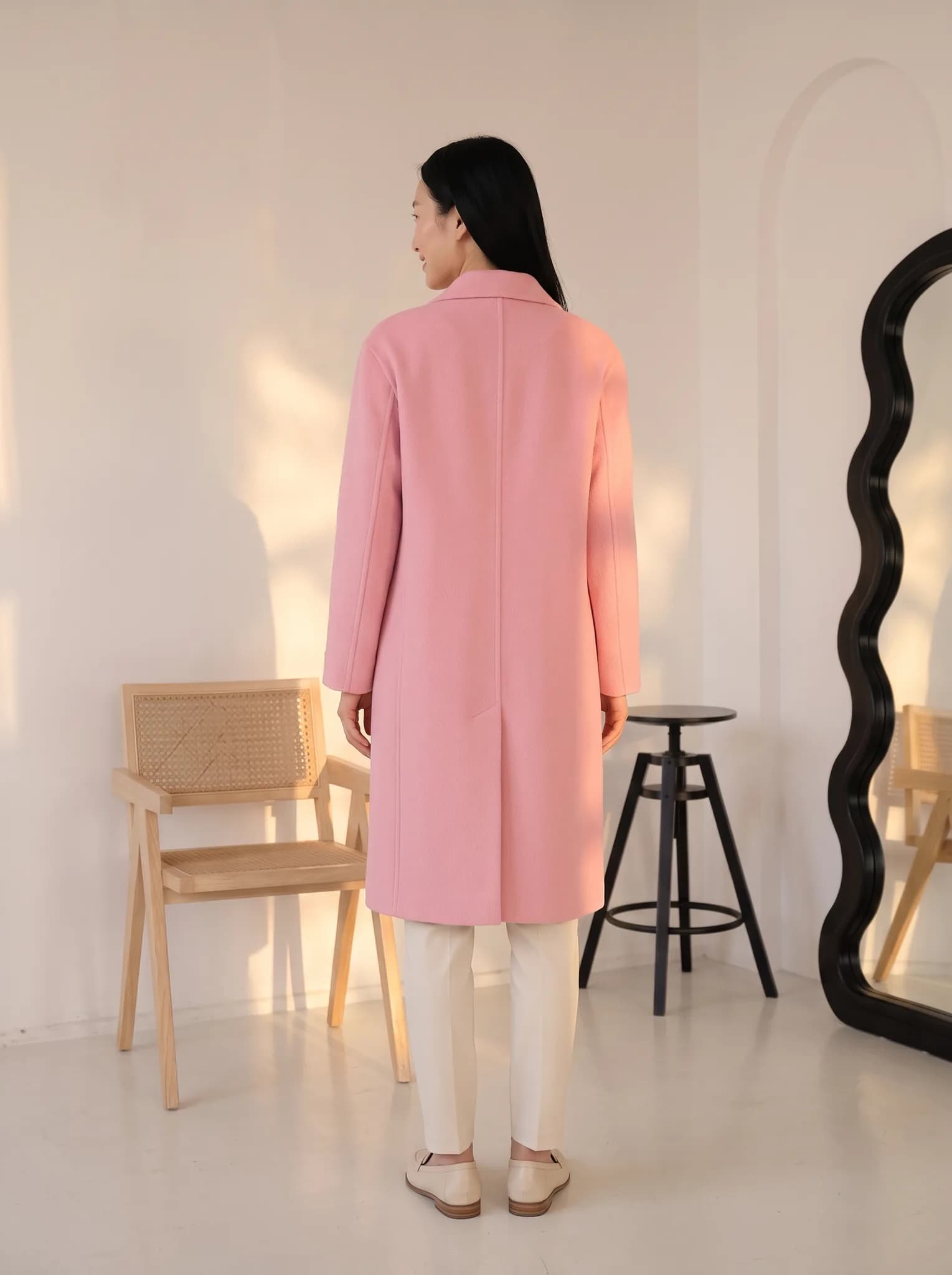
A flat lay, hanger or ghost mannequin photo is enough, and a phone camera is fine. Use good light and keep the whole garment in frame.
Pick a saved AI model or create a new one for 8 credits. Then choose a pose and a background. There are no prompts to write.
A photo uses 2 to 12 credits and is usually ready within minutes. Compare it with the real garment, and try again if something is off.
Download your photos, open the product in your Shopify admin and add them to its media section.
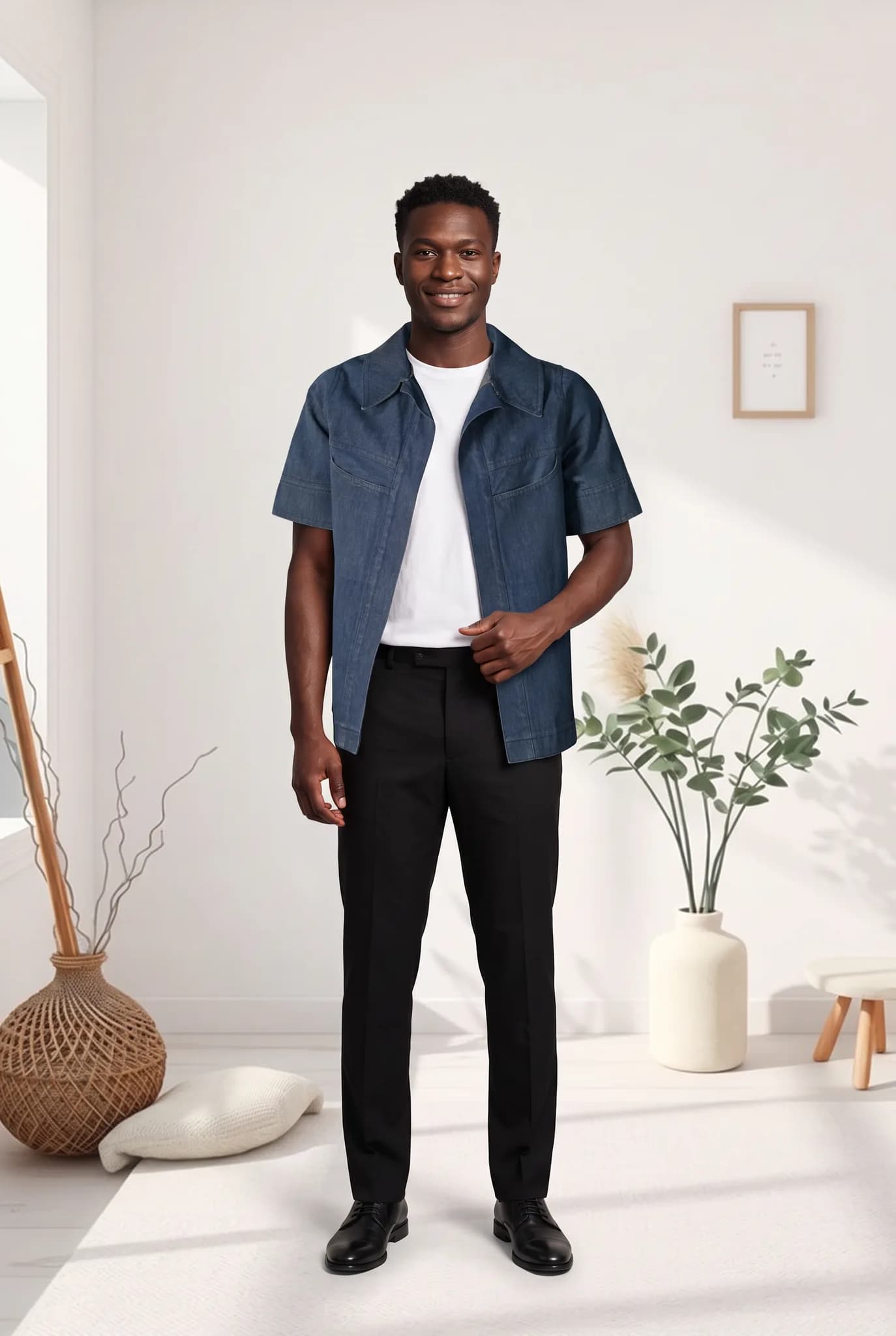
A new delivery does not have to sit unlisted until the next shoot. Photograph each piece on a table or hanger, generate on-model images, and publish when you are happy with them.
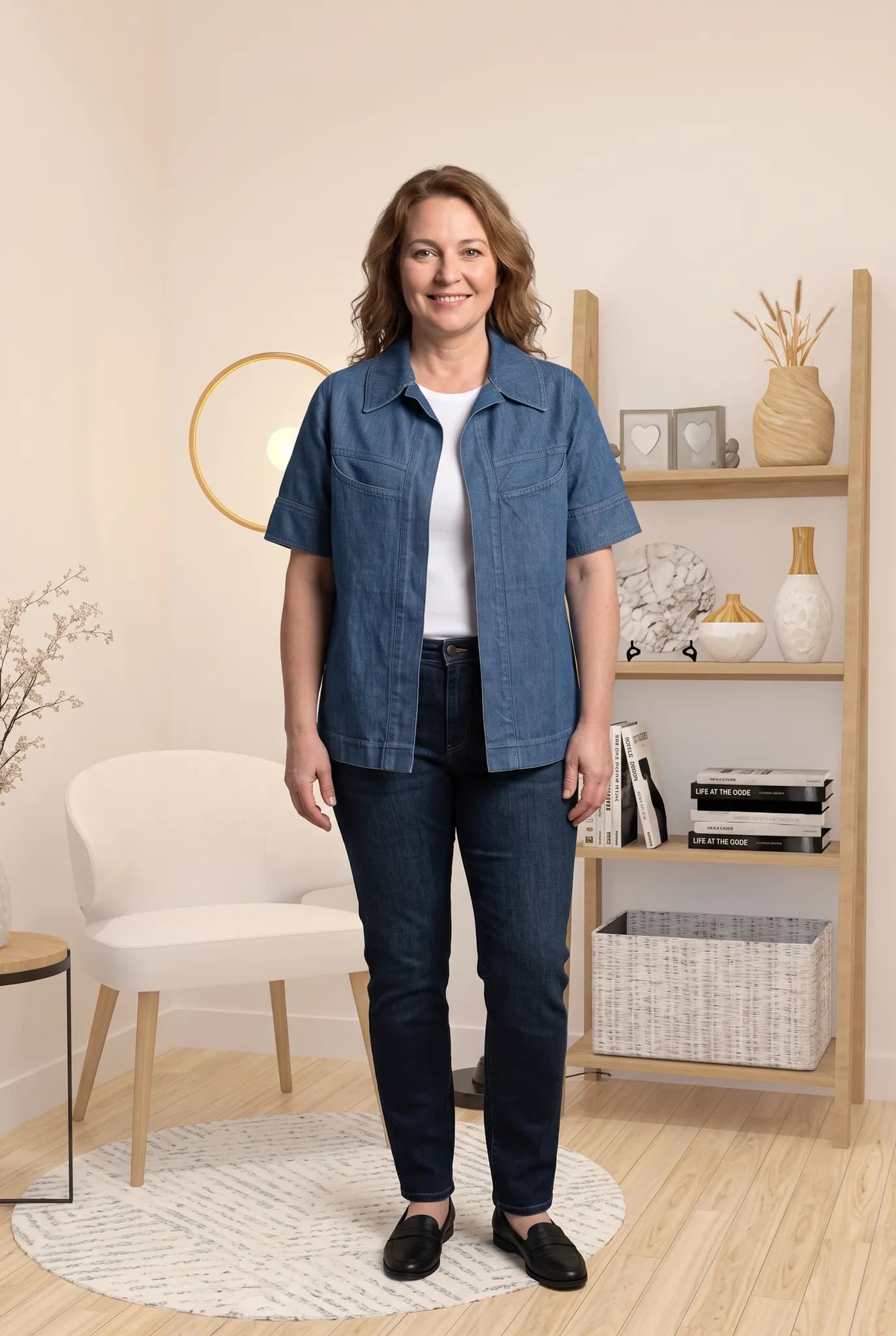
Older products often have one plain image. Work through them a few at a time and add an on-model photo beside the flat lay, which you can keep in the gallery as a true record of the piece.
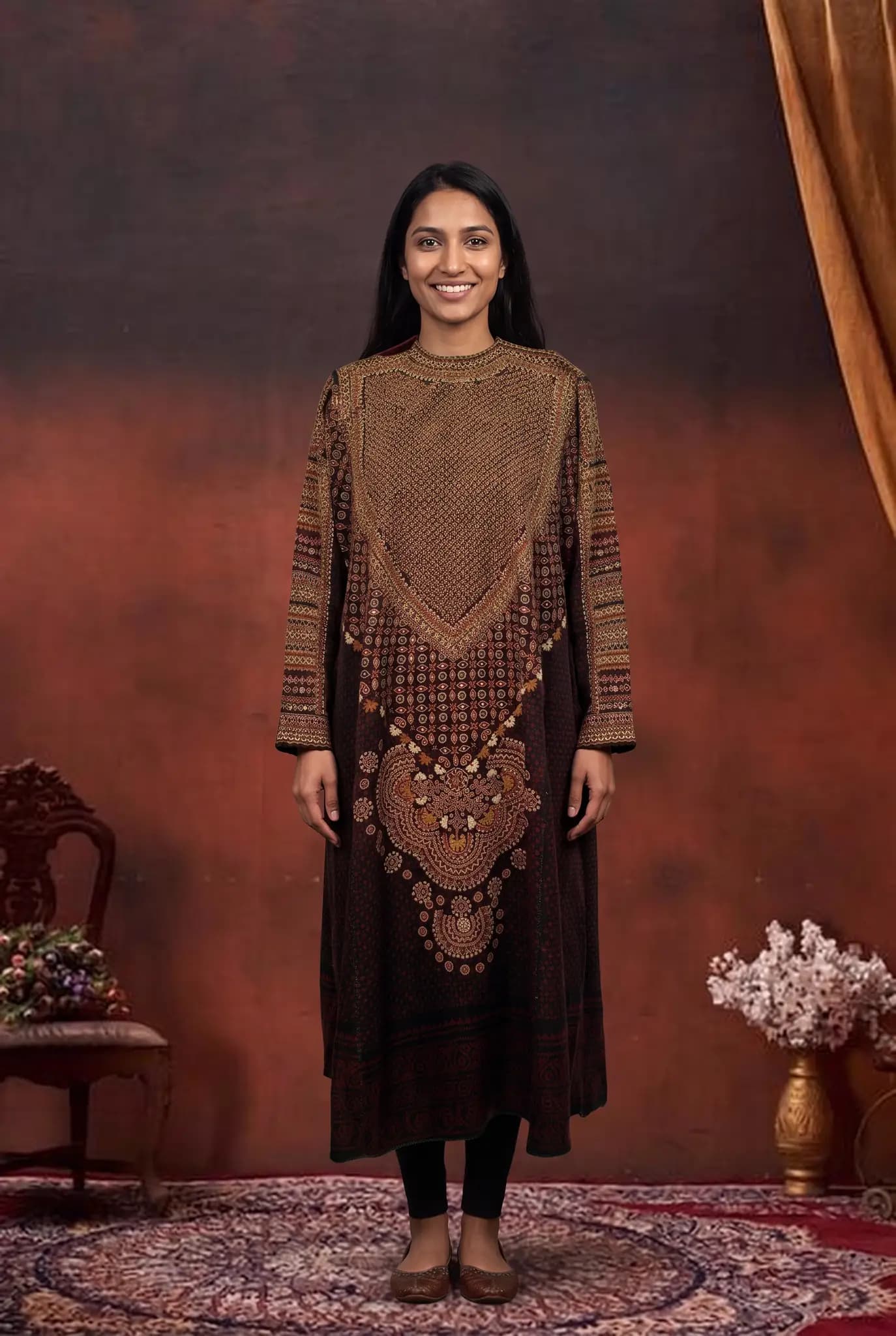
Nobody can promise you a higher conversion rate from new photos. What you can do is try a different main image on a product and compare your own numbers over the same period.
You start with 10 free credits, up to 5 photos. A 14-day Silver trial gives you 100 credits, and it needs a card.
| Plan | Monthly price | Credits | About |
|---|---|---|---|
| Silver | $29 | 400 | 200 photos, 14 cents each |
| Gold | $79 | 1200 | 600 photos, 13 cents each |
| Studio | $199 | 3500 | 1750 photos, 11 cents each |
One-time credit packs: 100 for $12, 300 for $29, 1000 for $79. Paid plans include 2K downloads.
Compare plans in fullSomething else on your mind? Write to [email protected].
No. Modelfy does not have a Shopify integration. You create your photos in the studio, download them, and upload them to your products in the Shopify admin.
We cannot promise that, and results differ from store to store. On-model photos help shoppers picture a garment being worn. The way to know is to try them on some products and compare your own numbers.
A single photo is usually ready within minutes, and you work garment by garment. A small catalog can be done over a few sittings. A large catalog takes longer and uses more credits, so it helps to start with your best sellers.
A photo uses 2 to 12 credits, depending on the quality and size you pick. You can try it with the 10 free credits you get at signup, up to 5 photos. Silver is $29 a month for 400 credits, up to 200 photos. Compare that with what you would pay for a shoot in your city.
You can save AI models, poses and backgrounds in your library and reuse them, which helps your images look like one set. AI results can vary a little from image to image, so review each one before you publish it.
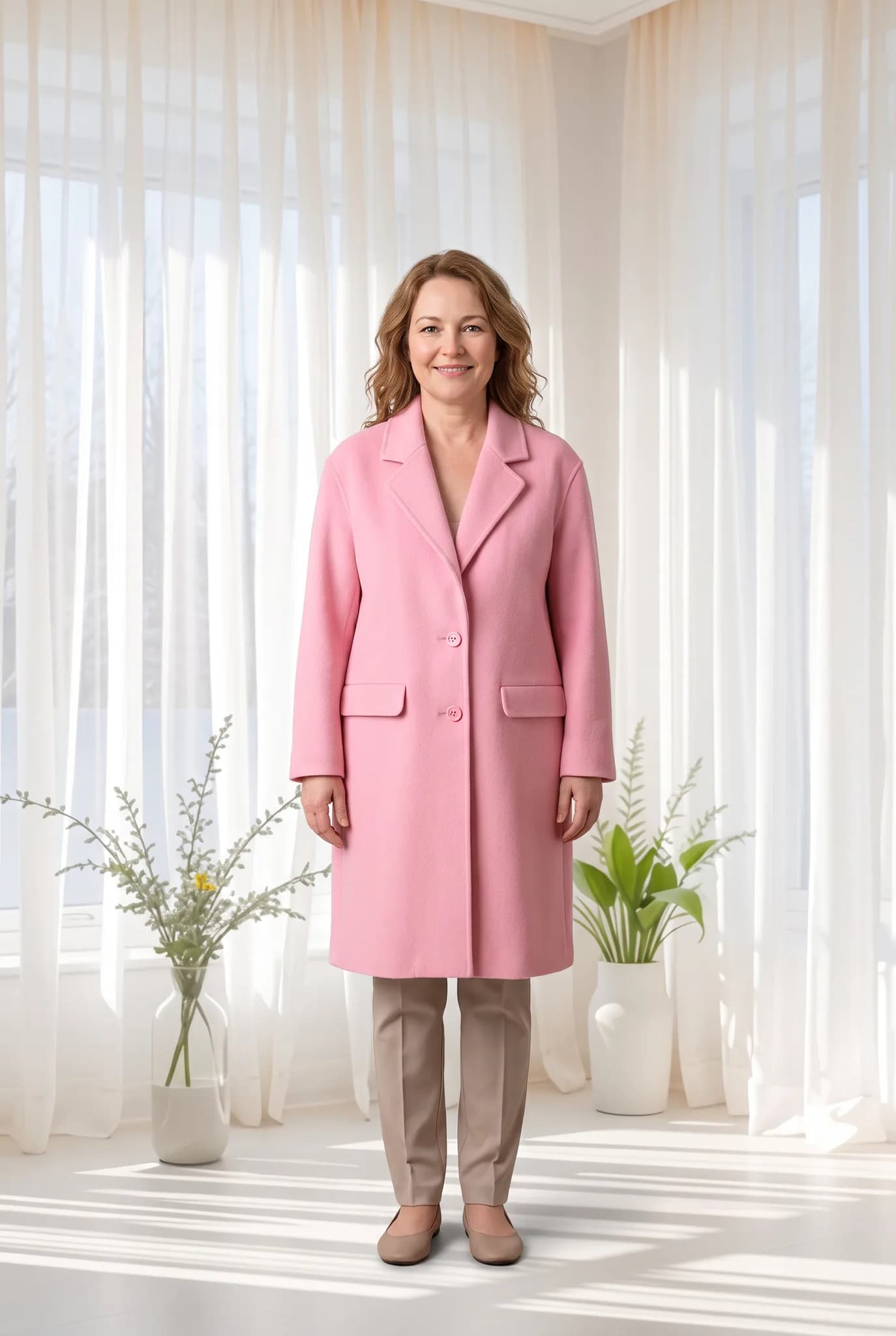
Etsy buyers look closely at photos, and they care about what is real. Modelfy is useful for showing how a piece looks on a person. Your own photos should still show the true fabric and details.
A brand is judged on how its images look together. Modelfy lets you build a small cast of AI models and a set of scenes, then use them for each new collection.
If you sell many products, the problem is usually volume. Not every SKU can justify a shoot. Modelfy gives more of your catalog an on-model photo at a known cost per image.
Seeing your own piece on a model is the best way to judge whether Modelfy suits you. Your 10 free credits make up to 5 photos, and you do not need a plan to try it.
Not sure whether Modelfy suits your clothes, or which plan to choose? Send us a message, or chat with us on WhatsApp.