
How It Works
No prompts and no studio. One garment photo, a few clicks and a high quality AI image.
See how Modelfy turns a flat lay, hanger or mannequin photo into an on-model image. No photography or AI experience is needed, and you check every result before you use it.
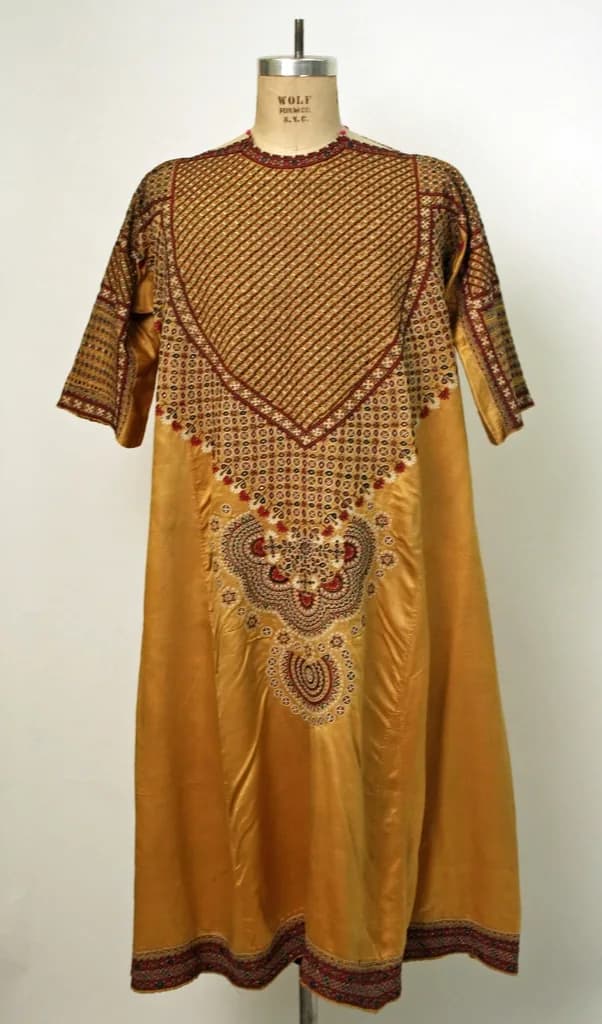
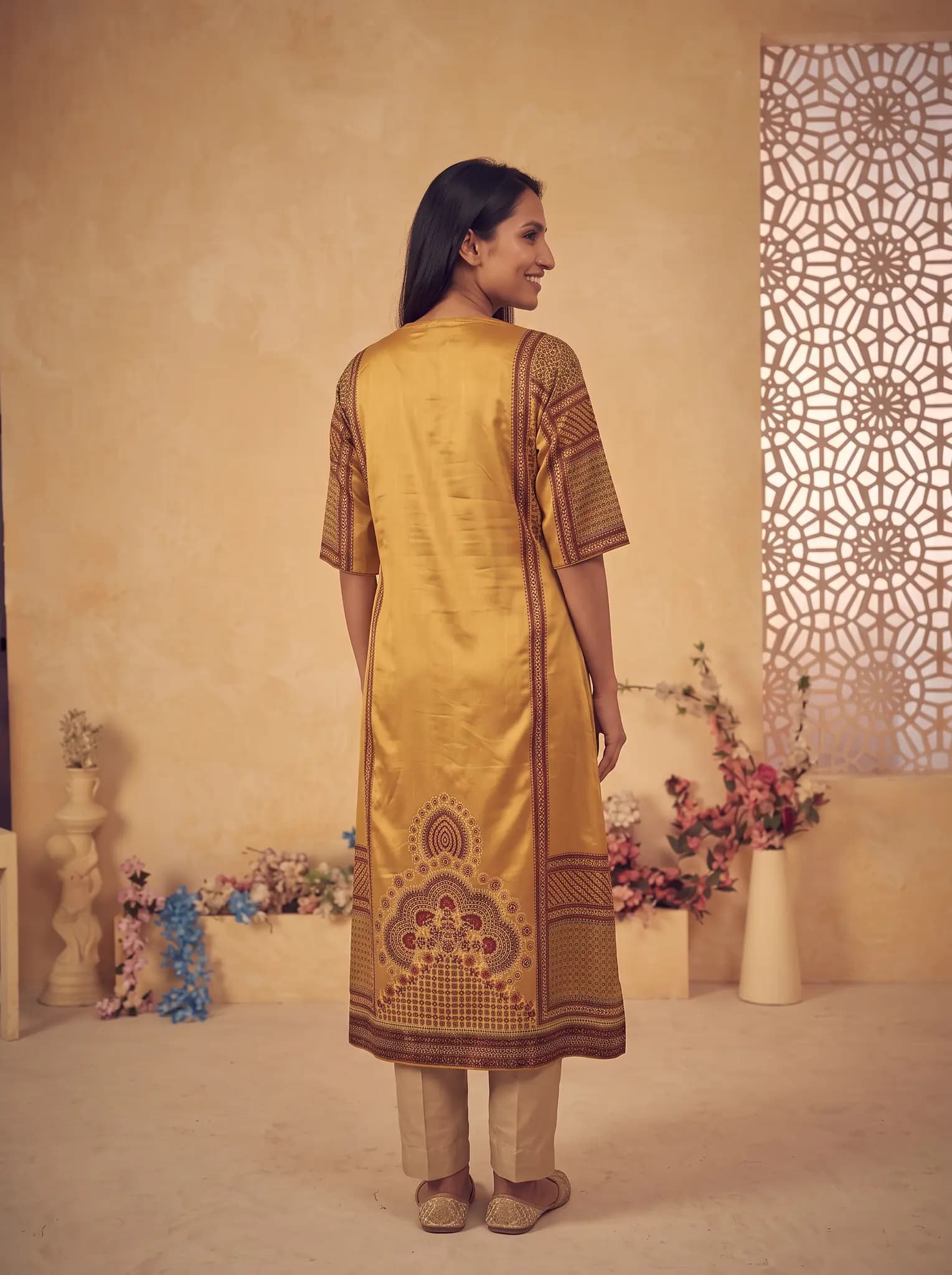
What happens between your photo and the result
When you upload a garment, the AI studies its shape, color, print and construction from your photo. It then generates a new image of that garment on the model you chose, in the pose and background you chose.
This is a new image, not an edit of your photo. That is why it can show a person wearing something you only photographed on a hanger. It is also why small details can change, and why a clear input photo matters so much.
You do not need to know any of this to use it. You will not see settings for cloth or light, and you will not write a prompt. The choices you make are the ones a person would make on a shoot: who wears it, how they stand and where they are.
Photos that work well
- A flat lay on a plain surface, with the whole garment in frame
- A hanger photo against a clear wall, taken in daylight
- A ghost mannequin or mannequin product shot
- Extra photos of the back or side, attached to the same garment
The process, in four steps
Photograph the garment
A phone is fine. Use daylight, smooth out heavy creases, and keep the print sharp.
Upload it to the studio
Your garment is saved to your library, so you can use it again for other shots.
Choose model, pose and background
Pick from the studio or your saved library. The cost shows before you generate.
Generate, check and download
Usually ready within minutes. Compare it with the real piece, then download what you want to keep.

What you can make from one upload
On-model photos
The same garment on different models, for different listings or audiences.
Angles and poses
Front, back, side and detail shots, so a product page does not rely on a single picture.
New scenes
Studio, indoor and outdoor backgrounds, with lighting that is matched for you.
Catalog images
Ghost mannequin and flat-lay style images for listings that need a garment with no person in it.
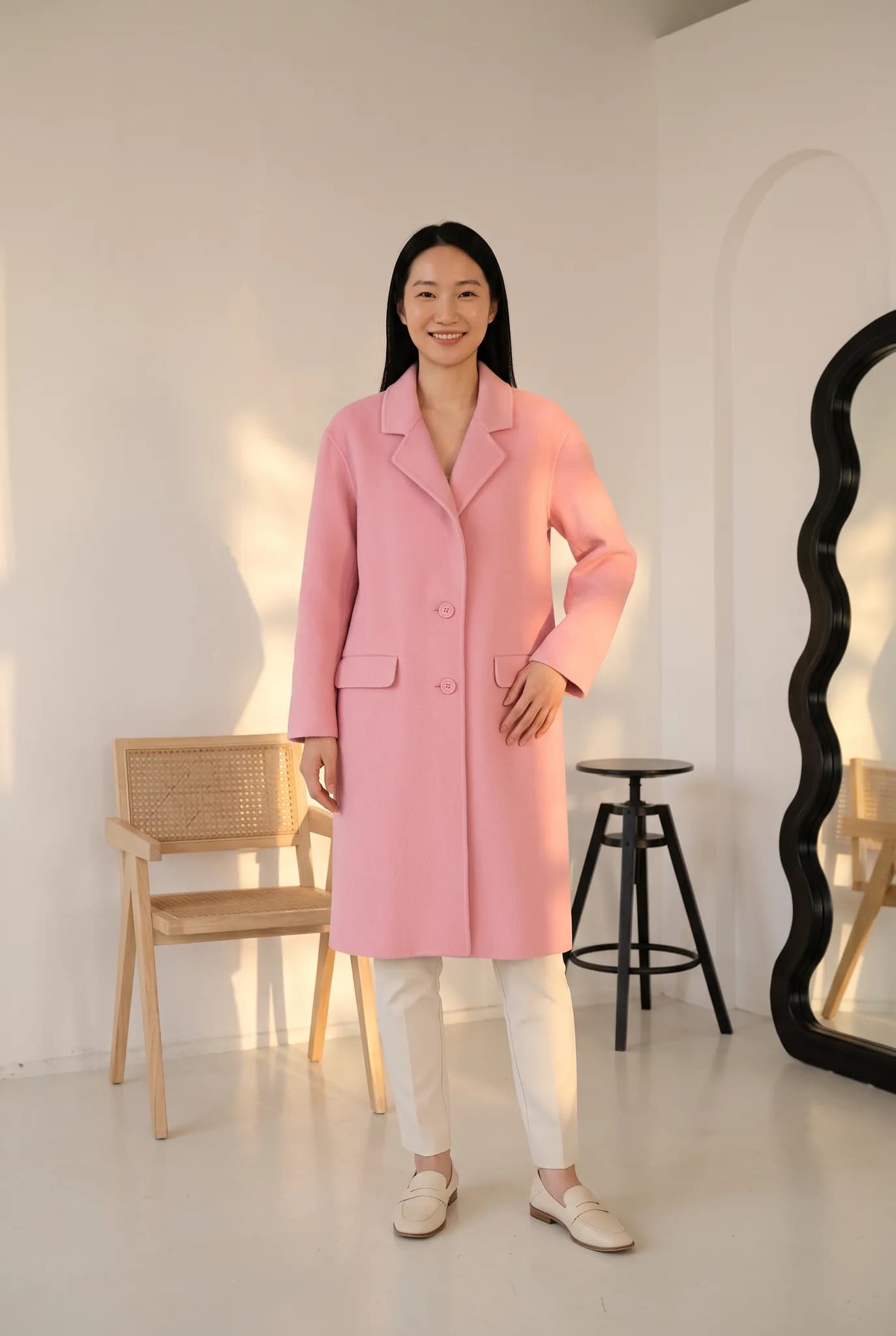
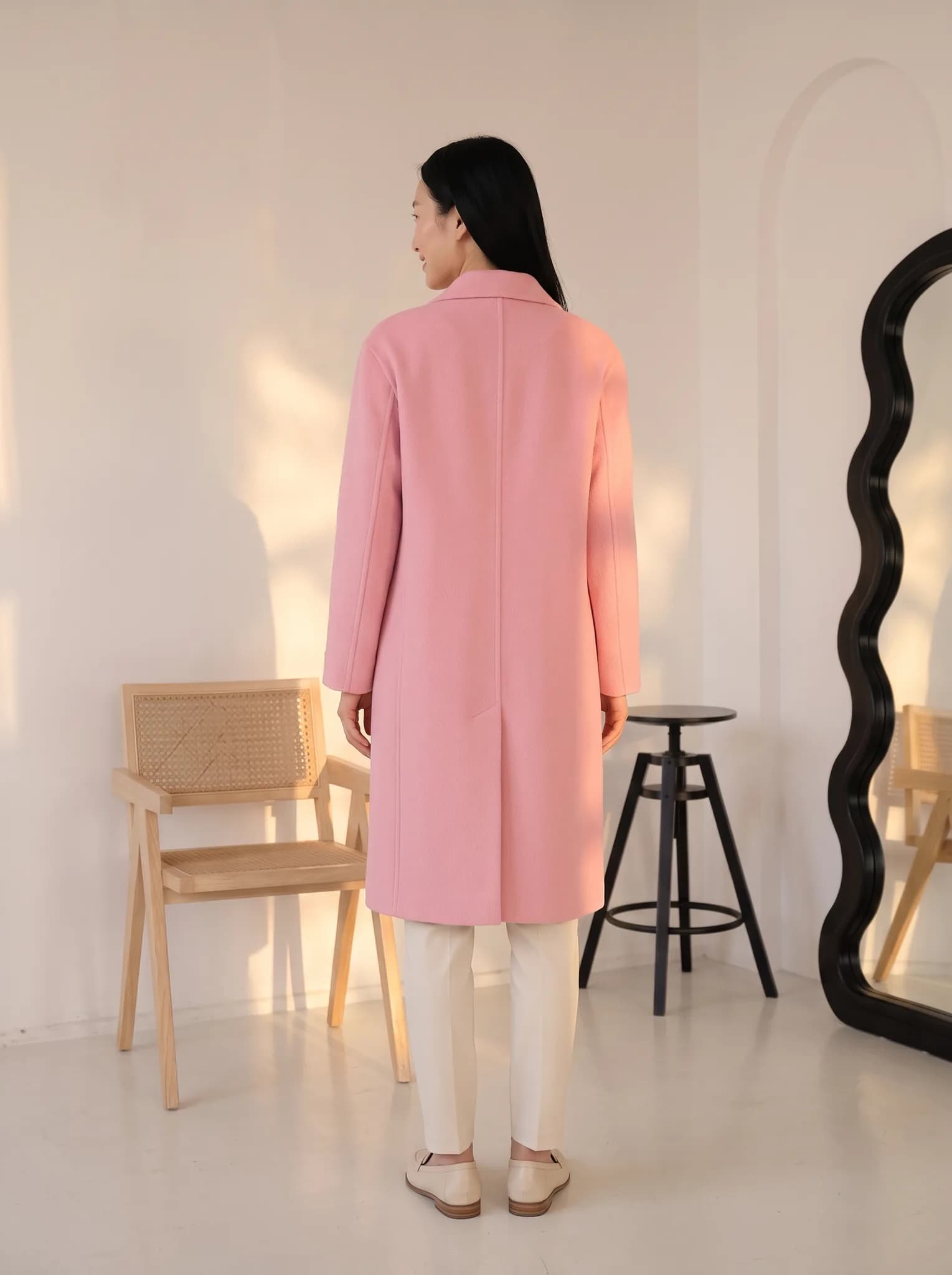
Where it needs your eye
- Results can vary from one generation to the next, even with the same choices.
- Without a back photo, the back of a garment is the AI's best guess. Attach one if it matters.
- Fine embroidery, tiny logos and text may not come through exactly.
- Do not publish an image that misleads buyers about what the product looks like.
What it costs
A photo uses 2 to 12 credits and creating an AI model uses 8. The studio shows the cost before you generate.
- Free account
- 10 one-time credits, up to 5 photos. No card.
- 14-day Silver trial
- 100 credits, up to 50 photos. Card required, $0 today.
- Silver
- $29 a month for 400 credits, up to 200 photos.
- Gold
- $79 a month for 1,200 credits, up to 600 photos.
- Studio
- $199 a month for 3,500 credits, up to 1750 photos.
Common questions
Does the AI change my garment?
It works to keep your garment true to the photo, but it generates a new image, so small differences can appear. Compare the result with the real piece and generate again if needed.
What if a generation fails?
The credits it used are returned to your balance.
Do I need any AI experience?
No. If you can upload a photo and click a button, you can use Modelfy.
Try the whole process once.
It takes a few minutes and from 2 credits. You get 10 free when you sign up.
Upload a garment