
AI fashion model generator for clothing brands
Generate your own AI fashion model by describing the traits you want or by adding reference photos. Save the model, then use it in your shoots so your catalog keeps one consistent face.
Open the studio free- Runs in
- The Modelfy studio, after you sign in
- Cost
- 8 credits per model
- To start
- Free signup, 10 credits
- Saved models
- Silver 4, Gold 6, Studio 20
Use keywords such as sharp jaw or freckles, or just pick traits.
Gender
Ethnicity
Skin tone
Age
Body type
Free signup includes 10 credits.
This box is a preview. Nothing is generated or uploaded here. When you press the button you are asked to sign in, and you create the model in the studio.
What the AI model generator does
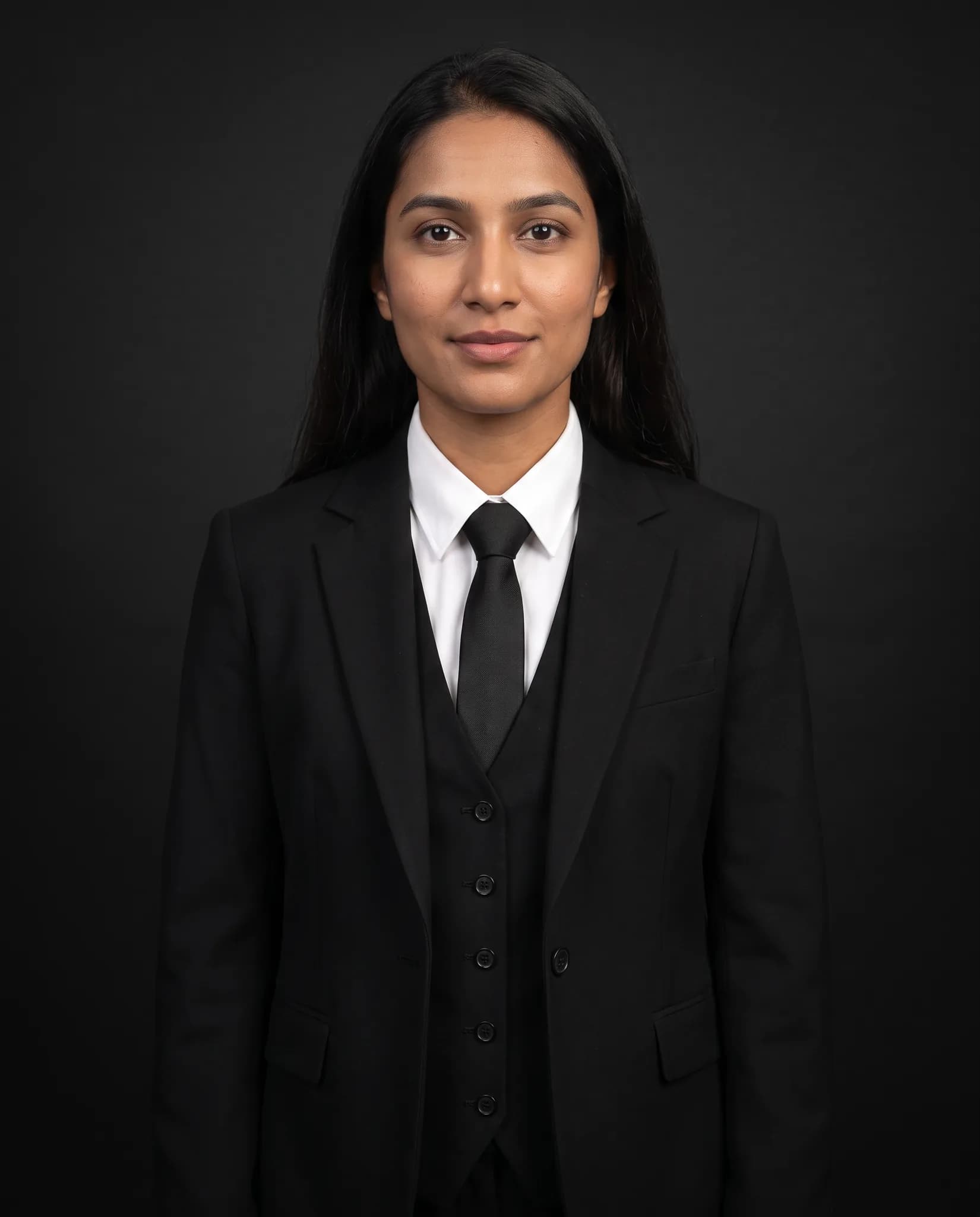
It makes a photorealistic AI person that you can reuse. Describe the model in keywords or choose traits such as gender, ethnicity, skin tone, age and body type. Pakistani, Indian and other South Asian options are included.
You can also start from reference photos. Add a clear front-facing photo, and in the studio you can add side, back and close-up photos to help keep the model consistent. Once saved, the model is in your library for every shoot.
Who it is for
Brands that want one consistent look
Using the same AI models across a collection makes your store feel like it came from one shoot.
Sellers who cannot find the right model
Create a model who looks like your customers, without an agency or a booking.
Stores selling to different markets
Keep a few saved models for different customer groups and use the right one for each listing.
How to create your AI model
You do this in the studio, after you sign in.
Describe or upload
Type a few keywords, select traits, or add reference photos of a person you have permission to use.
Generate the model
The studio shows the cost first, 8 credits. It usually takes a few minutes and you get a portrait of your new model to review.
Save it to your library
Give the model a name and keep it. If it is not what you wanted, change your description and try again.
Use it in your shoots
Choose your saved model in a custom shoot and put your garments on it.
What you get
- A reusable AI fashion model saved to your studio library.
- A consistent face you can use across many garments and shoots.
- Room for several models: Silver saves 4, Gold saves 6 and Studio saves 20. A free account can save 2.
- No agency booking, day rate or model contract to arrange.
- Images from paid plans, trials and credit packs can be used commercially. Images from a free account are for trying the service and personal, non-commercial use.
Honest limits
- A saved model stays recognizable, but small details of the face can shift between photos. Check your set side by side.
- Creating a model only makes the model. Putting a garment on it is a separate shoot, with its own credit cost.
- Trying again costs 8 credits each time.
- Our terms do not allow images of a real, identifiable person without their permission. Do not recreate someone from photos you found online.
- We cannot promise a generated face is unique or protected by copyright. Rules on AI images differ by country.
AI fashion models made in Modelfy
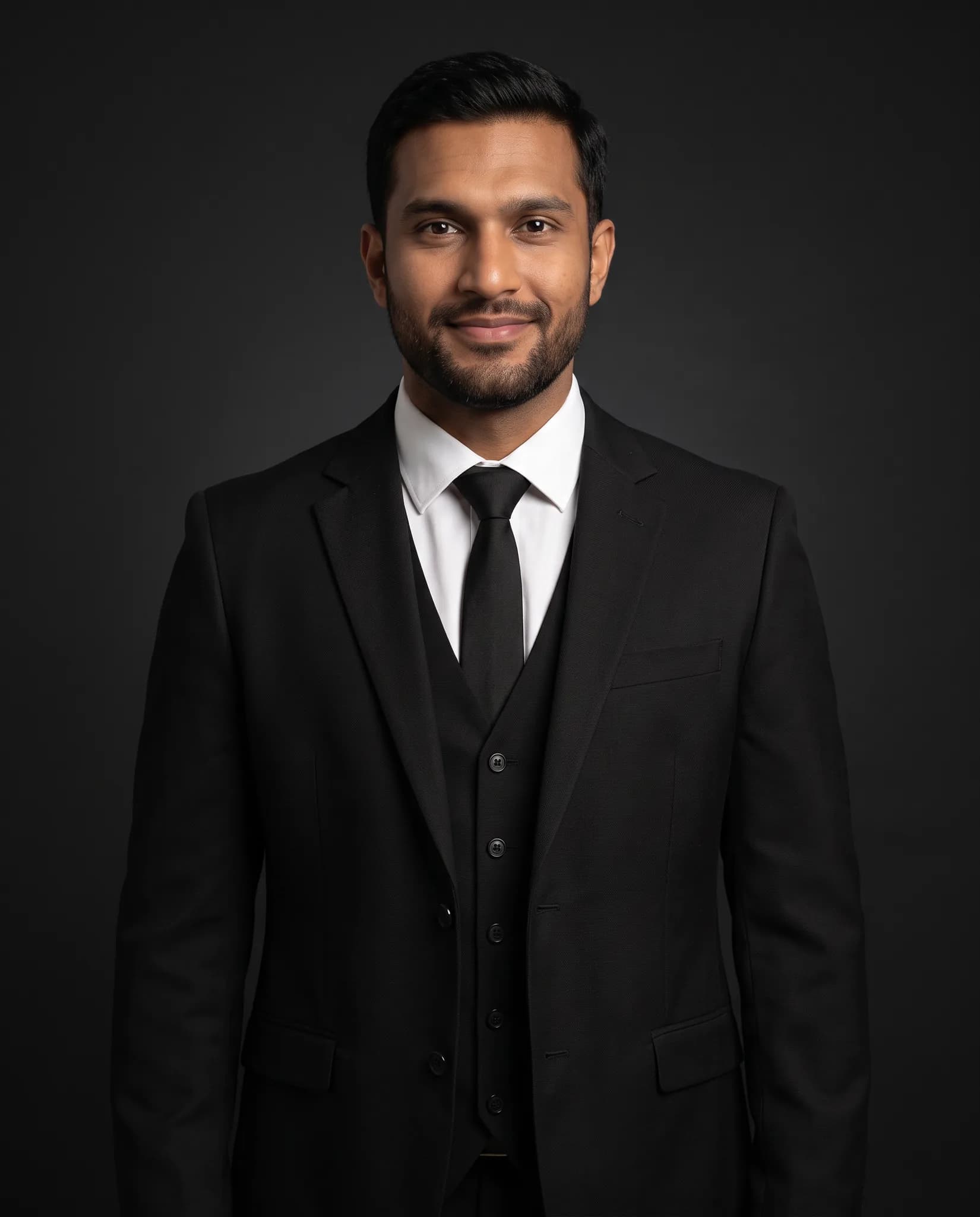
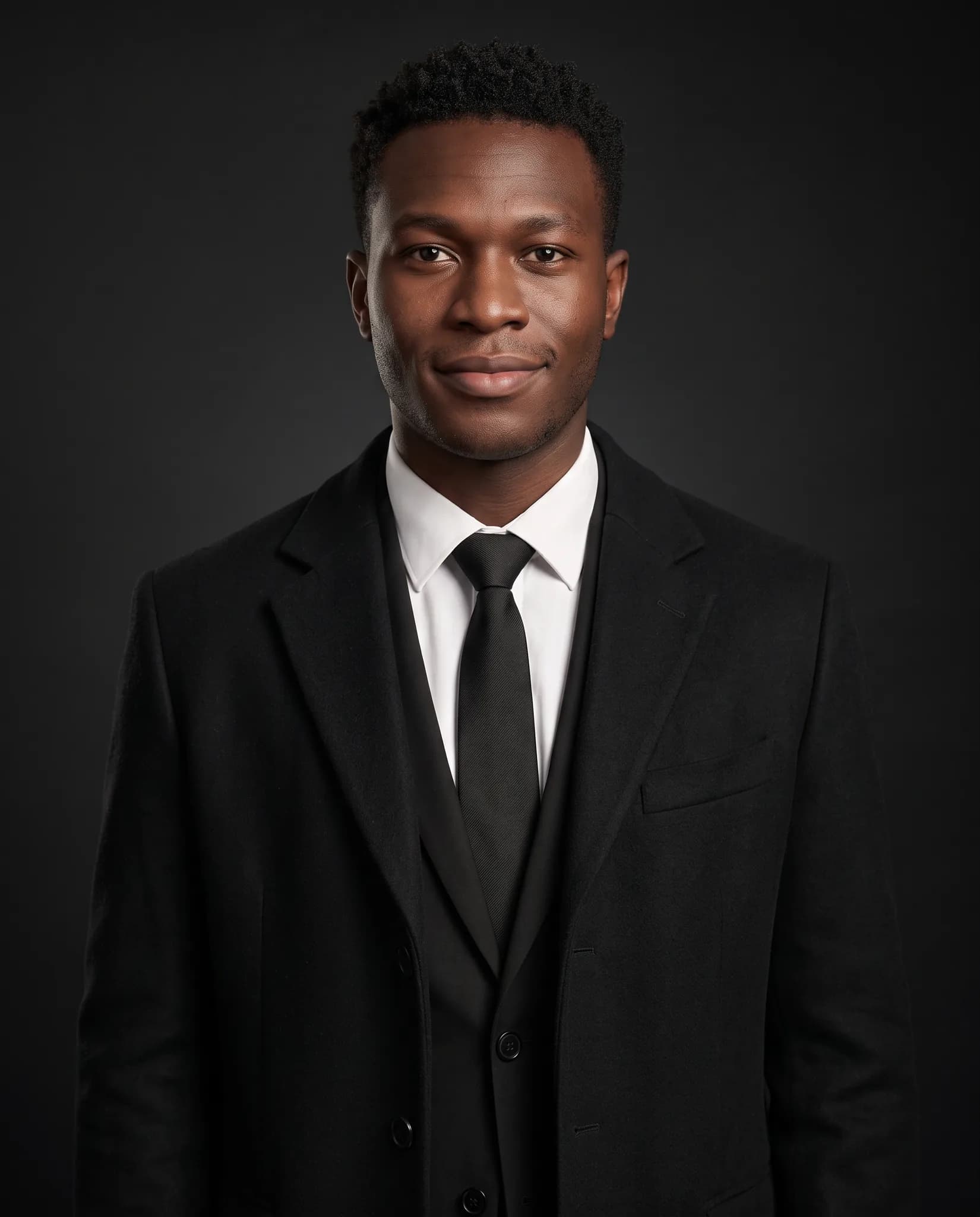
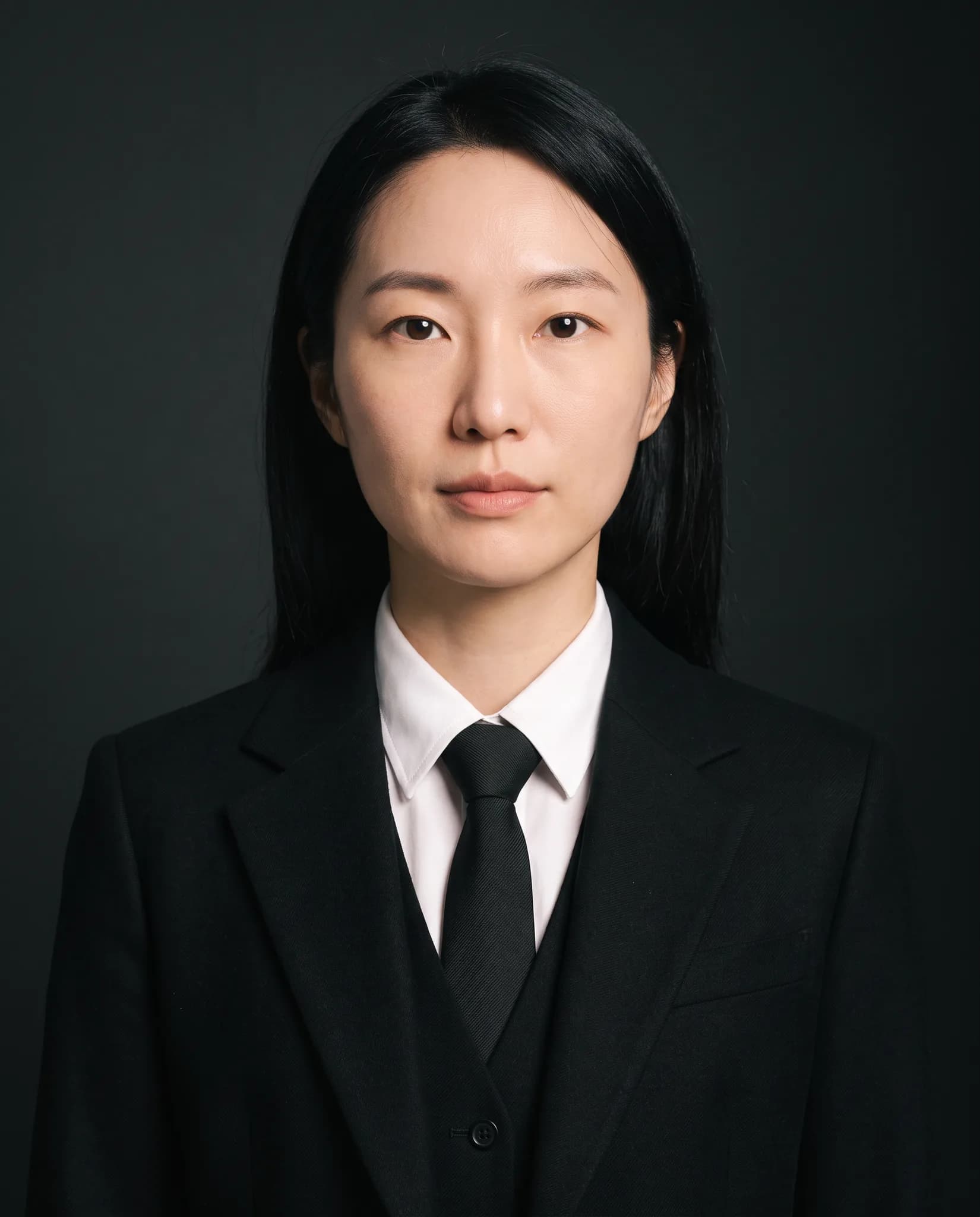
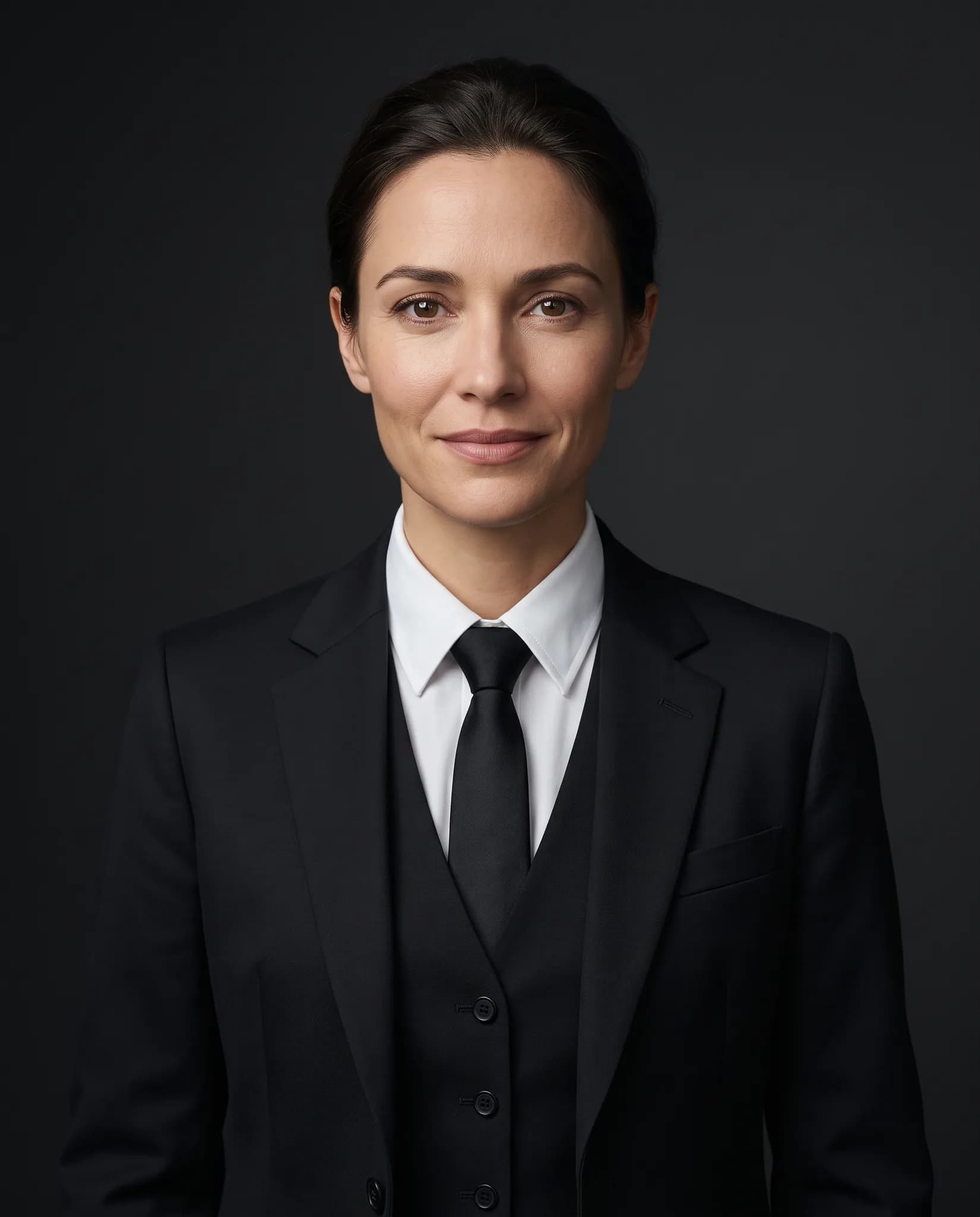
AI-generated people, wearing garments in the studio. These are examples, and your results will differ.
Tips for a better AI model
These help both when you describe a model and when you upload reference photos.
Be specific but short
A few clear keywords work well, such as long dark hair, soft features or freckles. A long paragraph is not needed.
Use clear reference photos
Pick well-lit photos of one person, facing the camera, with nothing covering the face.
Think of your customer
Choose age, skin tone and body type that match the people who buy from you.
Keep a small roster
Two or three models you use often look more consistent than many you use once.
AI model generator questions
Something else? Write to [email protected].
How do I create a custom AI model?
Sign in to the studio, then describe the model or add a reference photo and generate. It uses 8 credits. You save the result to your library and can use it in your shoots.
Can I use these models in my online store?
Yes, after you use the model in a shoot and download the photo. Images from paid plans, trials and credit packs can be used commercially. Images from a free account are for trying the service and personal, non-commercial use.
How many AI models can I save?
A free account can save 2, Silver up to 4, Gold up to 6 and Studio up to 20.
Are the AI models legally safe to use?
Models created from a description are AI-generated people. Still, we cannot promise a face is unique or free of all third-party claims, and rules on AI images differ by country. If you upload reference photos, you need that person's permission.
Can I create a model from my own photo?
Yes, if it is you or someone who has given permission. Use a clear front-facing photo. Do not use photos of celebrities or strangers.
Does the model stay exactly the same in every photo?
It stays close, which is the point of saving one, but AI results vary. Review your set and generate again if a photo looks different.
Was this tool useful?
We use ratings to decide what to improve. We do not publish them.
Create your first AI model.
Free signup includes 10 credits, up to 5 photos. One model uses 8 credits.
More tools for clothing sellers
Some run free in your browser. Others use credits in the Modelfy studio. Each one says which.
View all tools- AI Fashion PhotoshootUpload a garment photo and put it on an AI model without writing a prompt. From 2 credits a photo.Uses studio credits
- Virtual Try-OnChoose the garment, model and background yourself for a custom shoot. From 2 credits a photo.Uses studio credits
- Angle DraftsDraft more angles and poses of a garment, then render only the ones you like.Uses studio credits
- Photoshoot Brief GeneratorPick an aesthetic, product type, audience and lighting style and copy a written creative brief.Free in your browser