November 6, 2026
Version 3.0, latest update
Modelfy 3.0: a new Studio, Generate Image and Auto quality
Modelfy 3.0 is the biggest update since launch. Home now starts with one box: say what you want or add a photo, and the right tool does it. You can generate any image from words, Auto picks the right quality for every request, and the whole Studio has been redesigned, including on phones.
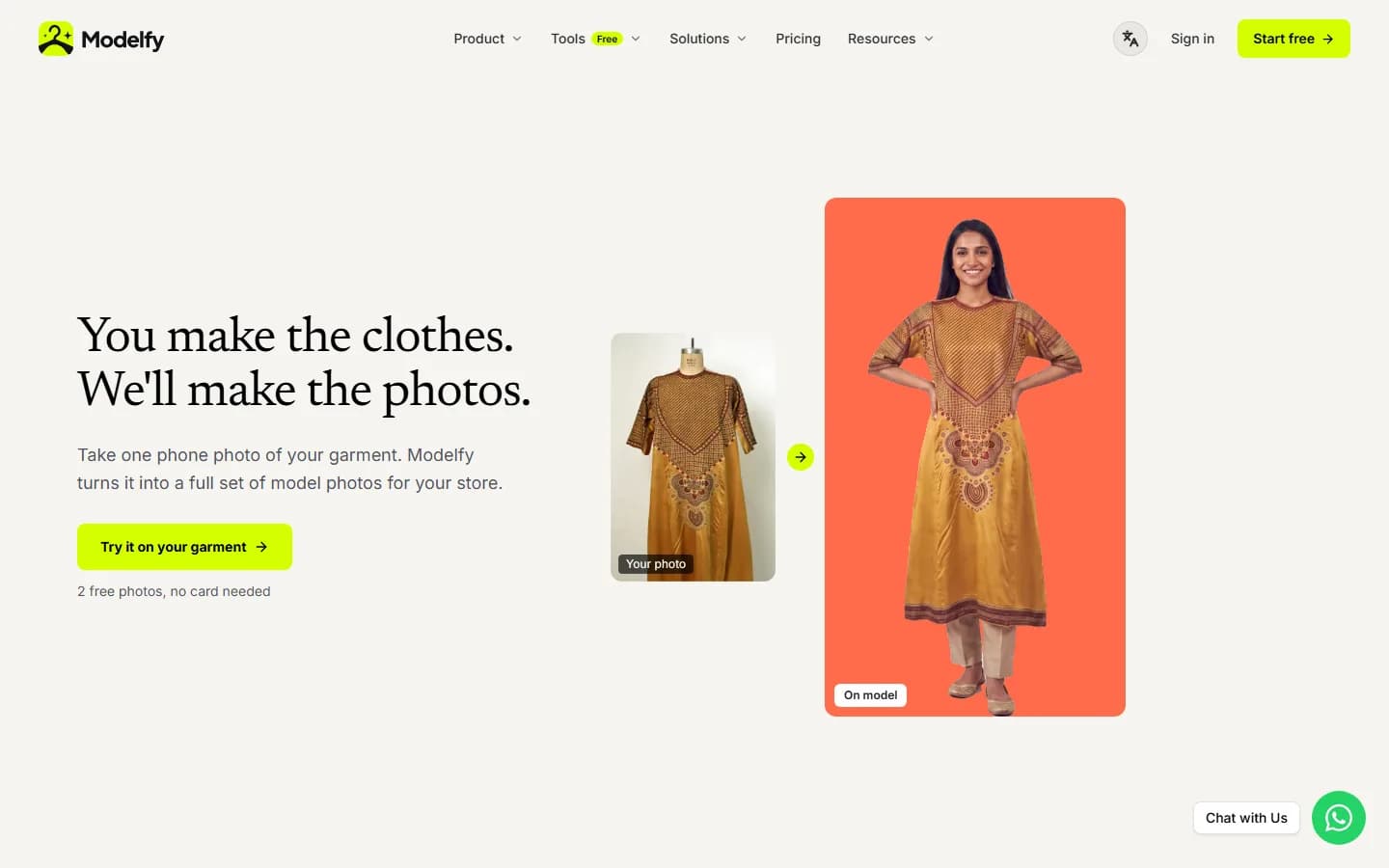
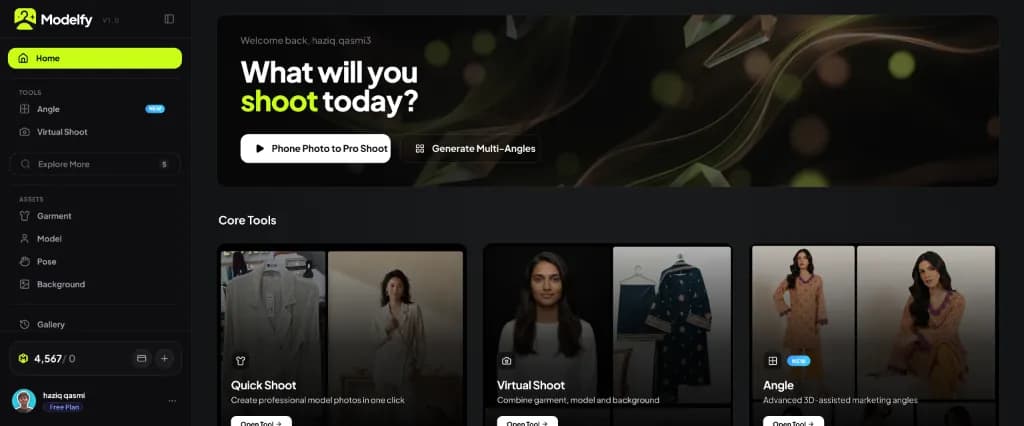
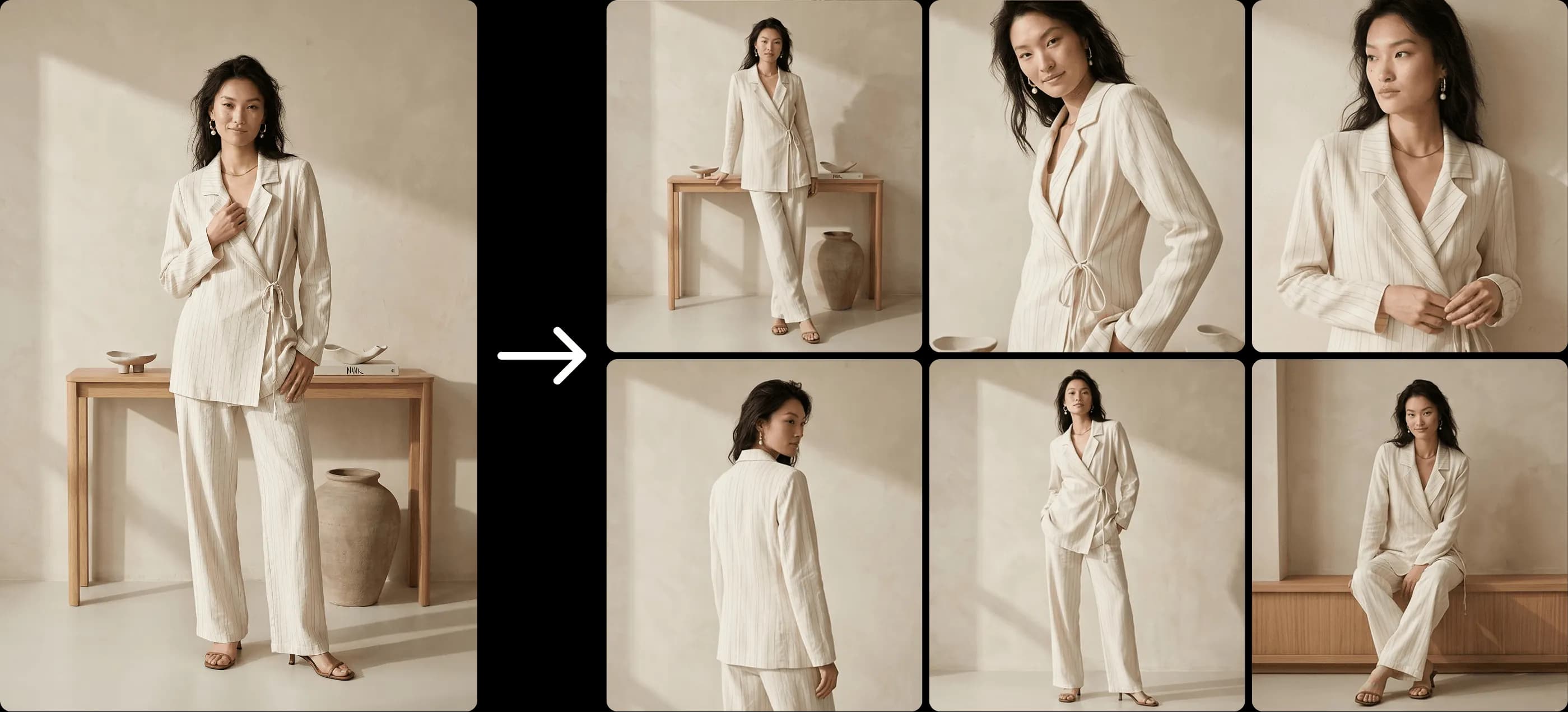
- A new Home: One centred box to describe what you want or add a photo of your garment, on a soft glow. Below it, the main tools as large 3:4 cards that show a real before and after, a colourful row of cinematic templates, and a row of poses you can use in one click.
- Generate Image: A new tool for any image, not just clothing. Describe it in a few words and Modelfy writes a detailed, professional brief first, with the light, camera, materials and small natural details, then makes the image. Add up to 4 of your own images as references, choose a shape (Auto, Square, Portrait, Wide or Tall) and make up to 4 at once.
- Auto quality, the new default: Auto picks the quality for each request. Everyday images are made at Modelfy Plus, asking for the highest quality, 4K or print uses Modelfy Pro, and a quick test uses Modelfy Lite. The price on the Generate button follows your words as you type, and you can still choose Lite, Plus or Pro yourself.
- Modelfy Lite, Plus and Pro icons: Each quality has its own token: copper for Lite, ice chrome for Plus and gold for Pro, with violet for Auto. They appear wherever qualities are named, so you always know what an image costs.
- Natural people in every image: Every tool now asks for real skin, with visible texture and no plastic or airbrushed look, and a real, readable expression instead of a blank face. Close-up shots stay close instead of turning into full-length photos.
- Better model matching: A child model is never matched to adult clothing, and the age you choose is respected in every shoot.
- Built for phones: On a phone the prompt box sits at the bottom within reach of your thumb, and your images sit above it in a carousel you swipe through. Inputs like Garment, Model and Background are one row you swipe, so the box stays short.
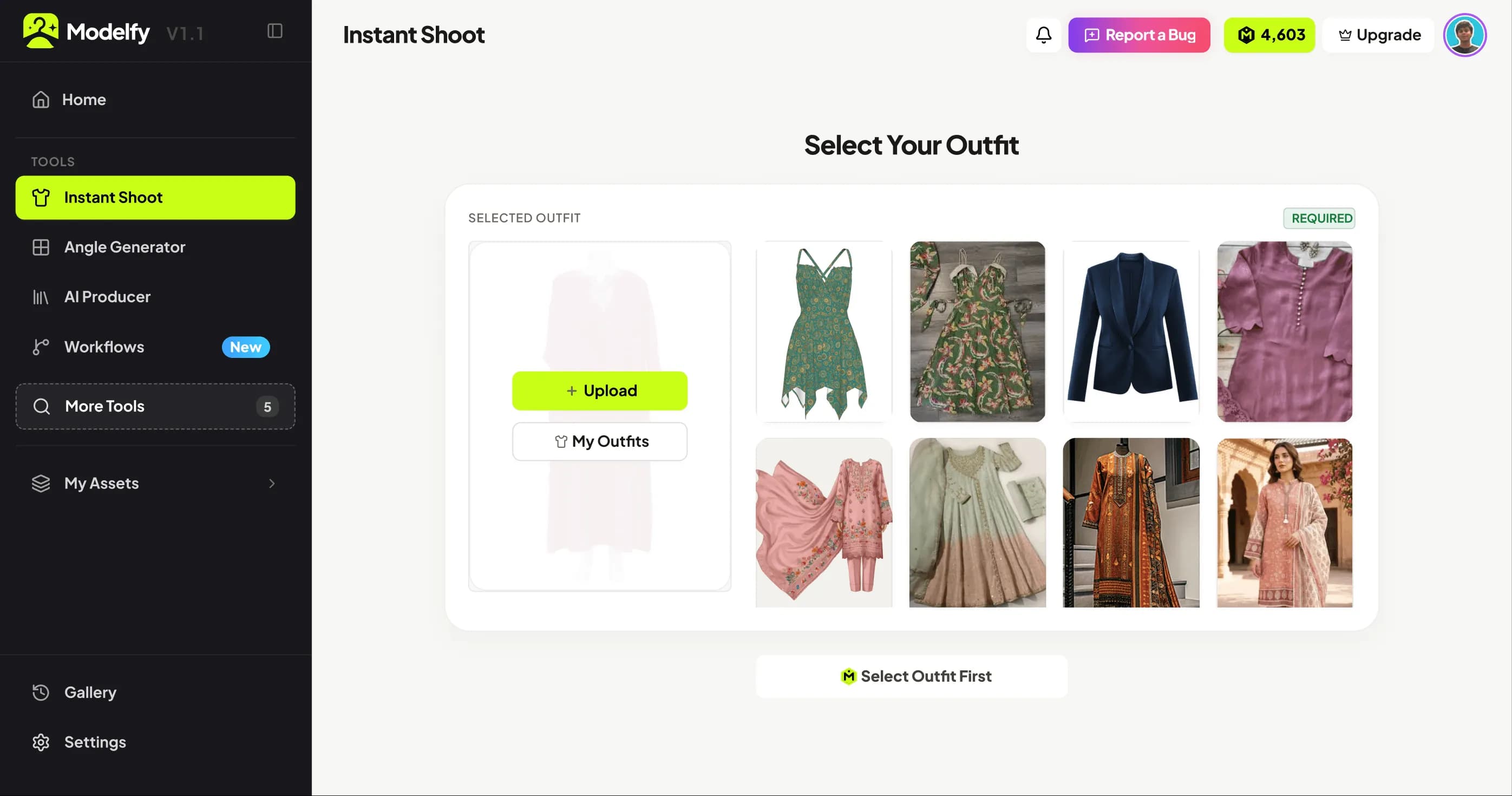
- A sidebar that follows you: The sidebar shows five tools. New accounts start with Photoshoot, Angles, Flat Lay, Ghost Mannequin and Templates, and after that the tools you use most move to the top. New tags now appear only on tools that are actually new.
- A product tour for new accounts: A short animated tour shows where everything is, moving between screens so you can see each step.
- Connect your store, coming soon: Shopify and GECA are on the way. Tap "I want this" on the one you use, and we'll know which to finish first.
- Cleaner Settings and billing: Settings matches the rest of the Studio, with quiet badges, one button style, a Connected stores page, and no placeholder card details. Your card stays with our payment partner, Whop.
- Faster, steadier Studio: The tool cards animate calmly, the templates row loops without end, and the error screen now matches the light Studio and explains what to do.