
Costs you can see
A photo uses 2 to 12 credits, and the studio shows you the cost before you generate. On Silver that is from about 15 cents a photo.
If you sell clothes from a small shop, your home or your Instagram page, you can have on-model photos without a photographer. Start with one phone photo of your garment.
10 free credits at signup, up to 5 photos.
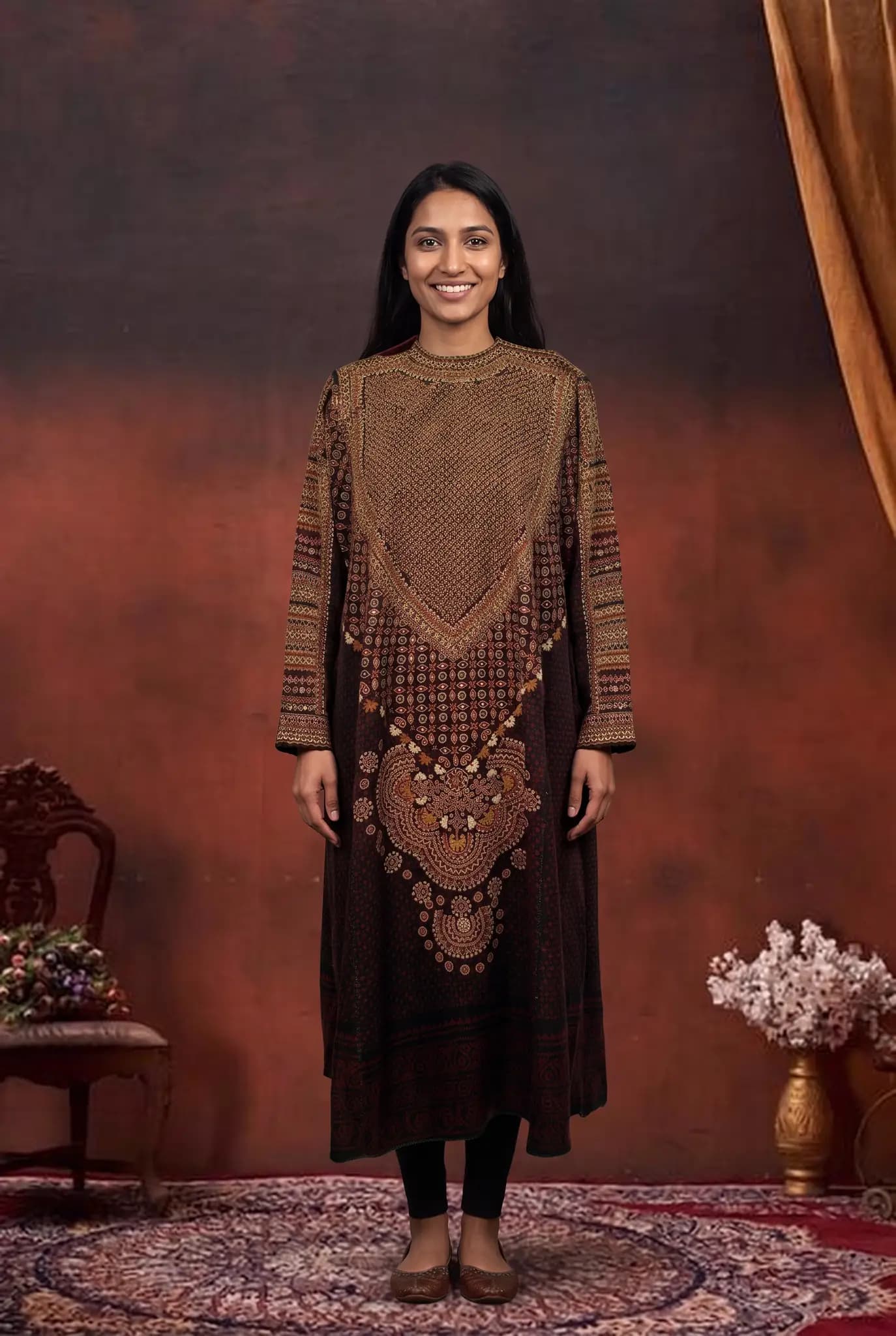
Many small sellers are their own photographer, packer and customer service team. Modelfy is meant to remove one job from that list, at a price you can plan for.
A photo uses 2 to 12 credits, and the studio shows you the cost before you generate. On Silver that is from about 15 cents a photo.
Clear photos on a model help a small shop look serious. Customers who have not heard of you will often judge you by your images first.
A photo usually takes minutes. If a new design is selling on your page or a festival is coming, you can post photos without waiting for a shoot date.
There are no prompts to write and no camera settings to learn. If you can upload a photo and choose from a few options, you can use the studio.
You do not have to coordinate a team or a location. Sit down with a stack of new garments and work through them when you have time.
Start on the free credits, then buy a small pack or move to a monthly plan when you are making photos every week.
You do not need a special camera. Hang the garment on a plain wall or lay it flat near a window and take a clear photo. Modelfy takes it from there. The better your starting photo, the better your result, so a minute spent on good light helps.
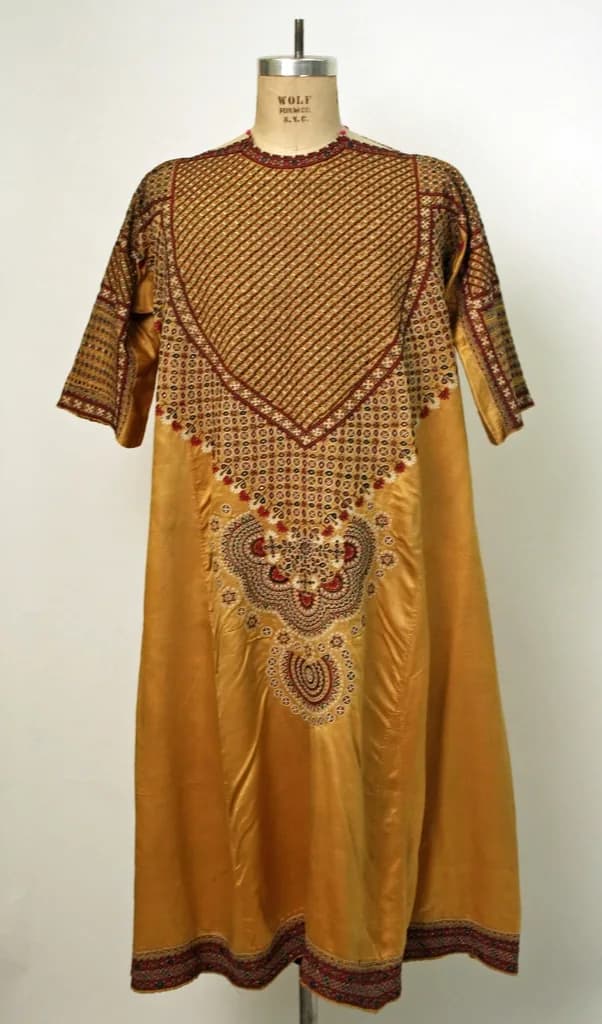

A photo is usually ready within minutes. Look it over, download the ones you like, and post them to your shop or social pages. There is no scheduling, no waiting for edits and no shoot to reorganise if a delivery comes late.
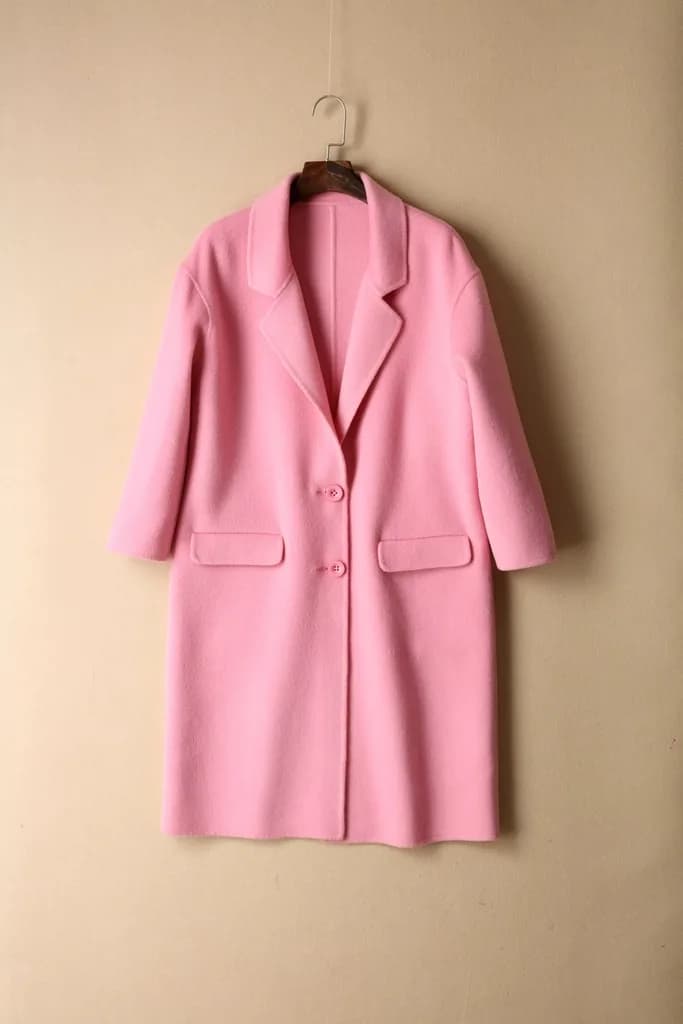
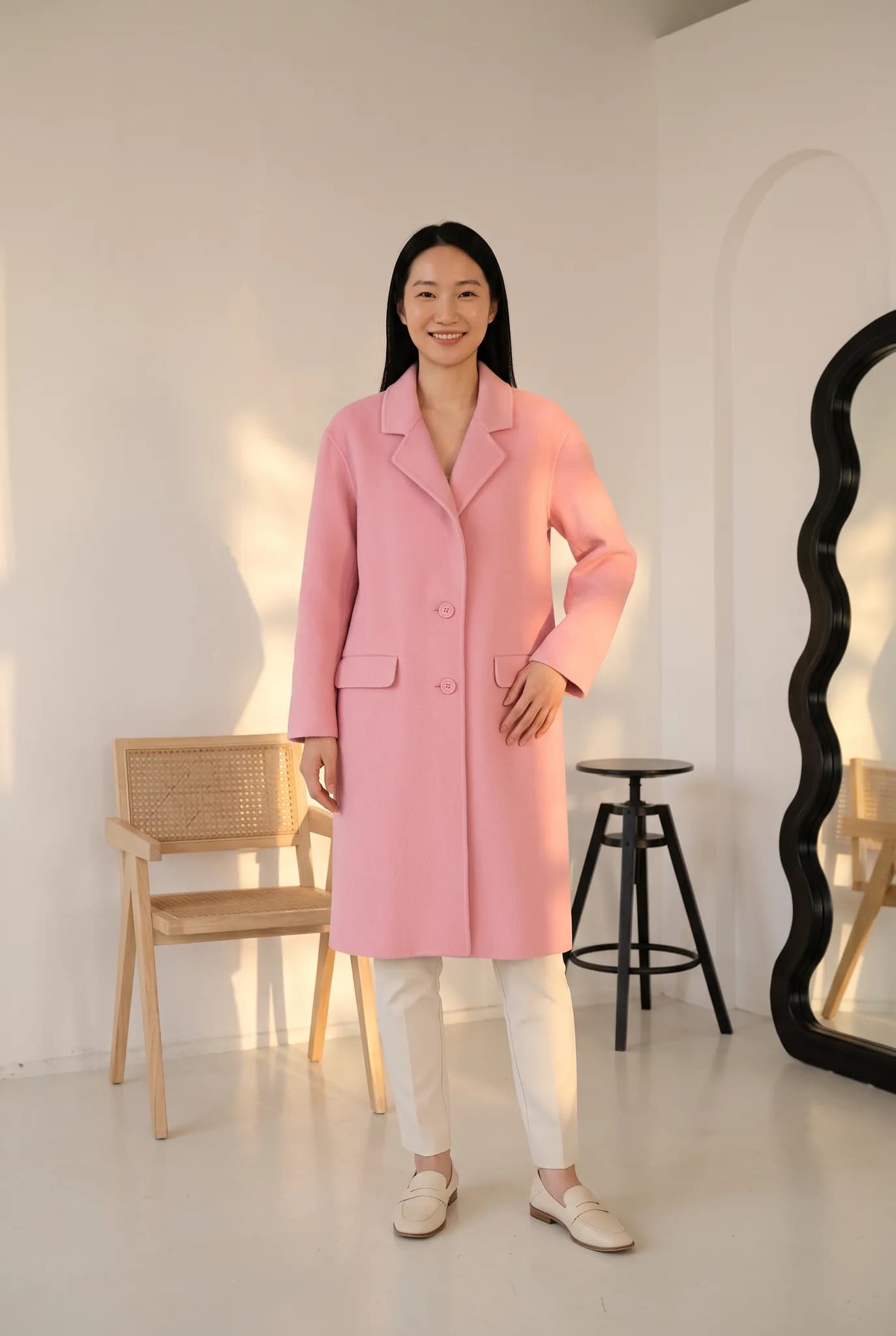
A flat lay, hanger or ghost mannequin photo is enough, and a phone camera is fine. Use good light and keep the whole garment in frame.
Pick a saved AI model or create a new one for 8 credits. Then choose a pose and a background. There are no prompts to write.
A photo uses 2 to 12 credits and is usually ready within minutes. Compare it with the real garment, and try again if something is off.
Download your photos and use them in your store, on Instagram and Facebook, or send them to customers on WhatsApp.
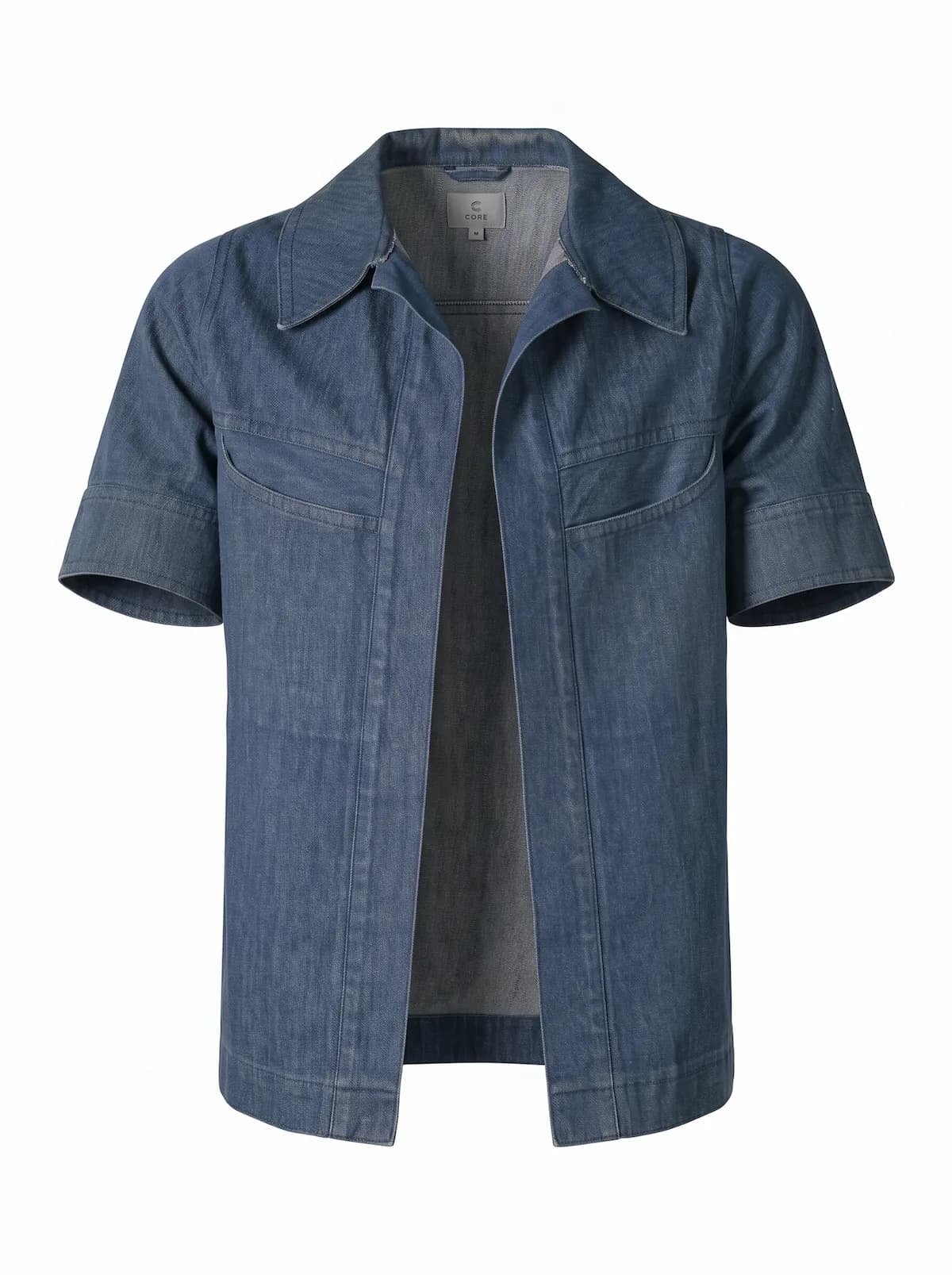
A small business rarely has a separate photography budget. With credits, you can decide what to spend. Start small and only move up when the volume justifies it.
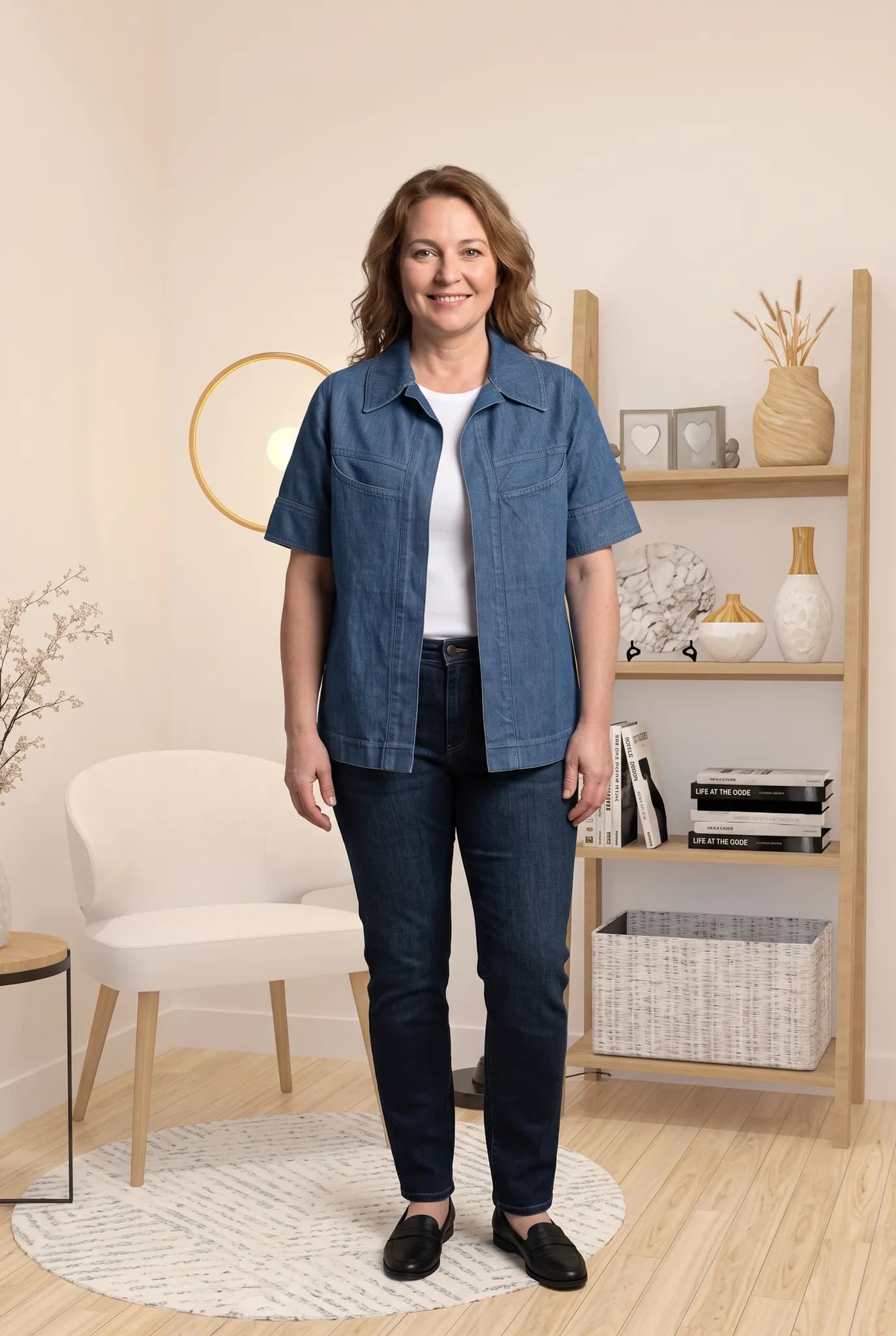
When a customer messages you asking for a new design, you can show it on a model soon after it arrives instead of sending a photo of it on a bed.
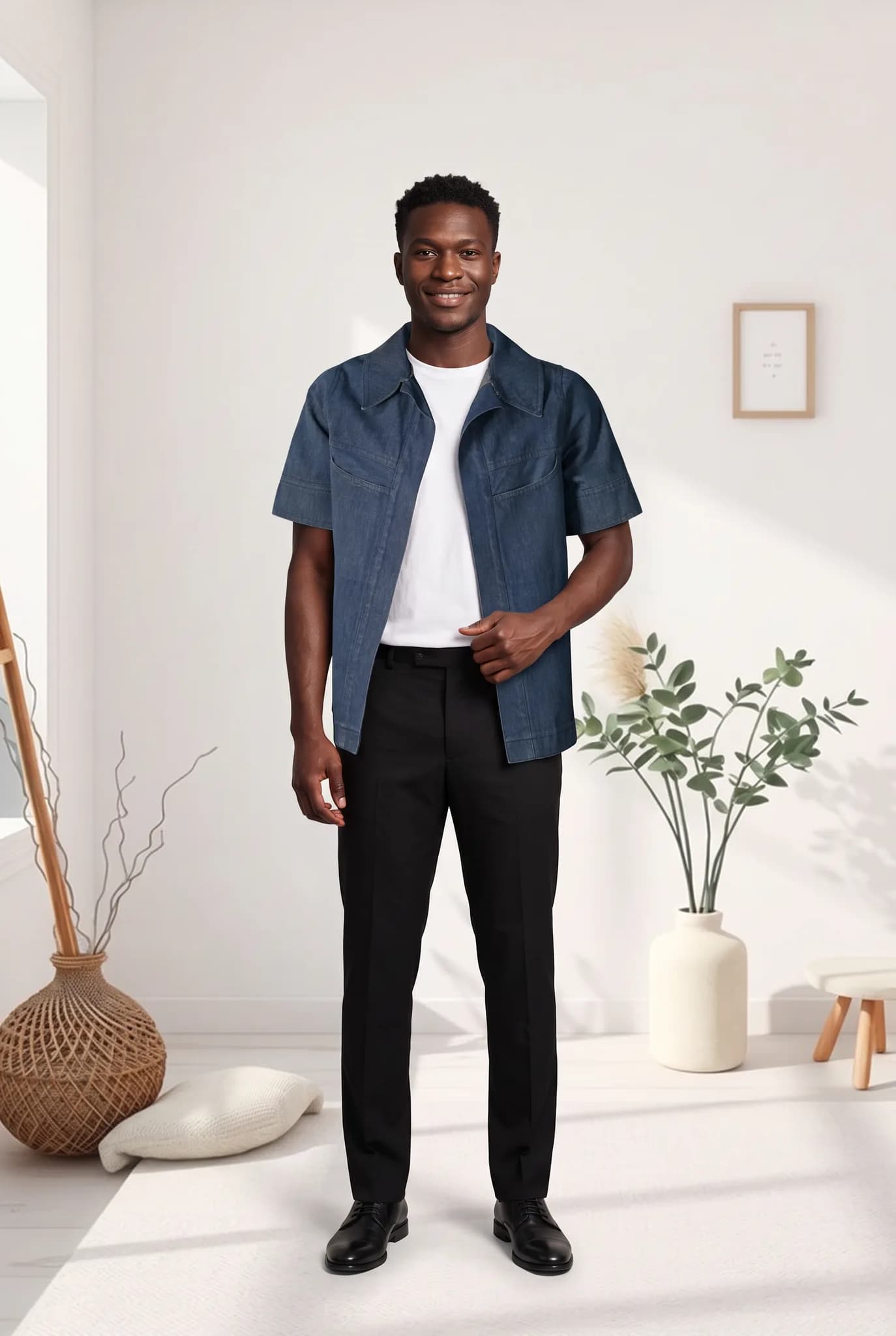
When you sell online, photos do much of the work a shop front would do. Clear images on a model show that you take your business seriously.
You start with 10 free credits, up to 5 photos. A 14-day Silver trial gives you 100 credits, and it needs a card.
| Plan | Monthly price | Credits | About |
|---|---|---|---|
| Silver | $29 | 400 | 200 photos, 14 cents each |
| Gold | $79 | 1200 | 600 photos, 13 cents each |
| Studio | $199 | 3500 | 1750 photos, 11 cents each |
One-time credit packs: 100 for $12, 300 for $29, 1000 for $79. Paid plans include 2K downloads.
Compare plans in fullSomething else on your mind? Write to [email protected].
You can start with 10 free credits, up to 5 photos. After that, credit packs start at $12 for 100 credits and Silver is $29 a month for 400 credits. A single studio day often costs hundreds, depending on your city.
A photo is usually ready within minutes. You do not have to wait for a photographer or an editor, so you can often post on the same day.
Many results look very good, and they can help a small shop look professional. AI results can vary, though, so generate a few options and only publish the ones that truly represent your garment.
Yes. There are no prompts to write. You upload a garment photo, choose your model and scene, and click generate. If you get stuck, you can contact us at [email protected].
You can use Modelfy for them. Check each result carefully, because AI can change fine details such as handwork. Adding your own close-up photo alongside the on-model image is a good habit.
A brand is judged on how its images look together. Modelfy lets you build a small cast of AI models and a set of scenes, then use them for each new collection.
If you sell many products, the problem is usually volume. Not every SKU can justify a shoot. Modelfy gives more of your catalog an on-model photo at a known cost per image.
A boutique sells taste. Customers come because of what you choose and how you show it. Modelfy helps you photograph small drops often, in a style you decide on.
Seeing your own piece on a model is the best way to judge whether Modelfy suits you. Your 10 free credits make up to 5 photos, and you do not need a plan to try it.
Not sure whether Modelfy suits your clothes, or which plan to choose? Send us a message, or chat with us on WhatsApp.