
New images for your feed
Place a garment in a few different scenes and you have several posts from one piece. Each photo uses 2 to 12 credits, so you can plan your month.
If Instagram is your shop window, you always need new images. Create on-model fashion photos for your posts and keep your grid looking like one brand, without arranging a shoot every week.
10 free credits at signup, up to 5 photos.
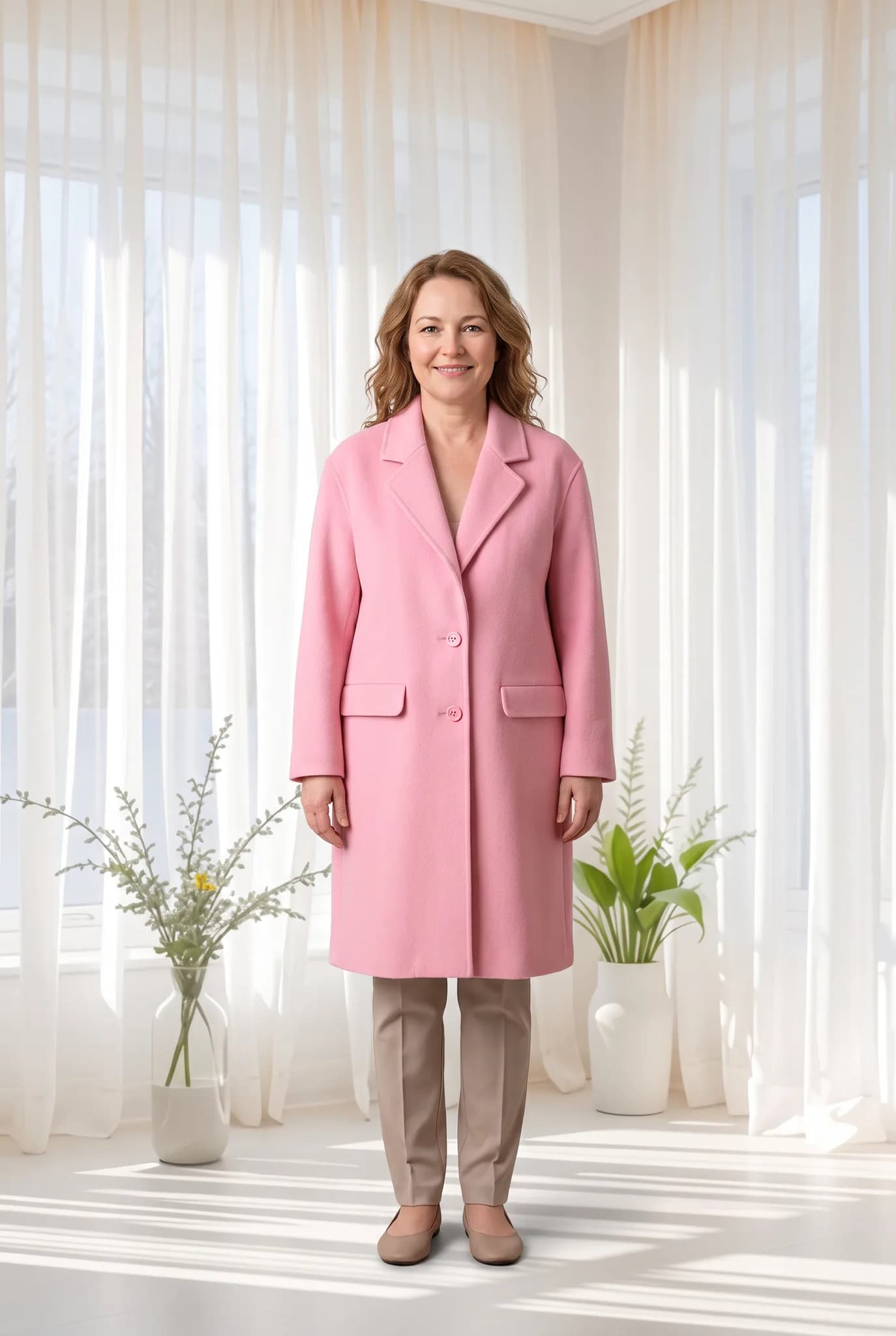
Selling on Instagram means posting often, and your posts need to look like they come from one brand. Modelfy helps with the photos. The captions, replies and community are still yours.
Place a garment in a few different scenes and you have several posts from one piece. Each photo uses 2 to 12 credits, so you can plan your month.
Save the AI models and backgrounds that match your brand and keep using them. A consistent grid tells a new visitor what your brand is about.
Modelfy creates portrait images, a shape that suits the feed. For Stories or square posts, use our free Instagram resizer or crop them in your editing app.
You choose who wears your clothes. Create models by description or reference photos, and show your range on people your audience can relate to.
Make several images when you have time, then schedule them. That way you are not hunting for something to post every morning.
Silver is $29 a month for 400 credits, up to 200 photos. That is enough for regular posting, with credit packs available if you have a busy month.
People often glance at your grid before they decide to follow you. Pick one or two AI models and a couple of scenes, and keep to them for a while. You can see your choices side by side in your library before you post.
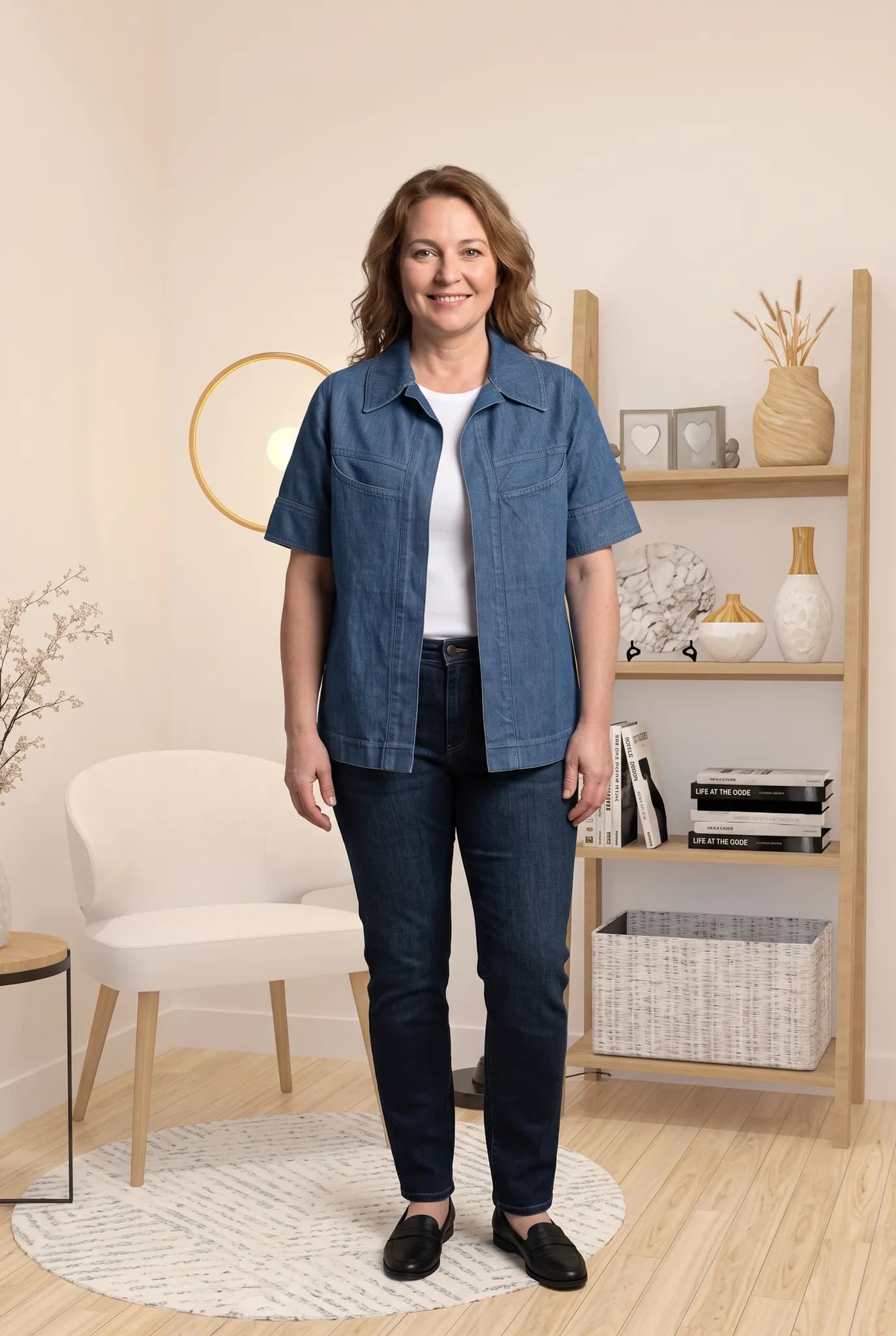
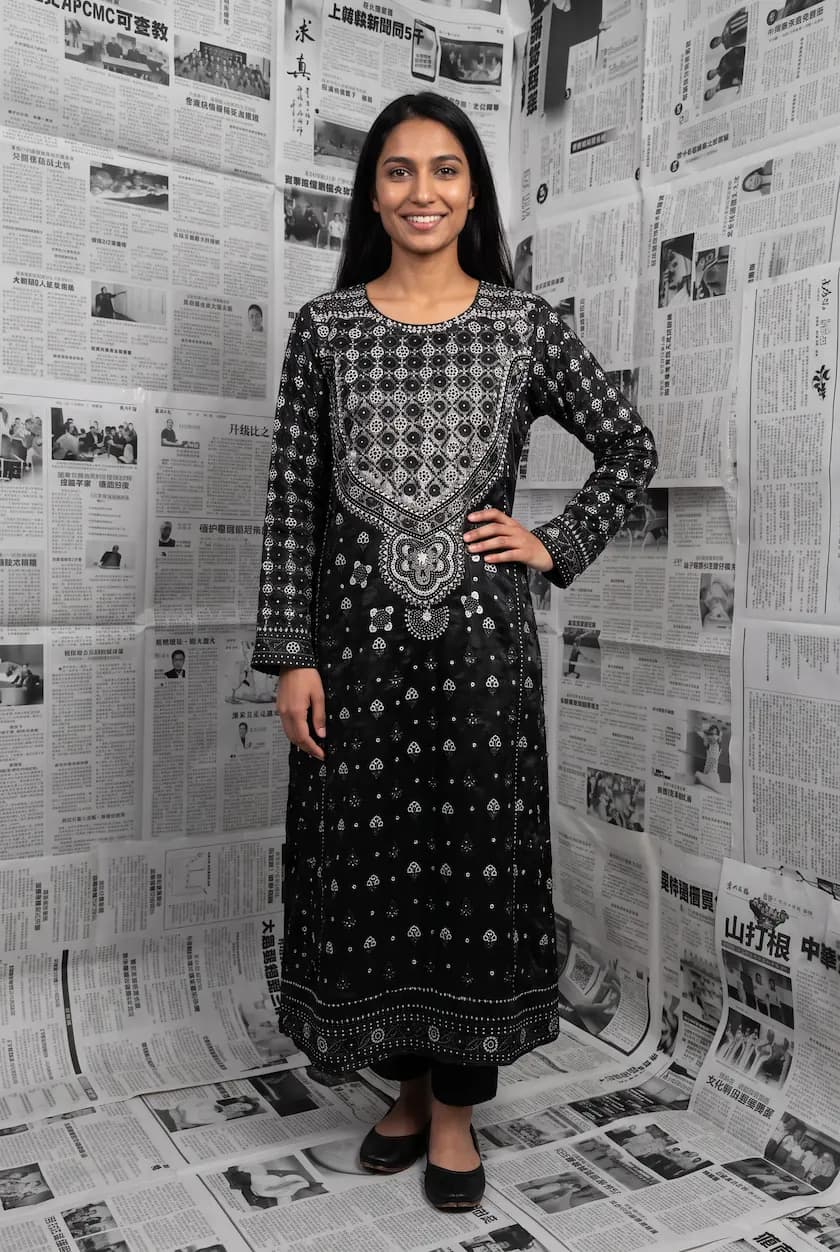
Your photos can work across Instagram. Use them directly in feed posts, resize them for Stories, or add them as still frames in a Reel. Modelfy does not make video, but stills can still carry a simple Reel.

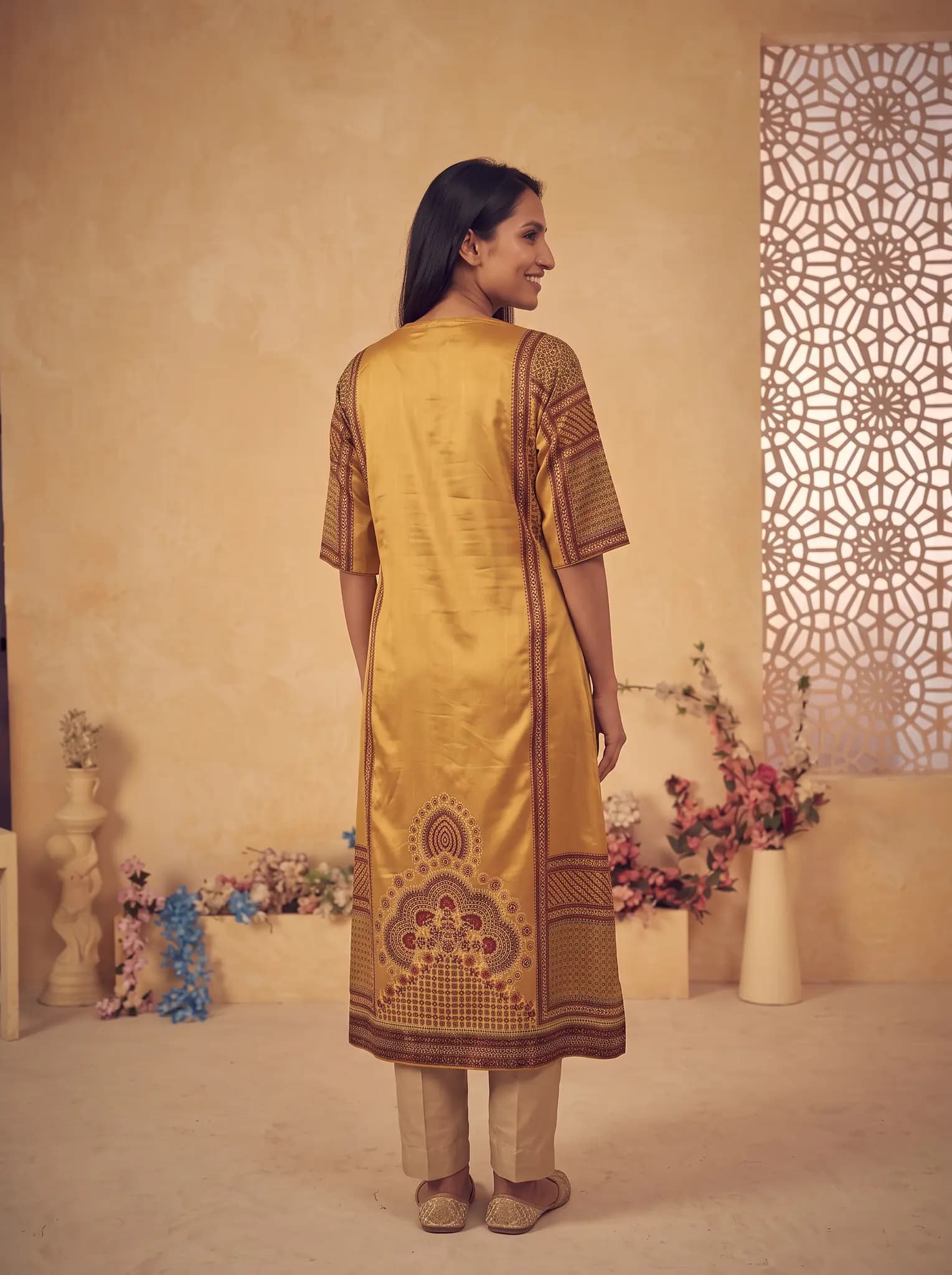
A flat lay, hanger or ghost mannequin photo is enough, and a phone camera is fine. Use good light and keep the whole garment in frame.
Pick a saved AI model or create a new one for 8 credits. Then choose a pose and a background. There are no prompts to write.
A photo uses 2 to 12 credits and is usually ready within minutes. Compare it with the real garment, and try again if something is off.
Download your photos, resize them if the format needs it, and add them to your feed posts, Stories or Reels.
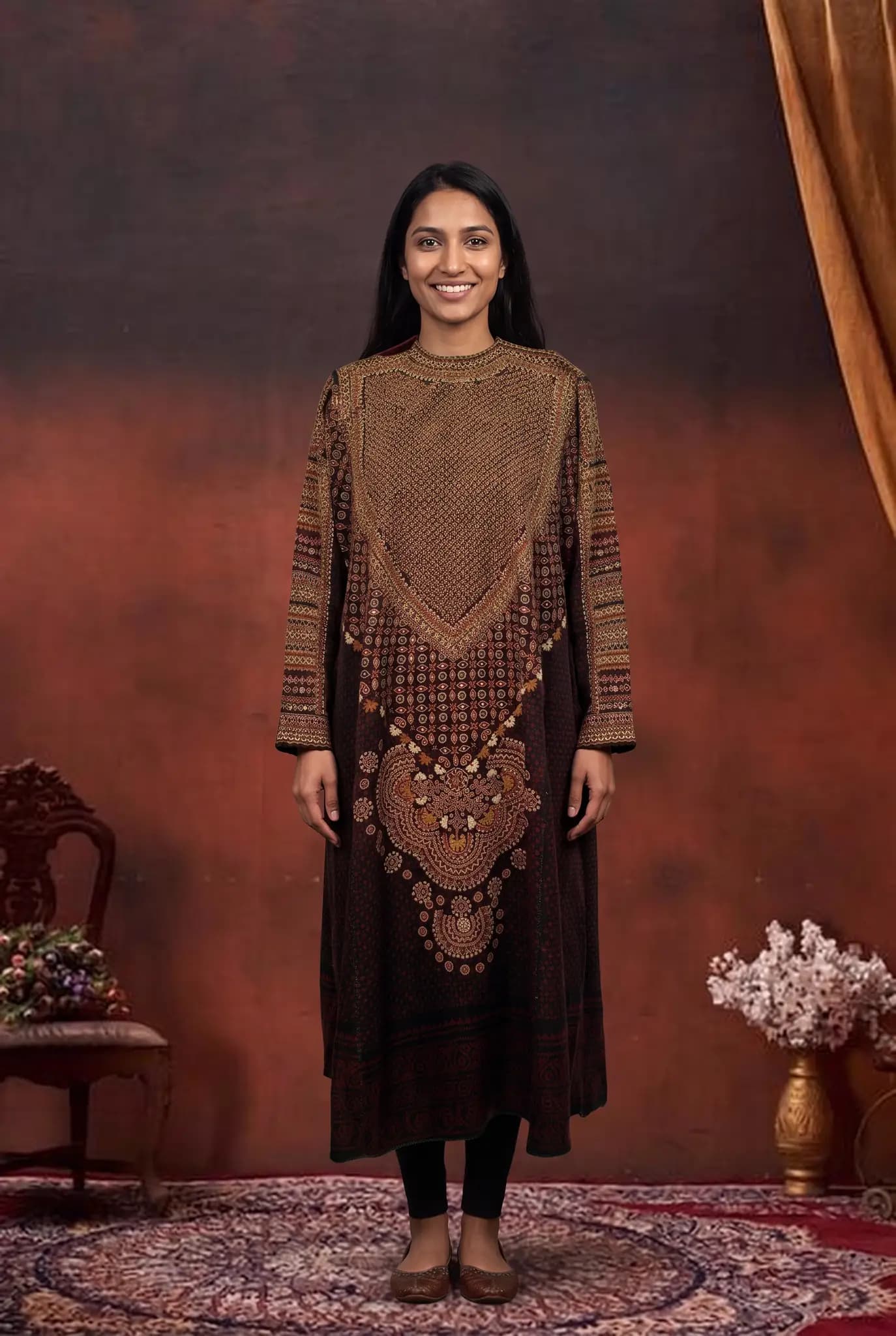
A cohesive feed makes your page look intentional. Use your saved AI models and scenes each time, and let your new products be the thing that changes.
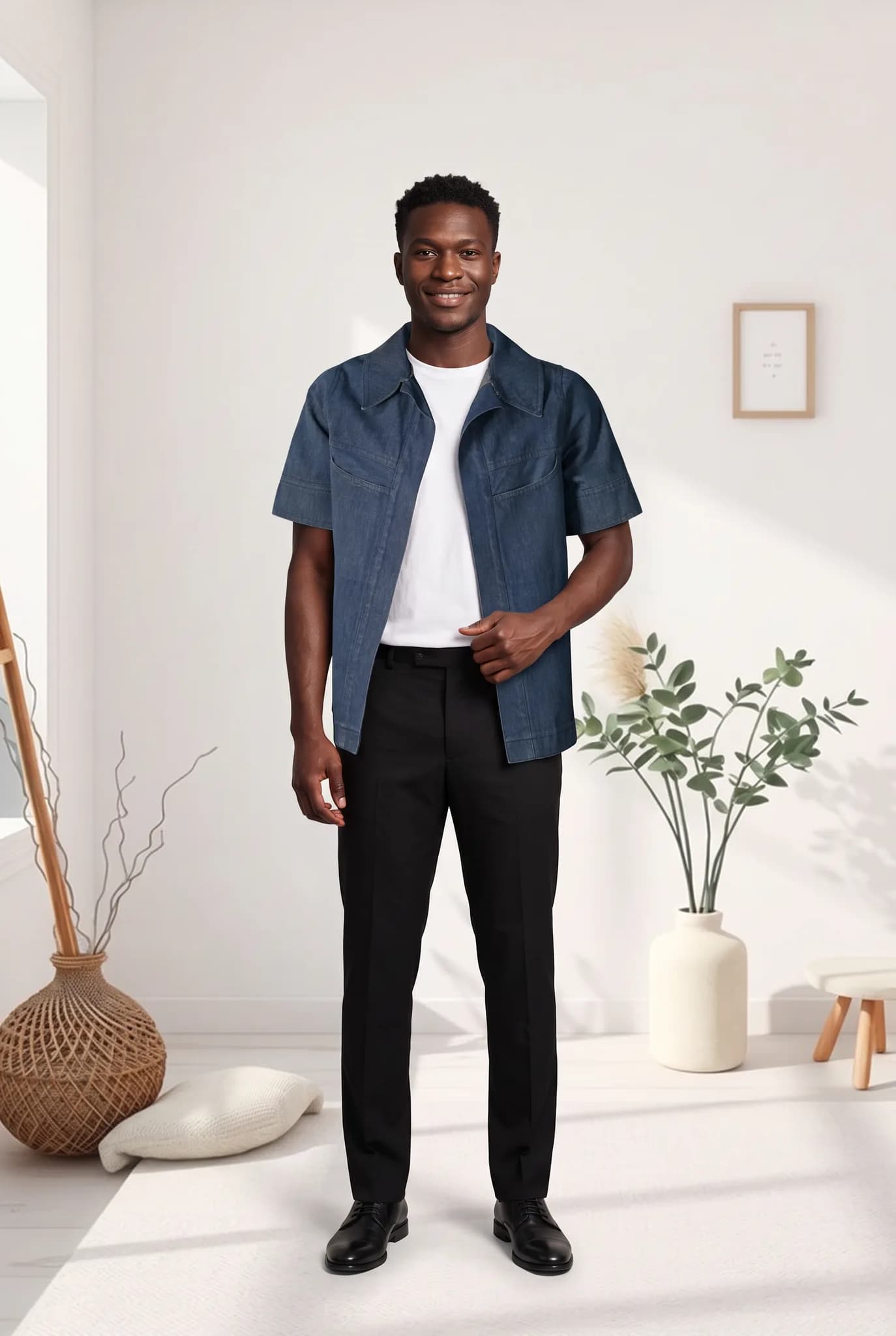
Regular posting is hard when each post needs a person and a location. Make your images in one sitting, then schedule them through the week. Growth is never guaranteed, but consistency is easier.
Many sellers take orders through DMs or an Instagram shop. A clear on-model photo answers a lot of the first questions. Tagging products and setting up a shop still happens in your Meta account.
You start with 10 free credits, up to 5 photos. A 14-day Silver trial gives you 100 credits, and it needs a card.
| Plan | Monthly price | Credits | About |
|---|---|---|---|
| Silver | $29 | 400 | 200 photos, 14 cents each |
| Gold | $79 | 1200 | 600 photos, 13 cents each |
| Studio | $199 | 3500 | 1750 photos, 11 cents each |
One-time credit packs: 100 for $12, 300 for $29, 1000 for $79. Paid plans include 2K downloads.
Compare plans in fullSomething else on your mind? Write to [email protected].
It cannot promise followers. It can make it easier to post clear, consistent images of your clothes, often more than you could with real shoots. What grows your page is still your products, your captions and how you treat your audience.
Modelfy creates still photos in portrait shape, which work well in feed posts. For Stories, resize them with our free Instagram resizer or your editing app. Modelfy does not make video, but you can use the stills as frames in a Reel.
They do different jobs. An influencer brings an audience and a real voice. Modelfy gives you images only. It can be a lower-cost way to fill your own feed, but it does not bring you new followers on its own.
Yes. Save your custom AI models and backgrounds and use them each time. Small differences can appear between images, so check how they look together before posting.
Each photo is usually ready within minutes, so a week of posts is often something you can do in one sitting. Your time will depend on how many versions you try before you are happy.
Streetwear moves on drops. The clothes are often ready just before the date, which leaves little time for a shoot. Modelfy helps you have clean images ready without one.
Shopify shows your product photos large, side by side, on every collection page. Modelfy helps you fill those spaces with on-model photos that look like they belong together.
Etsy buyers look closely at photos, and they care about what is real. Modelfy is useful for showing how a piece looks on a person. Your own photos should still show the true fabric and details.
Seeing your own piece on a model is the best way to judge whether Modelfy suits you. Your 10 free credits make up to 5 photos, and you do not need a plan to try it.
Not sure whether Modelfy suits your clothes, or which plan to choose? Send us a message, or chat with us on WhatsApp.