
Virtual try-on AI for your clothing photos
Choose the garment, the AI model and the background yourself, then generate a photo of that exact combination. It is the custom version of an AI photoshoot, for when you want more control over the look.
Open the studio free- Runs in
- The Modelfy studio, after you sign in
- Cost
- 2 to 12 credits per photo
- To start
- Free signup, 10 credits, up to 5 photos
- Good to know
- For your product photos, not a fitting room for shoppers
Clothing item
RequiredAdd clothing item
Click to choose a photo
Model
Add model
Click to choose a photo
Background
Add background
Click to choose a photo
Body pose
Add body pose
Click to choose a photo
This box is a preview. Your photo stays on this page and nothing is generated here. When you press generate, you are asked to sign in, and you upload the photo again in the studio.
What virtual try-on means here
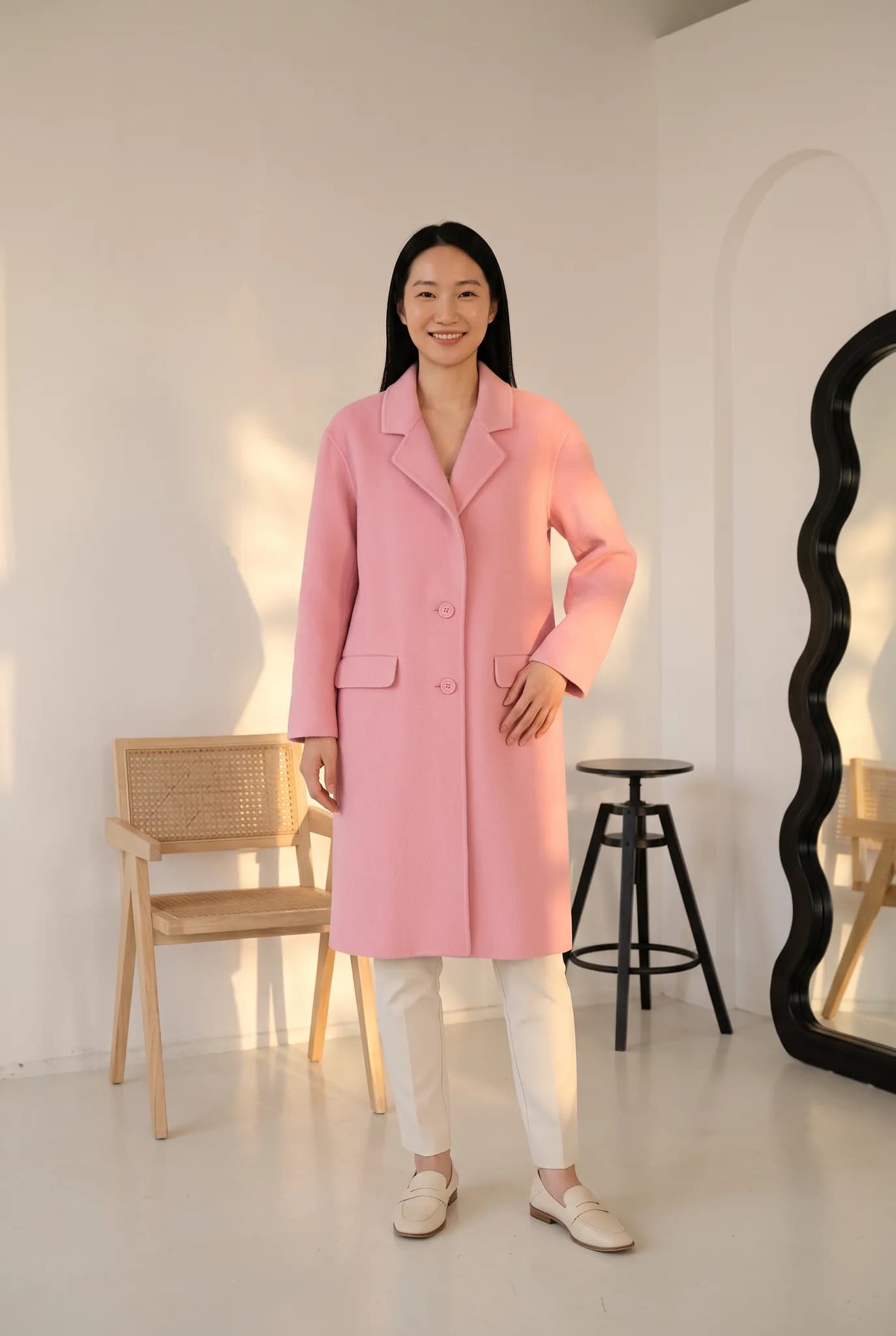
You pick each part of the shot: the clothing item, the model, and the background. The AI dresses the model in your garment and matches the lighting to the scene. In the studio this is called Custom Shoot.
People often search for a virtual fitting room. This is not one. Your shoppers cannot upload a selfie and try clothes on in your store. It is a tool for you, the seller, to make on-model photos of your own stock.
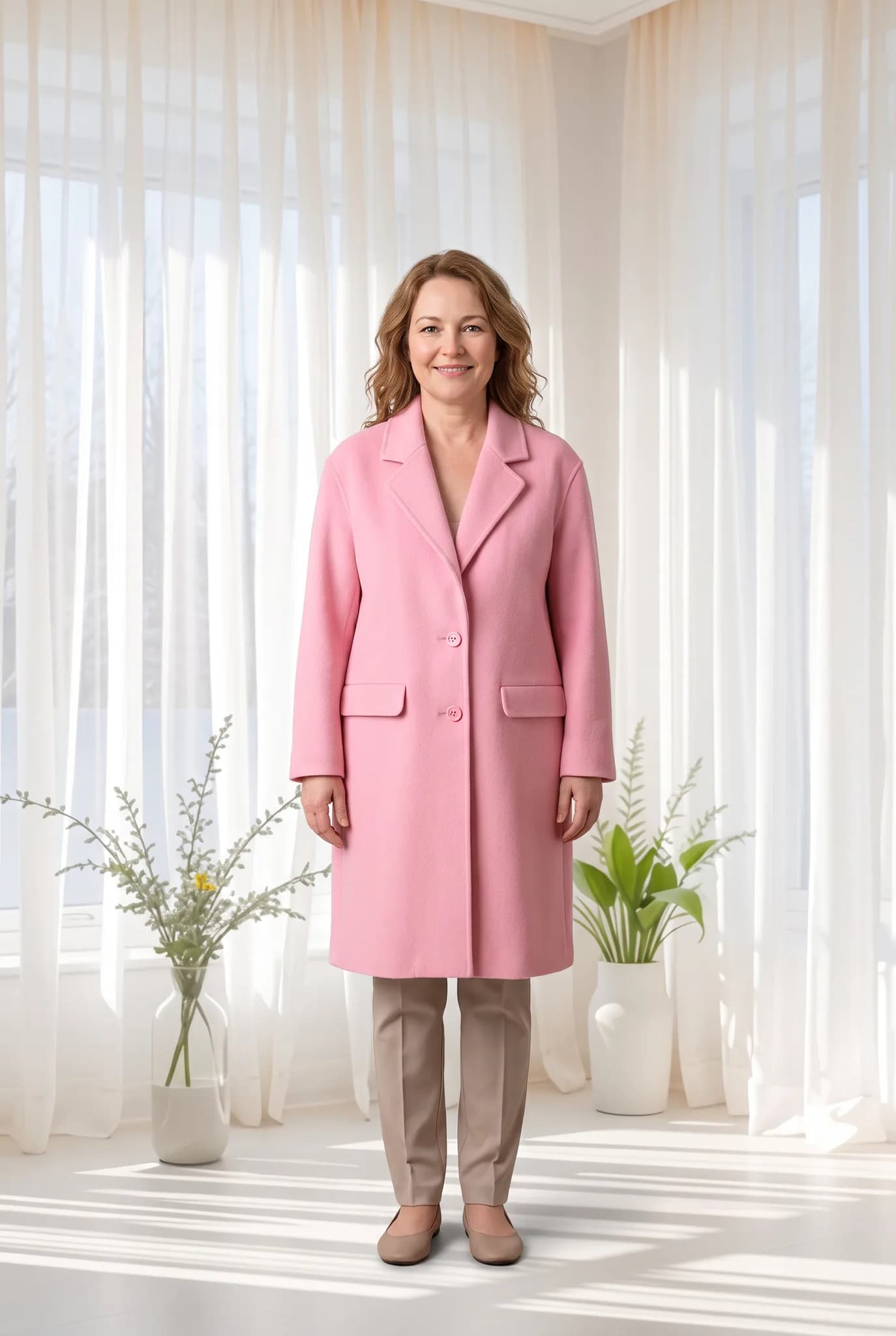
Who it is for
Brands with a set look
You want the same model and the same type of background across a collection, so your store looks consistent.
Sellers reaching new customers
You want to show one piece on a different AI model or in a new scene without arranging another shoot.
Anyone who wants more control
Instant Shoot picks for you. This one is for when you already know the shot you want.
How to use virtual try-on
You upload and choose everything in the studio, after you sign in.
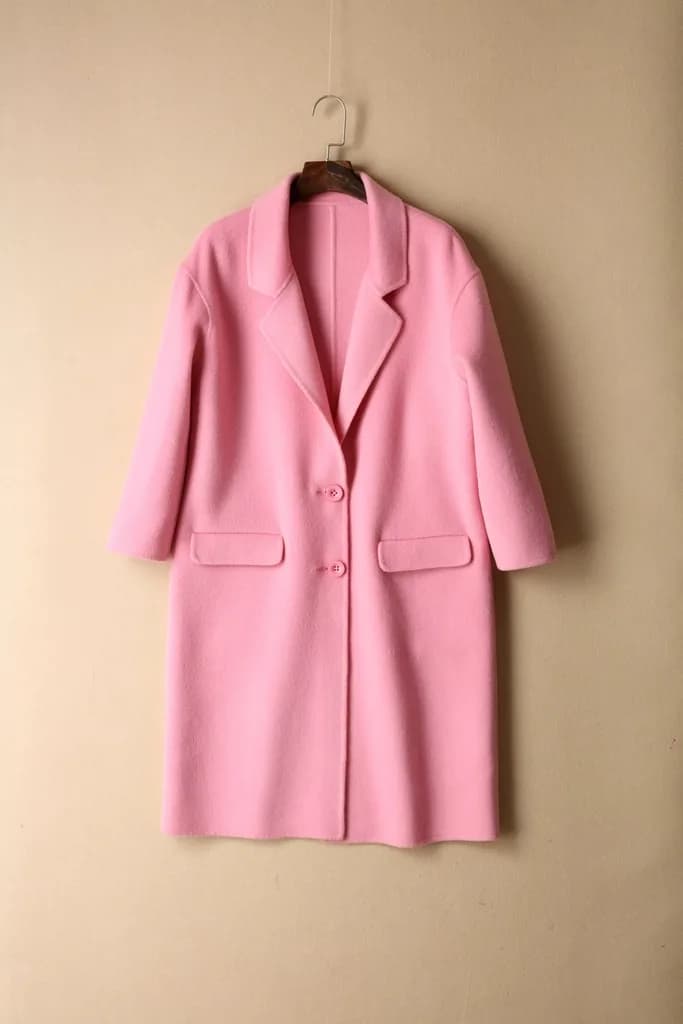
Add your clothing item
Upload a flat lay, hanger or ghost mannequin photo, or pick a garment you saved earlier.
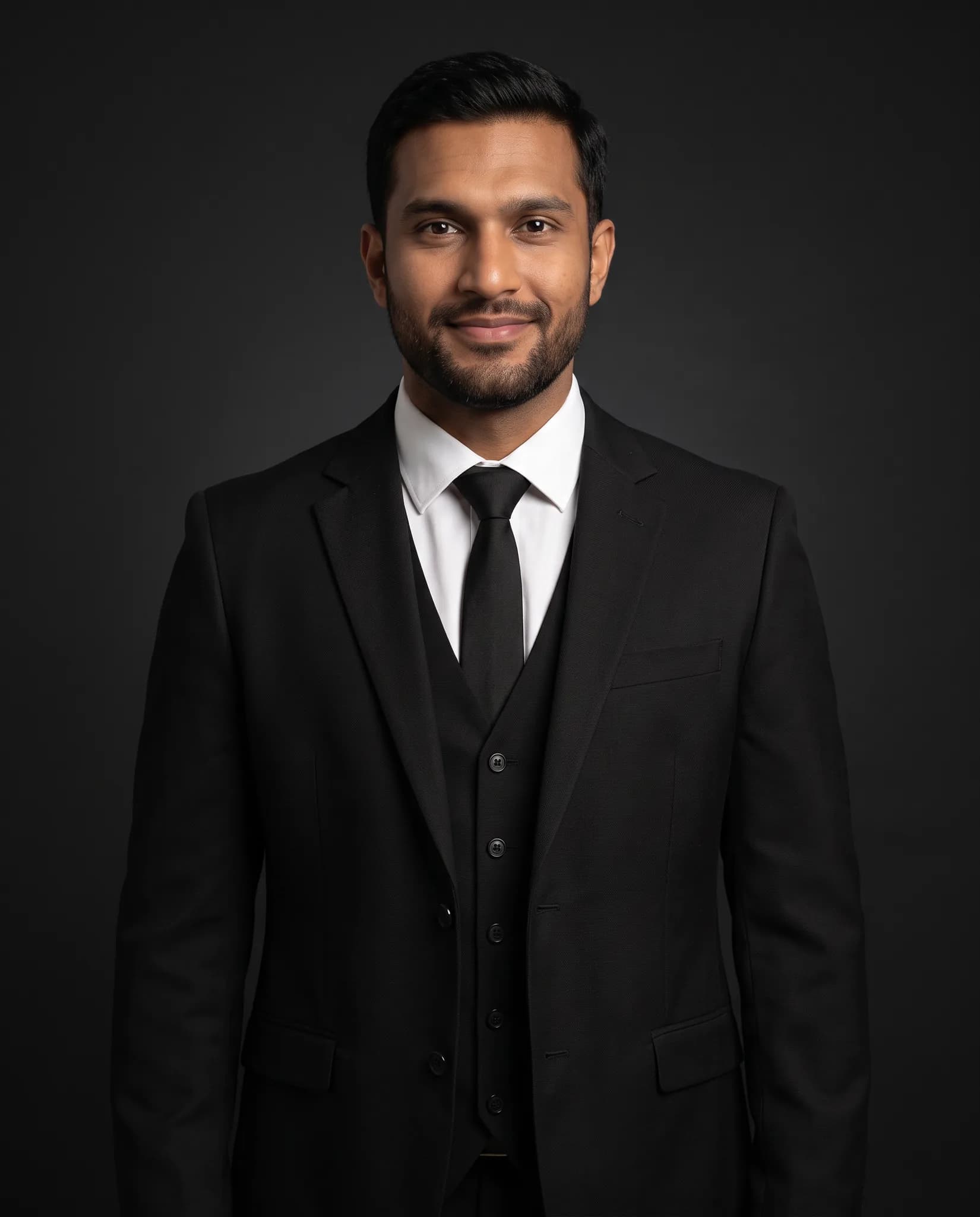
Choose a model
Pick a model from the library, one you created, or upload a model photo you have the right to use.
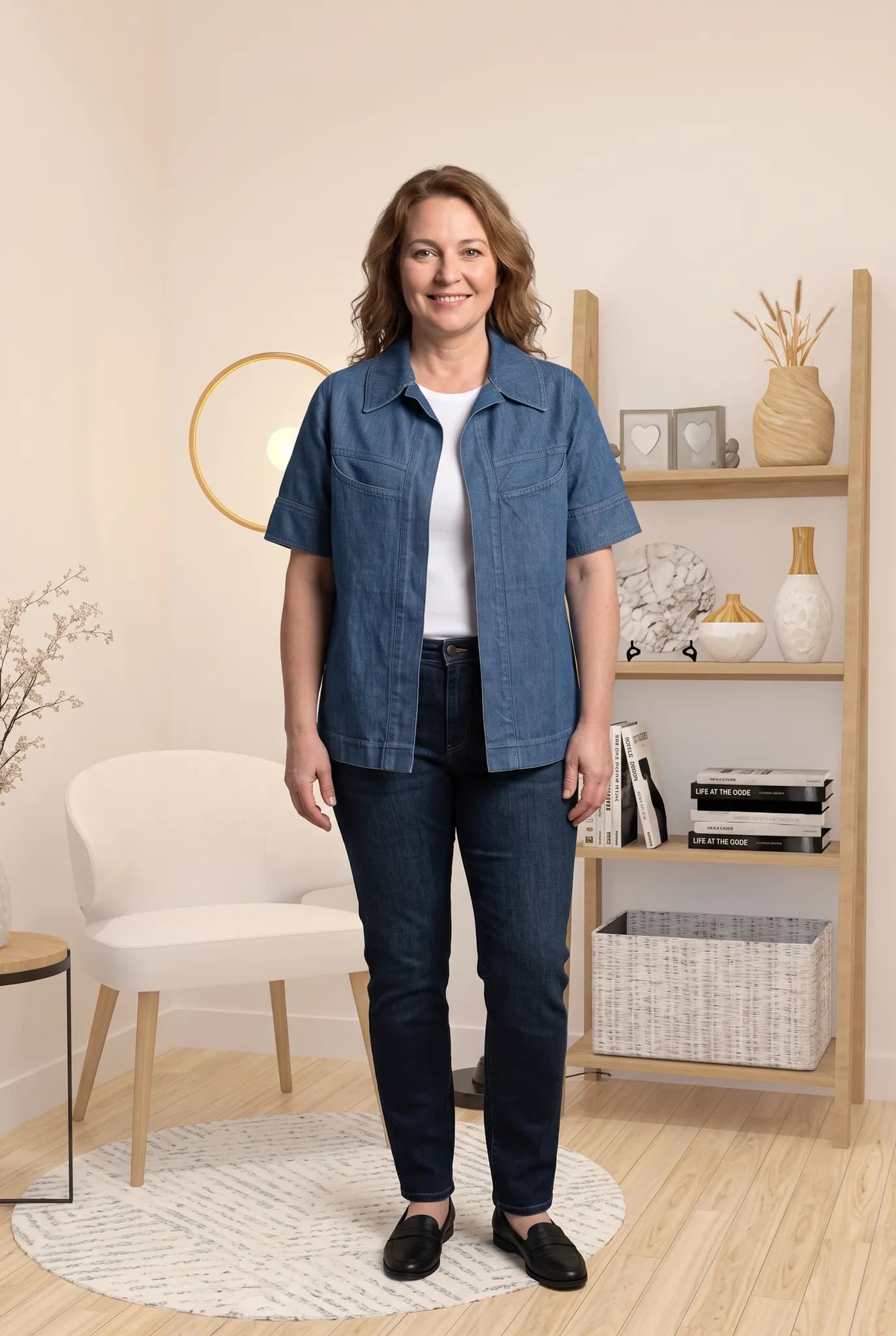
Choose a background
Pick a studio, indoor or outdoor scene, or upload your own. Your saved backgrounds stay in your library.
Generate and check
The studio shows the cost first, 2 to 12 credits depending on the quality you choose. Check the result against your garment, then download it.
What you get
- A photo of your garment on the model and background you chose.
- A library of your garments, models, poses and backgrounds to use again.
- A consistent look across a collection when you reuse the same model and scene.
- 2K downloads are available on paid plans.
- Images from paid plans, trials and credit packs can be used commercially. Images from a free account are for trying the service and personal, non-commercial use.
Honest limits
- This does not add a try-on button to your online store. There is no plugin or shopper-facing widget.
- The fit you see is generated by AI. It does not predict how a garment fits a real body or a real size.
- Fabric, drape and small details can differ from the real piece. Check each photo before you publish it.
- Only upload model or background photos that you own or have permission to use. Our terms do not allow images of a real, identifiable person without their permission.
Virtual try-on style results
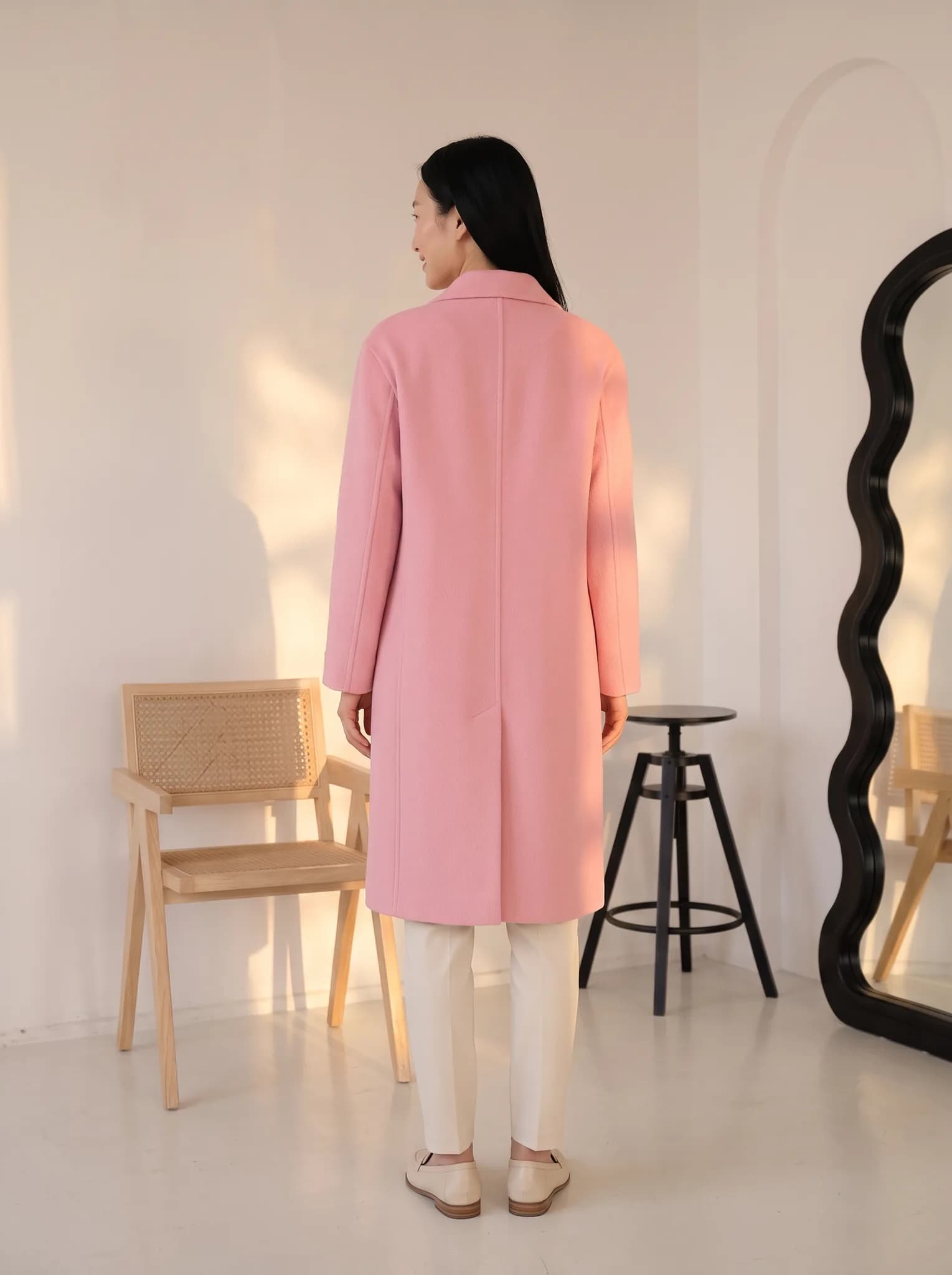
AI-generated photos made in the studio. Your results depend on your photo and the options you choose.

Tips for better try-on photos
Use a clear garment photo
Show the whole piece in daylight on a plain background. Creases and shadows can carry into the result.
Pick a suitable model
A model in a similar pose and style to your garment usually gives a more natural result.
Match the scene to the piece
Formal wear looks more believable in a clean studio. A summer set suits a bright outdoor scene.
Change one thing at a time
If a result looks off, change only the model or only the background. It is easier to see what helped, and it saves credits.
Virtual try-on questions
Something else? Write to [email protected].
Can my customers use this to try on clothes?
No. This is for sellers making product photos. Modelfy does not offer a shopper-facing virtual fitting room or a store plugin.
How does the custom AI photoshoot work?
You upload a garment and choose a model and a background. The AI generates a new photo of that model wearing your garment in that scene. It usually takes a few minutes.
Can I choose my own backgrounds?
Yes. You can pick a studio, indoor or outdoor background from the library, or upload your own if you have the right to use it.
How accurate is the fit on the model?
It looks natural in many cases, but it is an AI estimate and not a measurement. It does not show how a size fits a real person. Check the result against your garment.
What does it cost?
A standard photo uses 2 to 12 credits. Free signup includes 10 credits, up to 5 photos. Paid plans start at $29 a month for 400 credits. The 14-day Silver trial includes 100 credits and needs a card.
Is this suitable for premium fashion?
It can be, if you check the details closely, because fine fabric and embroidery are where AI tends to change things. 2K downloads are available on paid plans.
Was this tool useful?
We use ratings to decide what to improve. We do not publish them.
Start your first custom AI photoshoot.
Free signup includes 10 credits, up to 5 photos. Combine your garment, a model and a background in the studio.
More tools for clothing sellers
Some run free in your browser. Others use credits in the Modelfy studio. Each one says which.
View all tools- AI Fashion PhotoshootUpload a garment photo and put it on an AI model without writing a prompt. From 2 credits a photo.Uses studio credits
- AI Model GeneratorCreate an AI fashion model from a description or reference photos, then reuse it across your catalog. 8 credits per model.Uses studio credits
- Angle DraftsDraft more angles and poses of a garment, then render only the ones you like.Uses studio credits
- Batch Background RemoverRemove backgrounds from a whole folder of photos and download them together as a ZIP.Free in your browser
Latest from our blog
Practical writing on AI fashion photography, selling clothes online and building a brand.
November 9, 2026 · By Haziq Qasmi
AI Photoshoot for Clothing Brands, a Practical Guide
How an AI photoshoot works for clothing brands: what you upload, what you get, what it costs, and how to plan a full product shoot without a studio.
November 9, 2026 · By Haziq Qasmi
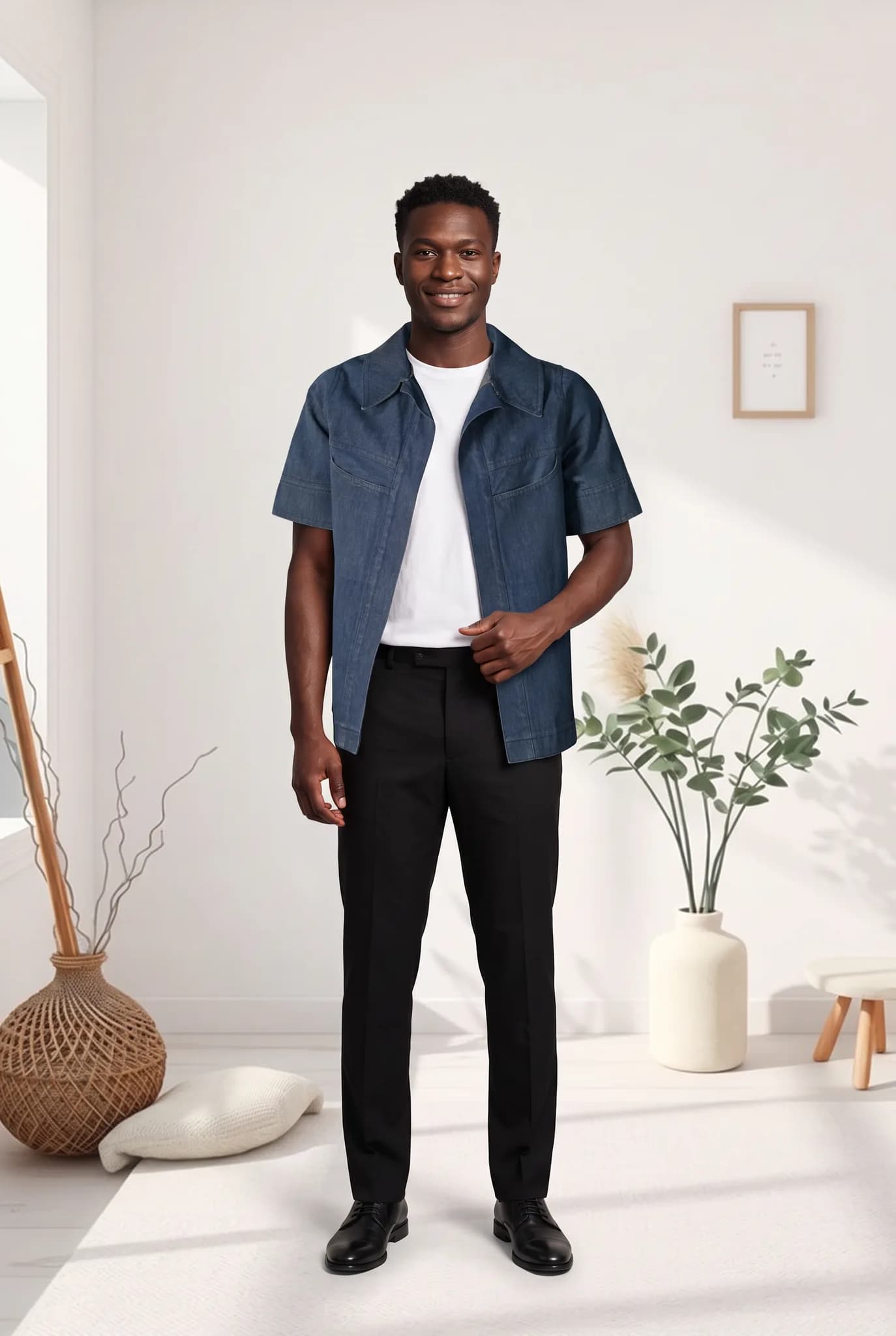
Virtual Fashion Models for E-commerce, What You Need to Know
What virtual fashion models are, how online stores use them for product images, what to watch out for and how to add them to your e-commerce store.
November 9, 2026 · By Haziq Qasmi
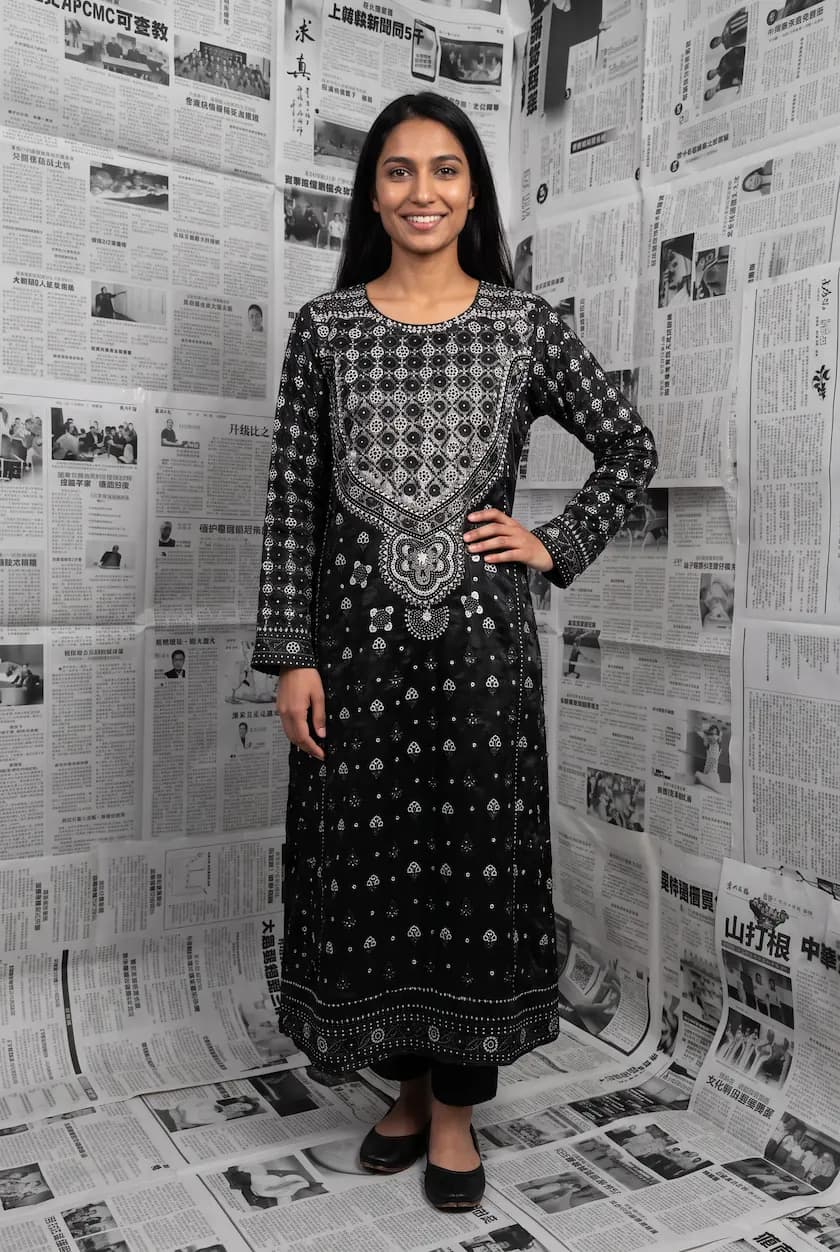
How to Create Fashion Campaign Images Without a Photoshoot
How to create fashion campaign images without a photoshoot: plan the story, pick scenes, keep one model and turn your product photos into campaign visuals.