AI Photoshoot for Clothing Brands, a Practical Guide
How an AI photoshoot works for clothing brands: what you upload, what you get, what it costs, and how to plan a full product shoot without a studio.

Haziq Qasmi
· 9 min read

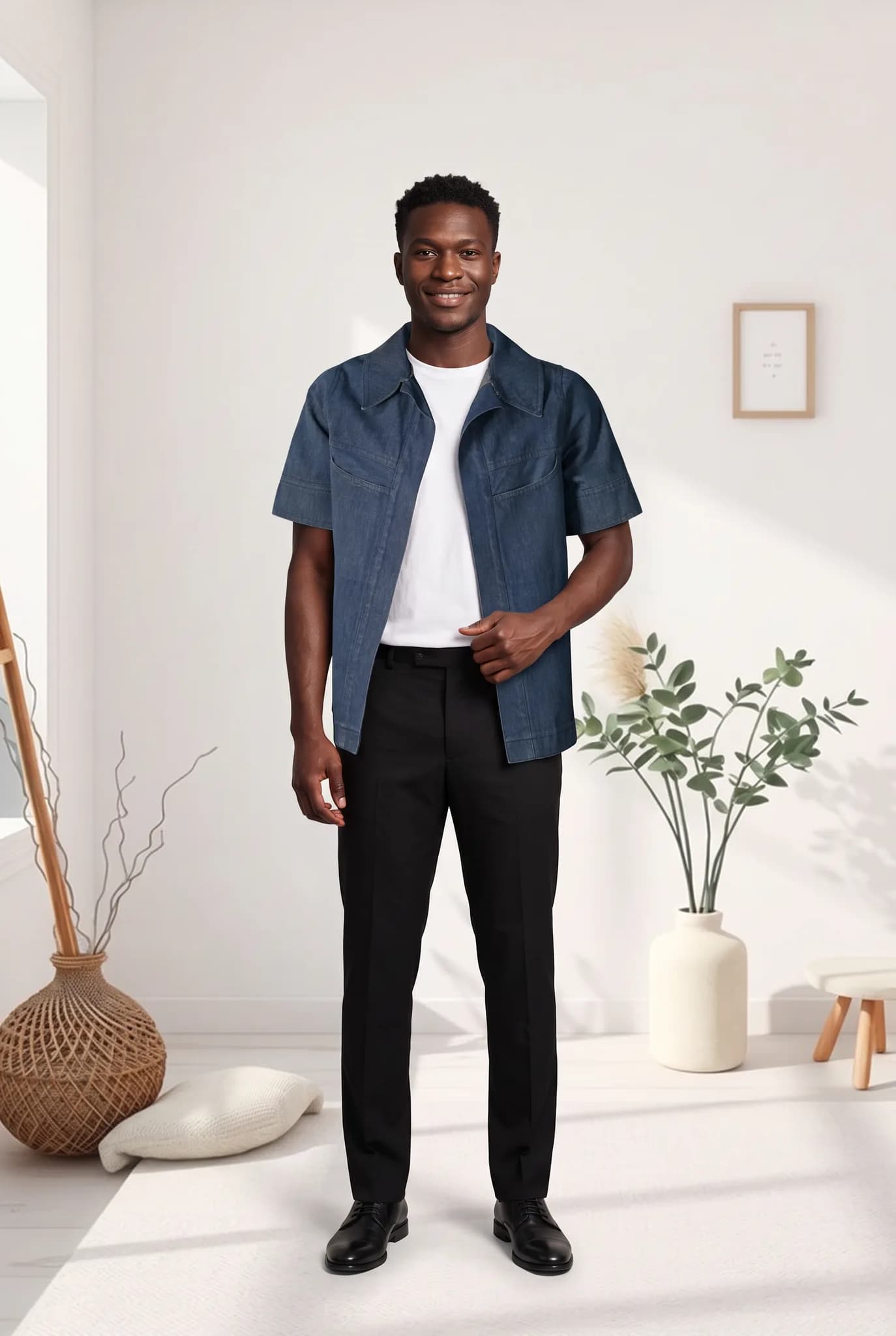
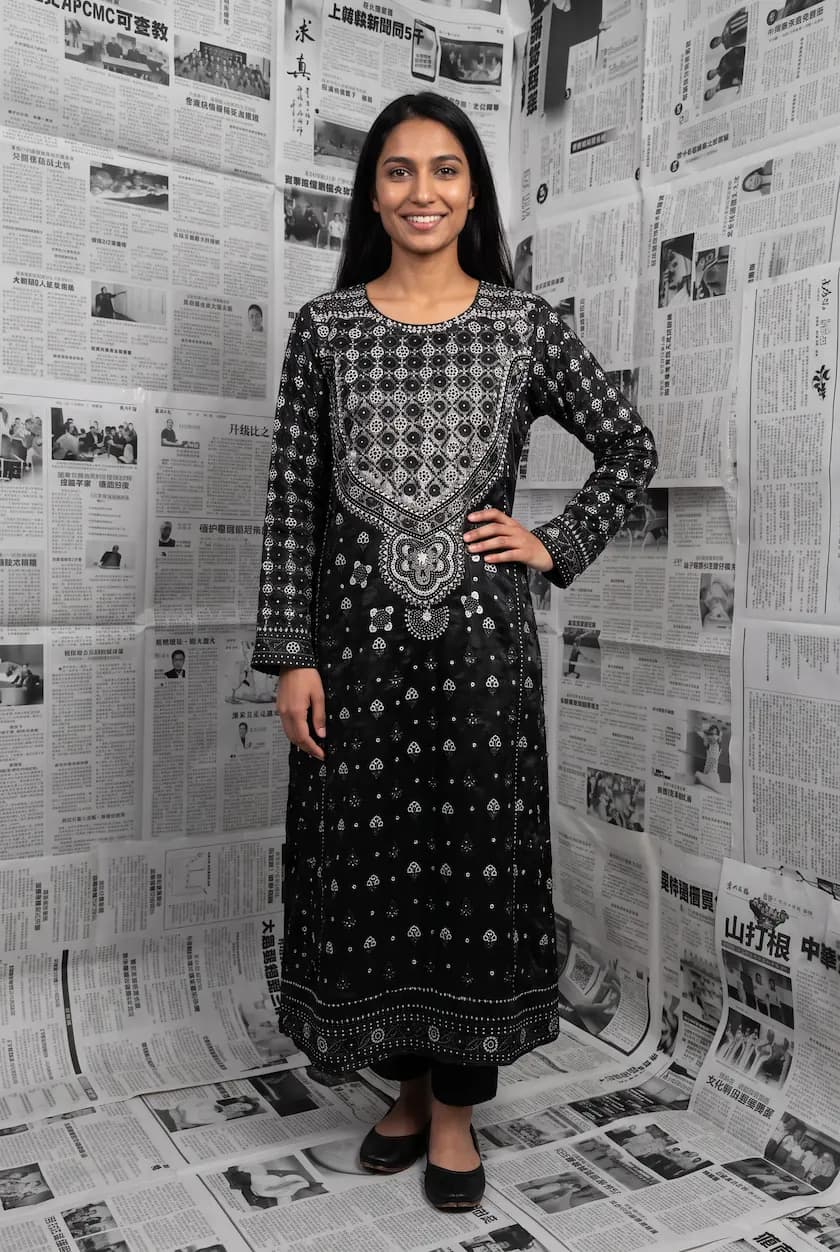
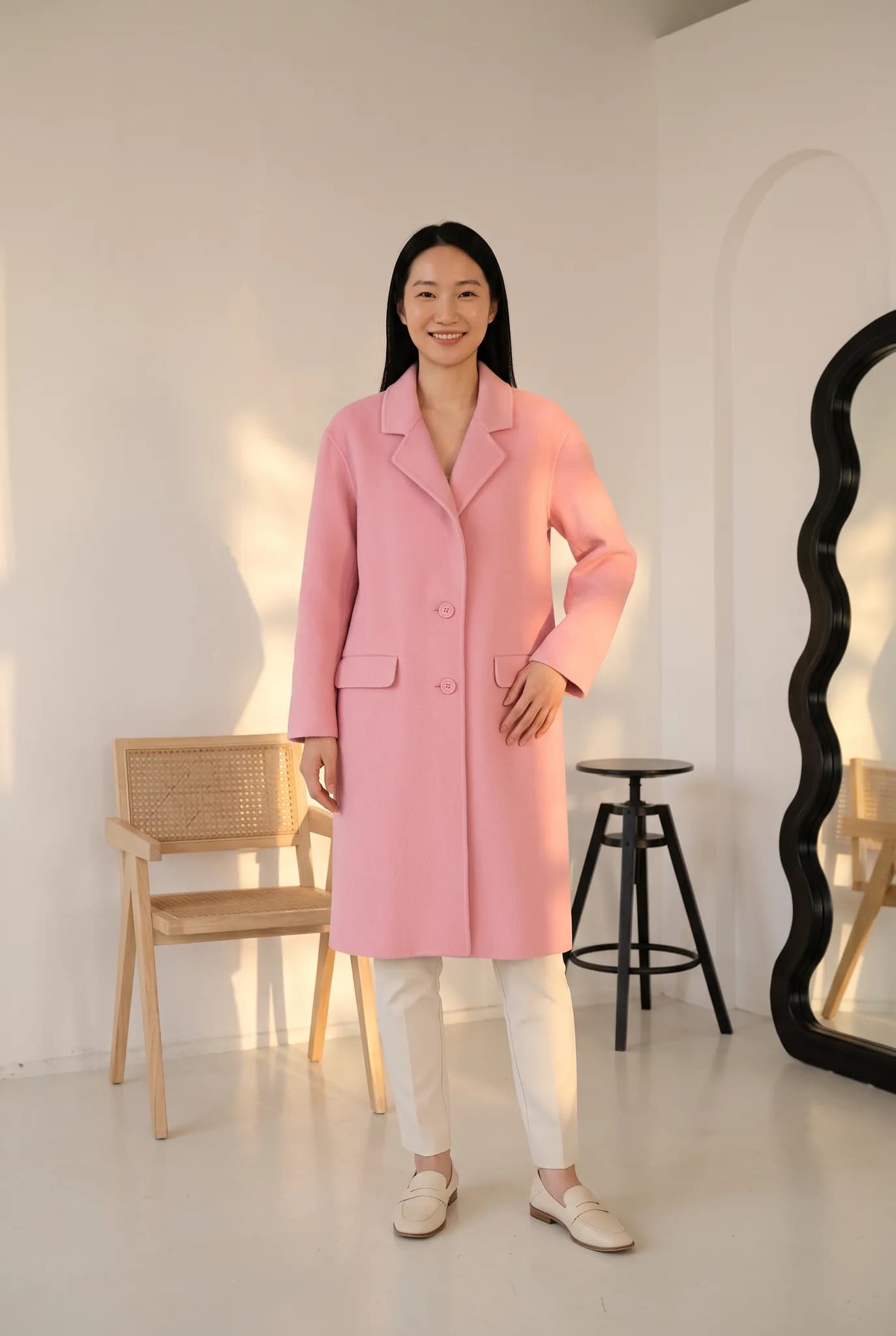
An AI photoshoot for clothing brands takes a photo of your garment and gives you back photos of it on a realistic model, in the scene you choose, without a studio, photographer or model booking. This guide explains what happens in an AI fashion photoshoot, what you need to start, how to plan a full product shoot and what it really costs.
What is an AI fashion photoshoot?
In a normal photoshoot you send samples to a studio, a model wears them and a photographer takes the pictures. In an AI fashion photoshoot you upload a photo of the garment instead. The AI keeps the garment's colour, print and shape and generates a photo of it being worn by an AI model.
The result is an on-model photo you can use on your product page, marketplace listing, ads and social media.
What you need before you start
- One clear photo of each garment. A flat lay, hanger shot, ghost mannequin photo or a phone photo all work. Steam it and use soft light. Our flat lay guide shows the setup.
- A short brand look. Who wears it, where and in what light. This keeps the shoot consistent.
- A shot list. The photos each product needs.
How an AI garment photoshoot works in Modelfy
- Upload the garment photo. The studio cuts the garment out and reads its shape and details. There is no prompt box.
- Choose the model. Pick a ready-made AI model or one you created and saved.
- Choose the pose and scene. A clean studio for product pages, or a room, street or outdoor scene for social media. Ready-made scene templates give you a styled look in one click.
- Pick quality and size. Draft at low cost, then make the final photos at higher quality.
- Generate and check. The photo is usually ready within minutes. Compare it with the real garment before you use it.
- Make the rest of the set. Create more angles of the same shoot, such as the back and side views.
Plan your AI model photoshoot like a real one
The brands that get the best results treat an AI photoshoot like a real shoot, with a plan.
| Shot | Why you need it | Scene |
|---|---|---|
| Front, full length | Main product image | Clean studio |
| Back view | Shows the back and fit | Clean studio |
| Close-up | Fabric and print detail | Your real garment photo |
| Lifestyle | Shows how to wear it | Room, street or outdoors |
| Second model | Shows fit on a different body | Clean studio |
Five photos per product gives most listings everything a shopper needs.
What an AI clothing photoshoot costs
On Modelfy each photo uses 2 to 12 credits, depending on the quality and size. Plans start at $29 a month for 400 credits, which is up to 200 photos, and one-time credit packs start at $12. A five-photo set for one product costs from about 75 cents at the lowest setting. See the full cost breakdown.
AI photoshoot vs a studio photoshoot
| Studio photoshoot | AI photoshoot | |
|---|---|---|
| Booking | Days or weeks ahead | None |
| Samples | Must be shipped | A photo is enough |
| New colourway | Book again | Upload and generate |
| Same model next season | Only if available | Saved and reusable |
| Best for | Campaigns and films | Product pages, ads, social |
A real shoot still has a place for big campaigns. For the everyday catalog, an AI fashion shoot is faster and costs much less.
How to get realistic results
- Start with a sharp, well-lit garment photo. Most bad results come from dark or creased starting photos.
- Match the pose to the garment. A standing pose shows a dress best, a walking pose shows movement in wide trousers.
- Keep one scene for main images. It makes the store look like one shoot.
- Use a real close-up too. Shoppers trust a store more when they can see the real fabric.
- Check every photo. Colour, print, length and details should match what the customer will receive.
Who an AI photoshoot works best for
- Small clothing sellers on Instagram, WhatsApp or a small store who shoot stock on a hanger
- Boutiques with new pieces every week
- Brands testing new looks or ads before a real shoot
- Marketplace sellers who need clean, consistent images for many products
Try an AI photoshoot on your own garment
The quickest way to judge is to run one. Create a free Modelfy account to get up to 5 photos with no card, or open the AI fashion photoshoot tool to see how it works.
Was this article helpful?
See your own garment on a model
Upload a phone photo of a piece you sell. Your 10 free credits make up to 5 photos, and a photo is usually ready within minutes.
Start for free