
AI angle drafts: new perspectives of your clothes
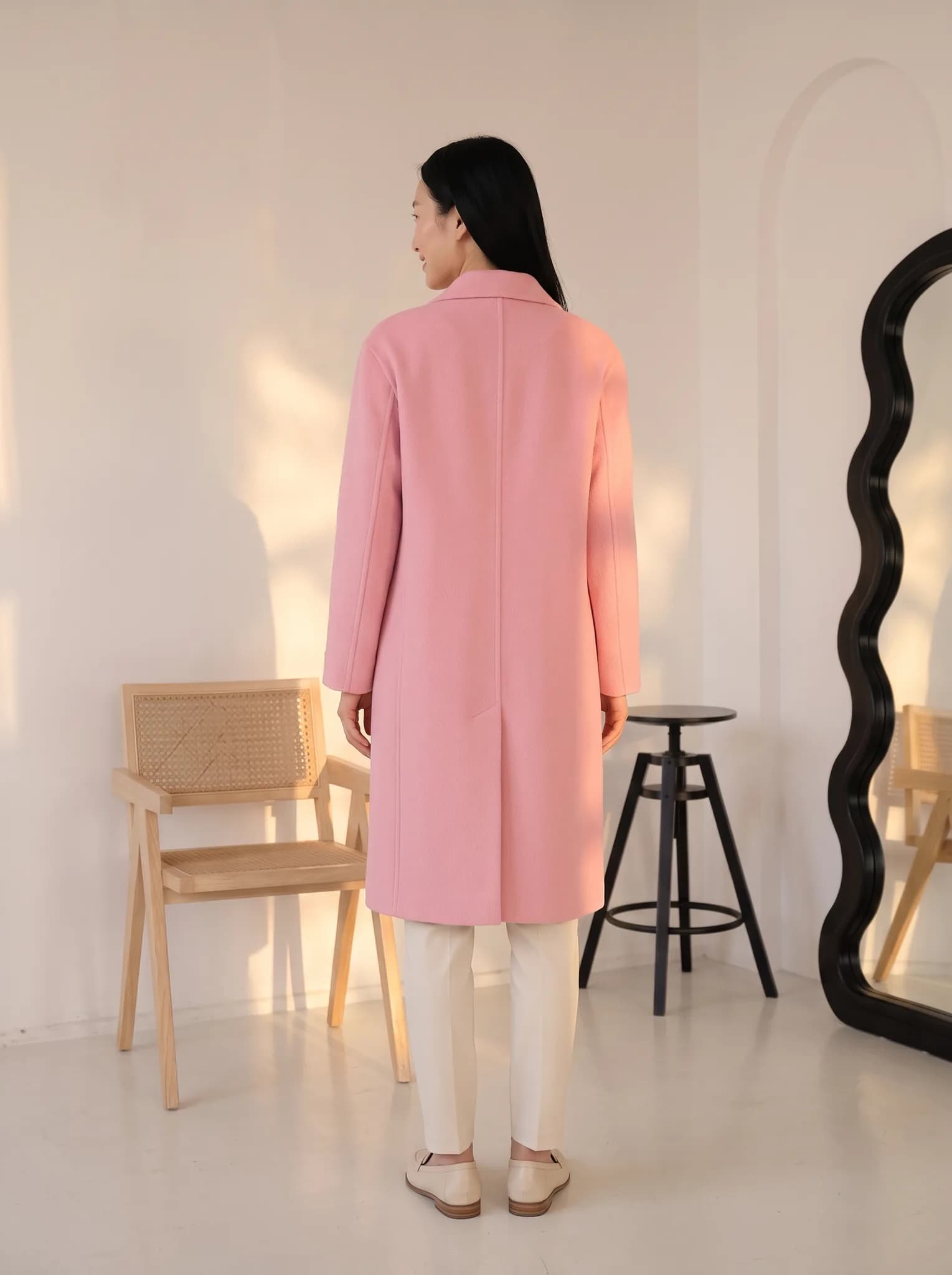
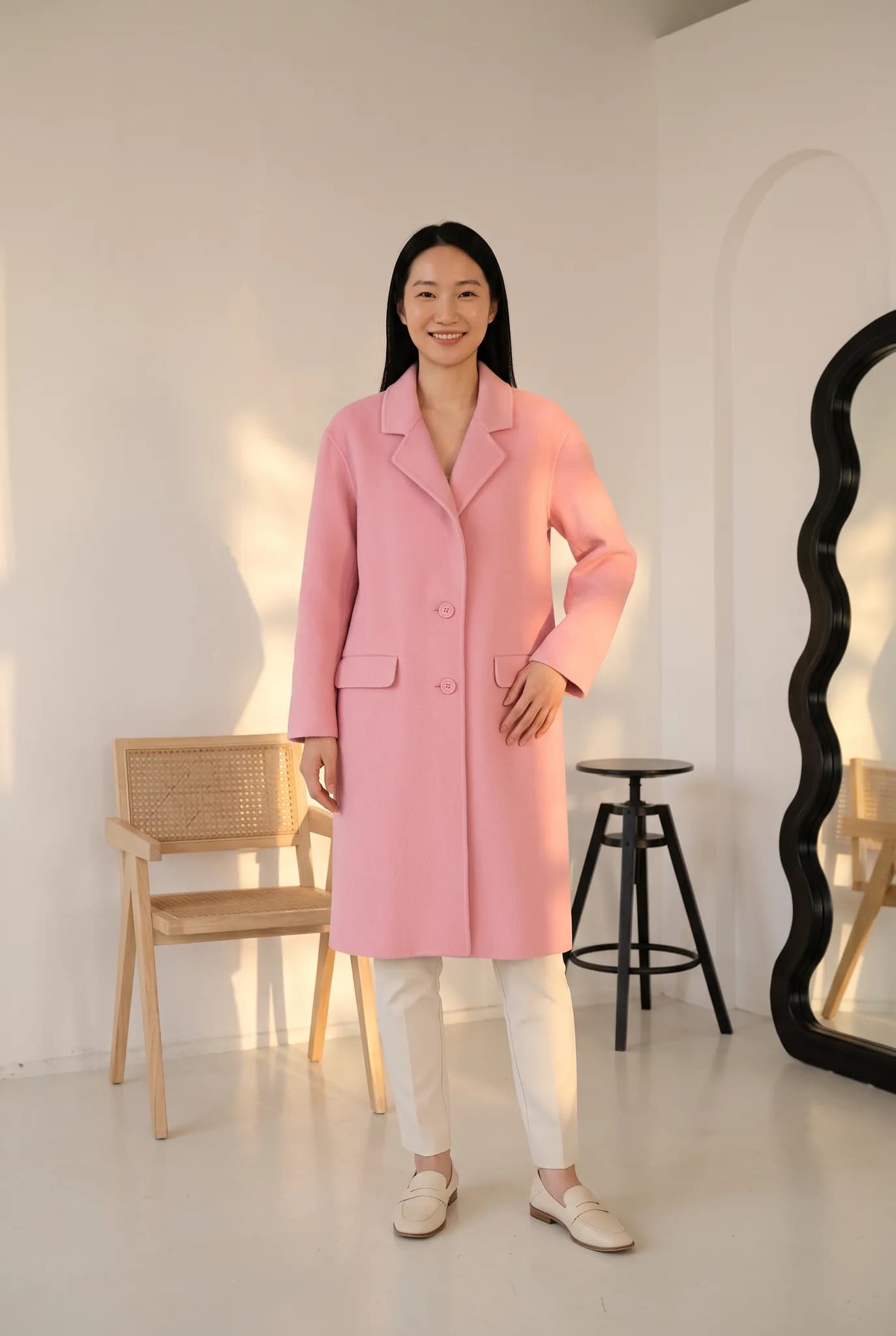
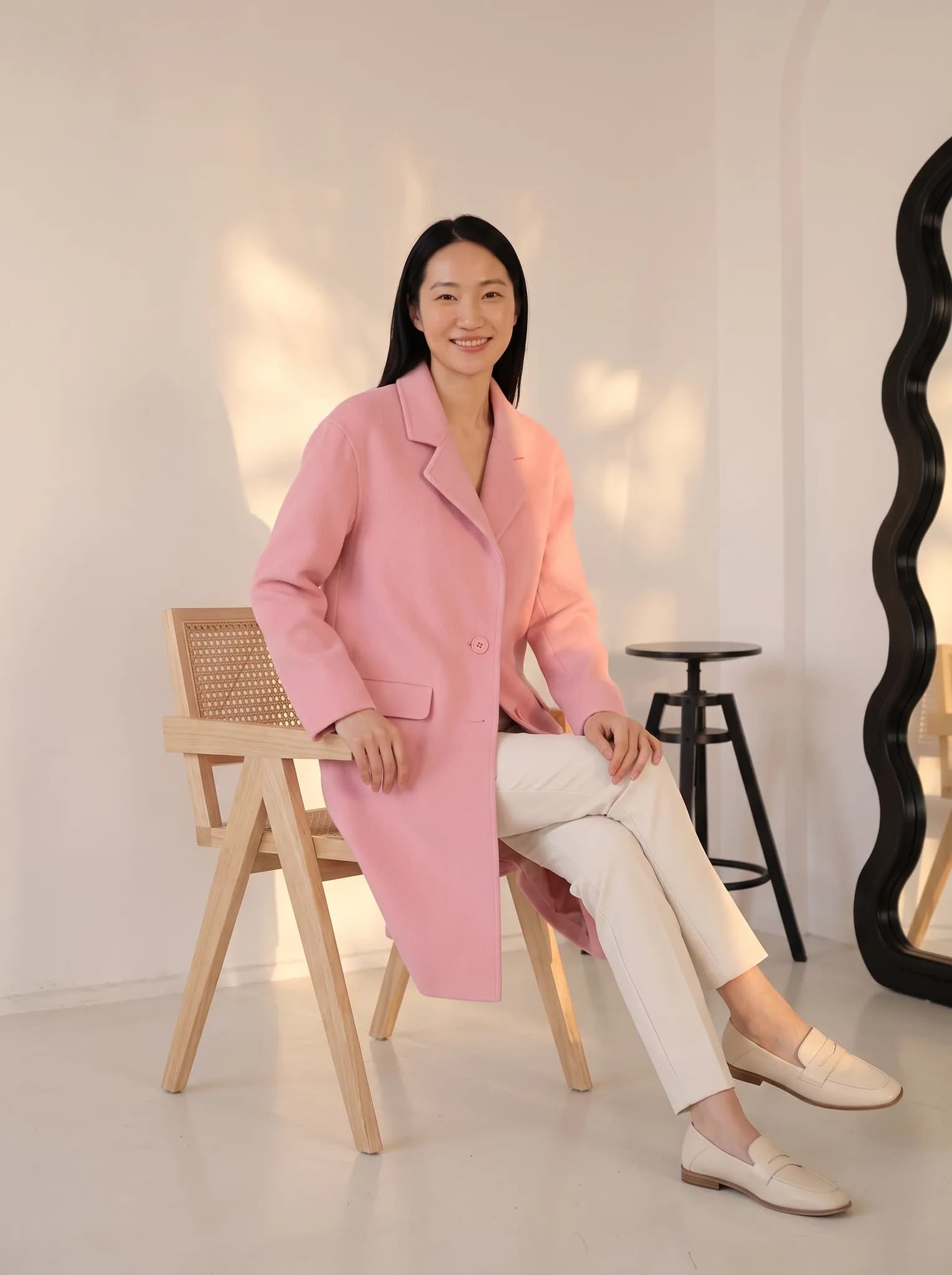
A listing with one image feels unfinished. Start from one photo and generate more angles and poses of the same look, including back views and detail shots, without another photoshoot.
Open the studio free- Runs in
- The Modelfy studio, after you sign in
- Cost
- 2 to 12 credits per angle, 5 for 4 draft concepts
- To start
- Free signup, 10 credits
- You upload
- A shoot result, or your own clear photo
Step 1: Your photo
Add a photo
A shoot result or a clear garment photo
Step 2: Choose angles
This box is a preview, with the same preset angles you get in the studio. Your photo stays on this page and nothing is generated here. When you press the button you are asked to sign in.
What the AI angle generator does
It takes one photo and creates new views of it. Choose from presets for the upper body, lower body and full body, such as a side profile, a walking stride, a wall lean or a view from behind.
If you are not sure what you want, use drafts. The studio makes 4 different concepts, you pick your favorites, and only then render those at full quality. That way you do not spend credits on angles you would throw away.
Who it is for
Store owners filling out listings
You have a good front photo, but buyers also want to see the back, the side and the details.
Sellers on marketplaces and Instagram
You need a few different images of one piece for a carousel or a product gallery.
Brands updating a catalog
You want to add variety to existing products without bringing them back to a studio.
How to generate new angles
You do this in the studio, after you sign in.
Add your photo
Start from a result of an earlier shoot, or upload your own clear photo.
Choose angles or draft
Select preset angles at 2 to 12 credits each, or draft 4 concepts for 5 credits and pick from them.
Render and download
Render the angles you picked, compare them with your garment, and download the ones that look right.
What you get
- New photos of the same look from angles you choose.
- Upper body, lower body and full body presets, for women and men.
- A low-cost draft sheet to try ideas before you render them.
- 2K downloads are available on paid plans.
- Images from paid plans, trials and credit packs can be used commercially. Images from a free account are for trying the service and personal, non-commercial use.
Honest limits
- The AI has to guess what it cannot see. A back view made from a front photo may not match your real garment, especially the back print, neckline or zip.
- If your garment looks different from behind, attach a real back photo when you upload it, or take a real photo for that view.
- Patterns can shift between angles. Check large prints and borders carefully.
- Each new angle is a new generation, so it can vary. This is not a 360-degree spin.
- Angles are created one job at a time. There is no bulk run across a whole catalog.
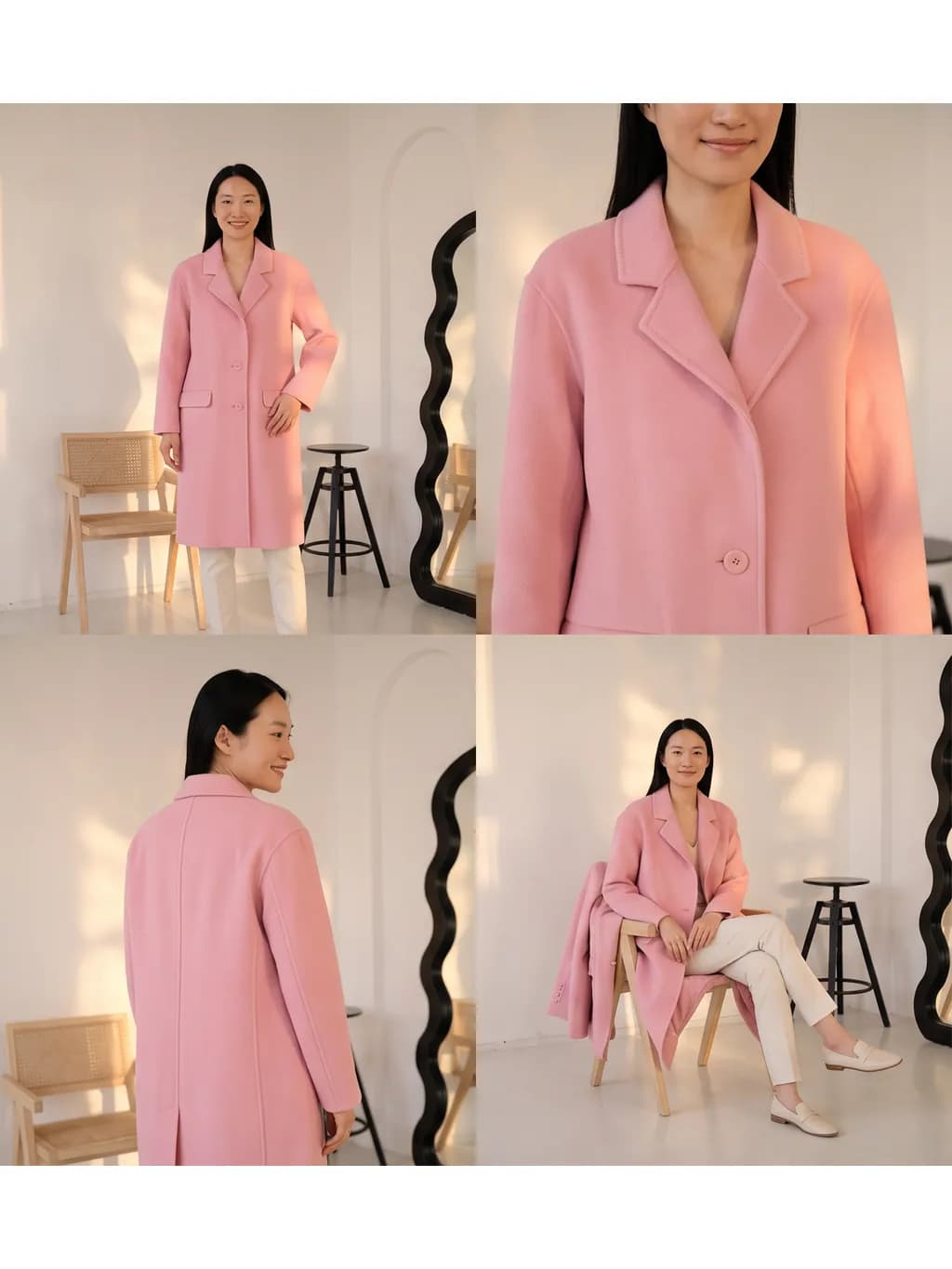
One look from several views
AI-generated photos made in the studio. Your results depend on your photo and the angles you choose.
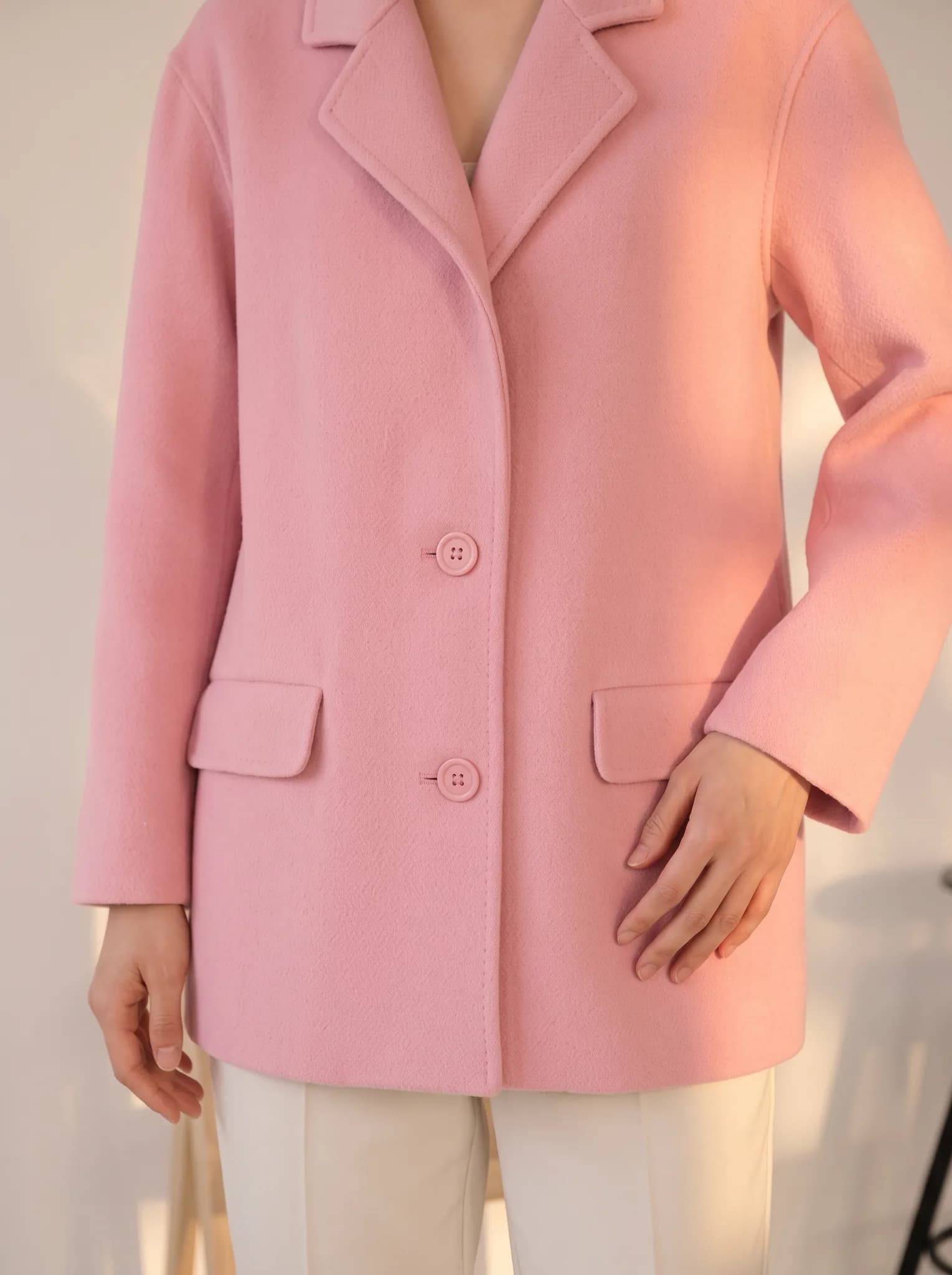
Tips for a good starting photo
Start from a sharp photo
A clear, well-lit photo where the garment is fully visible gives the AI the most to work from.
Choose your best shoot result
If a shoot came out well, start your angles from that image so the look stays the same.
Draft before you render
Four concepts cost less than rendering 4 finished angles. Use it to find what works for your piece.
Be careful with back views
If the back has a print or special detail, add a real photo of it, or check the result closely.
AI angle generator questions
Something else? Write to [email protected].
How does the AI generate new angles?
It uses your photo as a reference and generates a new image from the angle you pick. It estimates anything your photo does not show, so results can vary.
What is the best starting photo?
A sharp, well-lit photo with the whole garment visible, ideally a good result from an earlier shoot in the studio.
What is the difference between a draft and an angle?
A draft shows 4 ideas at once for 5 credits. Rendering an angle makes one finished image for 2 to 12 credits. Many people draft first, then render their favorites.
Is this a 360 product view?
No. You get separate photos from different angles, not a spinning view. Each one is generated on its own.
Does it support complex patterns?
It tries to keep prints and textures, and large patterns usually hold up better than small ones. Lace and borders can change between angles, so check each image.
Can I print these images?
2K downloads are available on paid plans. That suits websites and social media. For large print, test a small proof first.
Was this tool useful?
We use ratings to decide what to improve. We do not publish them.
Generate more angles of your clothes.
Free signup includes 10 credits, up to 5 photos. Angle costs are shown in the studio before you generate.
More tools for clothing sellers
Some run free in your browser. Others use credits in the Modelfy studio. Each one says which.
View all tools- AI Fashion PhotoshootUpload a garment photo and put it on an AI model without writing a prompt. From 2 credits a photo.Uses studio credits
- Virtual Try-OnChoose the garment, model and background yourself for a custom shoot. From 2 credits a photo.Uses studio credits
- AI Model GeneratorCreate an AI fashion model from a description or reference photos, then reuse it across your catalog. 8 credits per model.Uses studio credits
- Batch Instagram ResizerFit many product photos to Square, Portrait or Story without cropping them.Free in your browser