
Product Overview
The no-prompt AI fashion shoot system for people who sell clothes.
Modelfy turns a photo of your garment into on-model photos for your store, ads and social media. There are no prompts to write. A clear phone photo is enough to start.
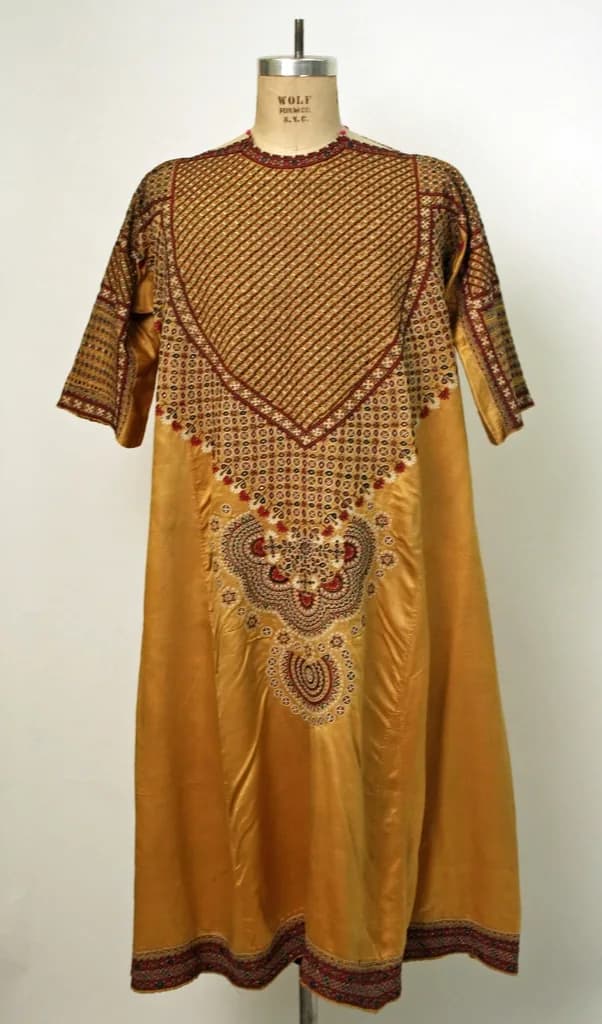

A small photo studio for clothing sellers
A garment on a hanger does not show a buyer how it falls on a body. A real shoot does, but a model, a photographer and a studio day often cost hundreds, and you pay again for every new collection. Many small sellers end up posting hanger photos and hoping for the best.
Modelfy sits between those two options. You upload a photo of the piece, choose a model and a scene, and generate a photo of it being worn. Generation usually takes a few minutes. You look at the result, keep it or try again, and download the ones you want.
It is built only for clothing, and it is a no-prompt AI tool. You make choices by clicking, not by writing instructions. If you want the same model across a whole collection, you can save one and use it again.
Who Modelfy is for
- Small clothing sellers on Instagram, WhatsApp and online marketplaces
- Boutiques that add new pieces every week and cannot shoot them all
- Independent brands that want one consistent look across a catalog
- Stores and agencies with many products to photograph
How a shoot works
Upload your garment
Use a flat lay, a hanger photo, a mannequin shot or a clean photo from your phone.
Choose your options
Pick a model, a pose and a background from the studio, or use ones you saved earlier.
Generate and check
Your image is usually ready within minutes. Look closely at the print, length and fit before you use it.
Download
Paid plans download at 2K. Add the photos to your store, your ads or your social media.
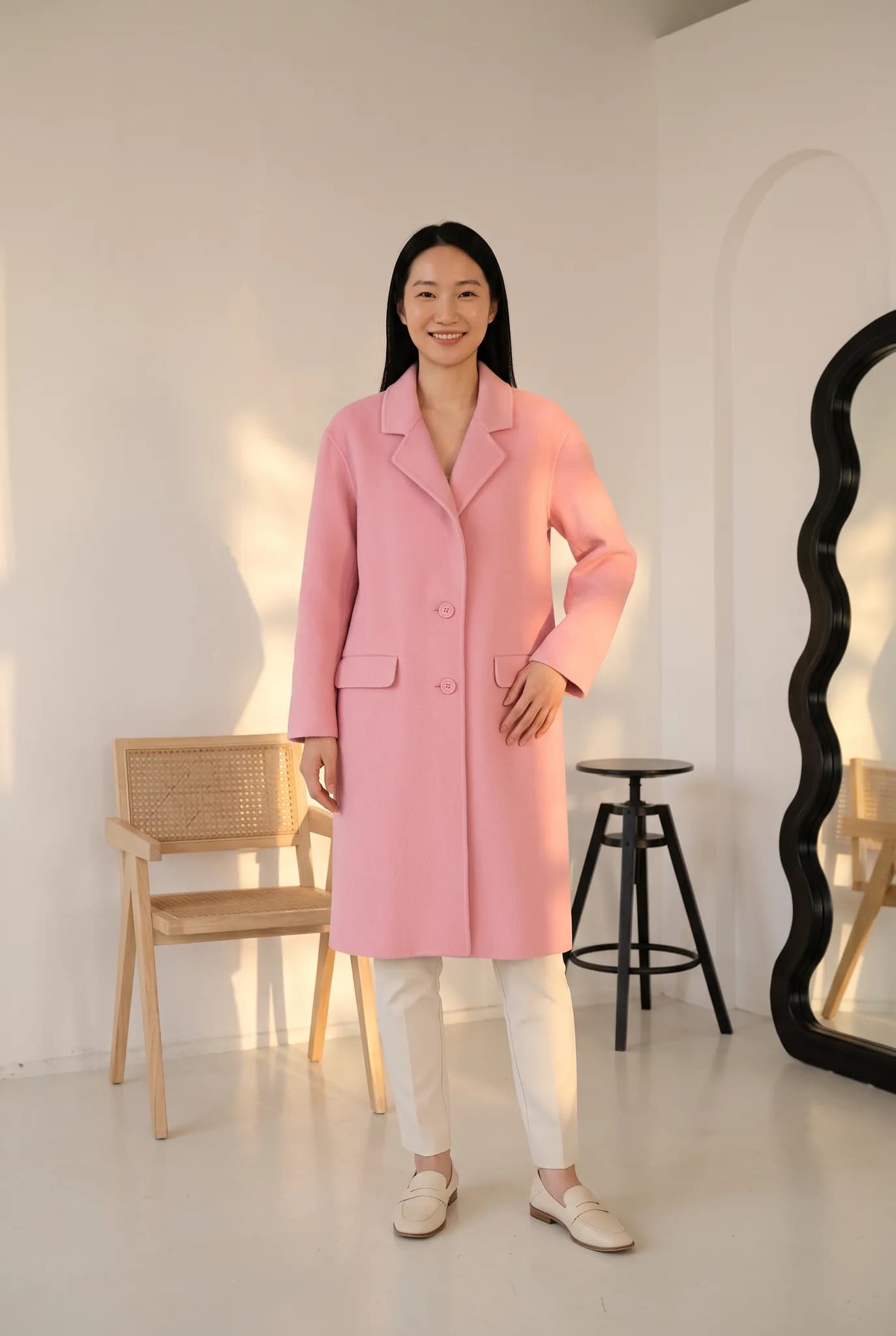
The tools inside the studio
Photoshoot
Called Quick Shoot or Instant Shoot in the studio. It puts your garment on an AI model, from 2 credits a photo.
Create Model
Make your own AI model, save it and use it again so a collection looks like it came from one shoot. It uses 8 credits.
Angle drafts
Draft different angles and poses of a look, then render your favorites in higher quality.
Virtual Try-On
Show a garment on a model you chose, with your own pose and background.
Ghost Mannequin
Make a clean catalog image of the garment with no person in it.
Flat-lay
Make a tidy flat-lay style product image for catalogs and marketplace listings.
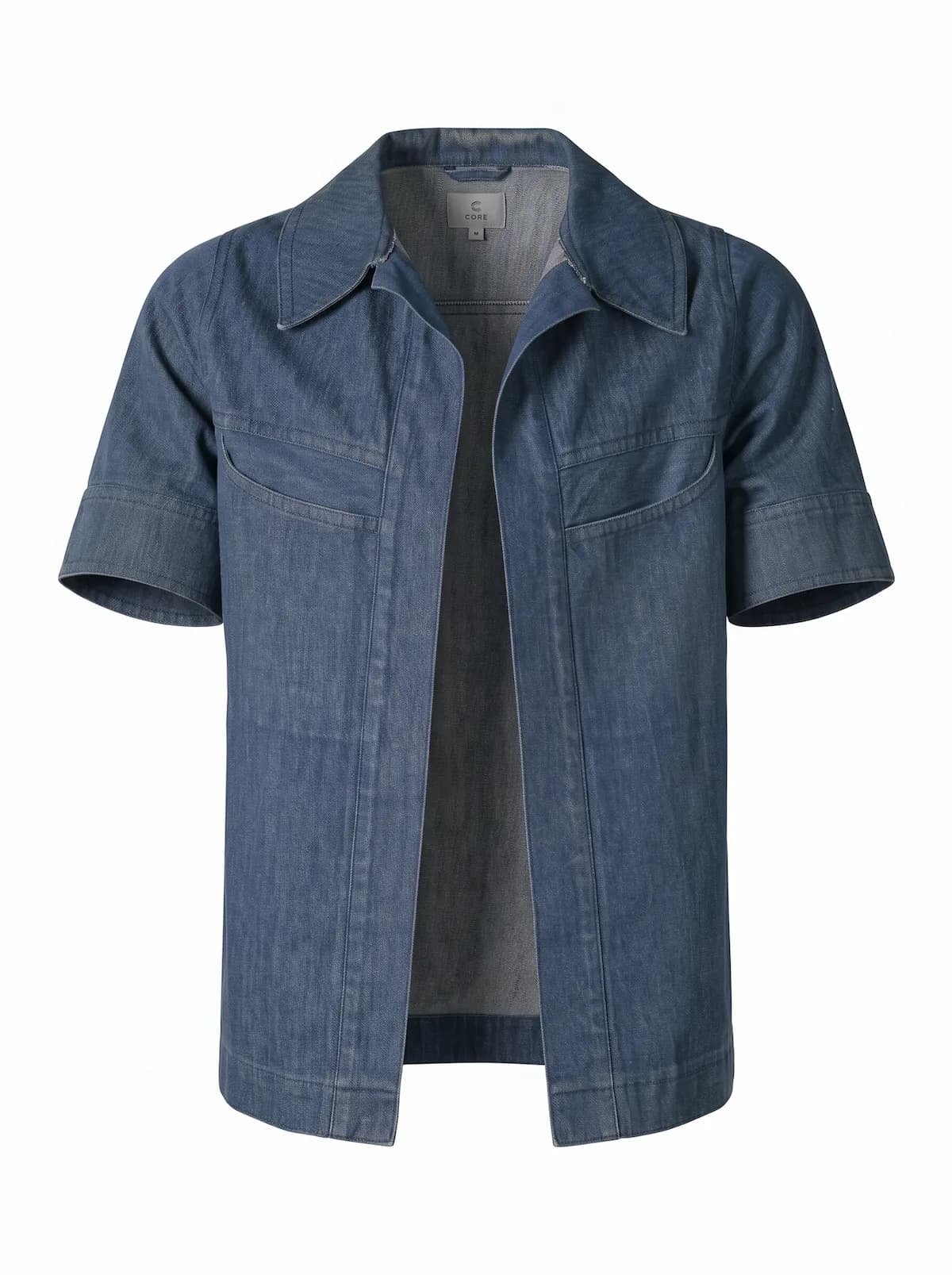
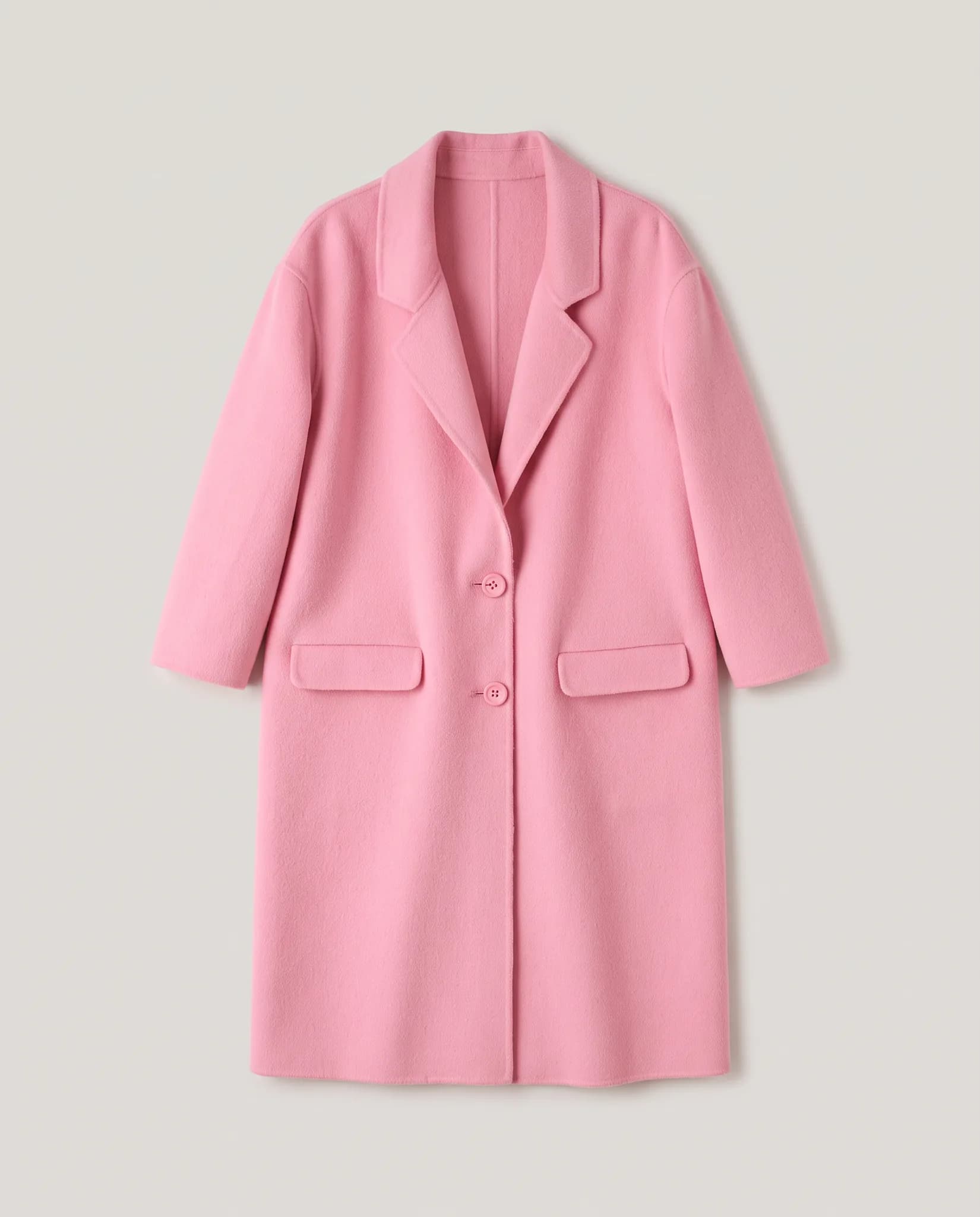
What Modelfy will not do
- AI results vary. Most need a look before publishing, and some need another try.
- Very fine prints, logos and small text are the hardest things to reproduce.
- It does not connect to your store. You download images and upload them yourself.
- An AI image is not a size chart. Keep your real measurements on the product page.
What it costs
A photo uses 2 to 12 credits and creating an AI model uses 8. The studio shows the cost before you generate.
- Free account
- 10 one-time credits, up to 5 photos. No card.
- 14-day Silver trial
- 100 credits, up to 50 photos. Card required, $0 today.
- Silver
- $29 a month for 400 credits, up to 200 photos.
- Gold
- $79 a month for 1,200 credits, up to 600 photos.
- Studio
- $199 a month for 3,500 credits, up to 1750 photos.
Common questions
Do I need a professional photo to start?
No. A clear phone photo works. Good light and the whole garment in frame make the biggest difference.
Which tool should I start with?
Start with Photoshoot. It is the shortest route from your garment photo to an on-model image. The other tools are useful once you want more angles or a consistent model.
Can I use these images in my store?
On paid plans, trials and credit packs you may use your images commercially, including in your store, ads, social media and catalogs. Images from free credits are for trying the service and for personal use.
See it on your own clothes.
A free account comes with 10 one-time credits, which is up to 5 photos. No card is needed.
Start for free