
Turn Flat Lays into Model Photos
Flat lay to model AI: upload a flat lay and get an on-model photo, usually within minutes.
Upload a flat lay photo of your garment and Modelfy generates a photo of it on an AI model. No prompts, studio setup or experience are needed. You check the result before you use it.
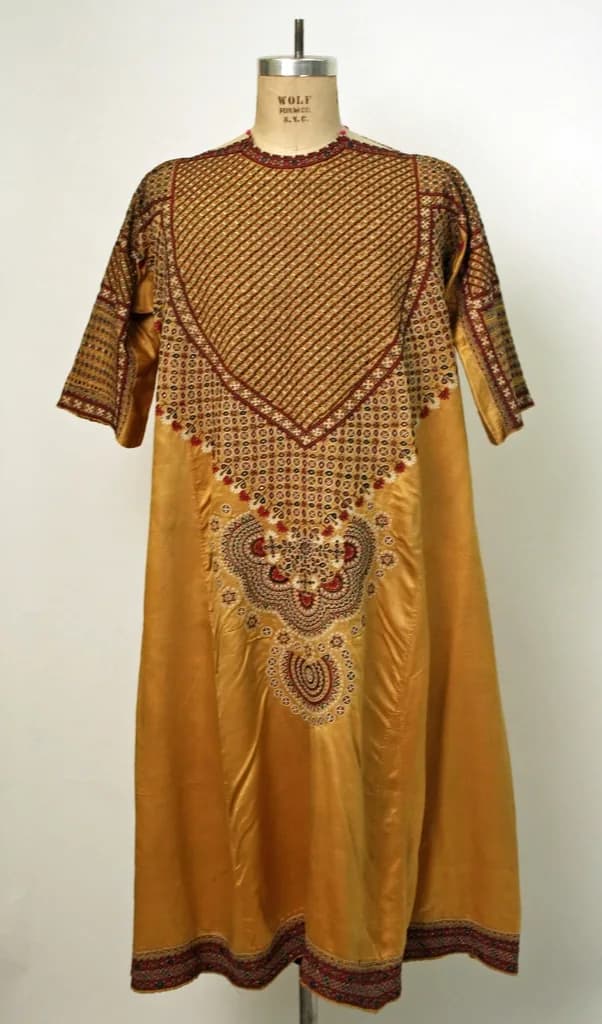

Convert a flat lay to a model photo
A flat lay shows what a garment is. A model photo shows how it looks when it is worn. Buyers want both, and flat lays are far easier to make.
Modelfy reads the shape, color and print from your flat lay and generates a new image of the garment on an AI model. You choose the model, pose and background. There are no prompts to write, and you do not have to pin or style the garment.
Because a flat lay is two-dimensional, the AI has to work out how the piece falls on a body. It gets this right more often with simple shapes and clear photos. More structured pieces may take another try.
Good flat lay photos have
- The whole garment in frame, laid out straight
- Even daylight, with no strong shadows across the fabric
- A plain surface that contrasts with the garment
- A sharp, close enough view for the print to read clearly
From flat lay to on-model photo
Upload your flat lay
A phone photo is fine. If you have a back flat lay, add that too.
Choose a model and a scene
Pick from the studio or your saved library.
Generate
A photo starts at 2 credits and is usually ready within minutes.
Compare and download
Check it against the real garment, regenerate if needed, then download.
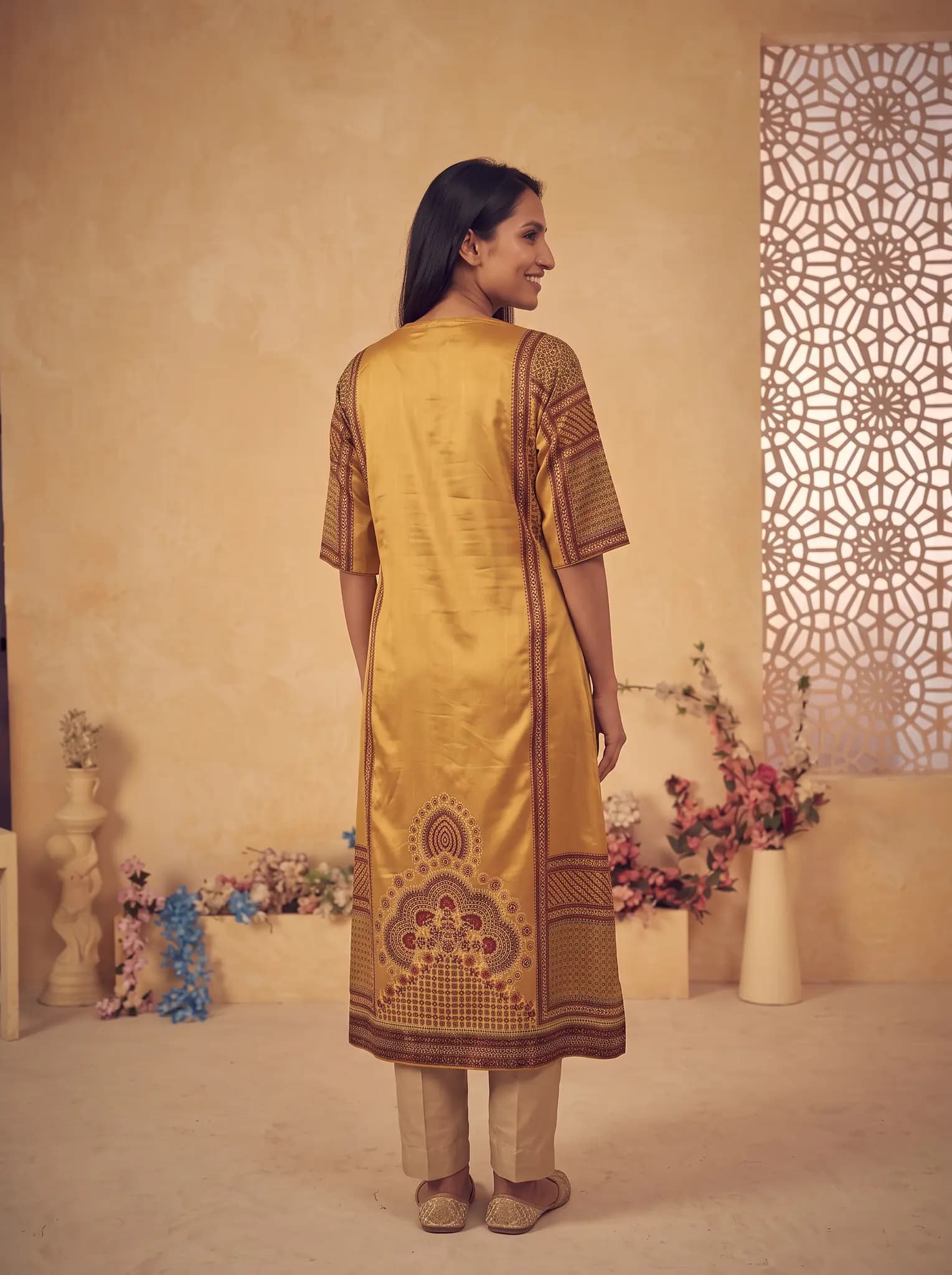
What the flat lay to model AI does
Fits the garment to a model
It reads the shape, texture and structure of your flat lay and works to keep the seams and print true to your photo.
Handles styling and light
You choose the pose and background. Lighting and shadow are handled for you.
Works with one piece or a set
Upload a single garment or a matching set, and add more photos if you have them.
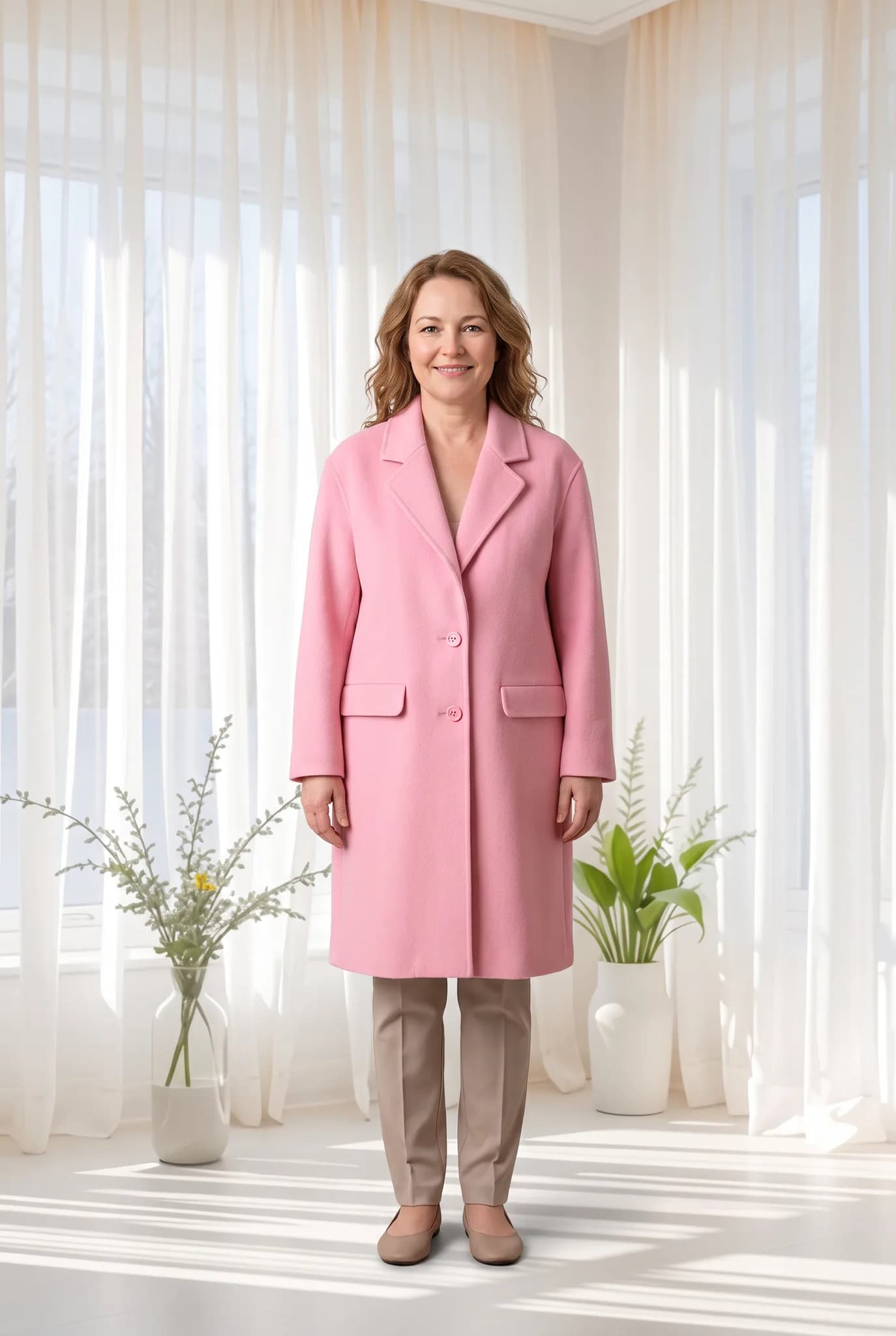
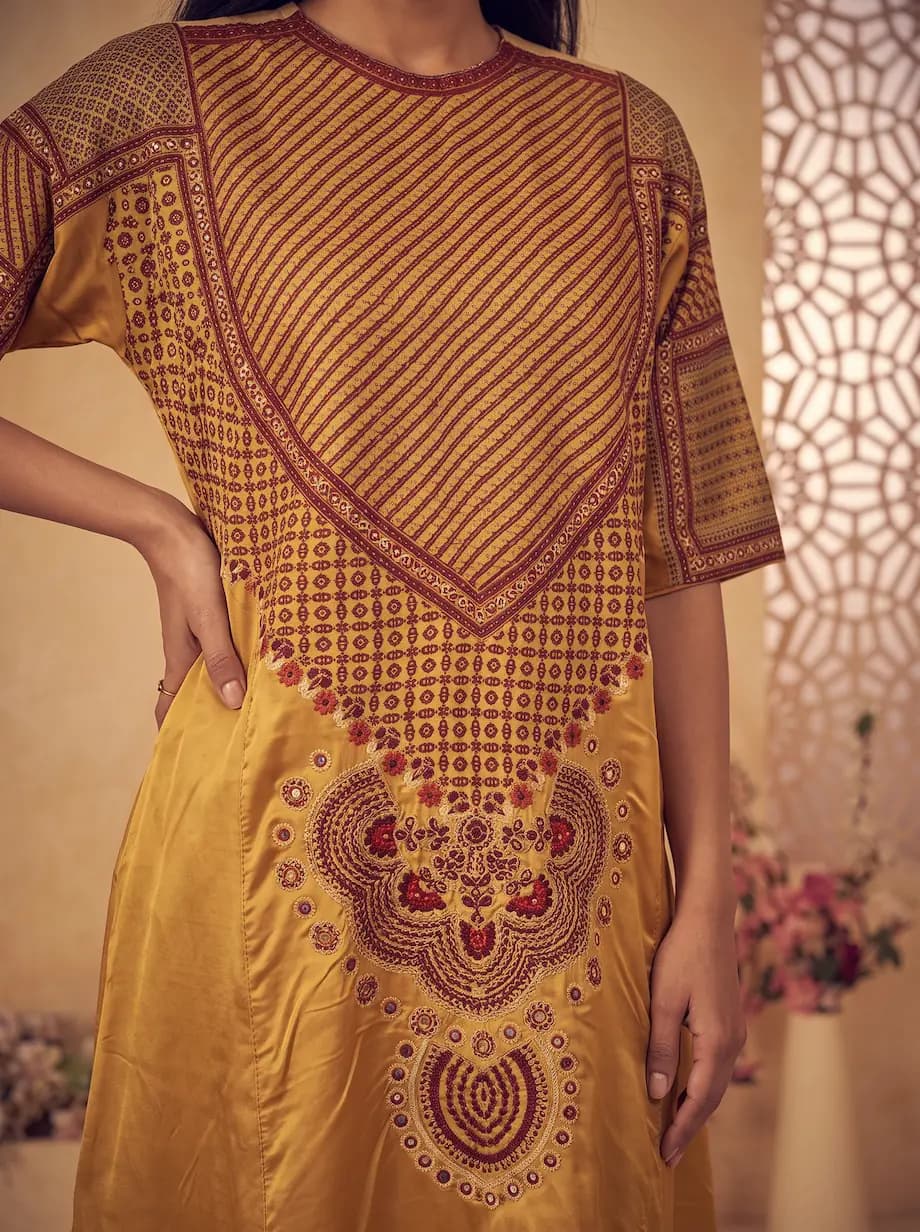
What affects your results
- Wrinkled, dark or cropped flat lays give weaker results.
- Length and fit are worked out by the AI, so check them against the real piece.
- Small logos and text are unlikely to come through exactly.
- One garment is processed at a time. This is not a bulk catalog tool.
What it costs
A photo uses 2 to 12 credits and creating an AI model uses 8. The studio shows the cost before you generate.
- Free account
- 10 one-time credits, up to 5 photos. No card.
- 14-day Silver trial
- 100 credits, up to 50 photos. Card required, $0 today.
- Silver
- $29 a month for 400 credits, up to 200 photos.
- Gold
- $79 a month for 1,200 credits, up to 600 photos.
- Studio
- $199 a month for 3,500 credits, up to 1750 photos.
Common questions
Do I need to iron my garment?
Light creases are usually fine. Heavy folds can show in the result, so smooth them out if you can.
Can I use a hanger photo instead?
Yes. Hanger, mannequin and ghost mannequin photos work too.
Is flat lay to model free?
A free account comes with 10 one-time credits, up to 5 photos. No card is needed. Free images are for personal use.
Upload a flat lay and see.
Use a real product from your shop. It is the quickest way to judge the result.
Convert a flat lay