
Free AI fashion tools for clothing sellers
Eight tools run free in your browser with no account. Four more lead into the Modelfy studio, where they use credits. Each tool below says which kind it is.
In the studio, using credits

AI Fashion Photoshoot
Upload a garment photo and put it on an AI model without writing a prompt. From 2 credits a photo.
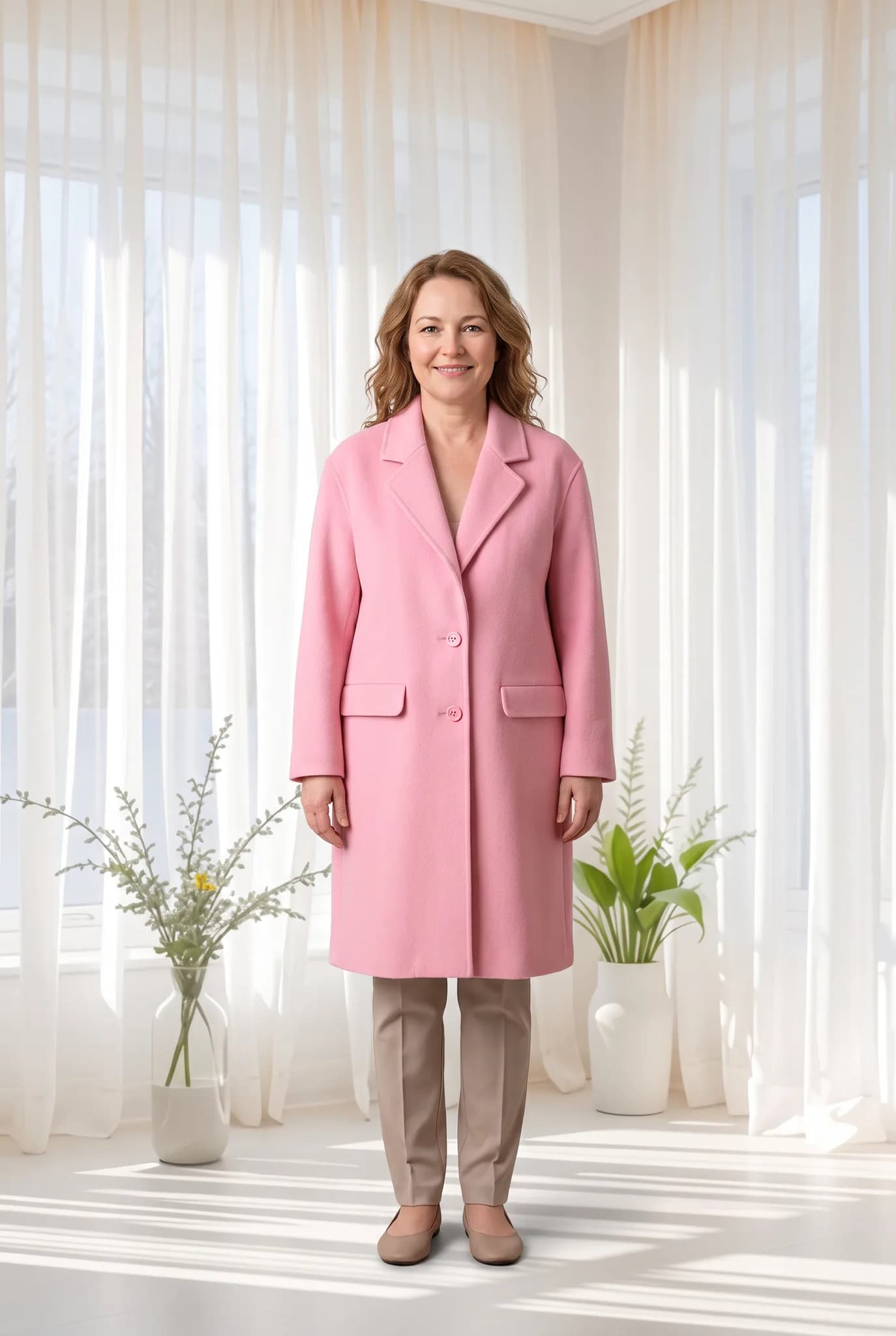
Virtual Try-On
Choose the garment, model and background yourself for a custom shoot. From 2 credits a photo.
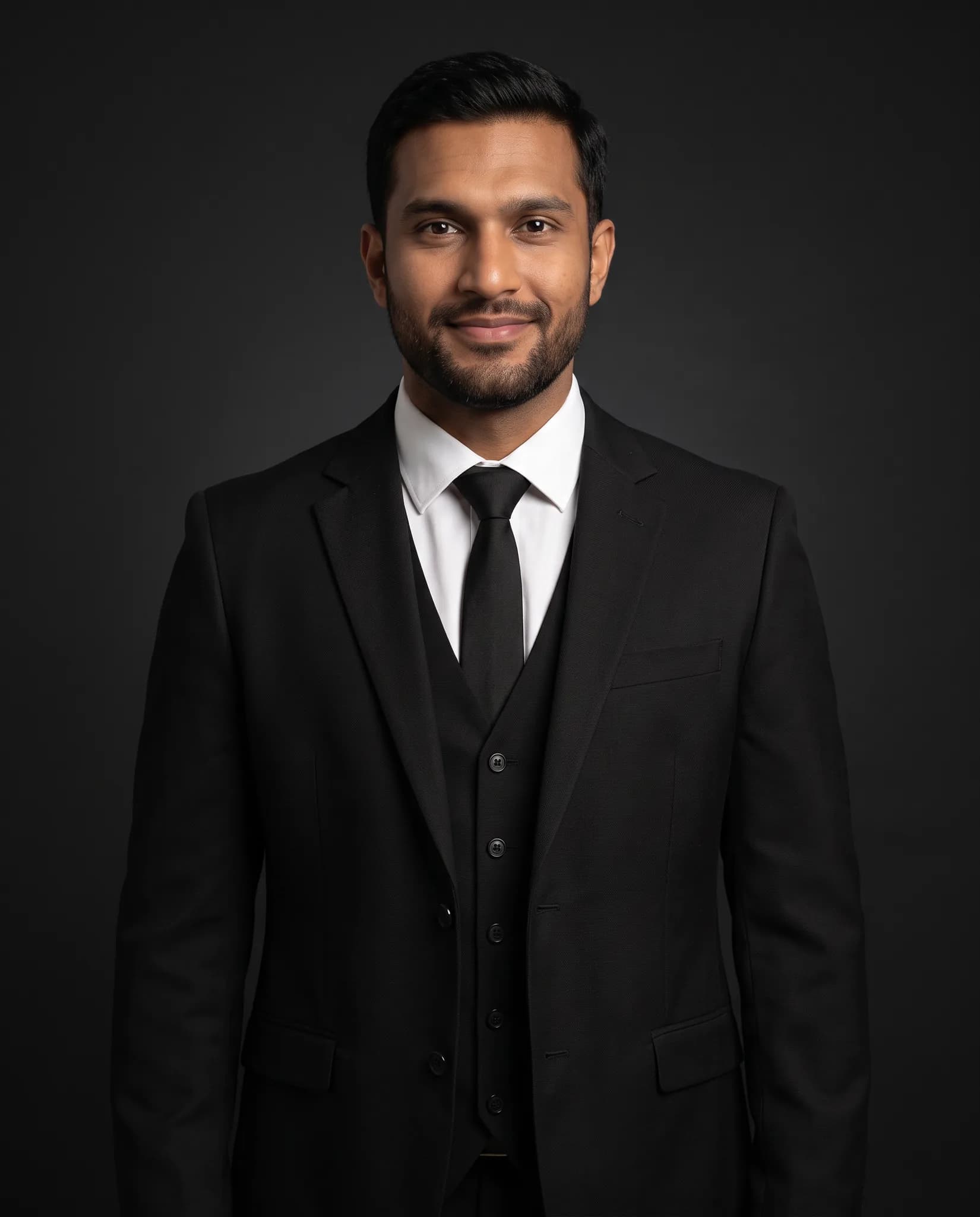
AI Model Generator
Create an AI fashion model from a description or reference photos, then reuse it across your catalog. 8 credits per model.
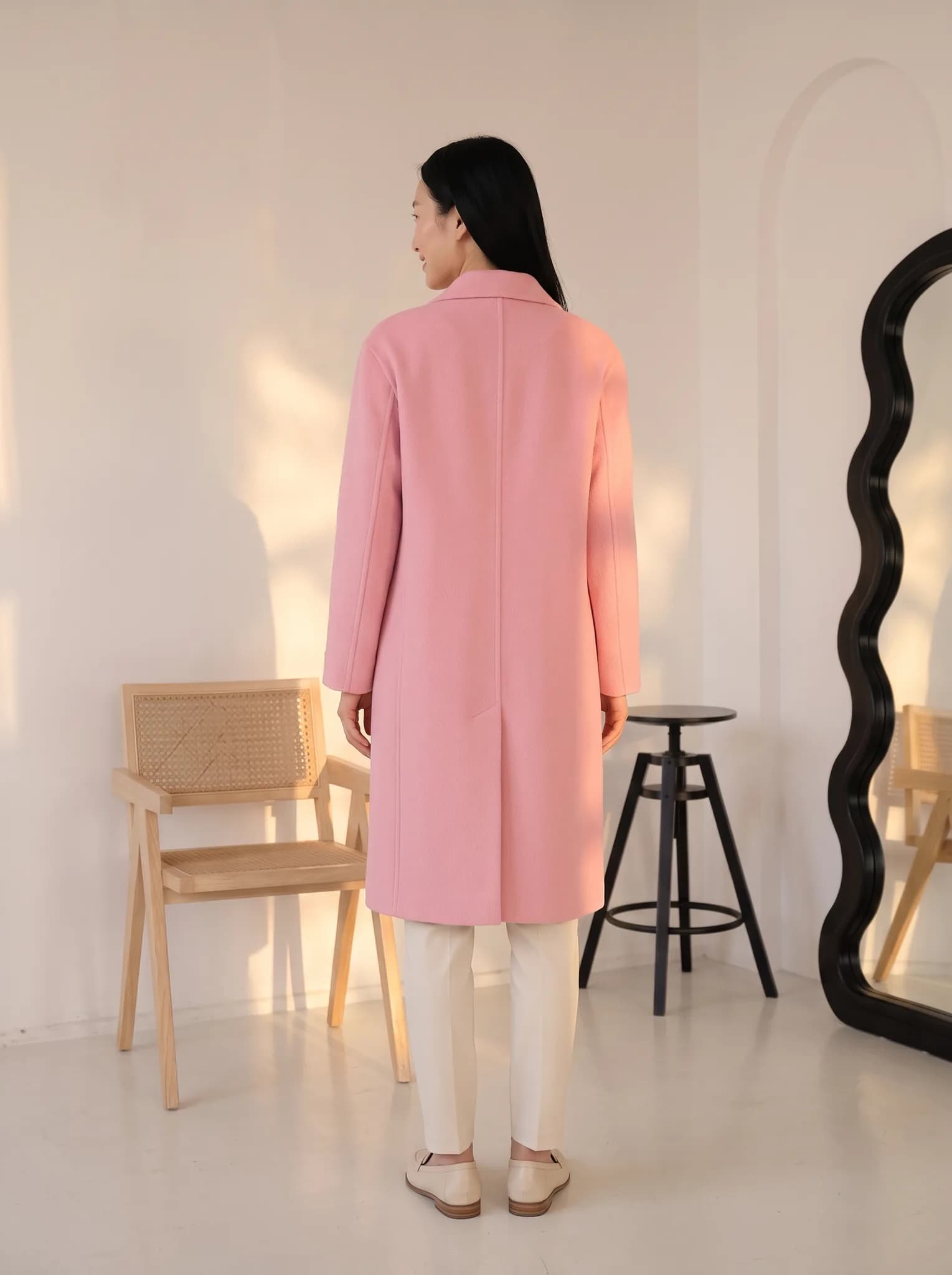
Angle Drafts
Draft more angles and poses of a garment, then render only the ones you like.
Free in your browser, no account
These work on the page itself. The image tools process photos on your own device.
- Background RemoverRemove the background from one garment photo and download a transparent PNG. No signup.
- Batch Background RemoverRemove backgrounds from a whole folder of photos and download them together as a ZIP.
- Batch Instagram ResizerFit many product photos to Square, Portrait or Story without cropping them.
- Photoshoot Cost CalculatorEstimate what a traditional shoot might cost and compare it with AI photos. Assumed rates are listed on the page.
- MSRP and Retail Price CalculatorAdd up your cost per garment and see a suggested retail price, wholesale price and margin.
- Photoshoot Brief GeneratorPick an aesthetic, product type, audience and lighting style and copy a written creative brief.
- Outfit Color Harmony CheckerPick colors for a top, bottom and shoes and get a rule-of-thumb score with simple swaps.
- Outfit Rotation PlannerCount your tops, bottoms and shoes, see how many outfits they make and get a 7-day plan.
Which kind of tool do you need?
If you need a clean photo, a price or a plan, start with a browser tool. If you need your garment on a model, you need the studio.
Browser tools
No account, no credits. They run on the page, so a slow phone will take longer than a laptop. Background removal downloads an AI model file to your browser the first time you use it.
Studio tools
The boxes on these pages are previews. Generating happens after you sign in. A standard photo uses 2 to 12 credits and a new AI model uses 8. Free signup includes 10 credits, up to 5 photos. Paid plans start at $29 a month for 400 credits. The 14-day Silver trial includes 100 credits and needs a card.
See pricingQuestions about the tools
Have an idea for another tool? Suggest it here.
Are these AI fashion tools really free?
The eight browser tools are free and need no account. The four studio tools use credits. Free signup includes 10 credits, up to 5 photos. After that you need a credit pack or a paid plan.
Do my photos get uploaded?
The background removers and the Instagram resizer process photos on your own device, so your photos are not sent to our servers. Studio tools do upload your photos, because generation runs on our servers.
Do I need to write prompts?
No. In the studio you upload a garment and choose options. You can add a short description when you create an AI model, but it is not a prompt you have to tune.
Can I use the images commercially?
Images from paid plans, trials and credit packs can be used commercially. Images from a free account are for trying the service and personal, non-commercial use. Files from the free browser tools are made from your own photos, so they are yours to use as you already could.
Ready to put your garment on a model?
Upload a phone photo and choose your options. No prompts. Free signup includes 10 credits, up to 5 photos.