
AI fashion photoshoot: put your clothes on an AI model
Run an AI fashion photoshoot from one phone photo of your garment and get it back on a realistic AI model. You do not write a prompt or book a studio. The photo is usually ready within minutes.
Open the studio free- Runs in
- The Modelfy studio, after you sign in
- Cost
- 2 to 12 credits per photo
- To start
- Free signup, 10 credits, up to 5 photos
- You upload
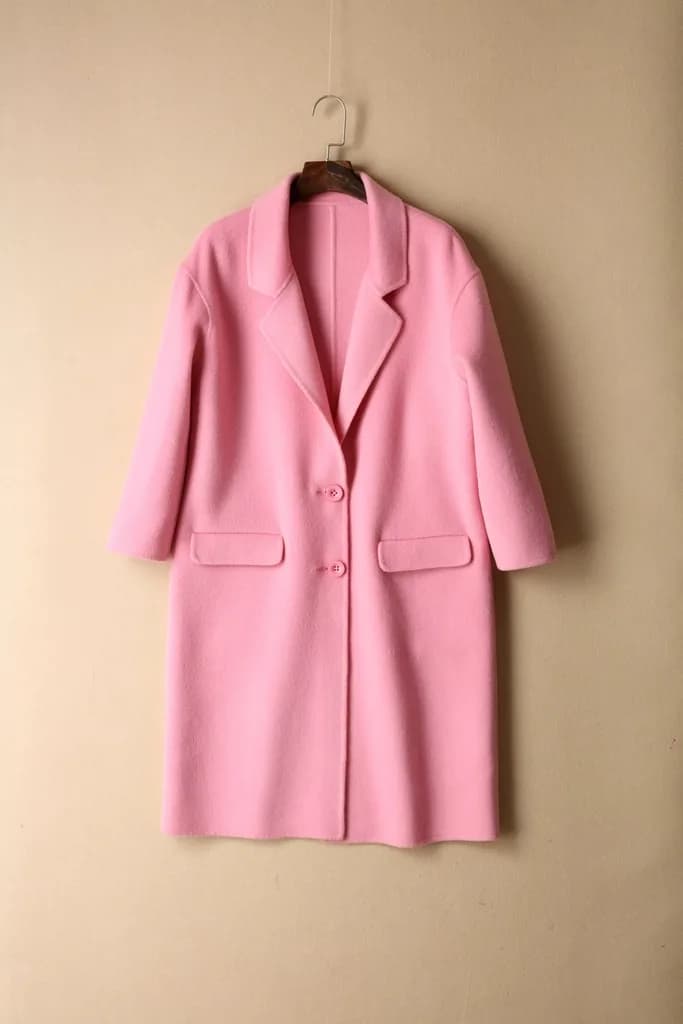
- A flat lay, hanger or ghost mannequin photo
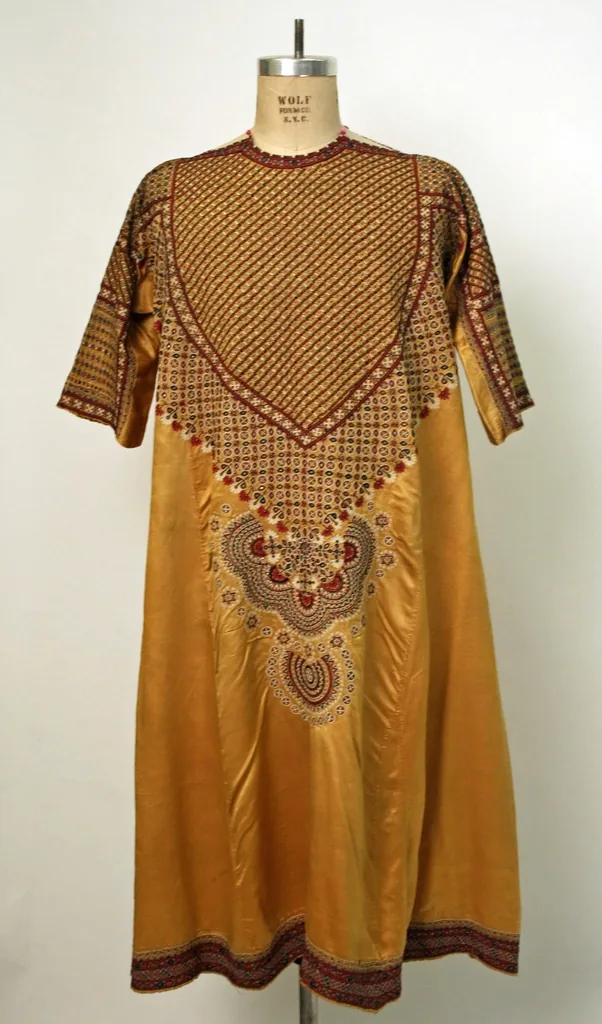
Garment photo
RequiredAdd garment photo
Click to choose a photo
This box is a preview. Your photo stays on this page and nothing is generated here. When you press generate, you are asked to sign in, and you upload the photo again in the studio.
What this AI clothing photoshoot does
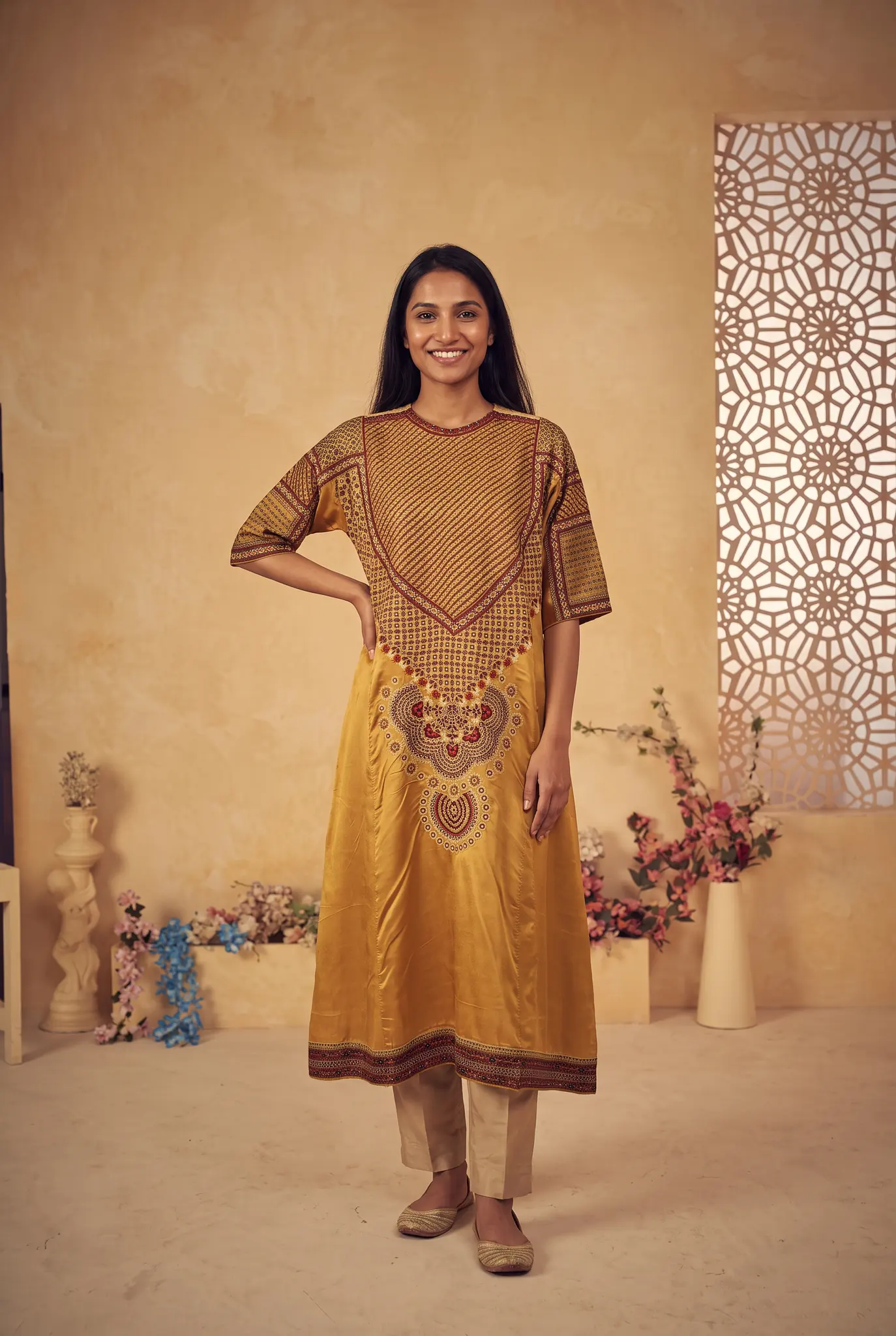
It takes one photo of a garment and places it on an AI fashion model. Pose, lighting and background are handled for you, so a 1-click AI photoshoot really is a few choices and one button.
In the studio this is called Instant Shoot. You can run it with default settings or pick a saved AI model and scene. If you have more photos of the piece, you can attach the back and side too, so the shoot has more to work from.

Who it is for
Small clothing sellers
You sell on Instagram, WhatsApp or a small store and photograph stock on a hanger. You want model photos without paying for a shoot each time.
Boutiques with frequent drops
New pieces arrive every week and a studio day for each one is not realistic. You shoot on your phone and generate the rest.
Brands testing new looks
You want to try a piece on a different model or scene before you spend money on a real shoot or an ad campaign.
How to put clothes on an AI model
This is what happens after you sign in to the studio. You upload your photo there.
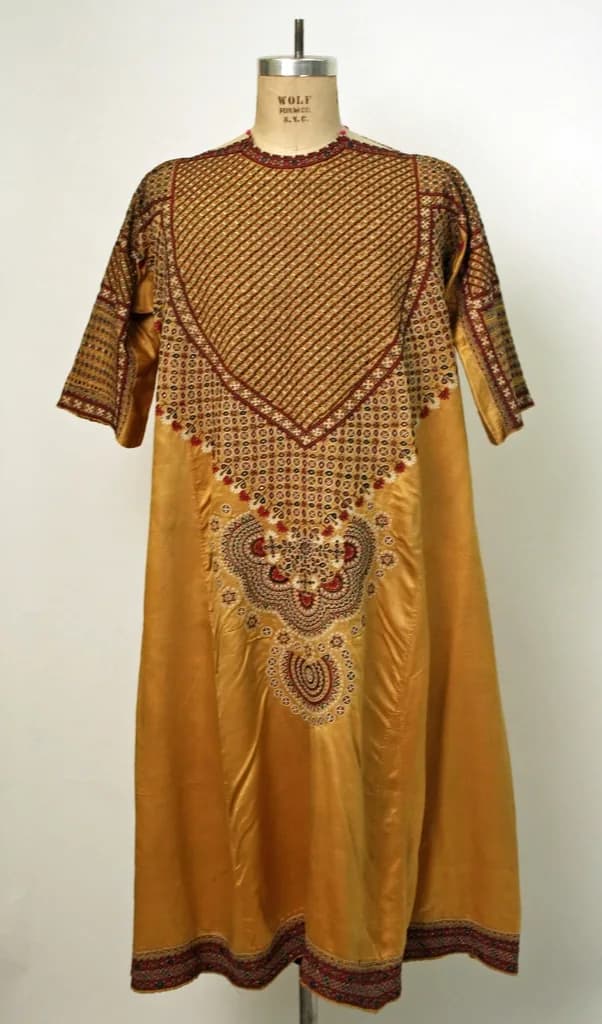
Upload your garment
Add a flat lay, hanger or ghost mannequin photo. A clear phone photo is enough.
Choose and generate
Keep the defaults or choose a model and scene, then press generate. The studio shows the cost first, 2 to 12 credits depending on the quality you choose.
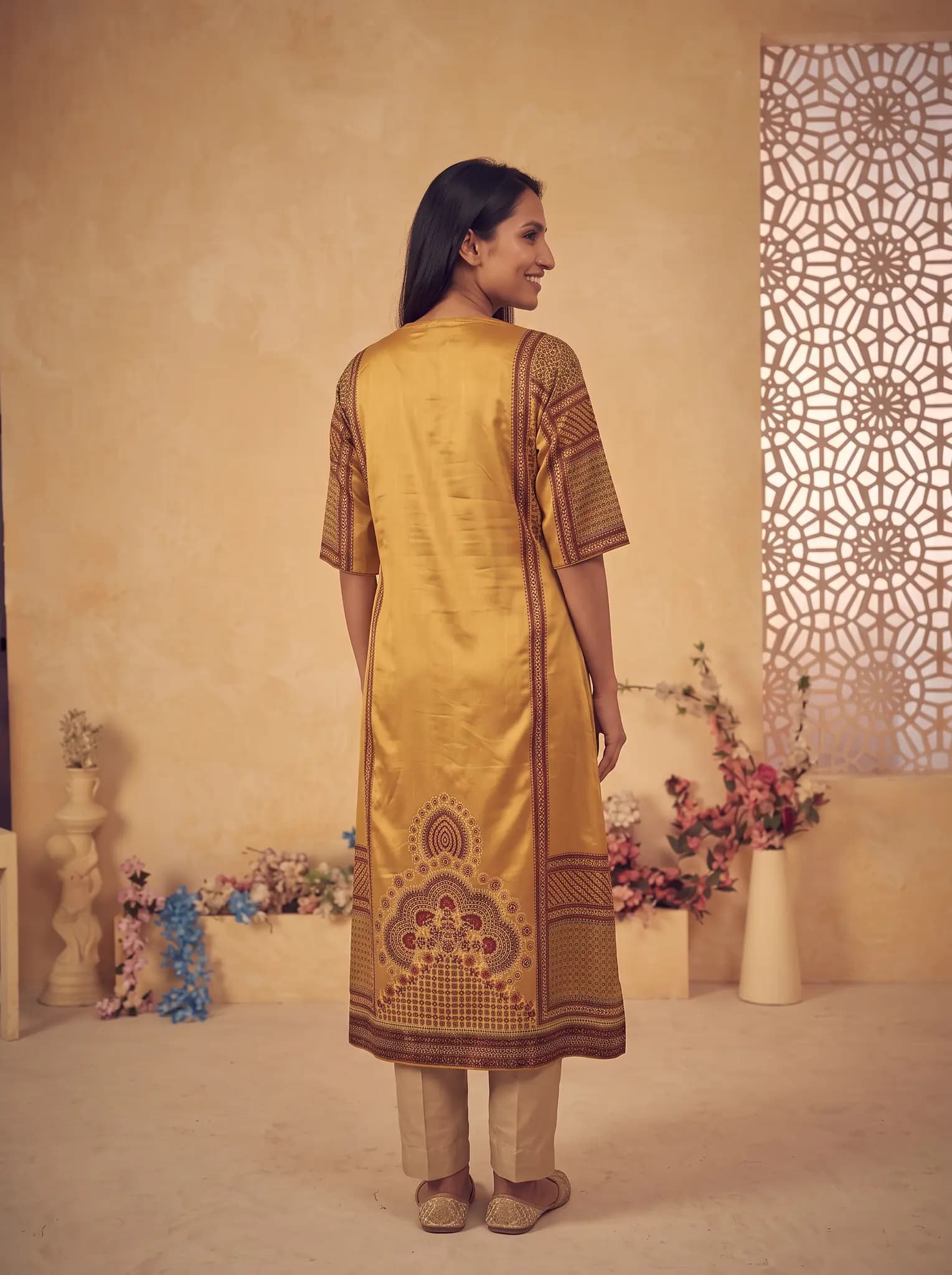
Check and download
Compare the photo with the real garment. Generate again if you want another version, then download it for your store, ads or social media.
What you get
- A finished on-model photo of your garment for each generation.
- A saved history in your studio library, so you can find and download photos later.
- The option to reuse saved AI models, poses and backgrounds, so a whole collection looks like one shoot.
- 2K downloads are available on paid plans.
- Images from paid plans, trials and credit packs can be used commercially. Images from a free account are for trying the service and personal, non-commercial use.
Honest limits
- AI results vary. Small logos, fine text and detailed embroidery can change, so always compare the result with the real piece.
- The fit shown is an AI estimate. It does not tell a customer how the garment will fit their body.
- Generating again costs credits again.
- Modelfy is built for clothing. It is not designed for furniture, gadgets or other general products.
- Our terms do not allow images that mislead customers about what a product is or looks like.
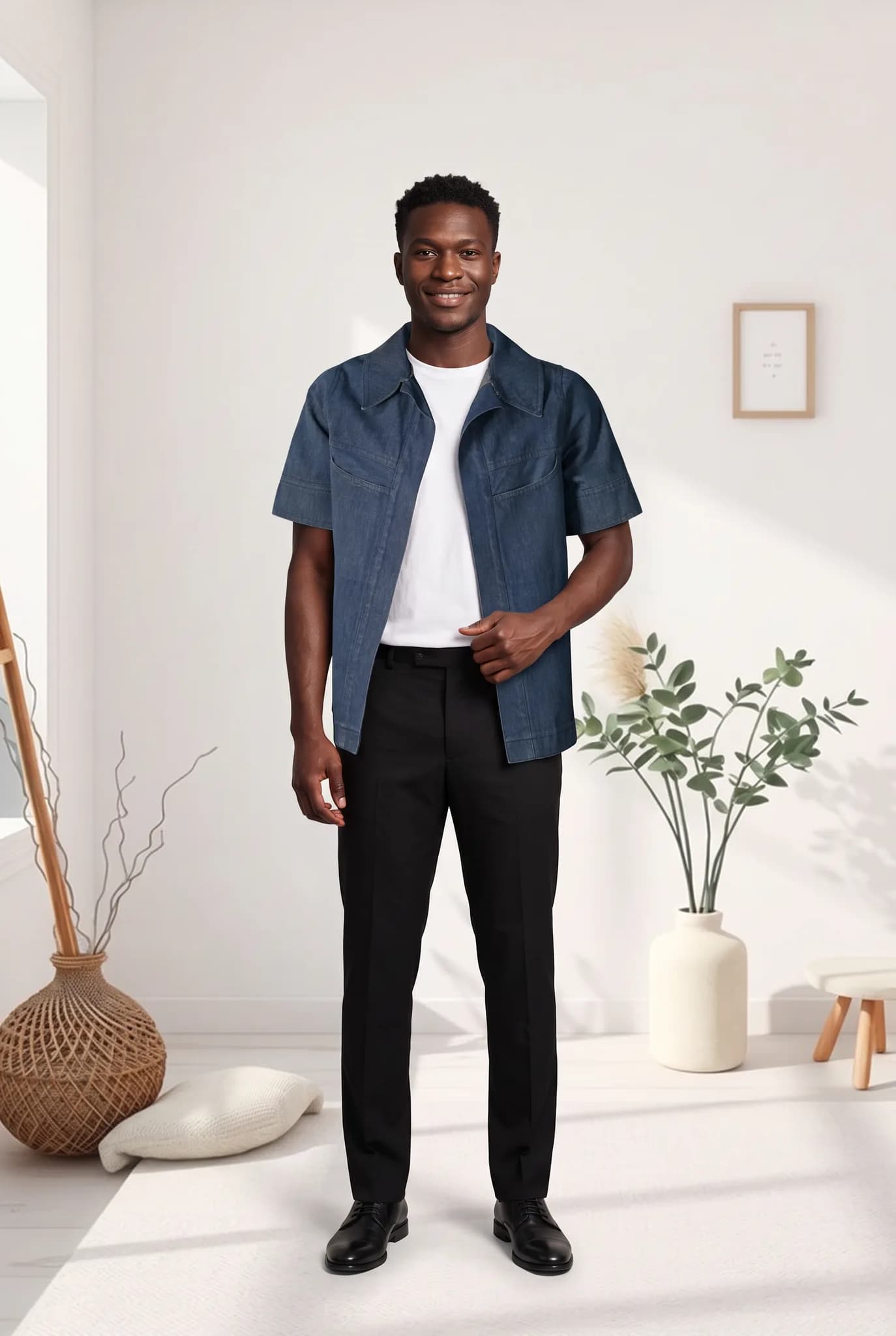
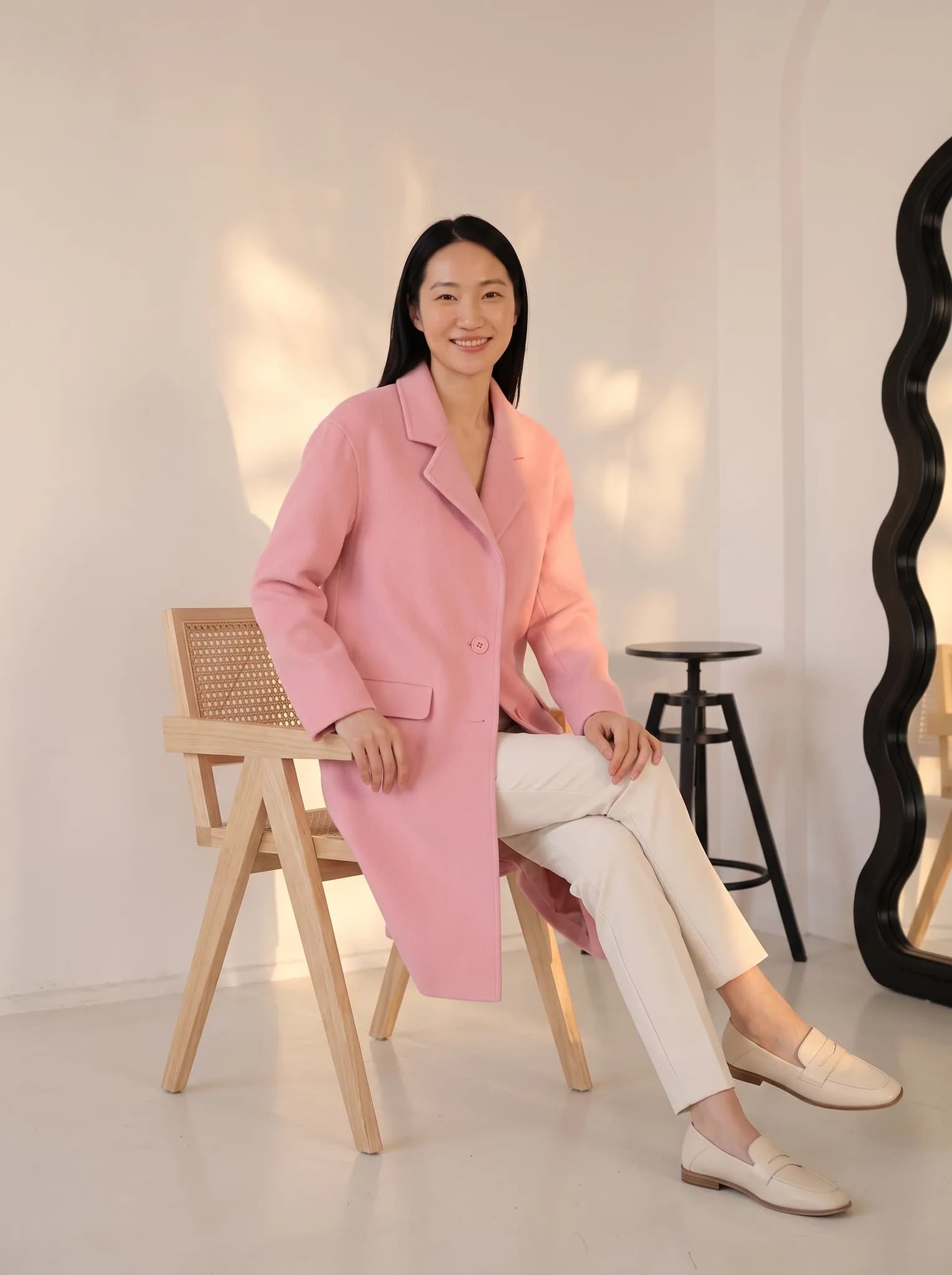
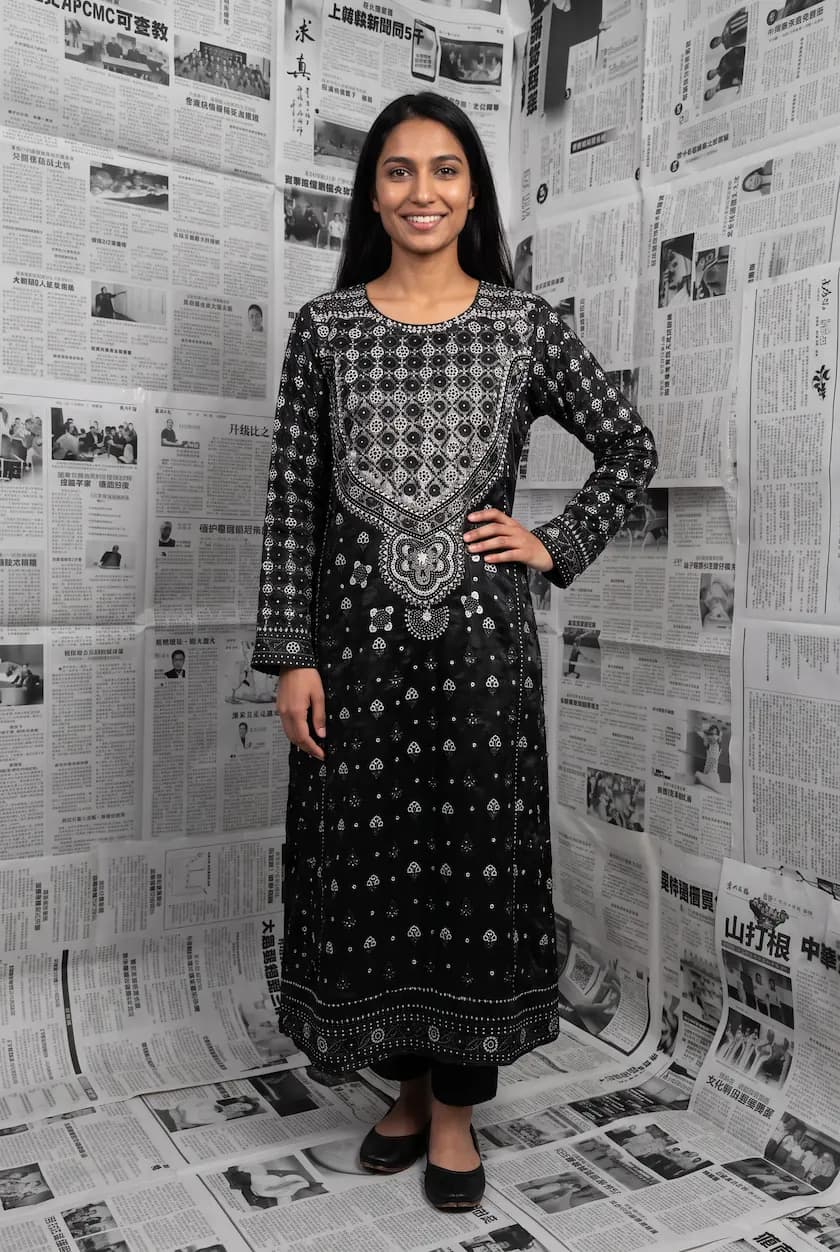
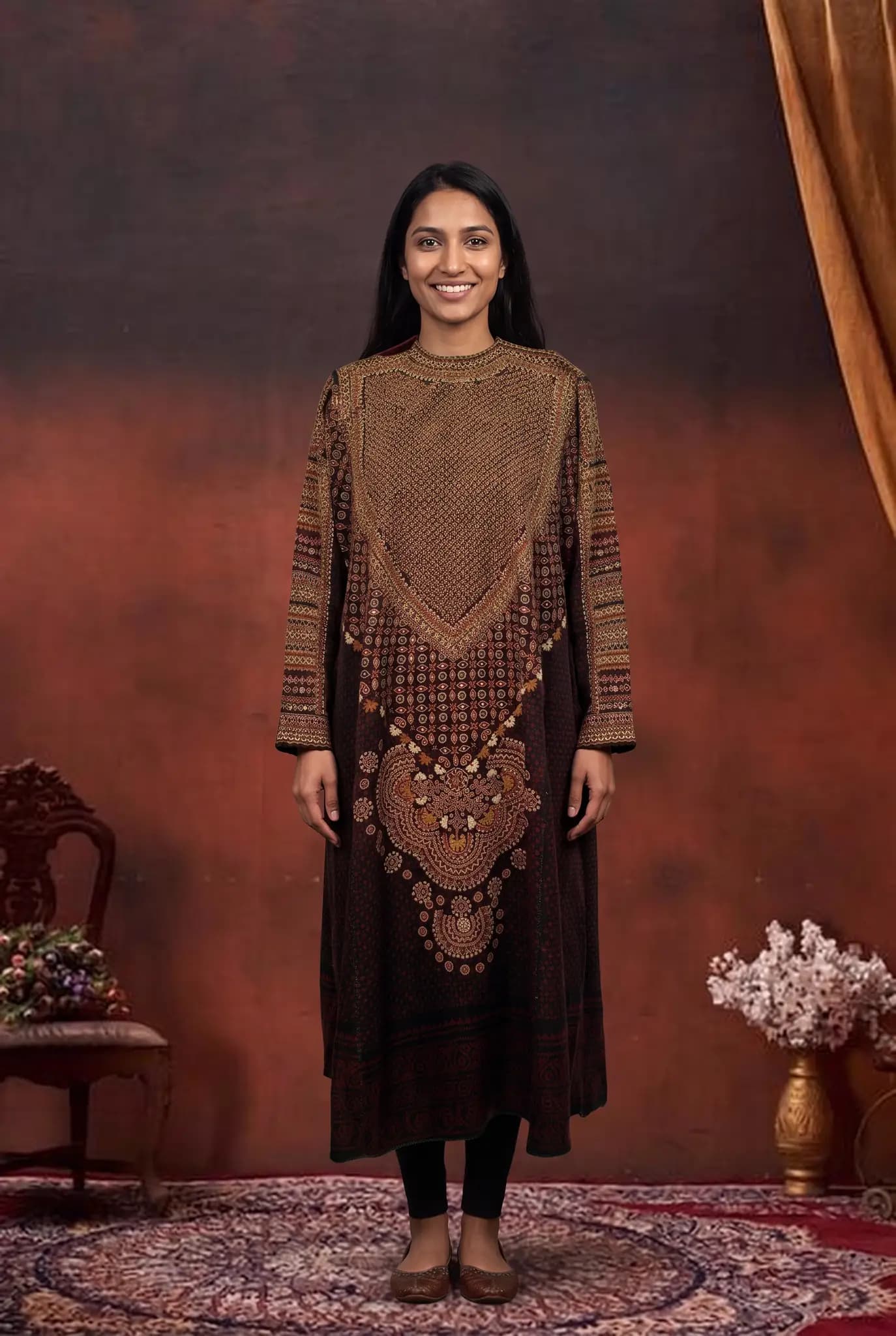
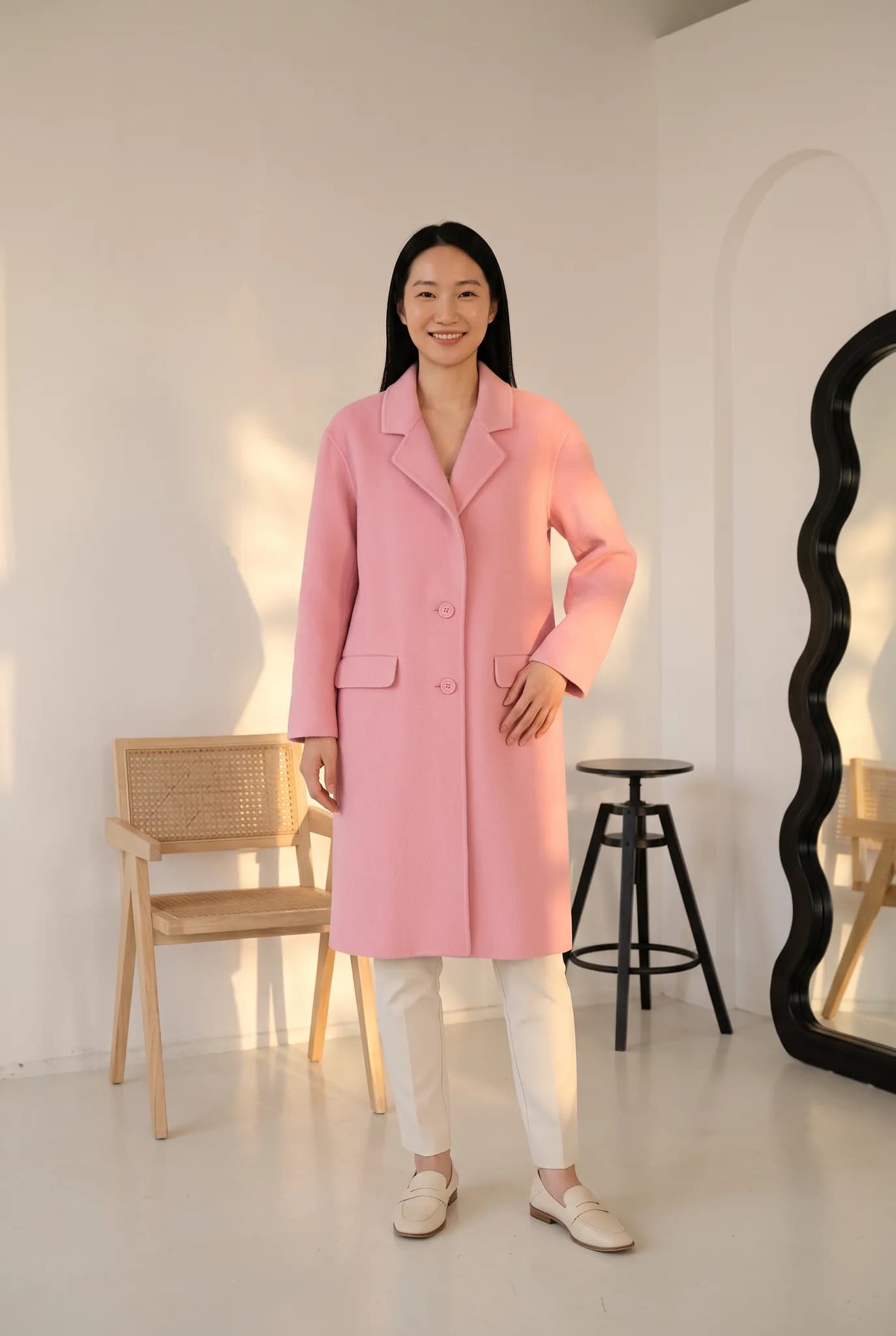
Examples of AI fashion photos made in Modelfy
These are AI-generated photos made in the studio. Your results depend on your photo and the options you choose.
Tips for a good garment photo
You do not need a real camera. A little care with your phone goes a long way.
Show the whole garment
Keep all of it in frame, with sleeves and hem visible. Parts cut off by the frame are hard to recreate well.
Use daylight
Stand near a window and avoid harsh flash. True color matters more than a fancy setup.
Use a plain background
A clean wall or bed sheet helps the garment stand out. Remove other clothes from the shot.
Smooth it out
Iron or steam the piece if you can. Heavy creases can show up in the result as if they were part of the design.
AI fashion photoshoot questions
What people ask before their first shoot.
Something else? Write to [email protected].
Can I put my own clothes on an AI model?
Yes. Upload a flat lay, hanger or mannequin photo in the studio and Modelfy places the garment on an AI model. It works to keep the color, print and details of your garment, but results can vary, so check each photo.
How does an AI fashion photoshoot work?
You upload a clothing photo and the AI generates a new photo of that garment on a model, with lighting, pose and background handled for you. You do not write prompts. It usually takes a few minutes.
Is the AI fashion photoshoot free?
You can try it free. A free account comes with 10 one-time credits, enough for up to 5 photos. After that you need a credit pack or a paid plan. Paid plans start at $29 a month for 400 credits. The 14-day Silver trial includes 100 credits and needs a card.
What clothing types work?
Tops, dresses, jackets, trousers, skirts, activewear and cultural wear such as kurtas and co-ord sets. Use a clear JPG, PNG or WEBP photo. Very sheer or heavily embroidered pieces can be harder, so test one first.
How accurate is the AI at putting clothes on models?
It is good at overall shape, color and large prints. It can change small logos, fine text and tiny details. Treat every result as a draft to check against the real garment, and generate again if something is off.
Can I use these photos for ads and in my store?
Images from paid plans, trials and credit packs can be used commercially. Images from a free account are for trying the service and personal, non-commercial use.
Was this tool useful?
We use ratings to decide what to improve. We do not publish them.
Put your clothes on an AI model, free to try.
Free signup includes 10 credits, up to 5 photos. Upload your garment in the studio and see the first result yourself.
More tools for clothing sellers
Some run free in your browser. Others use credits in the Modelfy studio. Each one says which.
View all tools- Virtual Try-OnChoose the garment, model and background yourself for a custom shoot. From 2 credits a photo.Uses studio credits
- AI Model GeneratorCreate an AI fashion model from a description or reference photos, then reuse it across your catalog. 8 credits per model.Uses studio credits
- Angle DraftsDraft more angles and poses of a garment, then render only the ones you like.Uses studio credits
- Background RemoverRemove the background from one garment photo and download a transparent PNG. No signup.Free in your browser
Latest from our blog
Practical writing on AI fashion photography, selling clothes online and building a brand.
November 9, 2026 · By Haziq Qasmi
AI Photoshoot for Clothing Brands, a Practical Guide
How an AI photoshoot works for clothing brands: what you upload, what you get, what it costs, and how to plan a full product shoot without a studio.
November 9, 2026 · By Haziq Qasmi
Virtual Fashion Models for E-commerce, What You Need to Know
What virtual fashion models are, how online stores use them for product images, what to watch out for and how to add them to your e-commerce store.
November 9, 2026 · By Haziq Qasmi
How to Create Fashion Campaign Images Without a Photoshoot
How to create fashion campaign images without a photoshoot: plan the story, pick scenes, keep one model and turn your product photos into campaign visuals.