
AI Product Photos for Shopify
Make on-model AI clothing photos for your Shopify store, then upload them yourself.
Modelfy makes AI model photos from your product images. Download them and add them to Shopify, or any other store that accepts images. There is no direct Shopify integration.
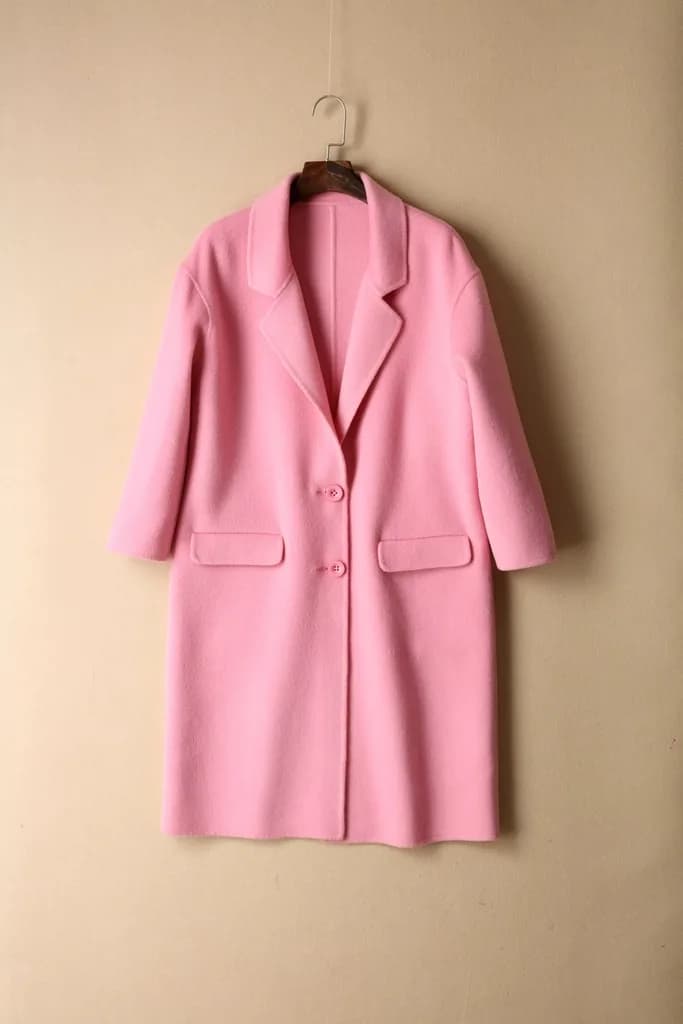
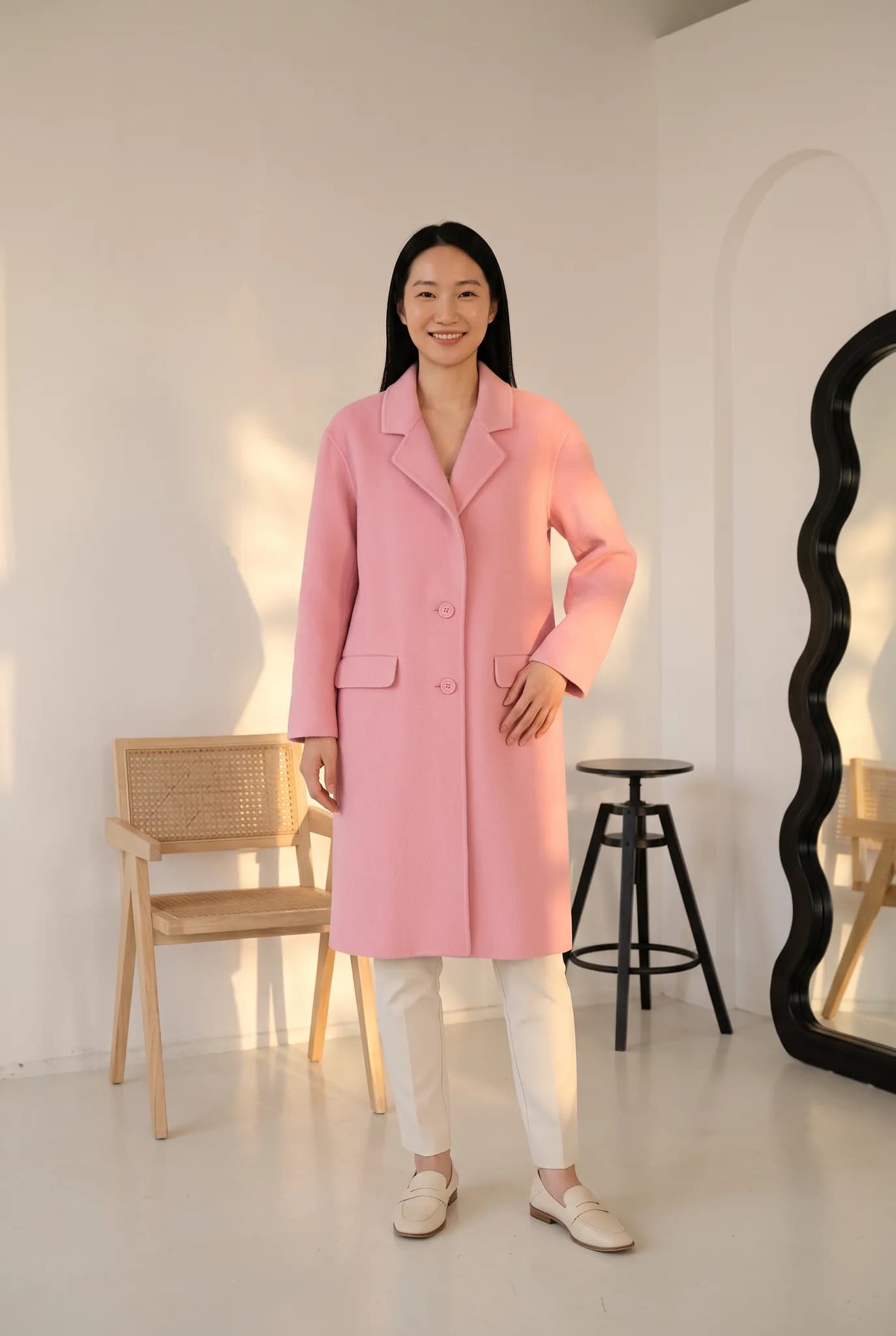
Shopify model photos without a shoot
Shopify themes are built around big product images, so a hanger photo can make a good product look unfinished. Better photos can help, though no tool can promise you a higher conversion rate.
Modelfy generates on-model photos from the product images you already have. You download them from the studio and add them to your Shopify products in the normal way, the same as any other image.
That is the whole connection. There is no Shopify app or sync today, so nothing changes in your store until you upload it yourself. The same files also work on Etsy, Amazon, WooCommerce and elsewhere.
Good for Shopify stores that
- Sell clothing and have products with only flat-lay or hanger photos
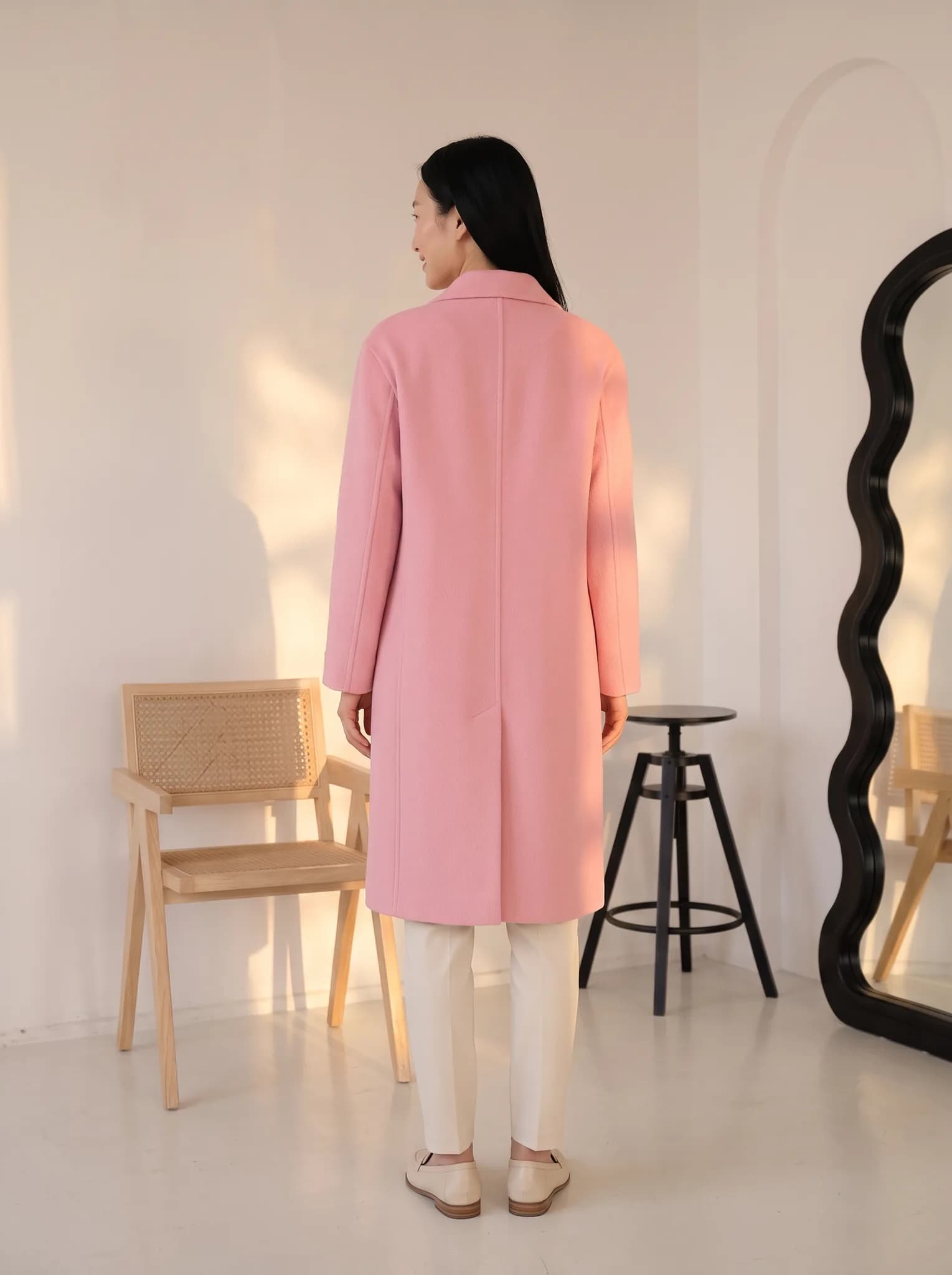
- Want a main image plus back and detail shots on each product page
- Want a consistent look across collection pages
- Add new stock often and cannot shoot each drop
From product photo to Shopify listing
Upload your product photo
Use the flat lay or hanger photo you already have.
Choose your saved look
Use the same model, pose and background across a collection.
Generate and check
Usually within minutes. Check color and detail against the real product.
Add it in Shopify
Download the image, open the product in your Shopify admin and add it under Media.

What you get for your store
Images that sit well on a product page
Portrait format images that suit clothing, at 2K on paid plans. If your theme uses square images, crop them before you upload.
A choice of models
Pick from the studio or create your own AI models, with different looks and body types, and save them for your store.
A consistent collection page
Saved choices help your grid look like it came from a single shoot. You work through your products one at a time.
What to expect
- No Shopify app, sync or automatic upload. You add images yourself.
- No bulk upload. Each product is generated on its own.
- Your image alt text and product details are still yours to write.
- Images should match the real product. Mismatched photos can lead to returns.
What it costs
A photo uses 2 to 12 credits and creating an AI model uses 8. The studio shows the cost before you generate.
- Free account
- 10 one-time credits, up to 5 photos. No card.
- 14-day Silver trial
- 100 credits, up to 50 photos. Card required, $0 today.
- Silver
- $29 a month for 400 credits, up to 200 photos.
- Gold
- $79 a month for 1,200 credits, up to 600 photos.
- Studio
- $199 a month for 3,500 credits, up to 1750 photos.
Common questions
Is there a Modelfy app for Shopify?
No. You download images from the studio and upload them to Shopify yourself.
What image size does Shopify need?
Shopify accepts large images, and 2K downloads on paid plans suit most themes. Crop if your theme uses a square or a different shape.
Can I use free credits for my Shopify store?
Free credits are for trying the service and for personal use. For your store, use a trial, a plan or a credit pack.
Redo one Shopify product.
Pick a product with a weak photo, make a new one and compare the two on your own product page.
Start for free