
On-model photos without a shoot
Generate on-model photos from your garment photos. That means no scouting for a location or fitting a shoot in before the drop.
Get lookbook and product images ready for your next drop without arranging a shoot around it. Create AI models that suit your brand, and put them in the settings you choose.
10 free credits at signup, up to 5 photos.
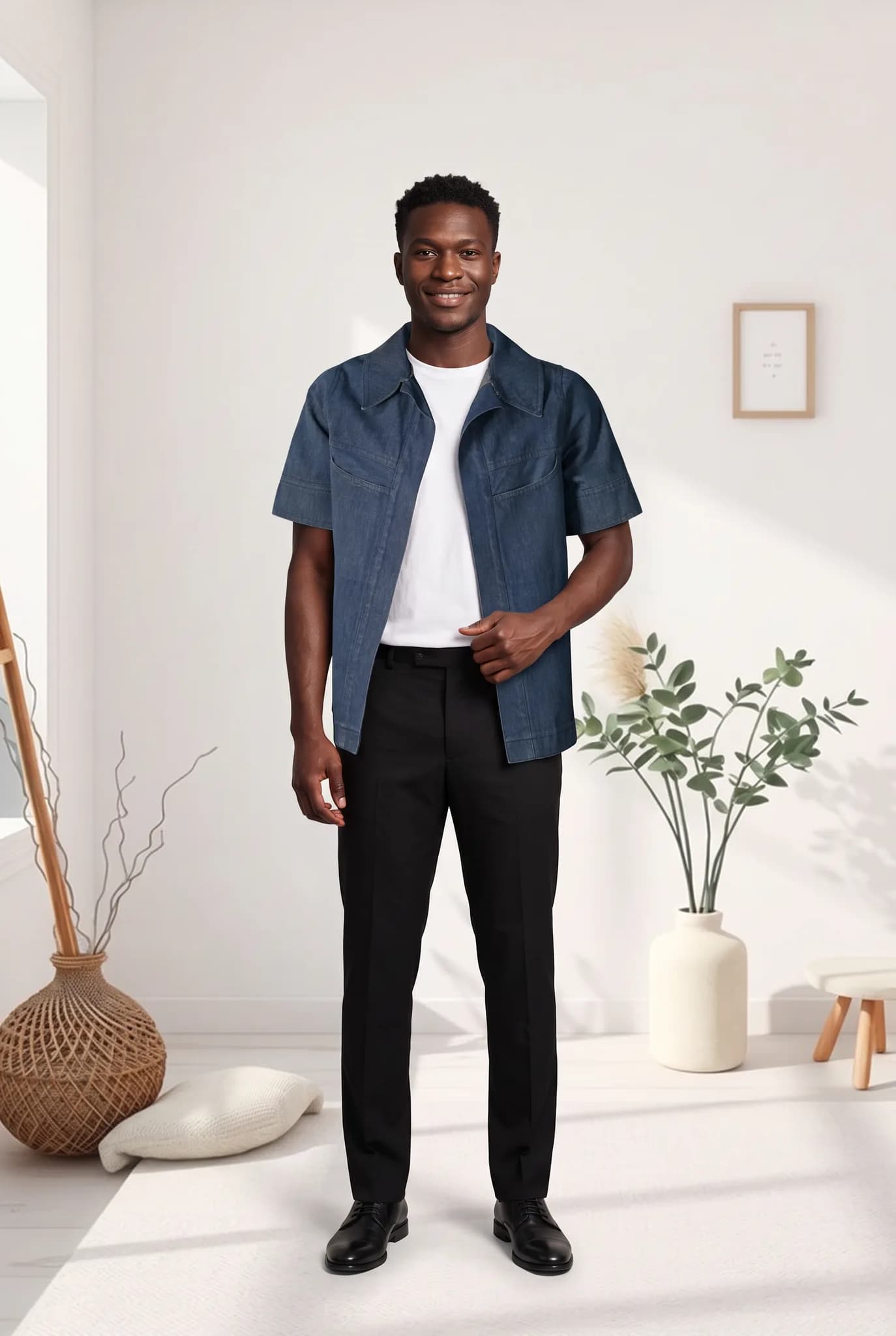
Streetwear moves on drops. The clothes are often ready just before the date, which leaves little time for a shoot. Modelfy helps you have clean images ready without one.
Generate on-model photos from your garment photos. That means no scouting for a location or fitting a shoot in before the drop.
Describe the models you want or upload reference photos, then save them. Your audience will decide if it feels right, so try a few before you commit.
Each photo usually takes minutes. You can prepare a lookbook and teaser images in the days before a release, once samples are in hand.
You decide who wears your clothes. Create models who look like the people who buy from you and follow your brand.
Try the same hoodie or jacket in different scenes and poses, so your feed has variety during the run-up to a drop. Each image uses credits, so plan for it.
You avoid model fees and location costs for these images, and that leaves more budget for your product and your community.
Generic stock-style models can kill the feel of a streetwear brand, so give this step real time. Create a few models, try them in your actual pieces, and only keep the ones you would really post. A small saved cast also makes each drop feel connected to the last.
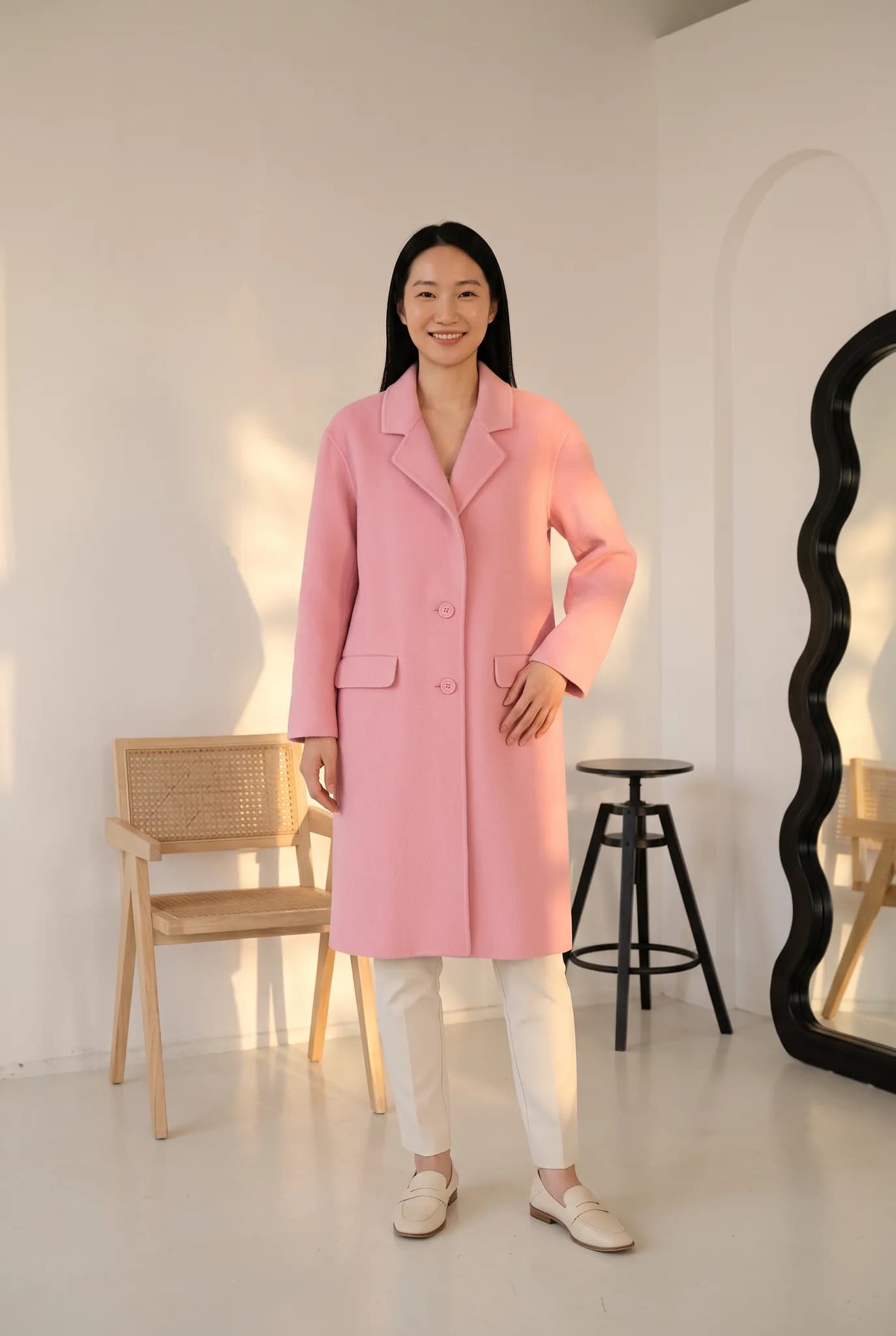
Once a sample is in your hands, you can begin. Make the product images first, then a few scenes for teasers and the lookbook. If your plans change, you can make another version without rebooking anyone.
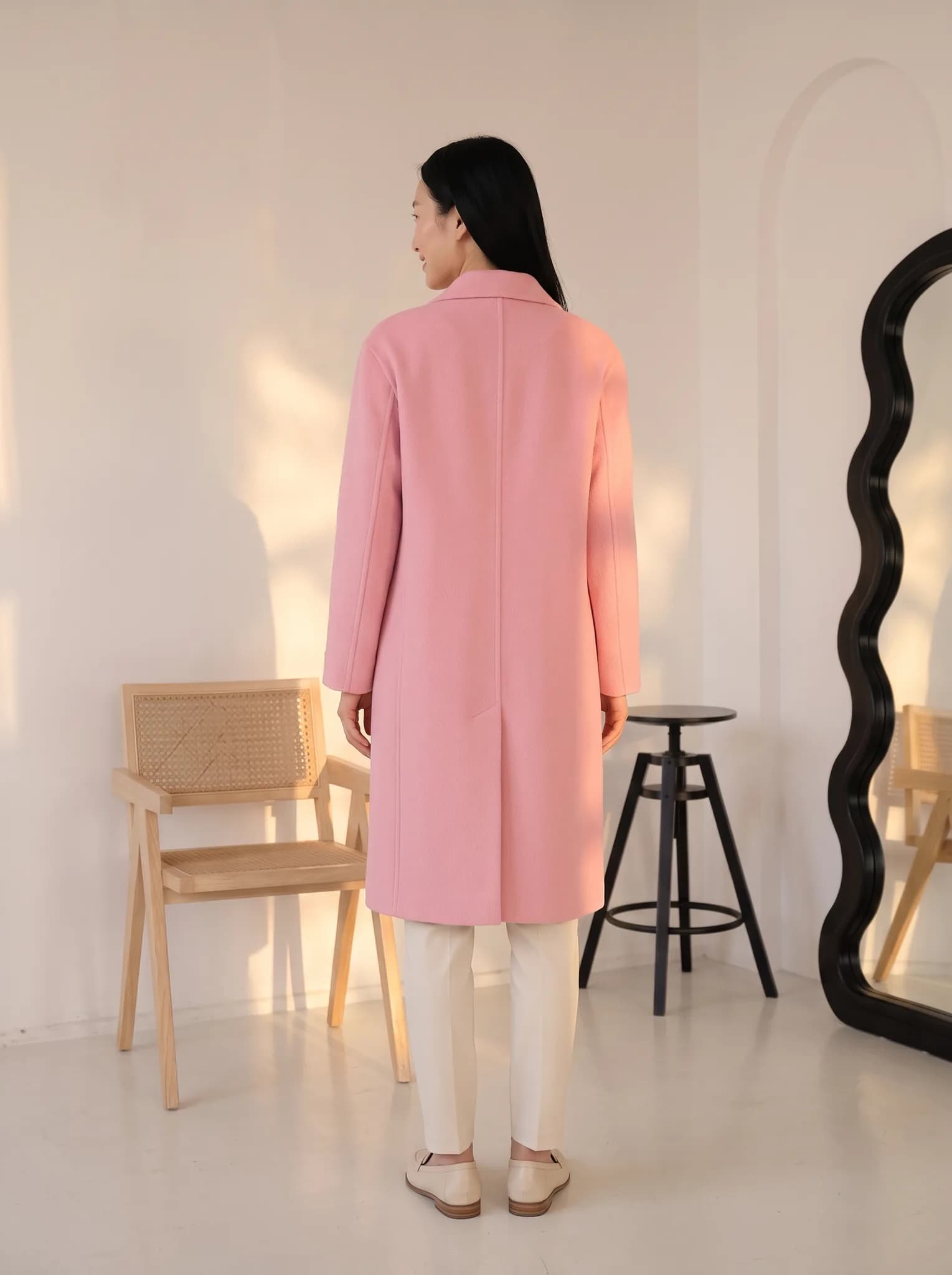
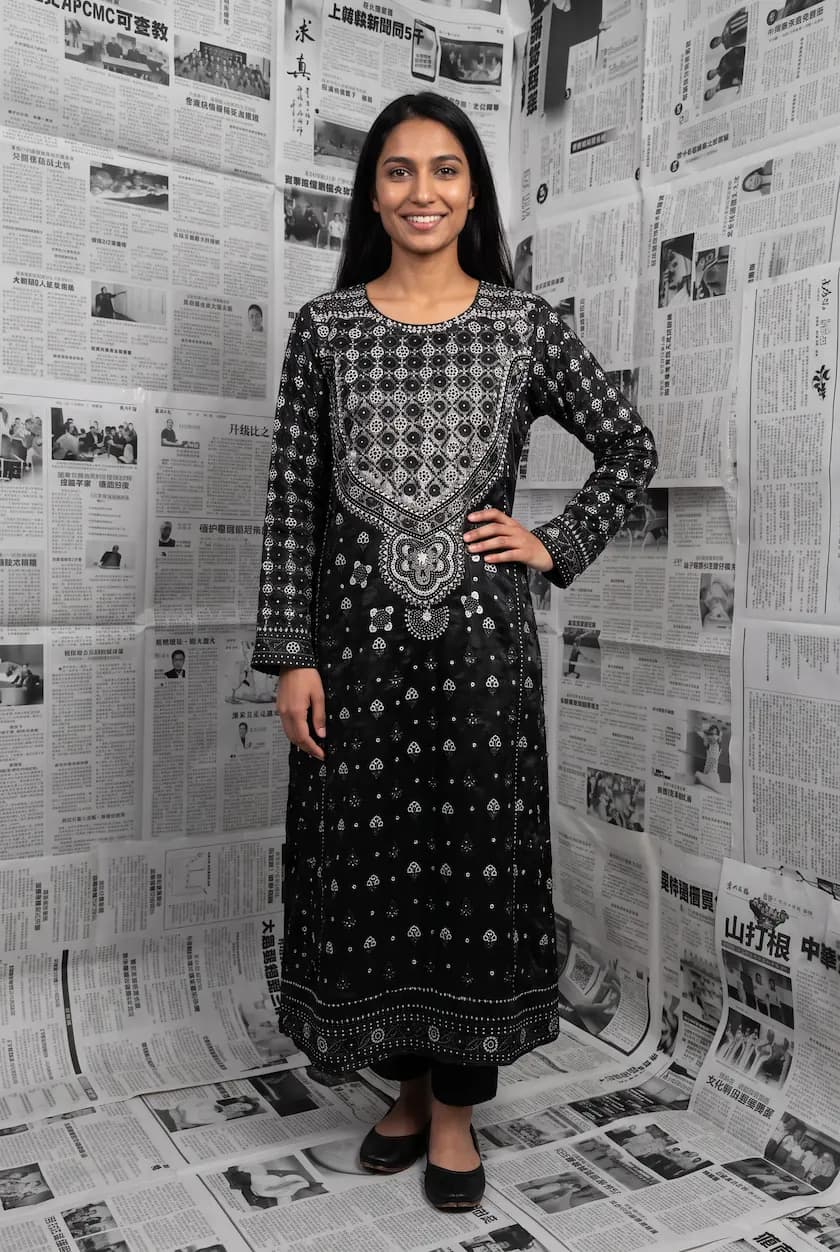
A flat lay, hanger or ghost mannequin photo is enough, and a phone camera is fine. Use good light and keep the whole garment in frame.
Pick a saved AI model or create a new one for 8 credits. Then choose a pose and a background. There are no prompts to write.
A photo uses 2 to 12 credits and is usually ready within minutes. Compare it with the real garment, and try again if something is off.
Download your images and schedule them for your store, your lookbook and your social posts.
Streetwear customers notice when something feels fake. Modelfy gives you options. It is your job to choose images your community would respect, and to be open with them if they ask.
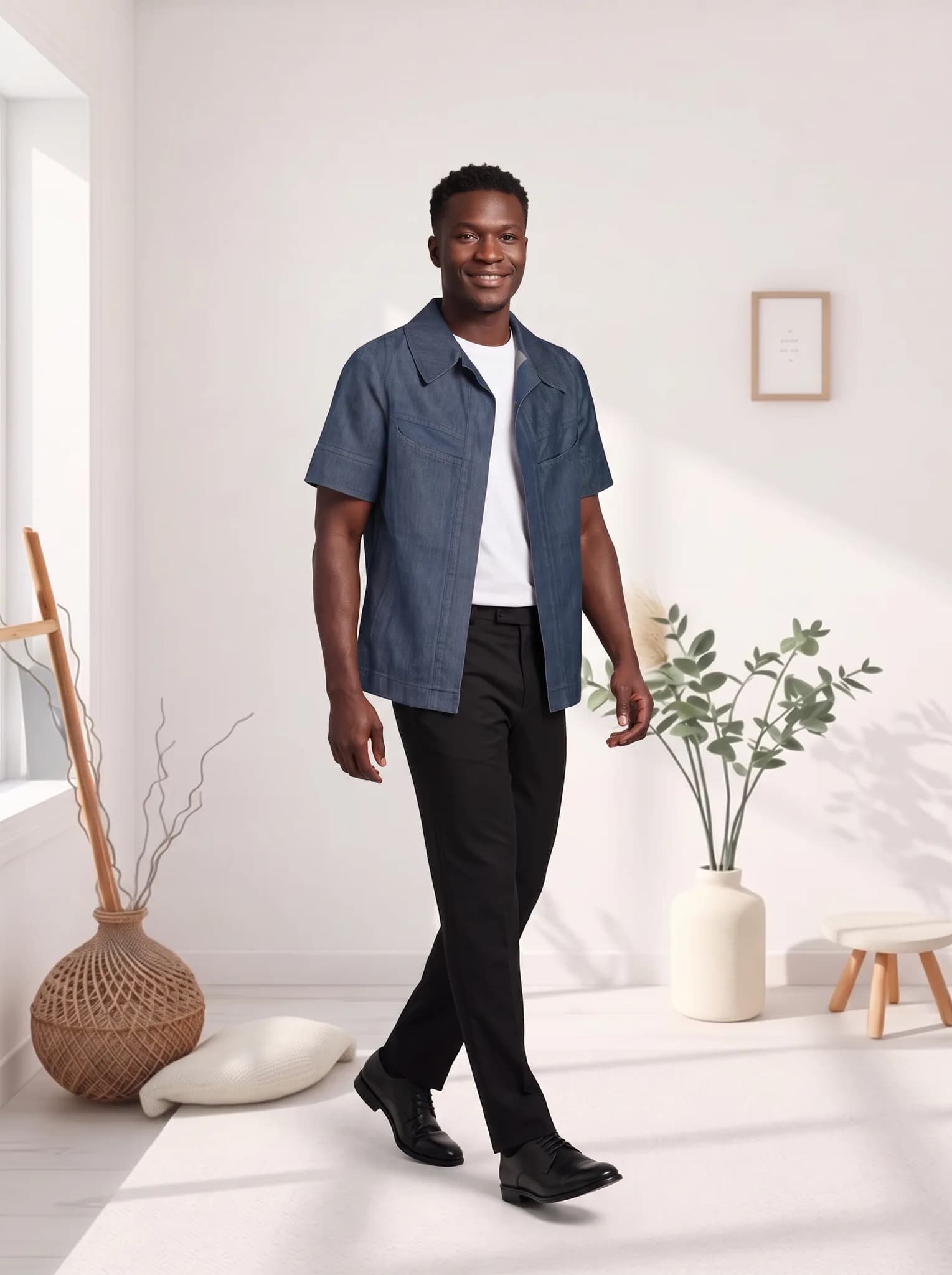
Make your teaser, reveal and product images on your own schedule. That way your release date depends less on when you can book people and locations.
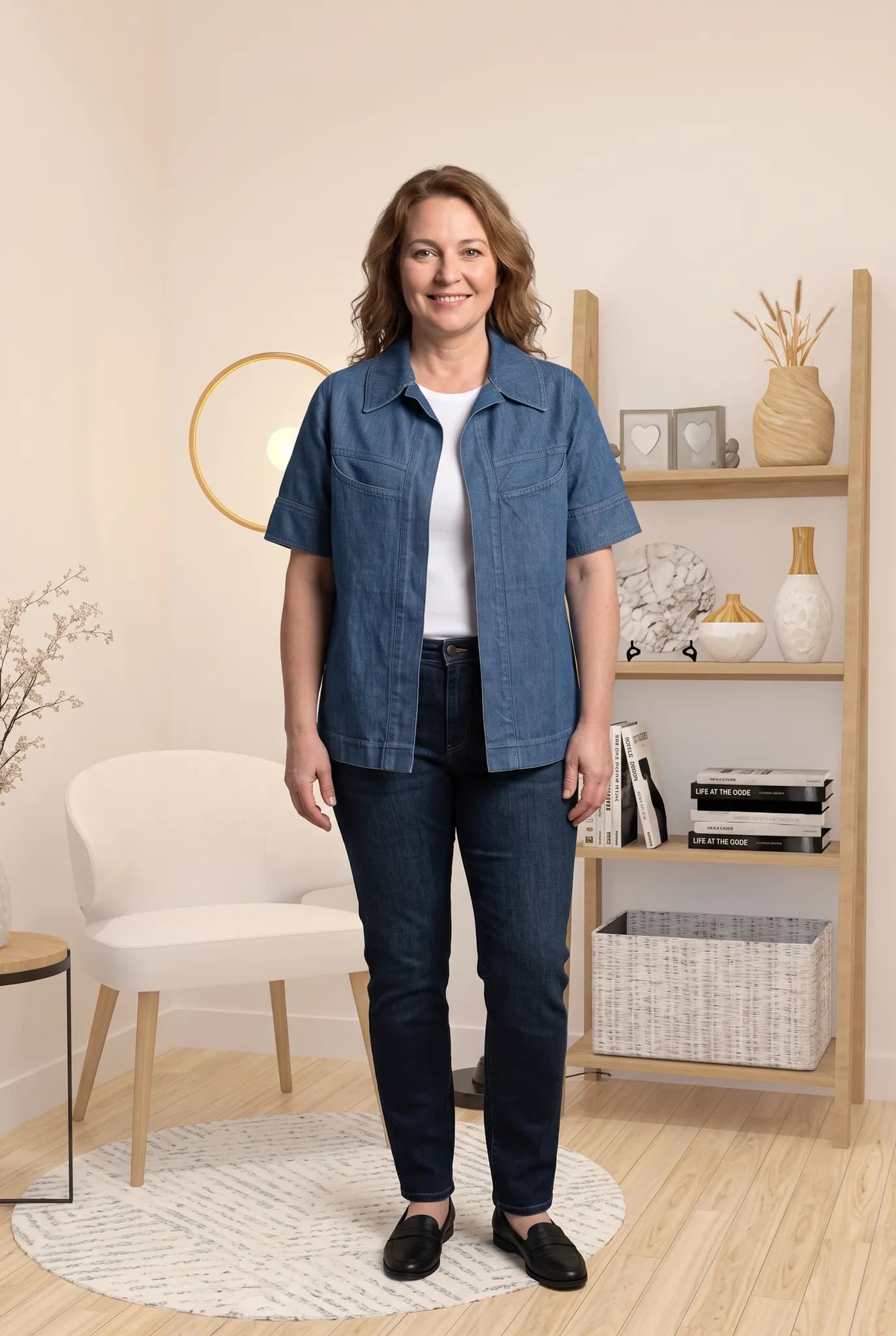
The same jacket can look very different on different people. Create more than one model, so your customers can picture themselves in your clothes.
You start with 10 free credits, up to 5 photos. A 14-day Silver trial gives you 100 credits, and it needs a card.
| Plan | Monthly price | Credits | About |
|---|---|---|---|
| Silver | $29 | 400 | 200 photos, 14 cents each |
| Gold | $79 | 1200 | 600 photos, 13 cents each |
| Studio | $199 | 3500 | 1750 photos, 11 cents each |
One-time credit packs: 100 for $12, 300 for $29, 1000 for $79. Paid plans include 2K downloads.
Compare plans in fullSomething else on your mind? Write to [email protected].
They can give you a good starting point, but a culture is more than an image. Spend time creating models and choosing poses that suit you, and only publish what feels right to you and your audience.
Each photo is usually ready within minutes. How long a whole lookbook takes depends on how many pieces you have and how carefully you review. Plan a few days ahead instead of leaving it to the last minute.
Yes. Save your models, poses and backgrounds and return to them for each drop, so your images feel related. Small differences can appear between images, so review the whole set.
Often they do, but not always. Small text and detailed graphics are where AI is most likely to make changes. Compare each image with the real piece, and regenerate or leave out anything that is wrong.
Yes. You create models by describing them or uploading reference photos, so you can build a cast that reflects the people who buy from you.
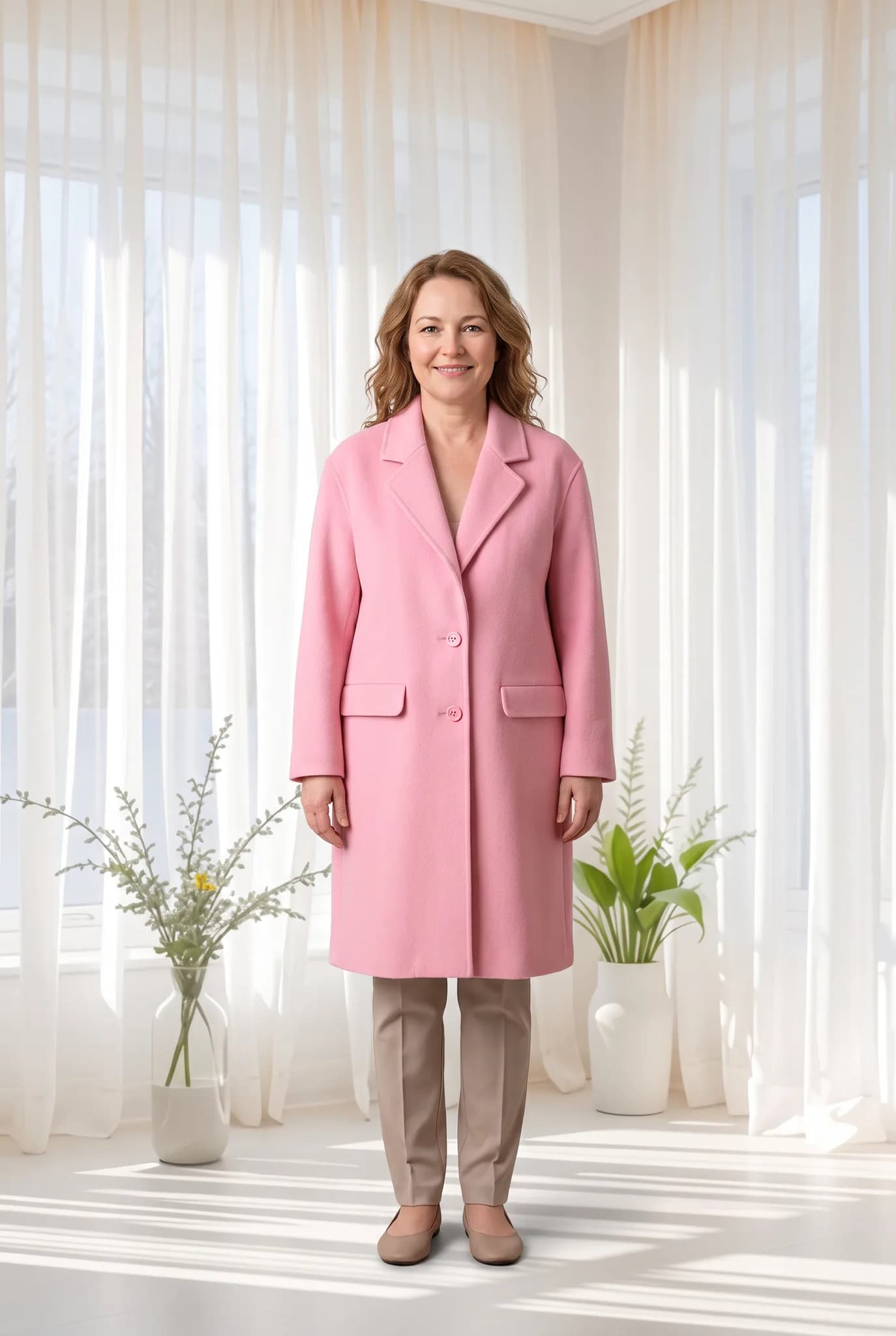
Selling on Instagram means posting often, and your posts need to look like they come from one brand. Modelfy helps with the photos. The captions, replies and community are still yours.

Shopify shows your product photos large, side by side, on every collection page. Modelfy helps you fill those spaces with on-model photos that look like they belong together.
Etsy buyers look closely at photos, and they care about what is real. Modelfy is useful for showing how a piece looks on a person. Your own photos should still show the true fabric and details.
Seeing your own piece on a model is the best way to judge whether Modelfy suits you. Your 10 free credits make up to 5 photos, and you do not need a plan to try it.
Not sure whether Modelfy suits your clothes, or which plan to choose? Send us a message, or chat with us on WhatsApp.