
On-model photos for more of your catalog
Products that would never get a real shoot can still have a model photo. Convert flat lays and ghost mannequin shots into on-model product images.
Add on-model photos to your product catalog without a shoot for every new item. Upload a flat lay or ghost mannequin photo, choose a model, and download images for your store.
10 free credits at signup, up to 5 photos.
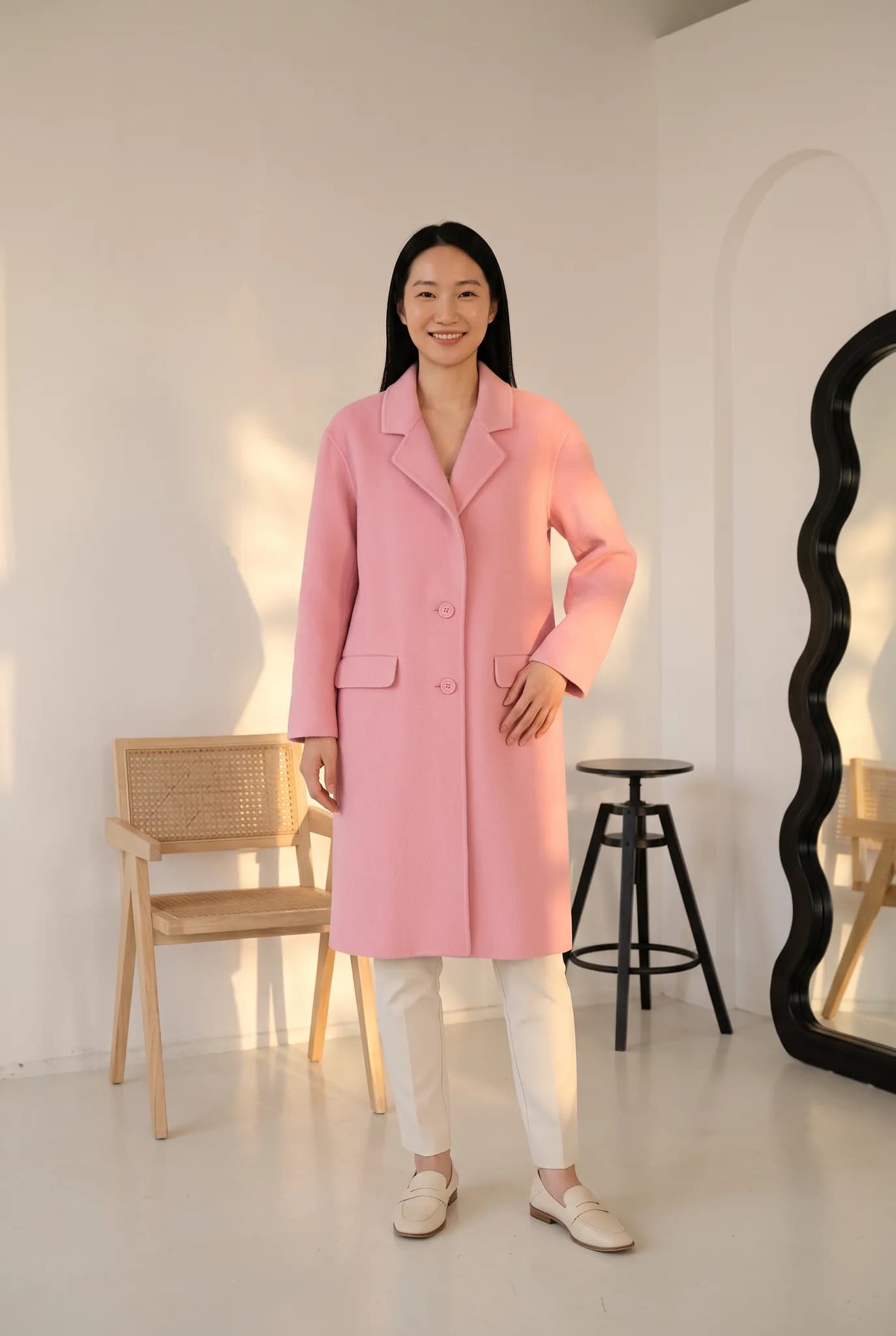
If you sell many products, the problem is usually volume. Not every SKU can justify a shoot. Modelfy gives more of your catalog an on-model photo at a known cost per image.
Products that would never get a real shoot can still have a model photo. Convert flat lays and ghost mannequin shots into on-model product images.
Generation usually takes minutes per photo. That helps when stock arrives before photos do, and it removes the wait for a shoot date.
A worn garment shows length, shape and styling in a way a flat photo cannot. Use your own store data to see how much difference that makes for your products.
Save your models, poses and backgrounds, and reuse them across products. Your category pages will look tidier when images share one style.
Silver has 400 credits a month, Gold 1200 and Studio 3500. A photo uses 2 to 12 credits, and the studio shows the cost before you generate, so you can work out your monthly cost in advance.
Keep garments and finished photos in one library. Select several finished images and download them together when you are ready to upload.
Choose one or two models and a background and treat them as your house style. Then each new product follows the same recipe. It will not be identical every time, but your category pages will look far more organised than mixed supplier photos.
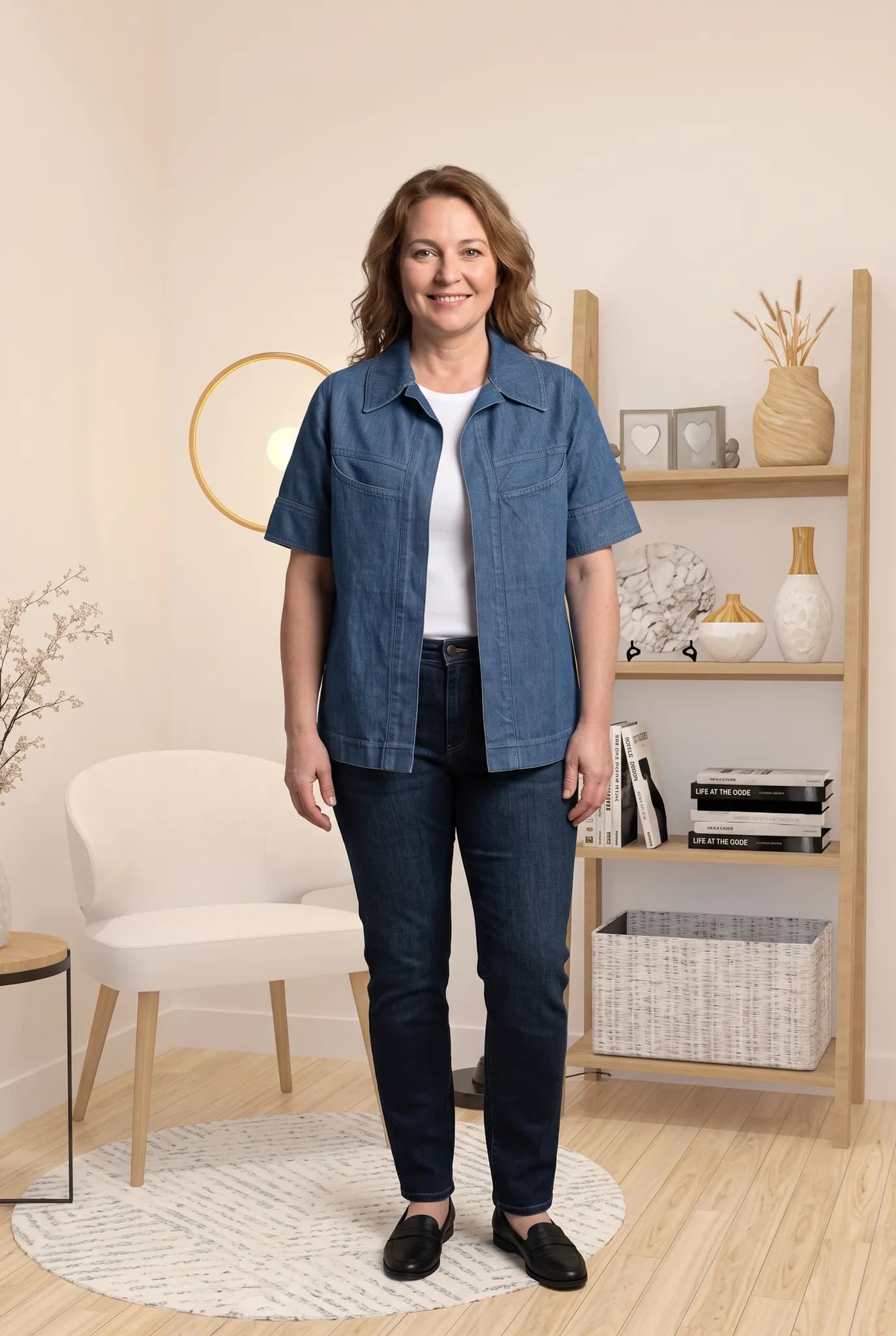
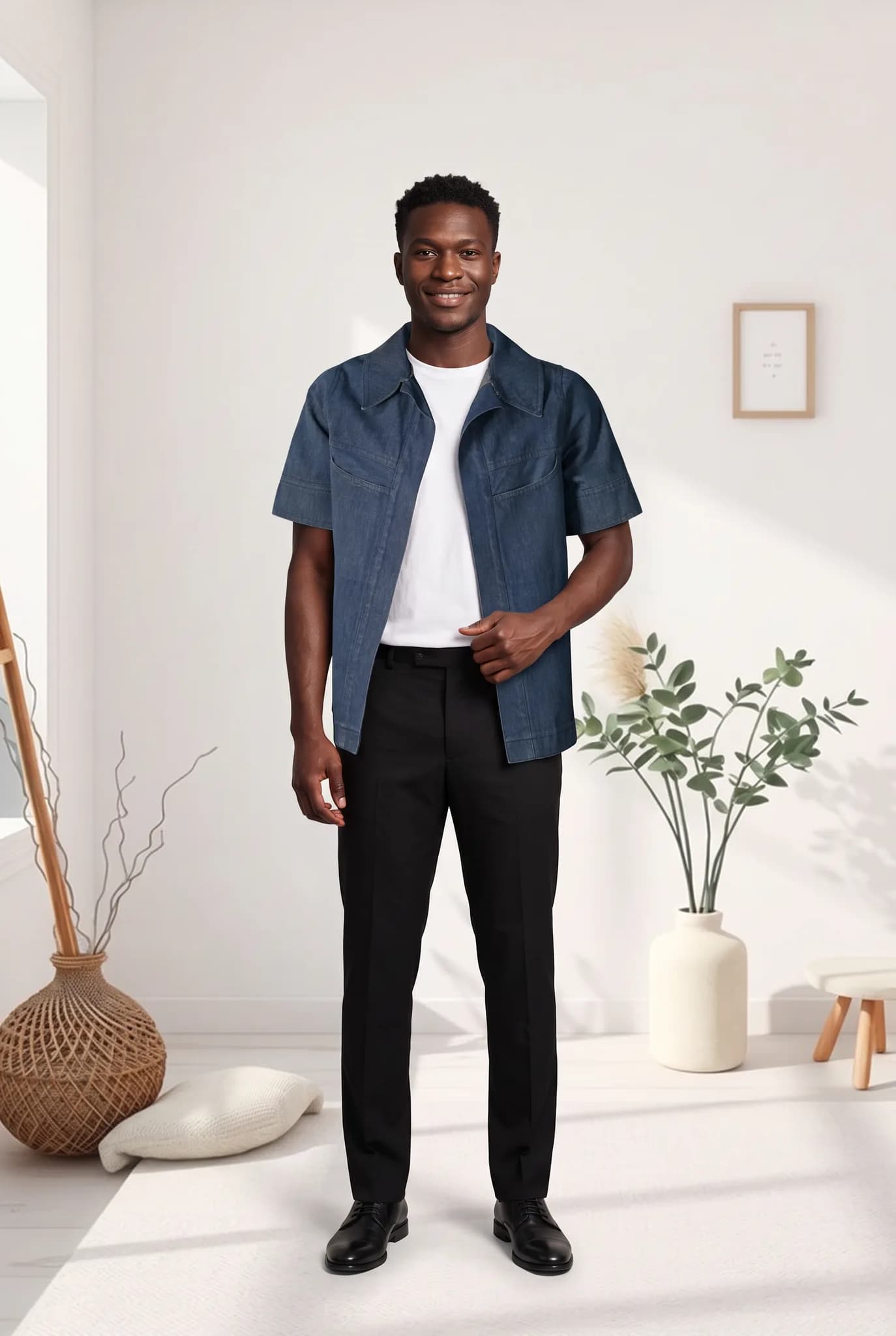
Shoppers cannot touch the product, so photos do that job. Use angle drafts to create front, back and side views. Draft a set first, and only render the ones you plan to use in higher quality.

A flat lay, hanger or ghost mannequin photo is enough, and a phone camera is fine. Use good light and keep the whole garment in frame.
Pick a saved AI model or create a new one for 8 credits. Then choose a pose and a background. There are no prompts to write.
A photo uses 2 to 12 credits and is usually ready within minutes. Compare it with the real garment, and try again if something is off.
Download your finished photos, one at a time or as a selected group, and add them to your products in any store that takes images.
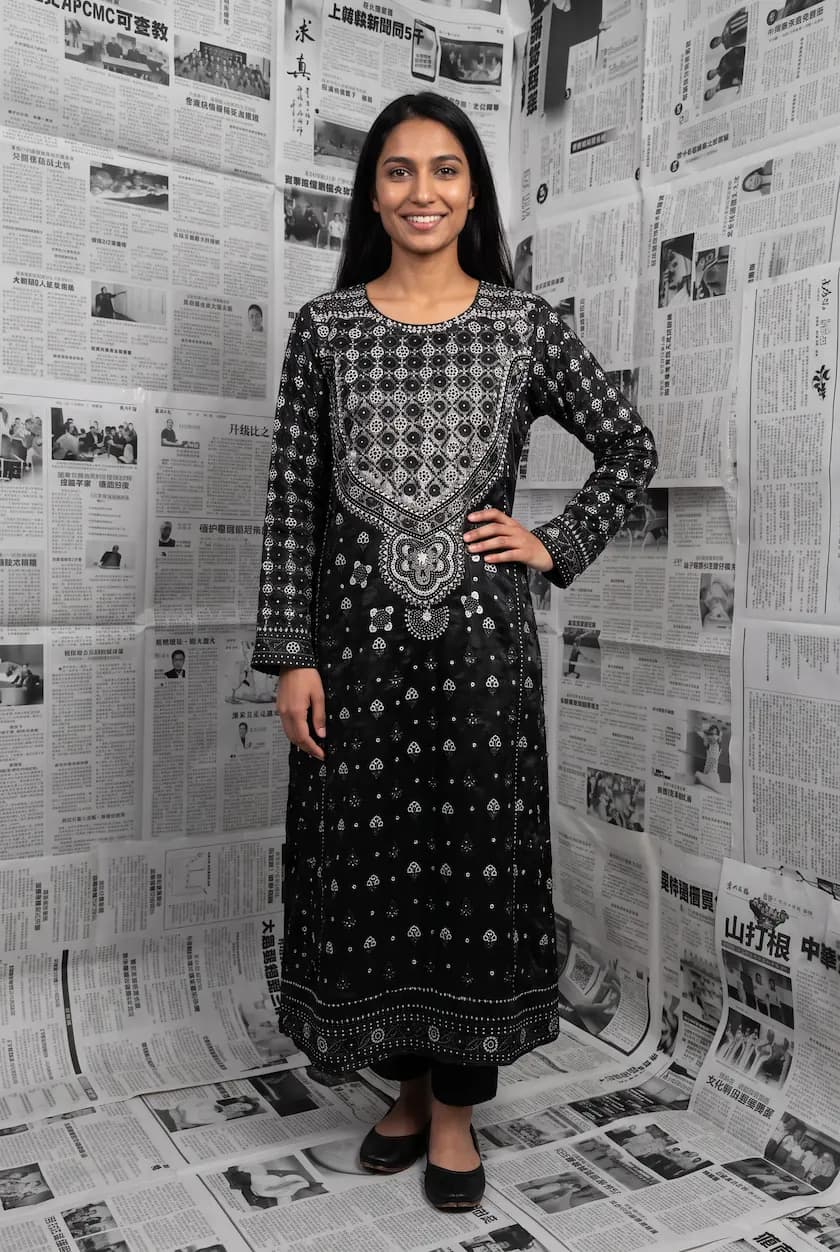
You do not need to redo everything at once. Start with the products that get the most traffic and add on-model images beside the flat lays they already have.
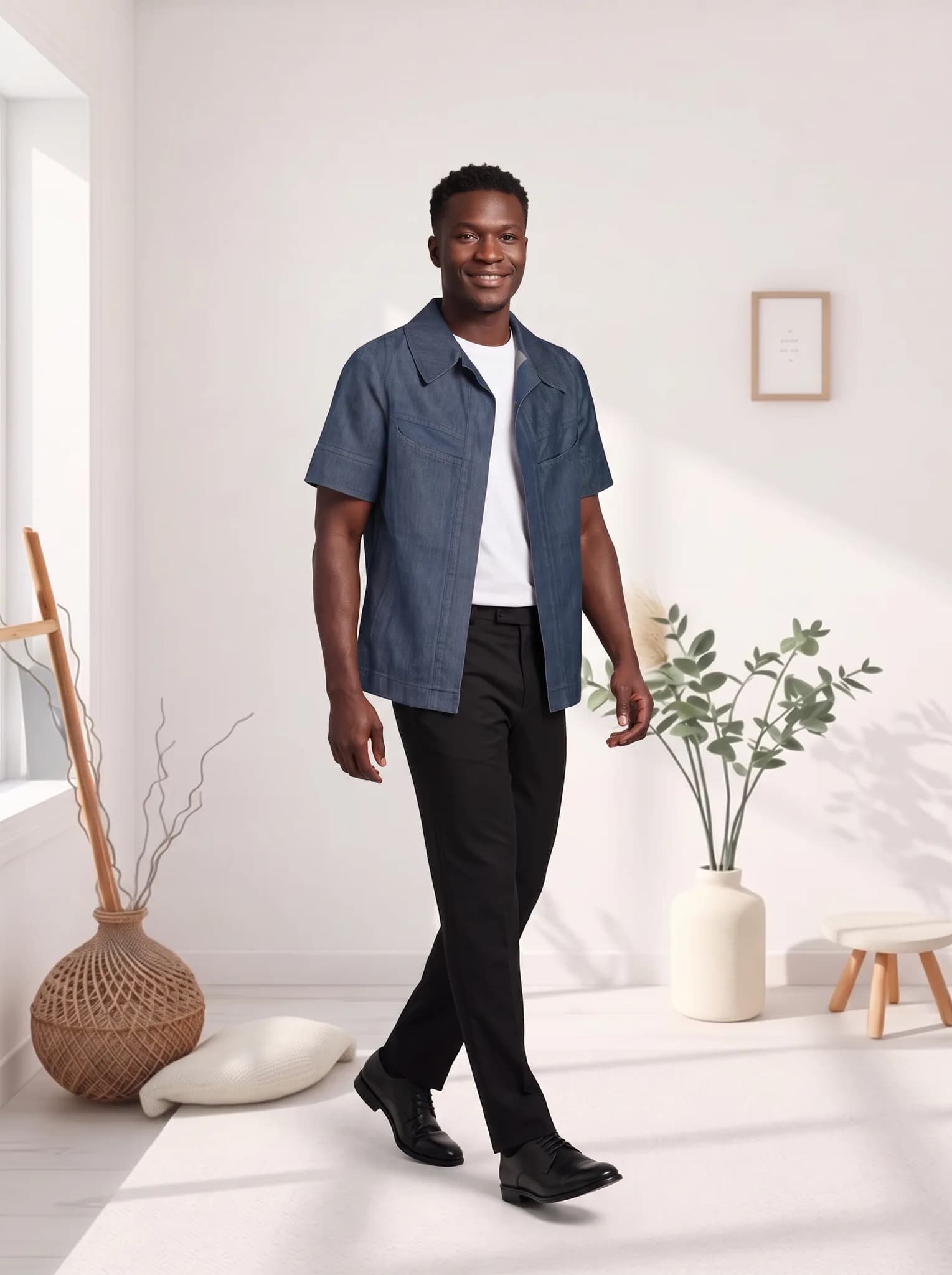
We cannot tell you how much your conversion rate or returns will change, because it differs by store and product. On-model photos give shoppers more to go on. Pair them with an accurate size chart.
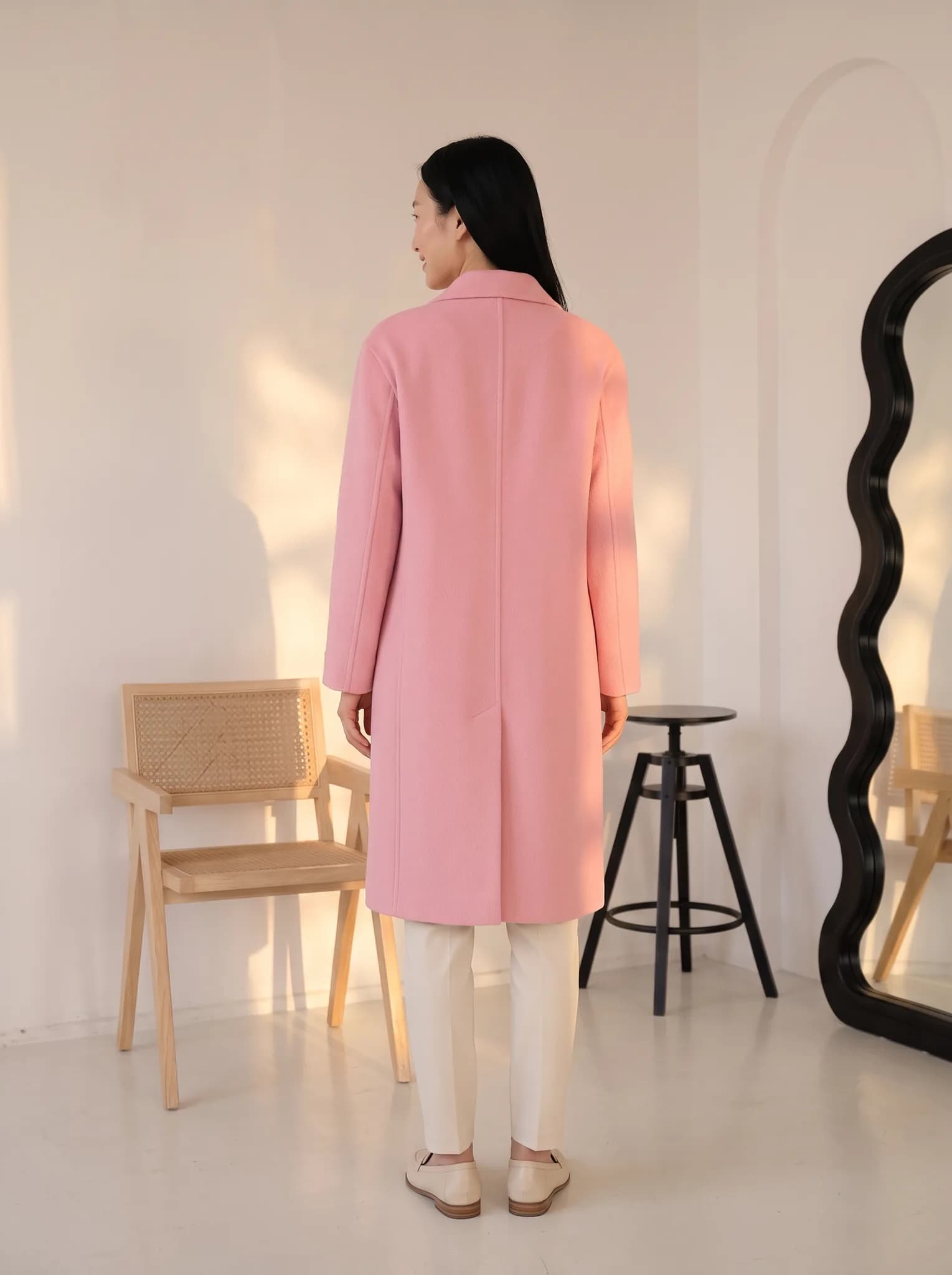
Photo costs are easier to plan when each image has a set price. On Silver, a photo starts at about 15 cents. On Studio, it starts at about 11 cents.
You start with 10 free credits, up to 5 photos. A 14-day Silver trial gives you 100 credits, and it needs a card.
| Plan | Monthly price | Credits | About |
|---|---|---|---|
| Silver | $29 | 400 | 200 photos, 14 cents each |
| Gold | $79 | 1200 | 600 photos, 13 cents each |
| Studio | $199 | 3500 | 1750 photos, 11 cents each |
One-time credit packs: 100 for $12, 300 for $29, 1000 for $79. Paid plans include 2K downloads.
Compare plans in fullSomething else on your mind? Write to [email protected].
There is no fixed product limit other than your credits and your plan’s library size. A photo uses 2 to 12 credits, so Studio’s 3500 monthly credits make up to 1,750 photos. You work garment by garment, so plan your time for large catalogs.
We do not have a number we can promise you. On-model photos help shoppers picture the garment worn, but the effect depends on your products, prices and traffic. Test them on part of your catalog and compare.
Saving your models, poses and backgrounds and reusing them helps a lot. AI results can vary slightly between images, so review them as a group before publishing.
A photo is usually ready within minutes. How soon a product goes live depends on how many images you want and how long you take to review them.
Clear flat lay, hanger and ghost mannequin photos work well. A phone photo is fine if the garment is flat, well lit and fully in frame. Blurry or dark photos give weaker results.
A brand is judged on how its images look together. Modelfy lets you build a small cast of AI models and a set of scenes, then use them for each new collection.
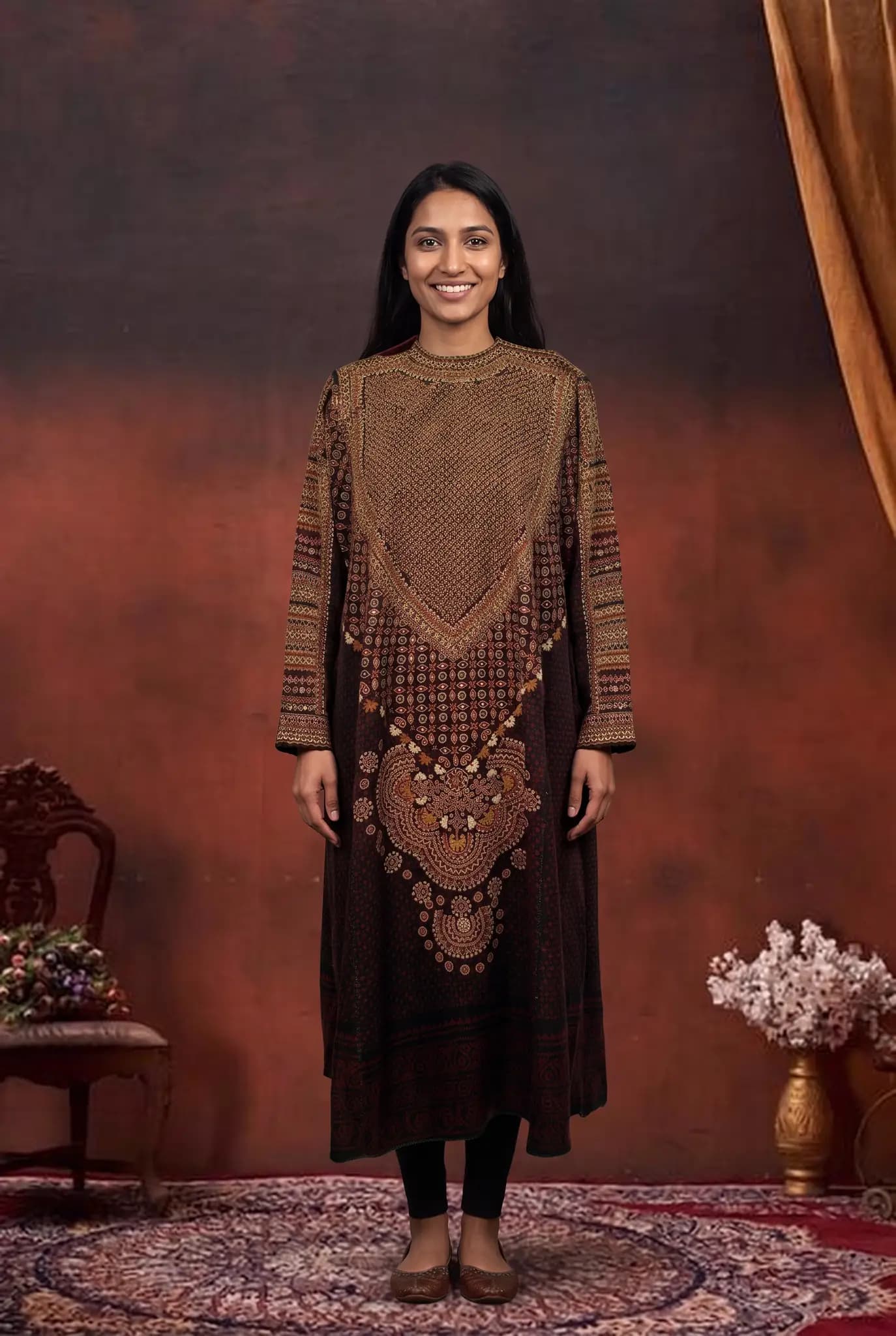
A boutique sells taste. Customers come because of what you choose and how you show it. Modelfy helps you photograph small drops often, in a style you decide on.
Many small sellers are their own photographer, packer and customer service team. Modelfy is meant to remove one job from that list, at a price you can plan for.
Seeing your own piece on a model is the best way to judge whether Modelfy suits you. Your 10 free credits make up to 5 photos, and you do not need a plan to try it.
Not sure whether Modelfy suits your clothes, or which plan to choose? Send us a message, or chat with us on WhatsApp.