How to Create Fashion Campaign Images Without a Photoshoot
How to create fashion campaign images without a photoshoot: plan the story, pick scenes, keep one model and turn your product photos into campaign visuals.

Haziq Qasmi
· 8 min read
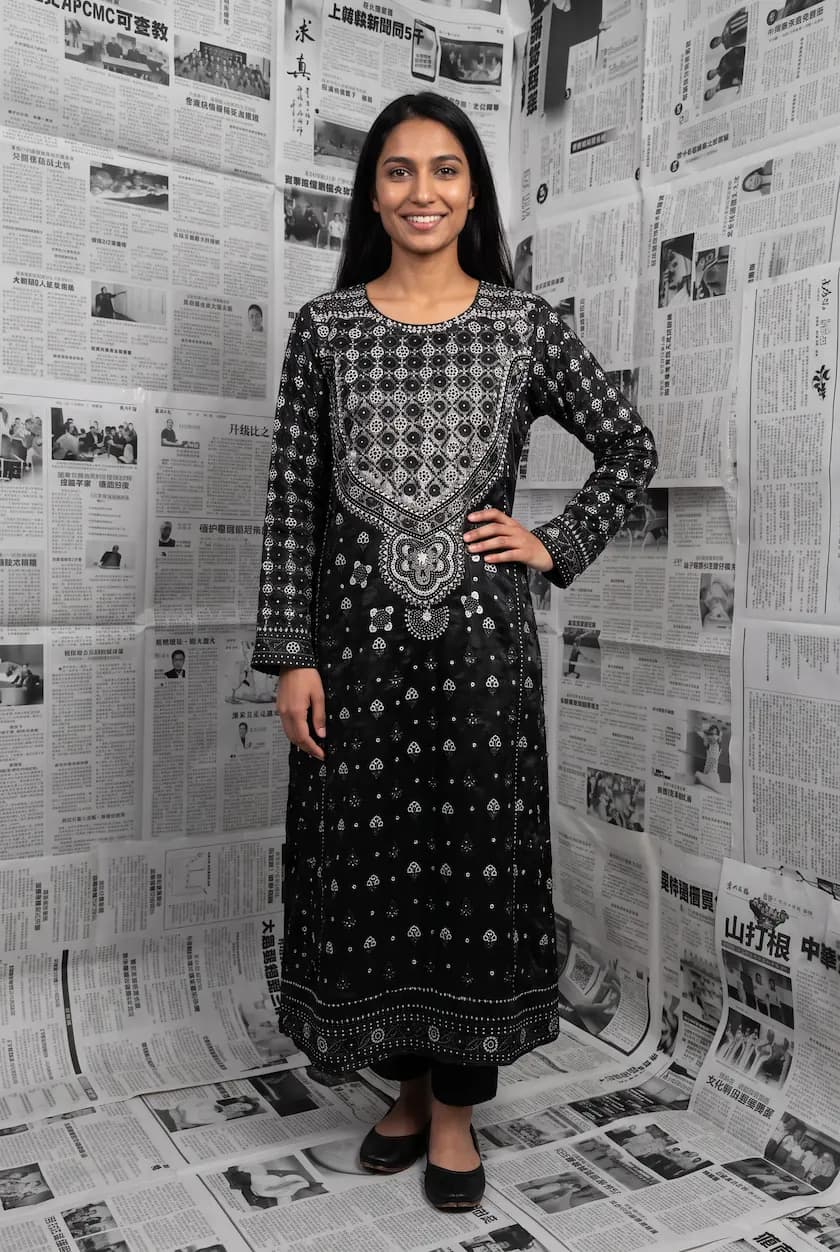
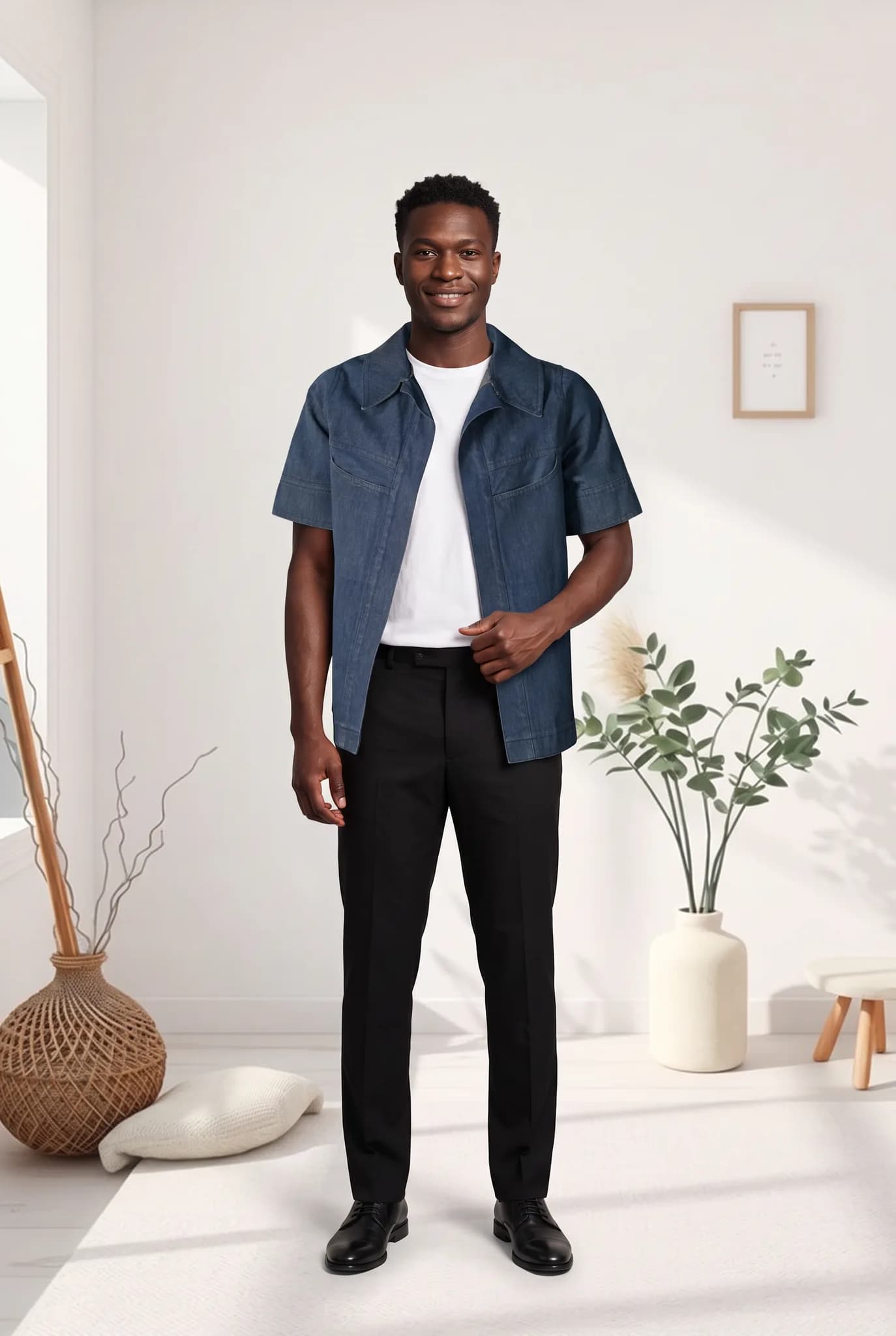
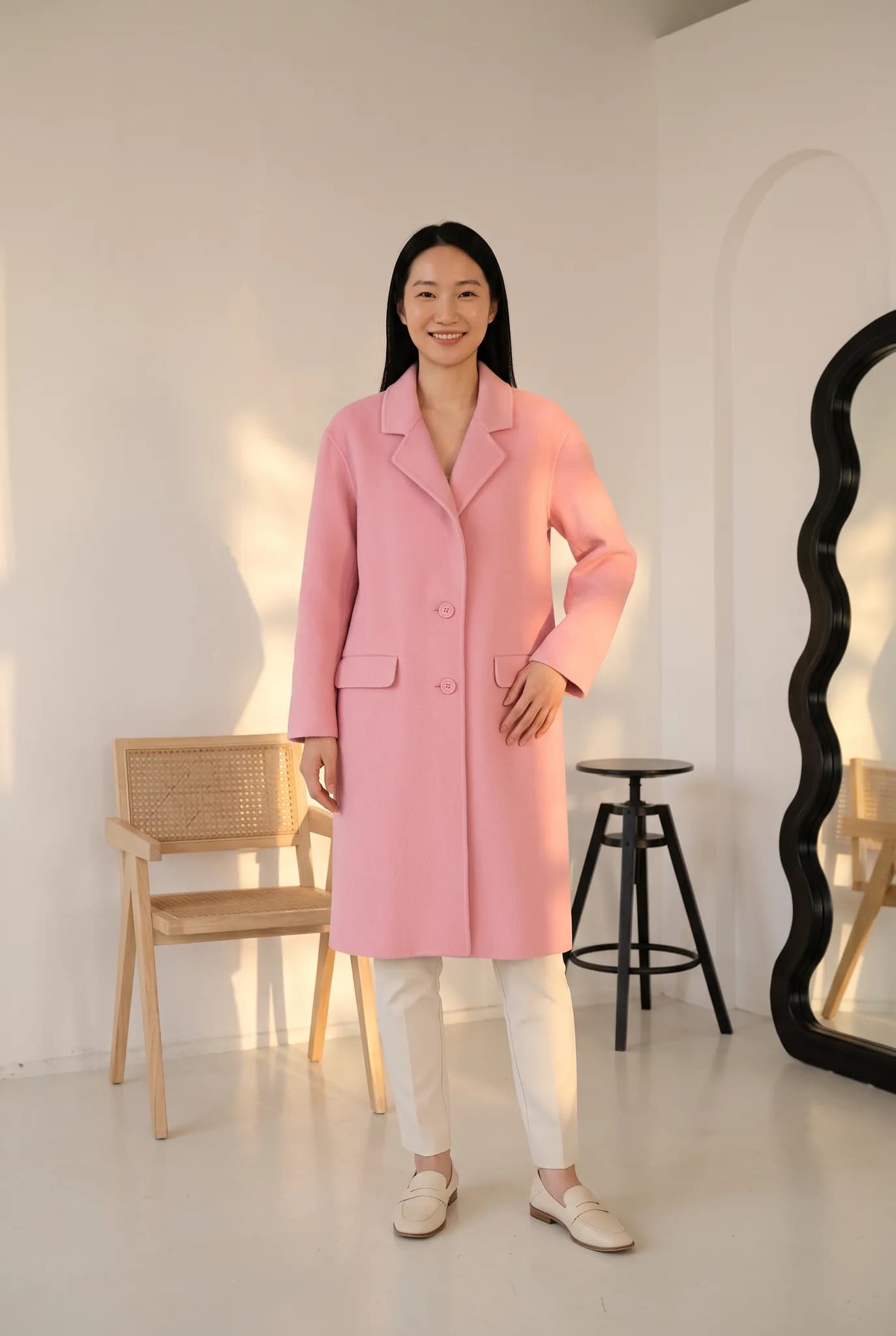
You can create fashion campaign images without a photoshoot by planning the campaign as you normally would, then making the images from photos of your real garments with AI. You keep the creative decisions. AI replaces the studio day. This guide walks through planning a campaign, choosing scenes, keeping it consistent and knowing when a real shoot is still worth it.
Product photos and campaign images are different jobs
Product photos answer a shopper's questions: what it looks like, how it fits, what the fabric is. Campaign images sell a mood. They show the world your collection belongs to, and they are what people see first in ads, on social media and at the top of your homepage.
That is why campaigns have always been expensive. Locations, styling, models and a crew for a few hero images. AI changes the cost of the scene, not the need for a good idea.
Step 1. Write the campaign idea in one line
Every good campaign starts with a simple idea. For example:
- "Linen for slow summer mornings"
- "Wedding season, from mehndi to walima"
- "Night out in the city, in denim"
Then list five to eight images that tell that story. A hero image, two or three wide scenes, a few closer shots and one detail.
Step 2. Choose scenes that match the idea
Pick one setting, or a small set of settings that clearly belong together. A campaign that jumps between a beach, a ballroom and a neon street looks like a stock photo collection.
Modelfy has ready-made scene templates, such as a palace morning, a desert wind, a Paris film look or a city skyline at dusk, plus your own saved backgrounds. Choose two or three that fit the story and use only those.
Step 3. Cast one or two models
Campaigns feel real when the same person appears across the images. Create one or two AI models that fit your customer and save them. Use the same models in every campaign image. See how to keep AI fashion models consistent and on-brand.
Step 4. Make the images from your real garments
- Take clean photos of each piece in the collection, flat or on a hanger.
- Generate each image with your chosen model, scene and pose.
- Use a mix of poses: standing, walking, seated and a close crop.
- Draft at a low credit cost, then make the final images at the highest quality and size.
- Use extra angles of your favourite shot to get a back or side view that matches.
Step 5. Edit the set as a whole
Lay all the images side by side before you publish. Remove any that break the mood, then check:
- Do the colours feel like one campaign?
- Is the garment accurate in every image?
- Is there a clear hero image for ads and the homepage?
A campaign plan you can copy
| Image | Shot | Where it is used |
|---|---|---|
| Hero | Wide, full outfit, strongest scene | Homepage banner, main ad |
| Story 1 to 3 | Different poses in the same setting | Instagram carousel, email |
| Close shot | Upper body, face and neckline | Stories, thumbnails |
| Detail | Your real garment close-up | Product page, carousel end |
| Lookbook | Each piece on the same model | Lookbook page, wholesale deck |
What a campaign costs this way
On Modelfy a photo uses 2 to 12 credits. A ten-image campaign at the highest quality uses about 120 credits, plus drafts. That fits inside a Silver plan at $29 a month, with credits left for product photos. A traditional campaign day with location, crew and models usually costs much more. Read the full cost breakdown.
When a real campaign shoot is still worth it
- Video and real movement are the heart of the campaign
- A named model, creator or celebrity is part of the deal
- Press and editorial where real production is expected
Many brands now do one real hero shoot a year and use AI for the seasonal and weekly campaigns around it.
Make your next campaign this week
If you have your collection photographed flat or on hangers, you can have campaign images the same day. Create a free Modelfy account and try it with up to 5 photos, no card needed. For more ideas, read AI vs traditional photoshoots.
Was this article helpful?
Filed under Tutorial, Industry
See your own garment on a model
Upload a phone photo of a piece you sell. Your 10 free credits make up to 5 photos, and a photo is usually ready within minutes.
Start for free