
Quick Shoot
A 1-click AI fashion shoot with a few simple choices.
Quick Shoot is the simplest way to get a garment onto an AI model. Upload a photo, make a few choices and generate. Your image is usually ready within minutes.
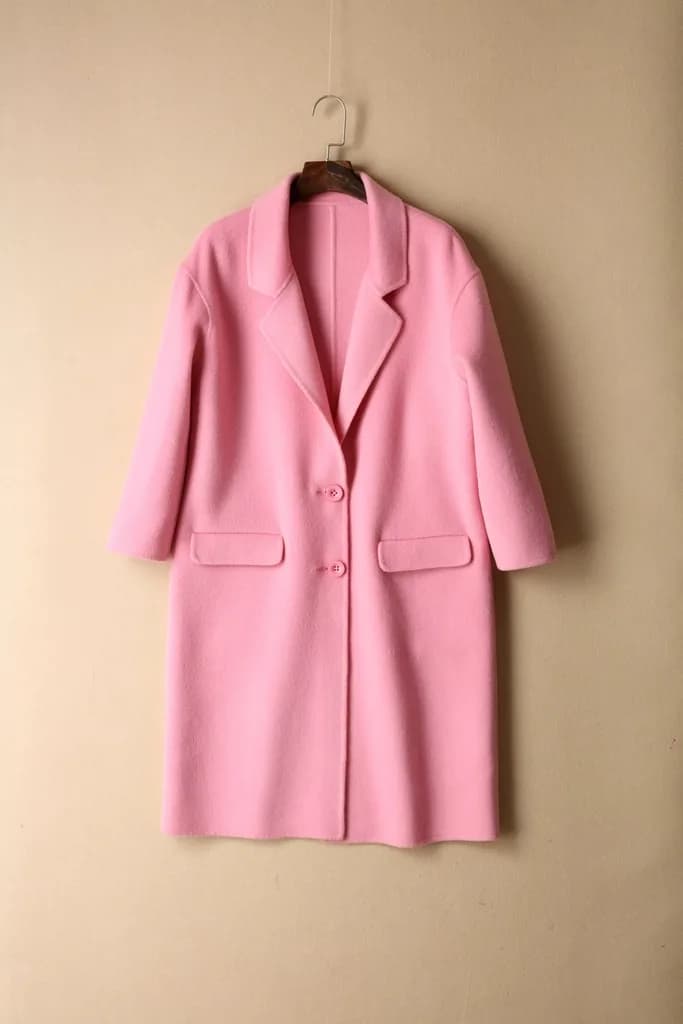
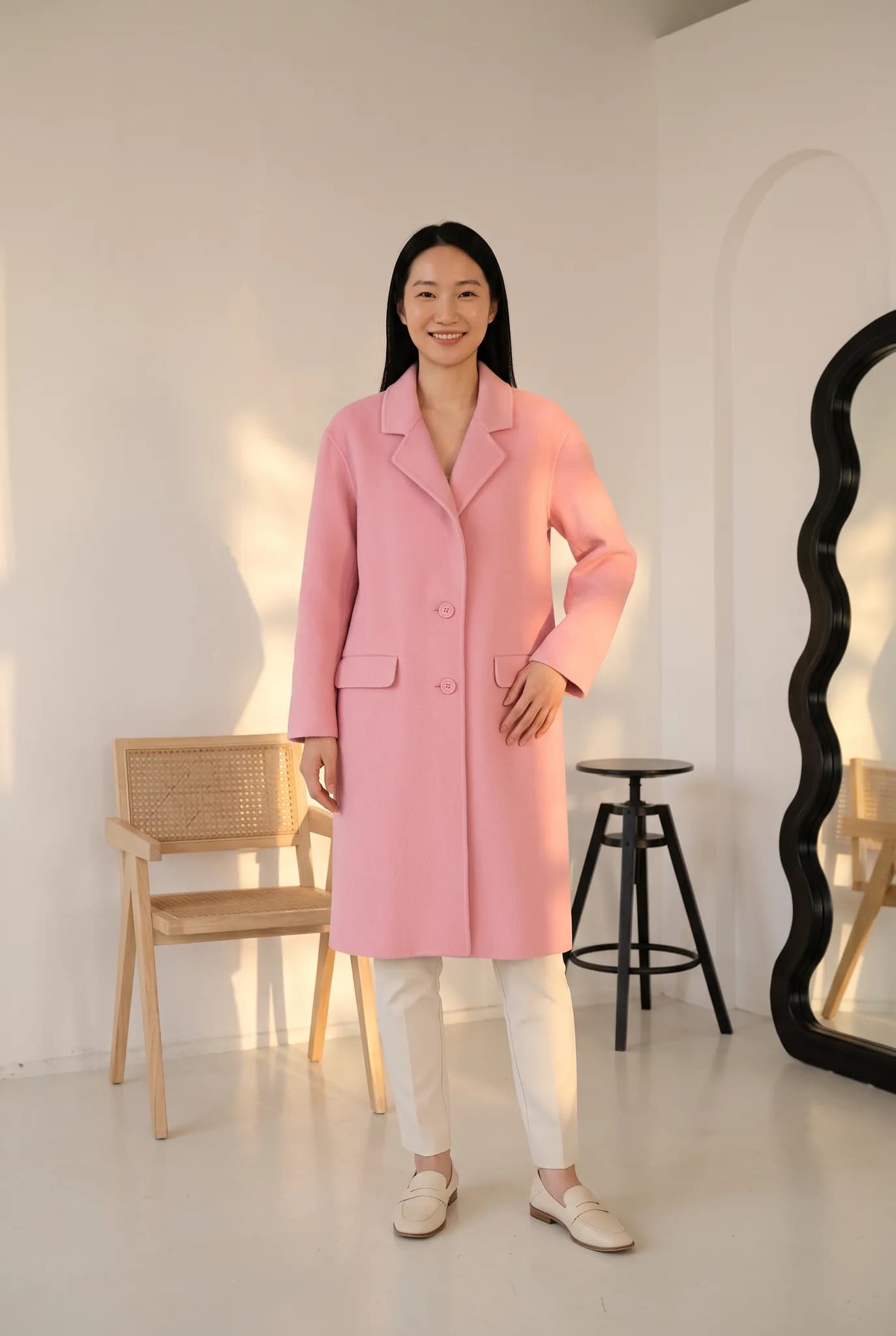
The shortest route from garment to on-model photo
Quick Shoot is the main tool in Modelfy, and you will also see it called Instant Shoot or Photoshoot in the studio. It is made for the day-to-day job of getting a new piece online, when you do not want to plan a full shoot.
You upload the garment and choose a model, pose and background. There is no prompt box to fill in. The studio shows the credit cost before you generate, and a shoot uses 2 to 12 credits, depending on the quality and size.
It handles one look at a time, so you stay in control of what you spend and can check each image. If you have a large catalog and want a set process, take a look at custom workflows.
Quick Shoot suits you if
- You add new products often and want photos the same day
- You have never written an AI prompt and do not want to learn
- You want to test a piece on a model before paying for a real shoot
- You need one strong main image for a listing or a post
A Quick Shoot, step by step
Add your photo
Upload a flat lay, hanger or mannequin photo. If you have a back or side photo, attach it too so the shoot has more to work from.
Pick a model and scene
Choose from the studio or from your saved library. Your saved models, poses and backgrounds stay there for next time.
Generate
Usually done within minutes. You can leave the page open and carry on with something else.
Keep it or try again
If the result is not right, generate again or change the options. A new generation uses credits again. A failed generation returns them.
What you get from a Quick Shoot
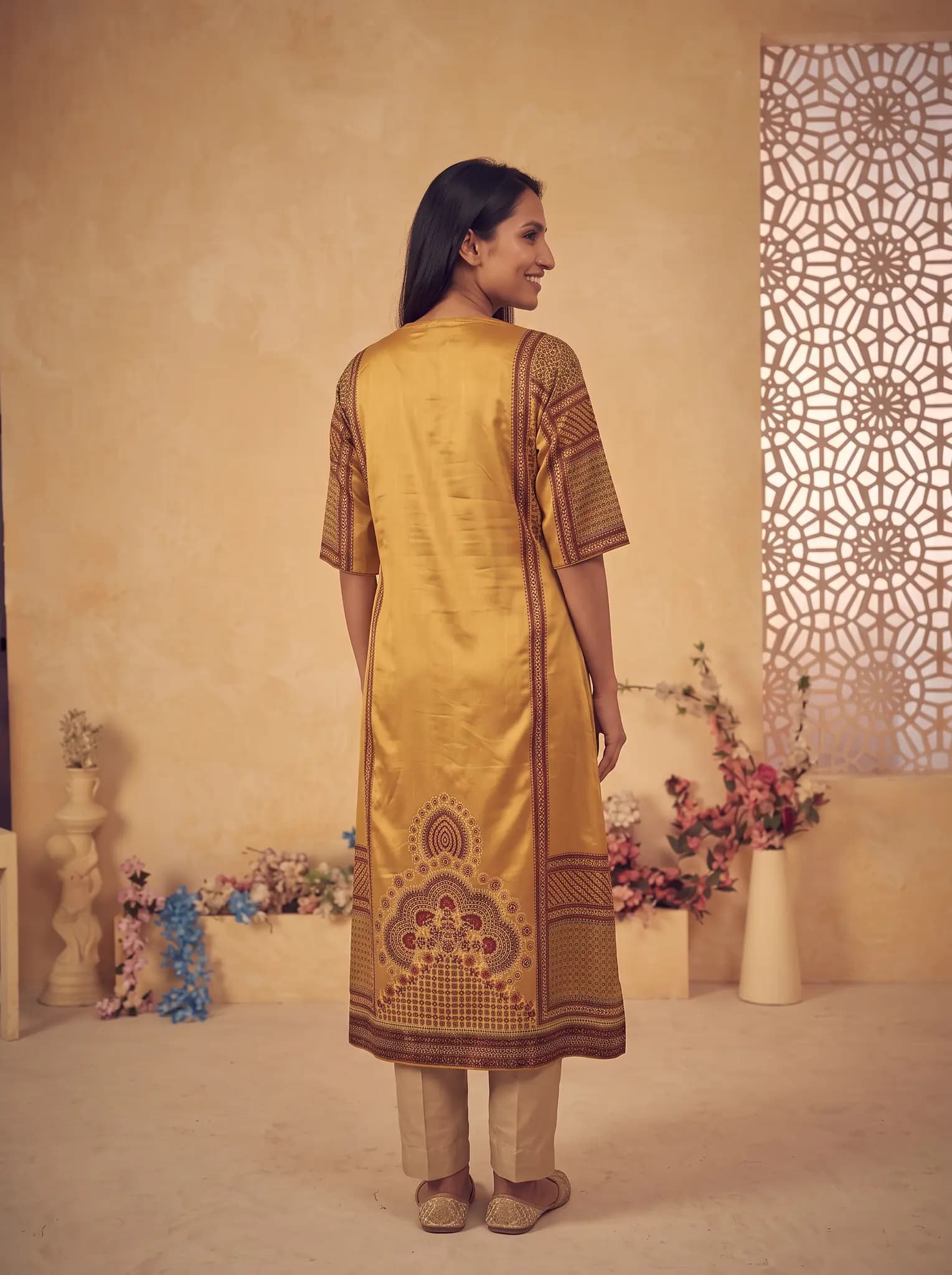
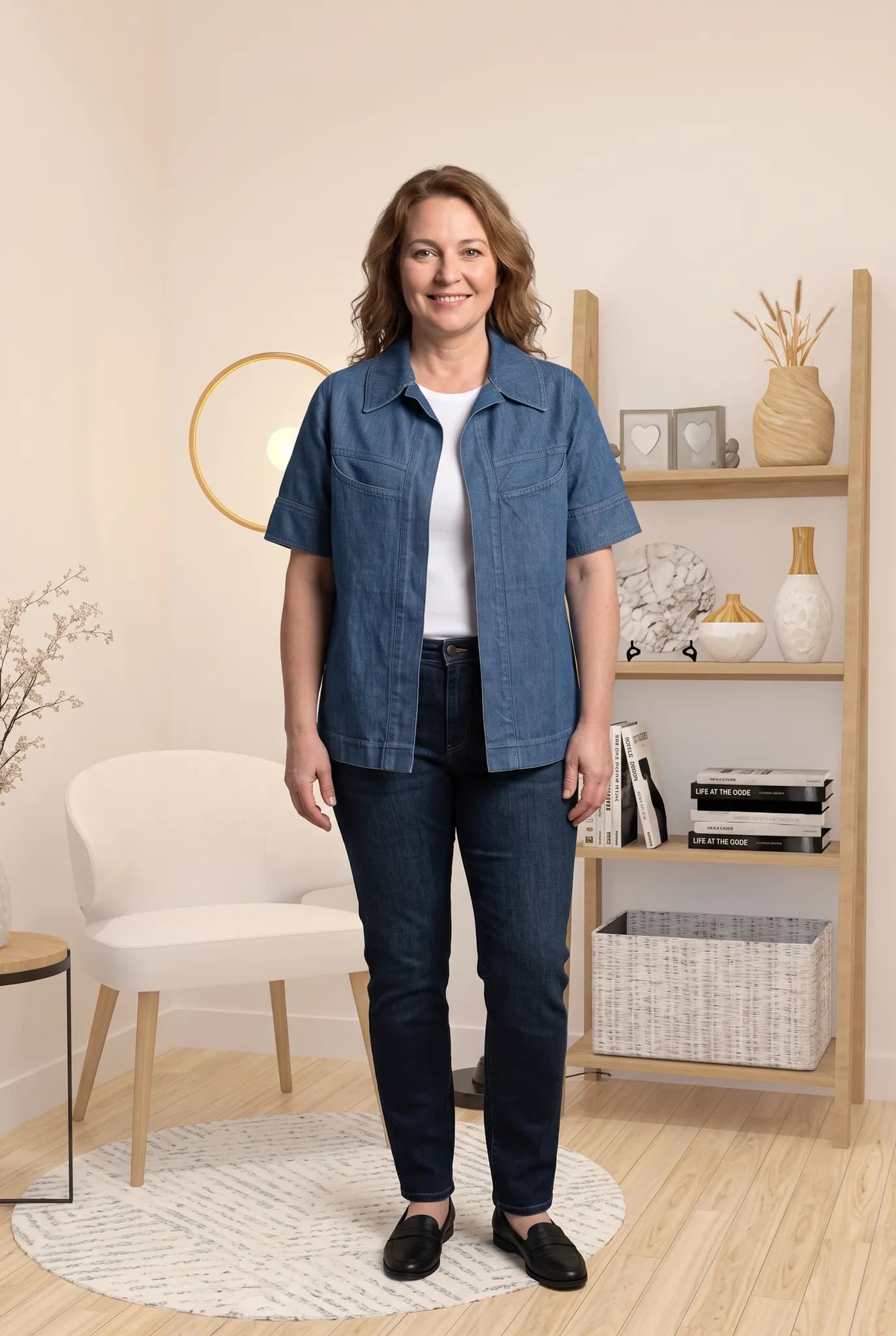
A finished on-model photo
One image of your garment on an AI model, in a portrait format that suits clothing.
Automatic lighting and shadow
Light and shadow are handled to suit the scene you picked, so you have no lights to set up.
Saved choices
Models, poses and backgrounds you like can be saved, which helps keep a collection looking the same.
2K downloads on paid plans
Large enough for most product pages and social posts.

Good to know
- Quick Shoot runs one garment at a time. It is not a bulk upload tool.
- The result depends on your photo. Blurry or dark photos give weaker images.
- Check embroidery, prints and garment length against the real piece before you publish.
- Free account images are for trying the service and for personal use only.
What it costs
A photo uses 2 to 12 credits and creating an AI model uses 8. The studio shows the cost before you generate.
- Free account
- 10 one-time credits, up to 5 photos. No card.
- 14-day Silver trial
- 100 credits, up to 50 photos. Card required, $0 today.
- Silver
- $29 a month for 400 credits, up to 200 photos.
- Gold
- $79 a month for 1,200 credits, up to 600 photos.
- Studio
- $199 a month for 3,500 credits, up to 1750 photos.
Common questions
How long does a Quick Shoot take?
Usually within minutes. It can take longer when the service is busy.
How many credits does it use?
A shoot starts at 2 credits, depending on the mode and size you choose. The studio always shows the cost before you generate.
Do I have to write a prompt?
No. You choose your options by clicking. That is what we mean by a no-prompt AI fashion shoot.
Run your first Quick Shoot.
Sign up free and use your 10 credits on a real piece from your shop.
Try Quick Shoot