Ghost Mannequin vs Flat Lay vs AI Model Photos
Ghost mannequin, flat lay or on-model AI photos? A clear comparison of cost, effort and what each style shows shoppers, so you pick the right one for your store.

Haziq Qasmi
· 7 min read
There are three common ways to photograph clothes for an online store. You can lay the garment flat, shoot it on a ghost mannequin, or show it on a model. Each one has a different cost and shows the shopper something different. AI has now changed the cost of the third option, so the choice looks different than it did a few years ago.
Here is a plain comparison to help you pick.
Flat lay
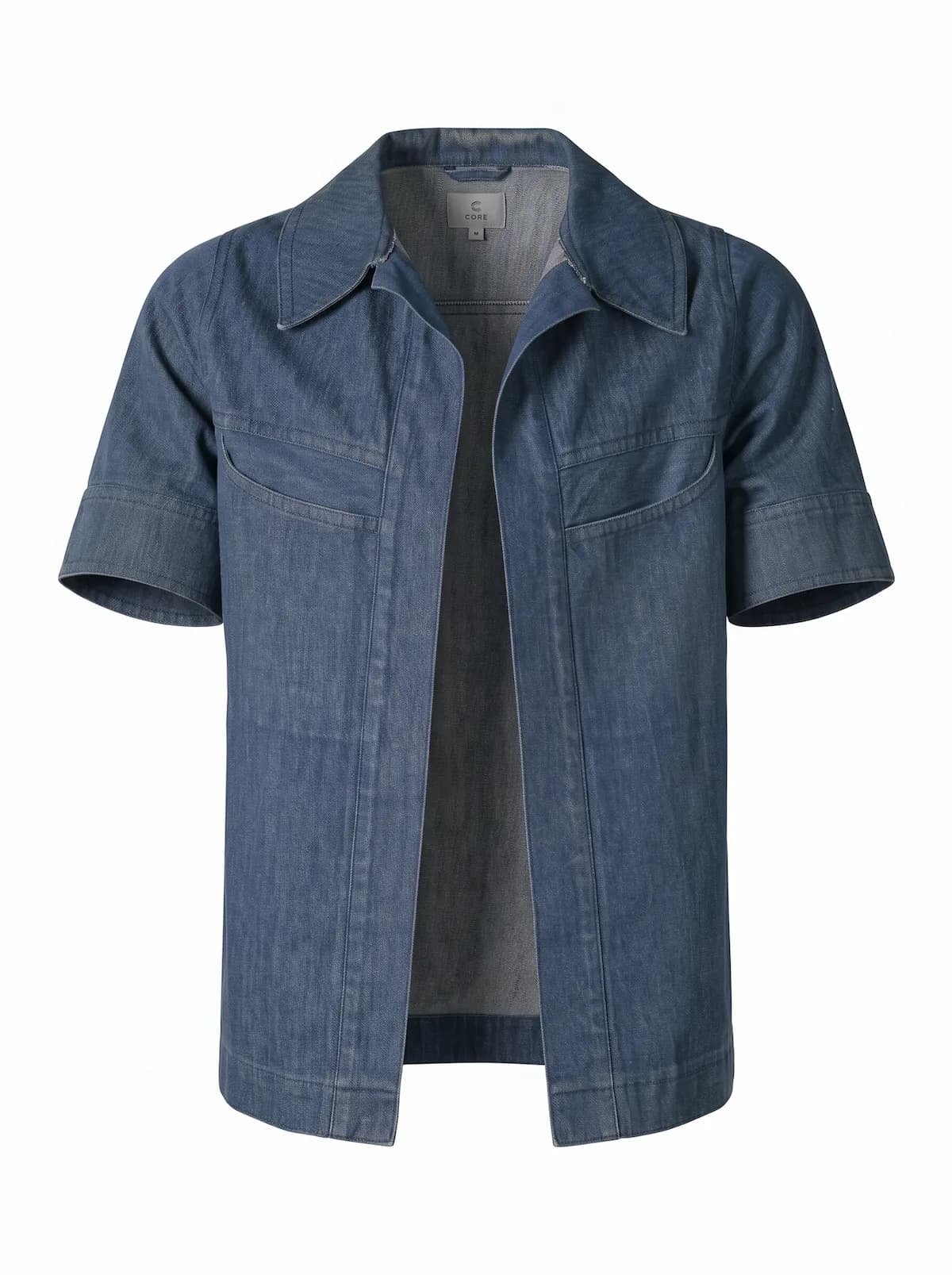
A flat lay is a photo of the garment lying on a flat surface, taken from above.
Good for: T-shirts, knitwear, kids clothes, accessories and styled outfit photos for social media.
Strengths: It is the cheapest and fastest. You need a phone, a window and a clean surface. It shows the whole garment, its colour and its print very clearly.
Weaknesses: It does not show fit, length or drape. A dress and a top can look similar in size. Shoppers have to guess how it looks when worn.
Ghost mannequin
A ghost mannequin photo is taken on a mannequin, which is then removed in editing so the garment looks like it is worn by an invisible person.
Good for: Jackets, shirts, structured pieces and marketplaces that prefer clean product images.
Strengths: It shows the 3D shape of the garment and looks clean and consistent across a catalog.
Weaknesses: It needs a mannequin, good lighting and editing for every photo, so it costs more time or money. It still does not show how the garment looks on a real body.
On-model photos
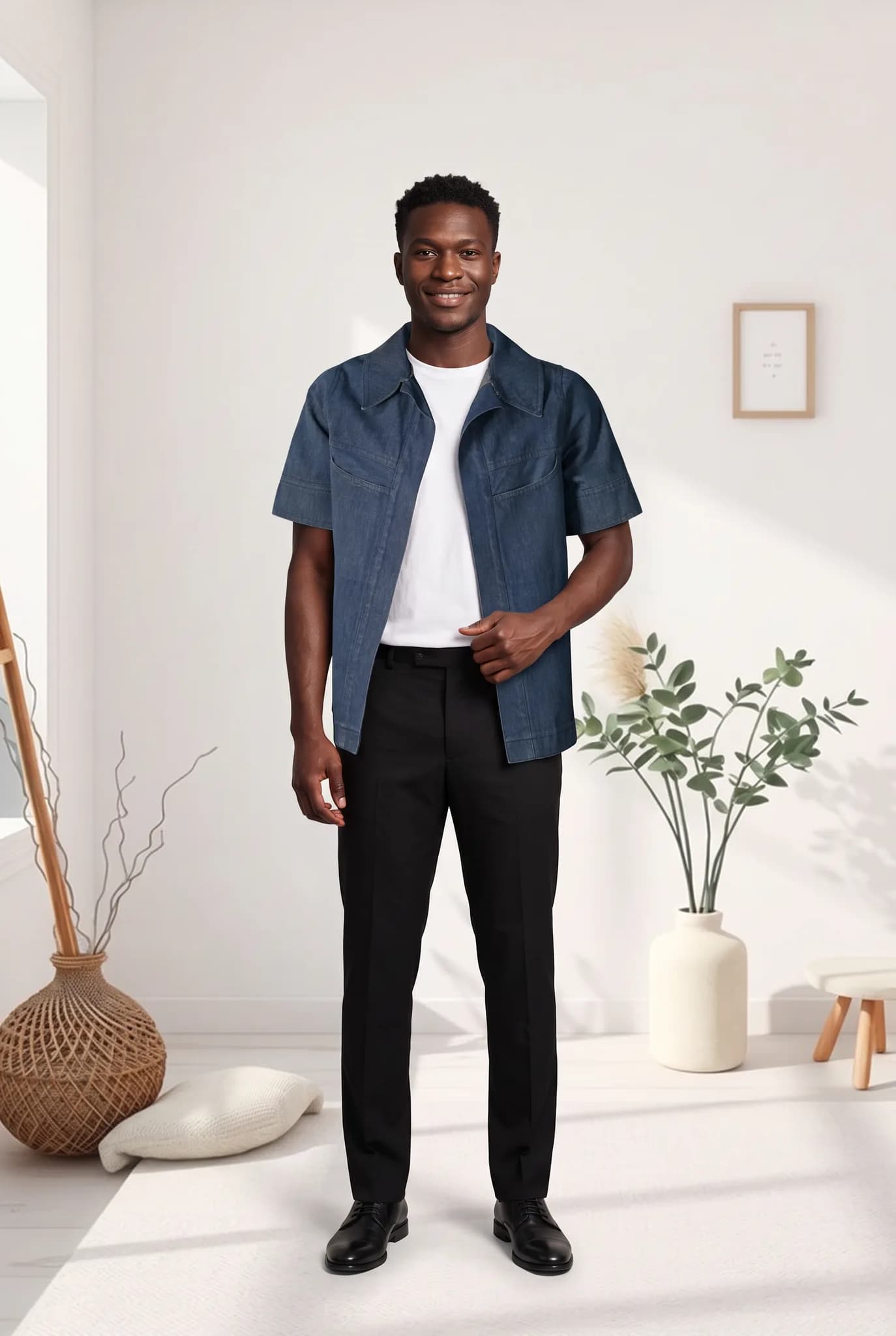
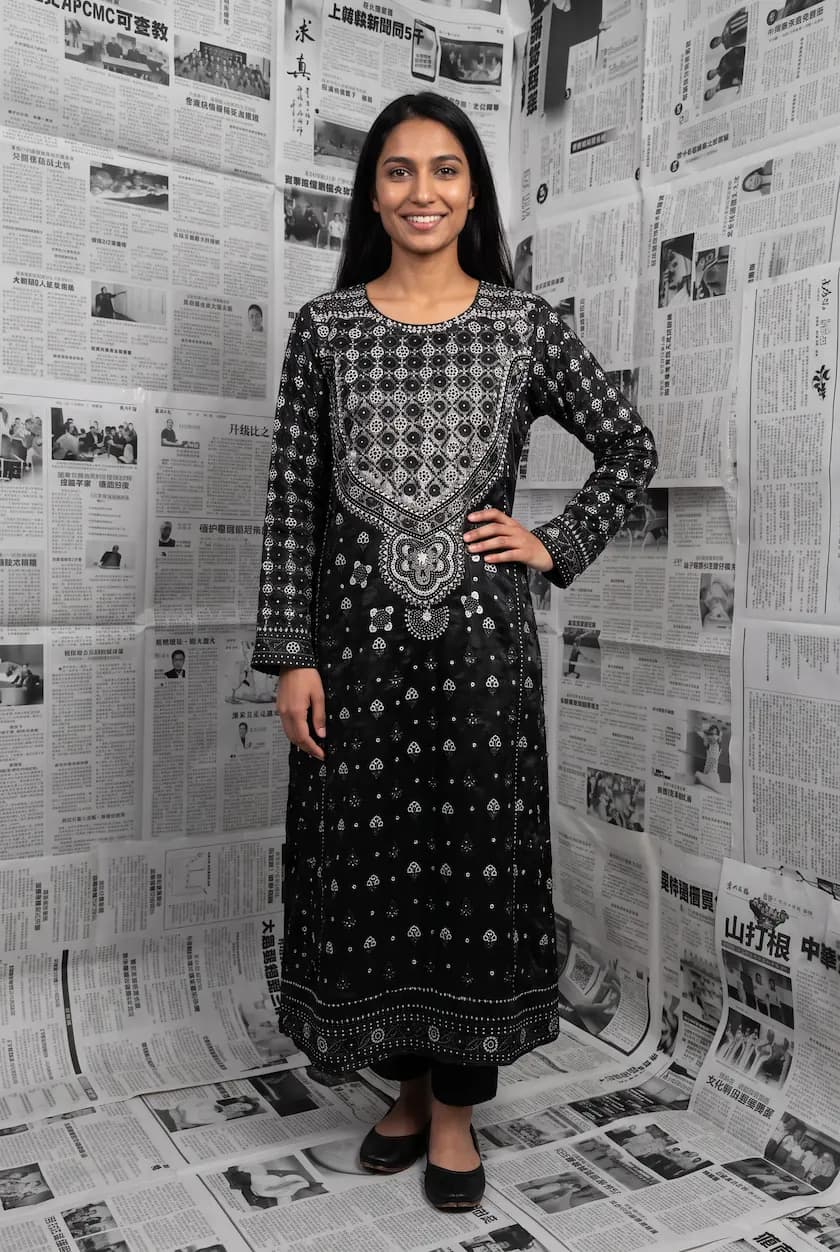
An on-model photo shows the garment worn by a person.
Good for: Product page hero images, ads, social media and anything where fit and style sell the item.
Strengths: Shoppers see fit, length and how to wear it. It looks like the fashion content people already scroll past every day.
Weaknesses: With a real shoot it is the most expensive and slowest option. You pay for a model, photographer and studio, and you have to book again for every new product.
Where AI model photos fit in
AI tools like Modelfy take a flat lay, hanger or ghost mannequin photo and generate an on-model photo from it. That means you can take the cheap photo and still get the expensive kind of result.
You do not have to choose one style any more. A strong product page can use all three:
- An on-model AI photo as the main image, to show fit
- A flat lay or ghost mannequin photo to show the garment clearly
- A close-up of the fabric or print, from your real garment
Side by side
| Flat lay | Ghost mannequin | Real model shoot | AI model photo | |
|---|---|---|---|---|
| Shows fit and length | No | Partly | Yes | Yes |
| Cost per photo | Lowest | Medium | Highest | Low |
| Time to new product photos | Same day | Days | Weeks | Same day |
| Equipment needed | Phone | Mannequin, lights, editing | Studio, crew, model | A clear garment photo |
| Same model across collection | Not needed | Not needed | Only if rebooked | Yes, with a saved model |
Which one should you choose?
- Just starting out? Take clean flat lays of everything. They are free, and you can turn the best sellers into on-model photos later.
- Already using ghost mannequin? Keep it for the clean catalog shot and add an AI on-model photo as the main image. Our ghost mannequin to model page shows how.
- Selling on Instagram or running ads? On-model photos usually work best. Make them from your flat lays with AI instead of booking a shoot for every drop.
- Launching a big campaign? A real shoot may still be worth it for the campaign itself. Use AI for the everyday catalog around it.
Whatever you choose, keep a real close-up of the garment on the page. It builds trust, and it helps shoppers check details like texture and stitching.
Try the AI option on your own photos
If you already have flat lay or ghost mannequin photos, you are one step away from on-model photos. Create a free Modelfy account, upload one of them and see your garment on a model. You get up to 5 photos free with no card needed. For a full guide, read the best way to turn flat lay clothing into model photos.
Was this article helpful?
Filed under Comparison, Tutorial
See your own garment on a model
Upload a phone photo of a piece you sell. Your 10 free credits make up to 5 photos, and a photo is usually ready within minutes.
Start for free