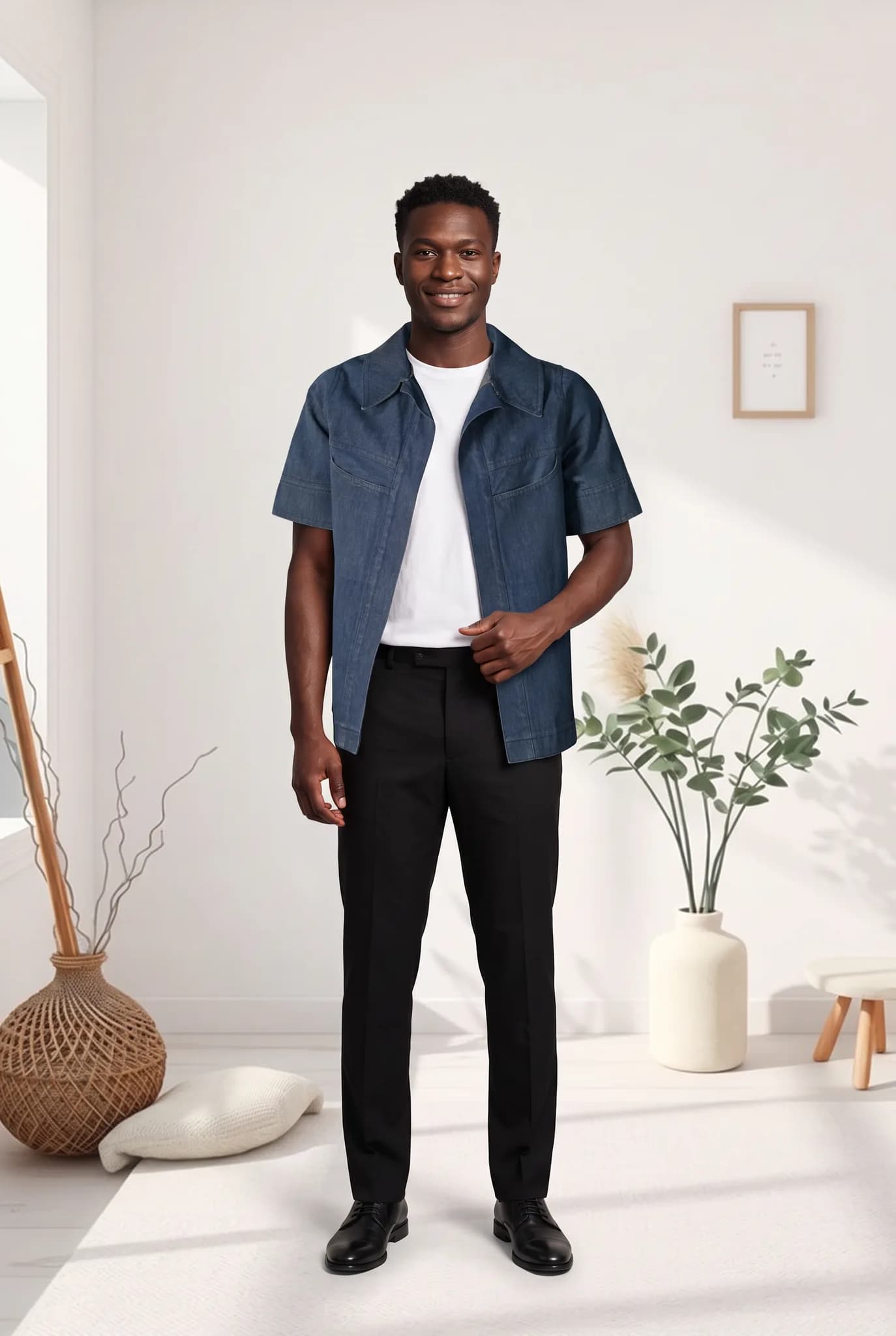
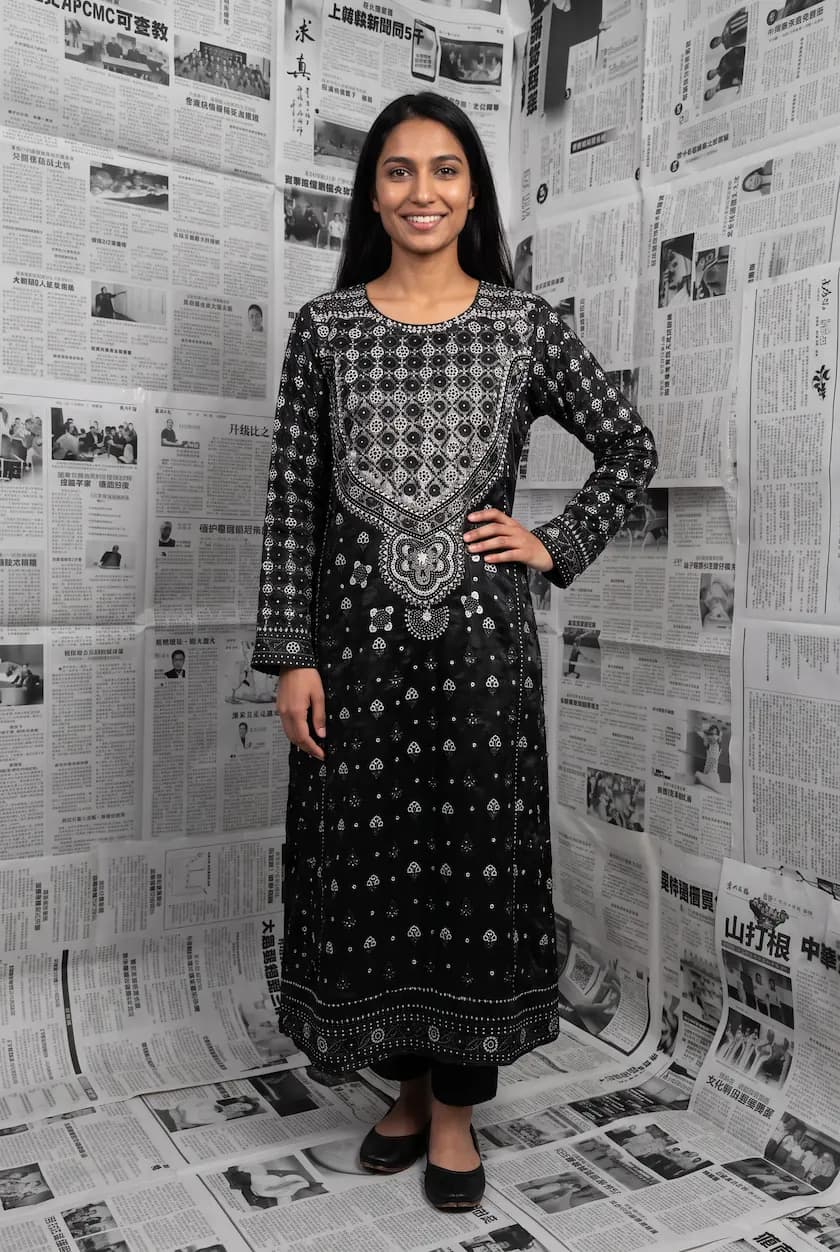
Can You Make AI Model Photos of Your Clothes for Free?
Yes. Here is what you can do free with AI clothing photos, from free model photos at signup to free background removal and resizing tools with no signup.

Haziq Qasmi
· 6 min read
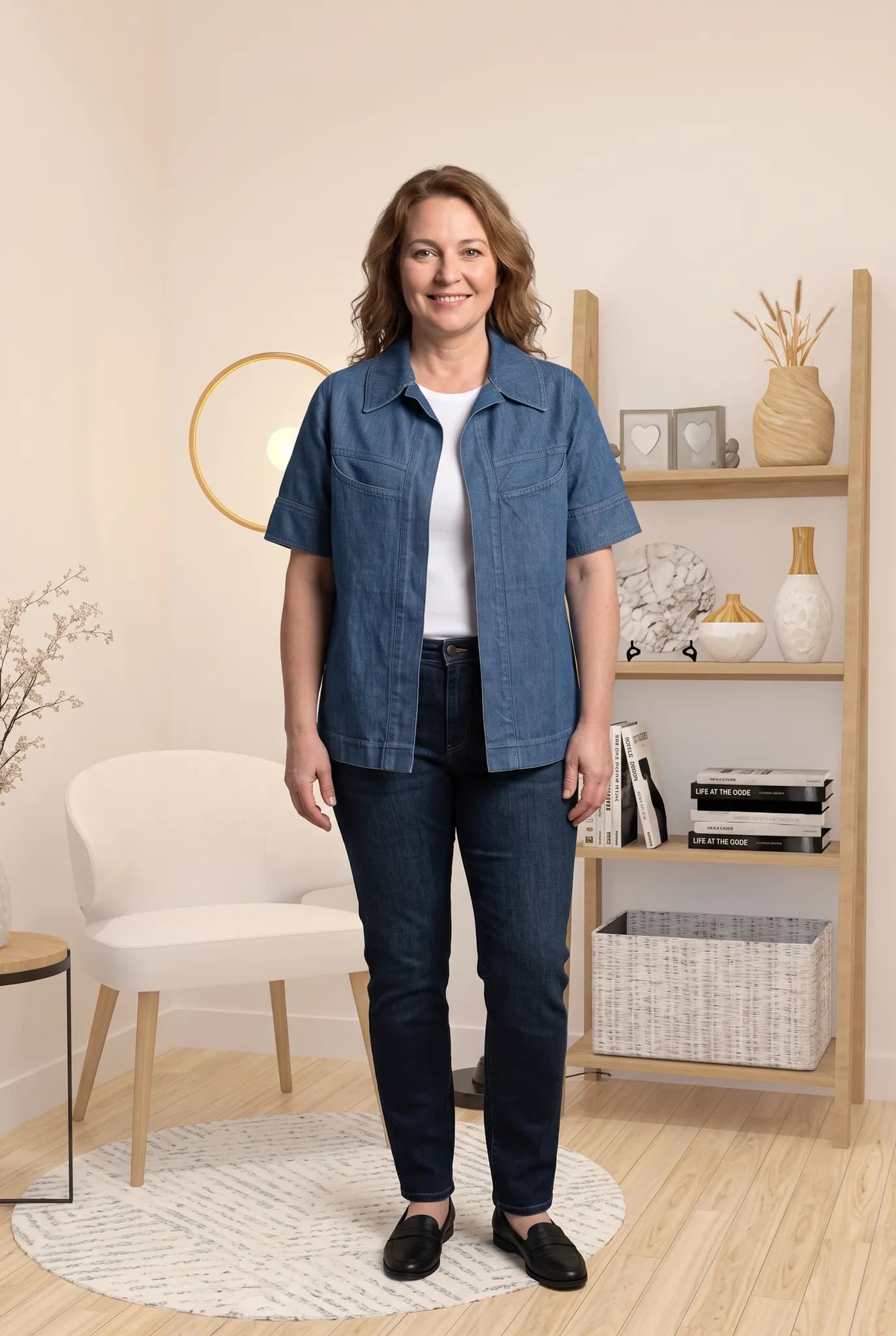
If you are starting a clothing brand or selling from home, every dollar counts. So it is fair to ask if you can make AI model photos of your clothes without paying anything. The honest answer is yes, up to a point. Here is exactly what you can get for free with Modelfy, and when it makes sense to pay.
What you get free at signup
When you create a free Modelfy account you get 10 credits, once. A photo uses 2 to 12 credits depending on the quality and size, so that is up to 5 on-model photos. You do not need to add a card.
That is enough to take one real garment from your shop, put it on an AI model and see if the result is good enough for your store. Free images are meant for trying the service and for personal use. To use photos commercially on your store, choose a plan or a credit pack.
The free trial
If 5 photos is not enough to decide, you can start the Silver plan with a 14-day free trial. You get 100 credits, up to 50 photos, and every studio tool. You add a card at checkout, but you pay $0 that day. We email you 3 days before the trial ends. If you cancel before then, you are never charged. There is one trial per account.
Free tools that need no signup at all
Some jobs around product photos do not need AI models at all. These tools are free and run in your browser:
| Free tool | What it does |
|---|---|
| AI background remover | Removes the background from a clothing photo |
| Batch background remover | Removes backgrounds from many photos at once |
| Batch Instagram resizer | Fits photos to Instagram sizes without cropping |
| Photoshoot cost calculator | Works out what a photoshoot really costs you |
| Retail price calculator | Helps you set your retail price and margin |
| Photoshoot brief generator | Writes a simple brief for a shoot |
The background removers run on your own device, so your photos are not uploaded to a server.
How to get the most from free credits
Five photos go quickly if you are not careful. A few tips:
- Start with your best garment photo. A clean, bright, flat photo gives a good result first time. Our flat lay guide shows how to take one.
- Use the lower settings to explore. At 2 credits a photo you can try different models and backgrounds before choosing.
- Pick one garment, not five. You learn more from a few tries on one piece than from one try on many.
What about free AI image generators?
General AI image apps can make a picture of "a woman in a pink coat". But they draw a new coat. They do not keep your coat, with its real colour, buttons and print. If a shopper buys from that photo and receives something different, you get a return and maybe a bad review.
A clothing-specific tool starts from a photo of your actual garment and keeps it on the model. That is the difference that matters for a store.
When it is worth paying
Free credits are for testing. Once you know the photos work for your products, paying usually makes sense when:
- You add new products every week
- You want the same model across a whole collection
- You need higher quality or larger images for your store
- You want to use the photos in ads and on your store
Silver is $29 a month for 400 credits, up to 200 photos. If you only need photos now and then, one-time packs start at $12 for 100 credits and do not expire. See the full breakdown in how much AI fashion photography costs.
Start free
You can try AI model photos on your own clothes today without paying. Create a free account, upload one garment and see the result in a few minutes.
Was this article helpful?
See your own garment on a model
Upload a phone photo of a piece you sell. Your 10 free credits make up to 5 photos, and a photo is usually ready within minutes.
Start for free