Why We Redesigned the Modelfy Dashboard
A complete look at the new Modelfy vertical sidebar layout. Discover how a unified navigation system makes generating AI fashion models faster and easier.
Improving the Creative Workflow
For direct-to-consumer apparel brands, speed is a vital competitive asset. The time required to take a product from raw inventory to a high-converting, on-model listing directly influences cash flow and market agility. Modelfy was built to accelerate this visual production funnel by replacing traditional studio photography with garment-preserving artificial intelligence.
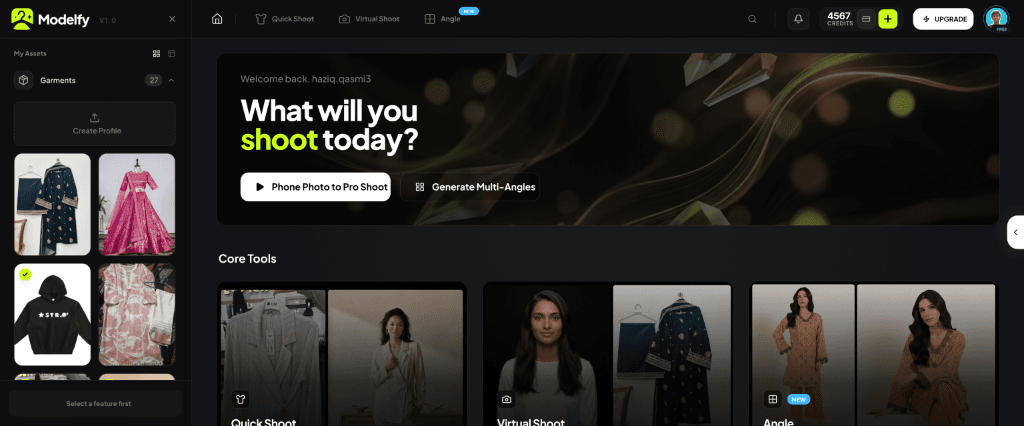
However, as we added new generation tools, asset managers, and custom configuration options, our user interface began to show its age. The original dashboard structure split navigation between a horizontal top header, collapsible left and right panels, and a separate mobile tab bar. This multi-layered layout increased click depth and divided user attention.
To create a more intuitive experience, we have redesigned the Modelfy dashboard. We transitioned the entire workspace to a unified vertical navigation sidebar layout as the default and only mode.
Why We Built the Vertical Navigation Sidebar
The primary goal of the redesign was workflow consolidation. In the legacy layout, starting a new project required navigating a horizontal header, while managing garments and backgrounds required opening collapsible panels. This structure hid essential features and created visual clutter.
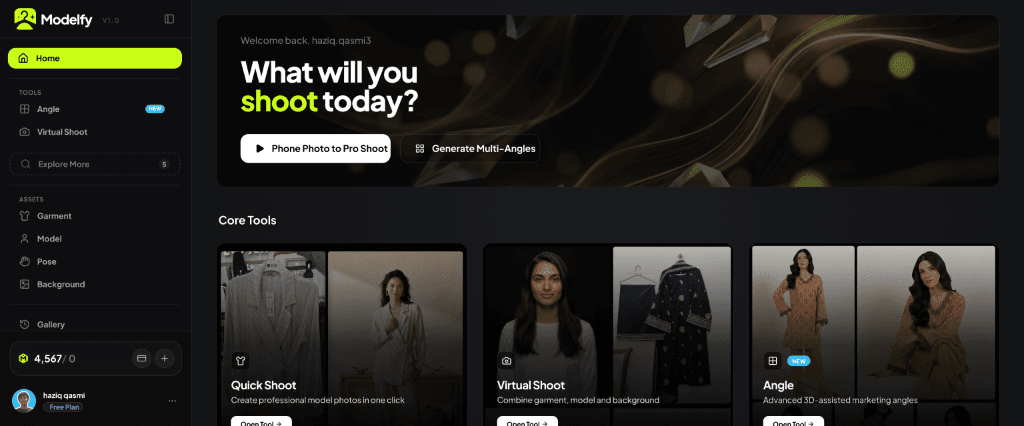
The new layout places everything you need in a single left-hand vertical sidebar. This sidebar acts as the centralized command center for your e-commerce creative production. By grouping Home, core design Tools, digital Assets, and your generation Gallery in a single column, we have reduced click depth and simplified navigation.
Here are the key improvements:
- Centralized Control: You can access Quick Shoot, Virtual Shoot, and Angle tools instantly from any screen.
- Dedicated Asset Sections: Your garments, models, poses, and backgrounds are now managed in full-page grids, making library organization simple and clean.
- Unified Gallery: The right-hand history sidebar is replaced by a dedicated full-page Gallery tab, giving you a clean space to view, compare, and download your finished assets.
The Visual Transformation
To see the difference in workspace layout, compare the legacy design and the new unified interface.
The Redesigned Dashboard
The new layout maximizes stage area and presents a clean vertical control structure.
The Legacy Dashboard
The old layout featured a top navigation header and collapsible dual sidebars.
Comparing the Layout Structures
To understand the changes in organization, consider the comparative metrics below.
| Feature | Legacy Dashboard Layout | Redesigned Sidebar Workspace |
|---|---|---|
| Primary Navigation | Horizontal top header and mobile tab bar | Unified left-hand vertical sidebar |
| Asset Management | Collapsible side panels and popups | Dedicated full-page library grids |
| Generation History | Collapsible right-side history drawer | Dedicated full-page Gallery tab |
| Click Depth | High (multiple clicks to open panels) | Low (single-click navigation) |
| Screen Utilization | Fragmented space due to dual drawers | Maximized canvas and workspace area |
How the Redesign Optimizes Your Production
By moving navigation to a vertical column, we have unlocked three major usability advantages.
1Faster Task Switching
Switching between garment uploads, model generation, and history checks is now instantaneous. This prevents layout shift lag and lets creative teams work through high-volume catalogs without interruption.
2Better Visual Hierarchy
The left sidebar clearly separates workflow categories into Tools, Assets, and Gallery. This logical sequence mirrors the physical apparel workflow, from raw garment photos to polished marketing assets.
3Maximized Canvas Space
By removing horizontal header blocks and collapsible side drawers, we freed up valuable horizontal canvas space. This allows you to view your garment details and AI models side-by-side with maximum precision.
Simple Navigation for E-Commerce Teams
We are committed to providing the fastest and most reliable tools for online retail. This dashboard redesign simplifies navigation, reduces screen clutter, and gives your creative team a clean workspace to manage high-volume catalogs.
If you are ready to experience the redesigned workspace, start generating high-converting campaign assets with Modelfy today.

Haziq Qasmi
Read More
Related Insights
Deep dive into more AI fashion photography guides and industry shifts from the Modelfy team.
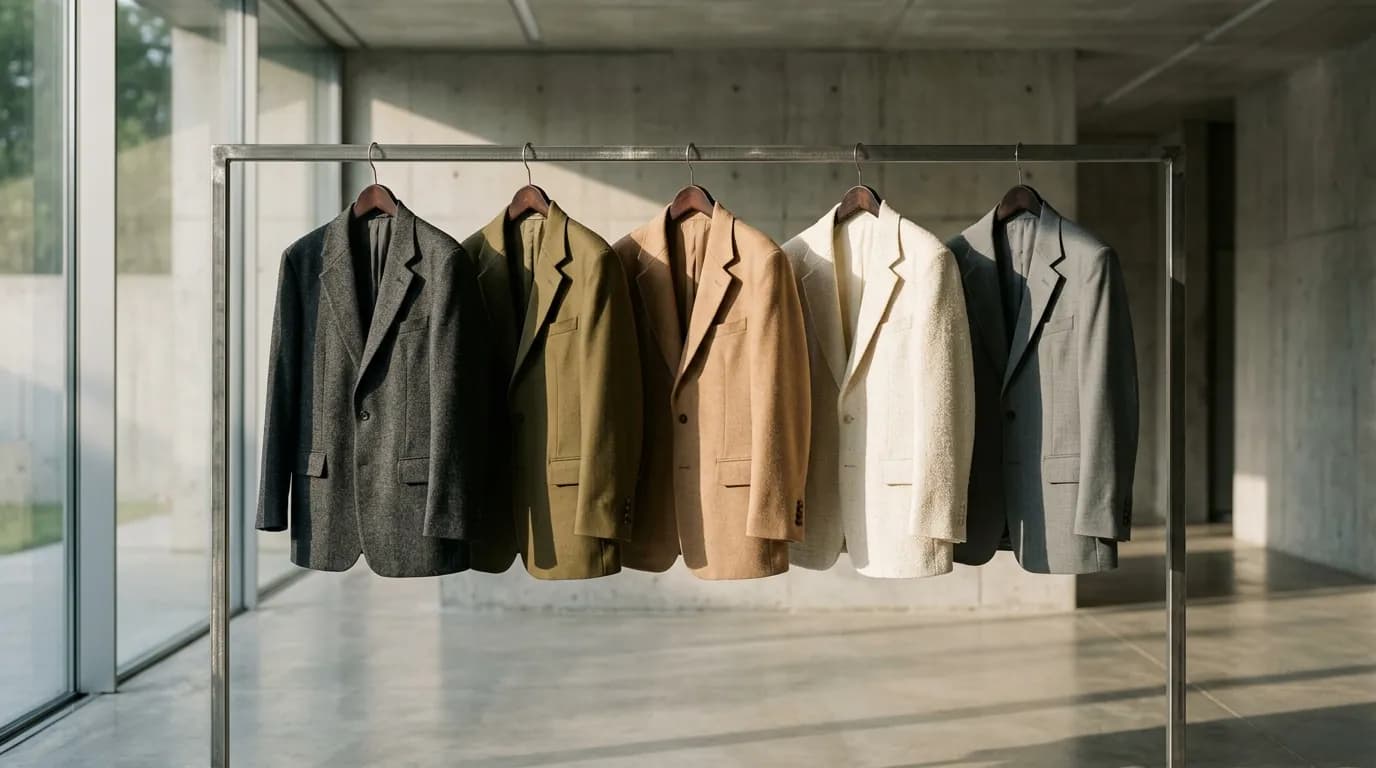
Your Secondary Colorways Are Quietly Bleeding Your Margins
Shooting every colorway on-model burns cash, but ghost flats crater sales. Here is the multi-SKU photography math draining your Shopify margins.

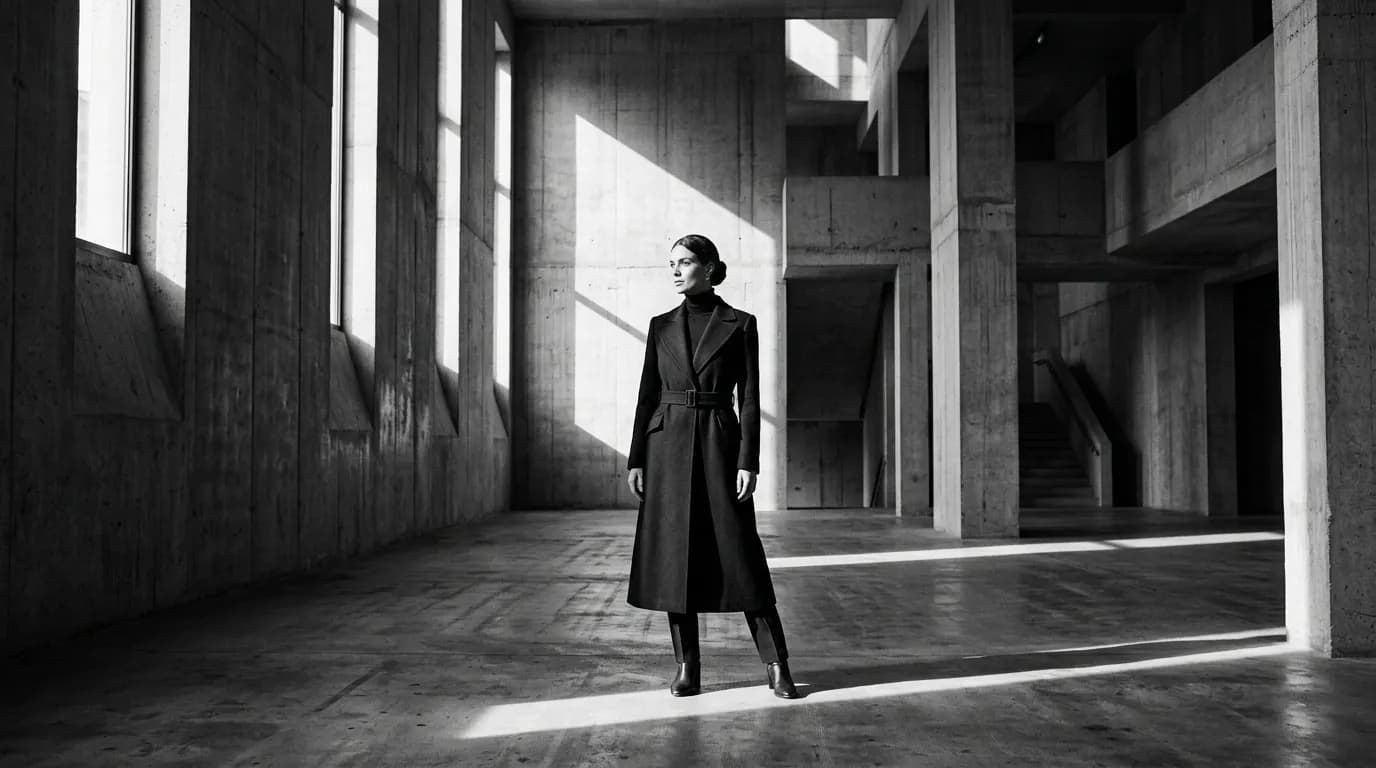
Your Product Page Hero Image Is Losing You 34% in Conversions
Static flat-lays and sterile white studio hero images kill apparel conversions. Here is what A/B testing 500 PDPs revealed about visual hierarchy.

Why a $5,000 Photoshoot Only Gives You 14 Days of Meta Ads
Meta algorithms burn fashion photoshoot assets in 14 days. Here is why creative velocity determines your ROAS and how to scale ad creative.